Desert Online General Trading LLC
Dubai, United Arab Emirates
Desert Online General Trading LLC
Dubai, United Arab Emirates




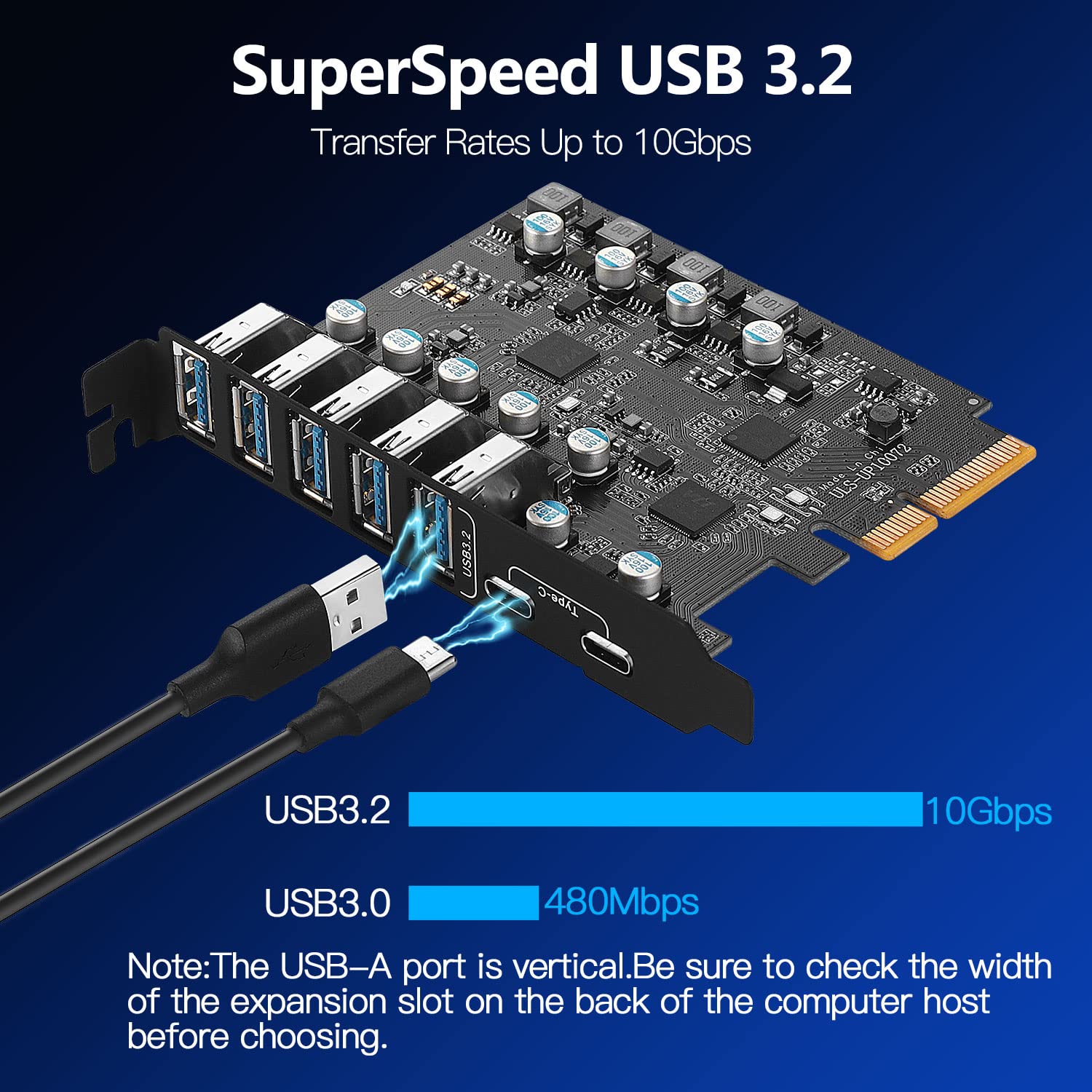
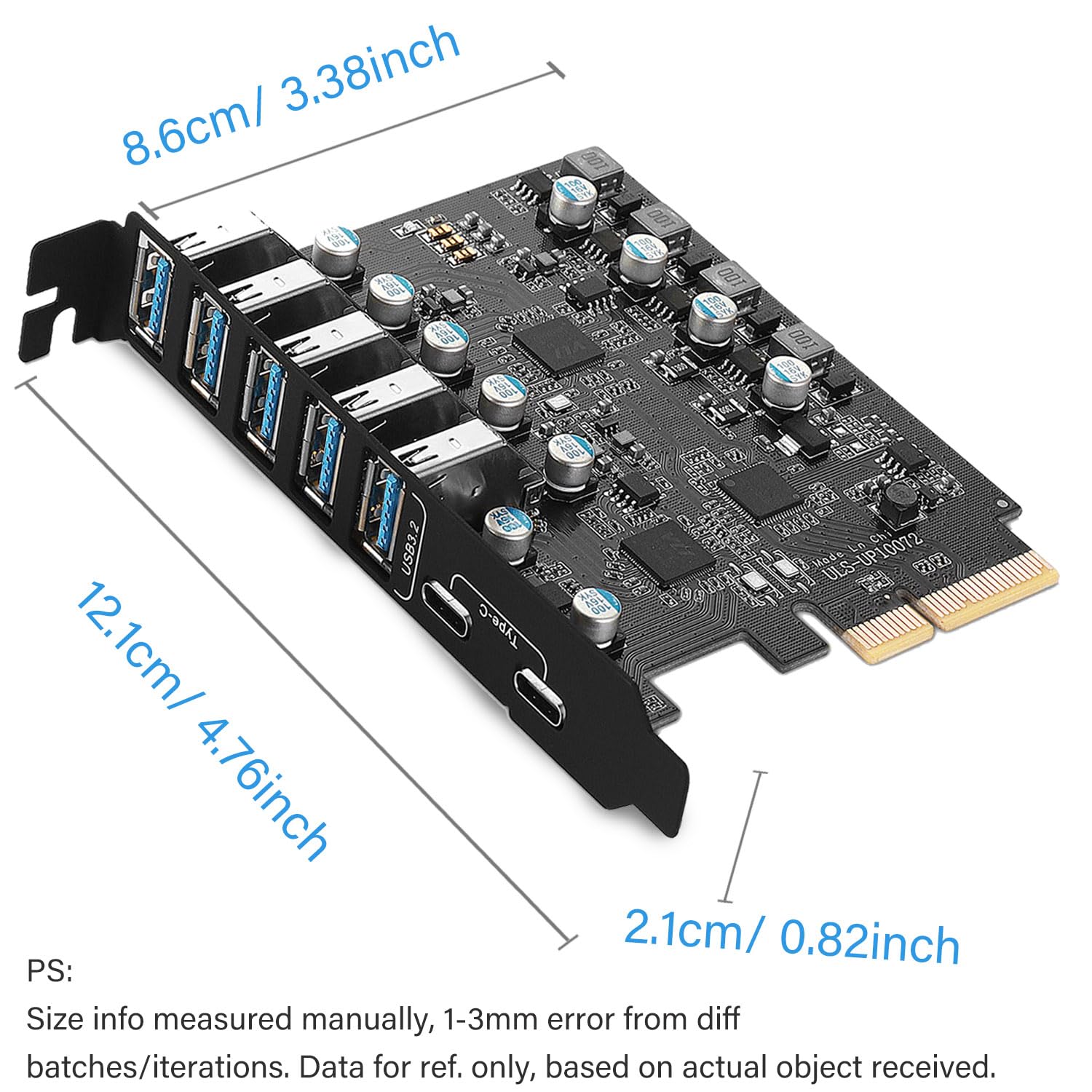
🚀 Upgrade your USB game—7 ports, 10 Gbps, zero compromises!
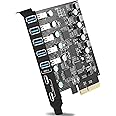
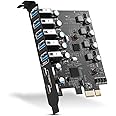
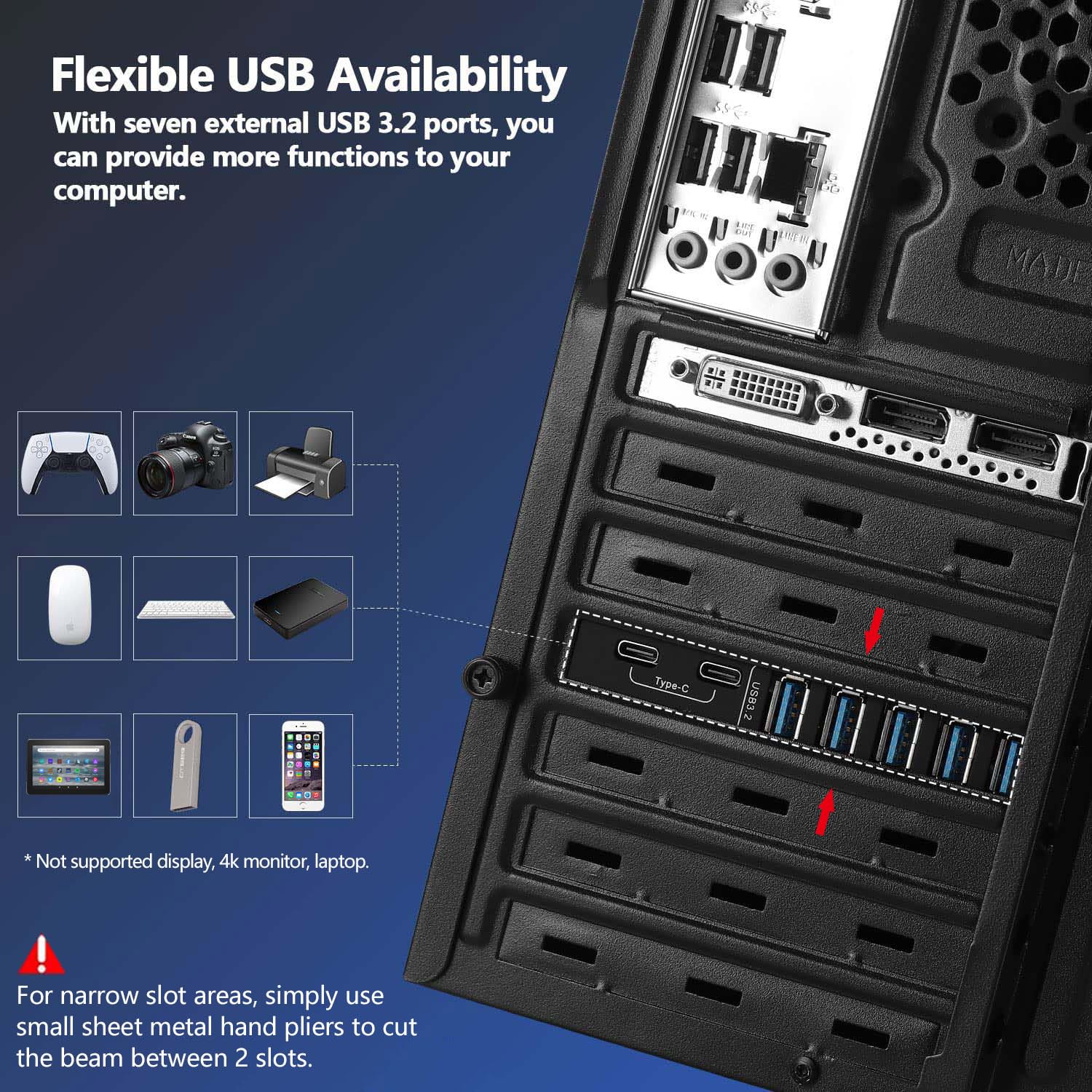
The YEELIYA 10Gbps PCIe USB 3.2/3.1 Gen 2 Expansion Card instantly boosts your PC’s connectivity with 7 high-speed USB ports (2 USB-C, 5 USB-A). Designed for professionals craving fast data transfers and versatile device support, it delivers up to 10 Gbps bandwidth, powered directly via PCIe with built-in safety features. Compatible across major OS platforms and PCIe versions, this expansion card is your ultimate solution to USB port shortages, backed by reliable customer support and a 2-year warranty.
| Brand | YEELIYA |
| Item model number | UP10072 |
| Operating System | for Mac Pro 4.1,5.1,7.1(model 2010~2020), Linux, Windows 10 |
| Item Weight | 4.9 ounces |
| Product Dimensions | 4.13 x 3.17 x 0.43 inches |
| Item Dimensions LxWxH | 4.13 x 3.17 x 0.43 inches |
| Color | 5 x USB A -2 x USB C |
| Manufacturer | YEELIYA |
| ASIN | B09V6SFDZQ |
| Date First Available | June 12, 2023 |
T**E
This is a gamechanger!
I really needed some extra USB ports, and while I was at it, I decided I should also put in some USB-C ports on my PC. Let me tell you, it was the best decision I could make. The ease of installing via PCIe added with the functionality of onboard USB is wonderful. The best part is, the speed of the USB-C ports fixed an issue I was having with my RODECaster Pro II through the onboard USB-A ports on my PC. Definitely recommend if you have a lot of devices that say you shouldn't plug them into a hub.
E**.
Usb 3.0!!!
Perfect for making my computer useful. No motherboards come with what you need. All gaming computers should have only 3.0 or higher usb and should have qty20 3.X usb and this one usbc on every product need to stop. Thank you the product works great right out of the box.
W**E
Does not work with Dell XPS 8940
My 2021 Dell XPS8920 computer has only one USB-C port on the front panel and none on the back. I wanted back panel USB-C ports, and a couple more USB-A ports never hurts. I installed this on the appropriate slot on the motherboard and it booted right up. But when I turned the computer around, I found the problem in the picture. The cutout on the back of the computer is too narrow and covers the edge of the USB-A ports. I’ll have to return it and get a card with the ports oriented the other way.Since I had it installed, I decided to test the USB-C ports. My card reader downloaded photos at 80 MBPS, the same as the front panel port. This is probably the limit of the card reader. I only knocked off one star for the misfit. Dell’s design is not this manufacturer’s fault.
R**K
Doesn't work on Windows 11!
Installed the card on a B550M Pro4 motherboard on PCIe 3.0 x16 slot on a Windows 11 machine. The card was recognized but when I added my external hard drives and a USB device, the card malfunctioned and dropped all the devices. Looking at device manager could see an exclamation mark against the card. Tried searching and downloading device drivers for the card but none was there, Windows update also said had the best driver for the device. Returned it back.Replaced this card with PCI-E to USB 3.0 7-Port card from the same company and that worked flawlessly but was hoping this would work giving me USB3.1 speeds.
D**N
Good product
Terrible shipping. But product easy to install
F**D
Great for Ubuntu Linux and Windows 10.
I was concerned before putting this card in my machine. I contacted the seller and he said that there would be no problems with Ubuntu Linux. Wish I was concerned about. As soon as I booted up my dual boot machine Windows 10 and Ubuntu Linux 22.04 everything works perfect right out of the box. Thank you folks this was the third one I tried and it worked perfect.
D**N
Blue Screen of Death
I installed the drivers that came on the CD the card installed but after using my computer (Windows 10) experienced a BSOD. I uninstalled and went with the driver that Windows found. I have not had any issues after this but still have not tried to connect any devices
D**H
It appears that it helped high speed WIFI link performance
I bought the device to upgrade the USB on my somewhat old desktop: I use USB WIFI to kink to my gigabit fiber internet provide. With USB2 in use: while participating in online meetings I had trouble with ZOOM locking up. With the USB3 in place there has been a marked decrease in occurrence of lockups. One or two over a two hour span. No hard support for this, but I like to think the card's faster speed and likely deeper buffer made the difference.
Trustpilot
2 months ago
2 days ago