
DOWNLOAD THE APP


Customer Services
Copyright © 2025 Desertcart Holdings Limited
DOWNLOAD THE APP

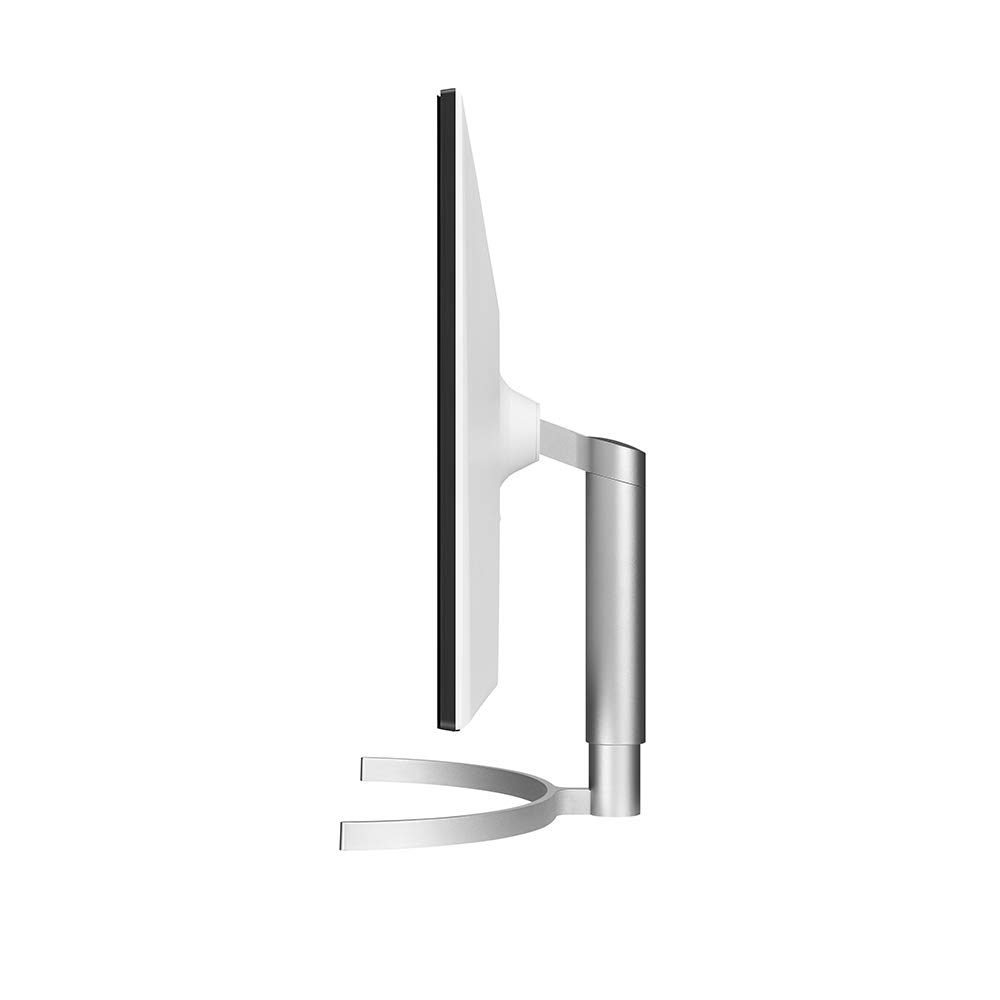
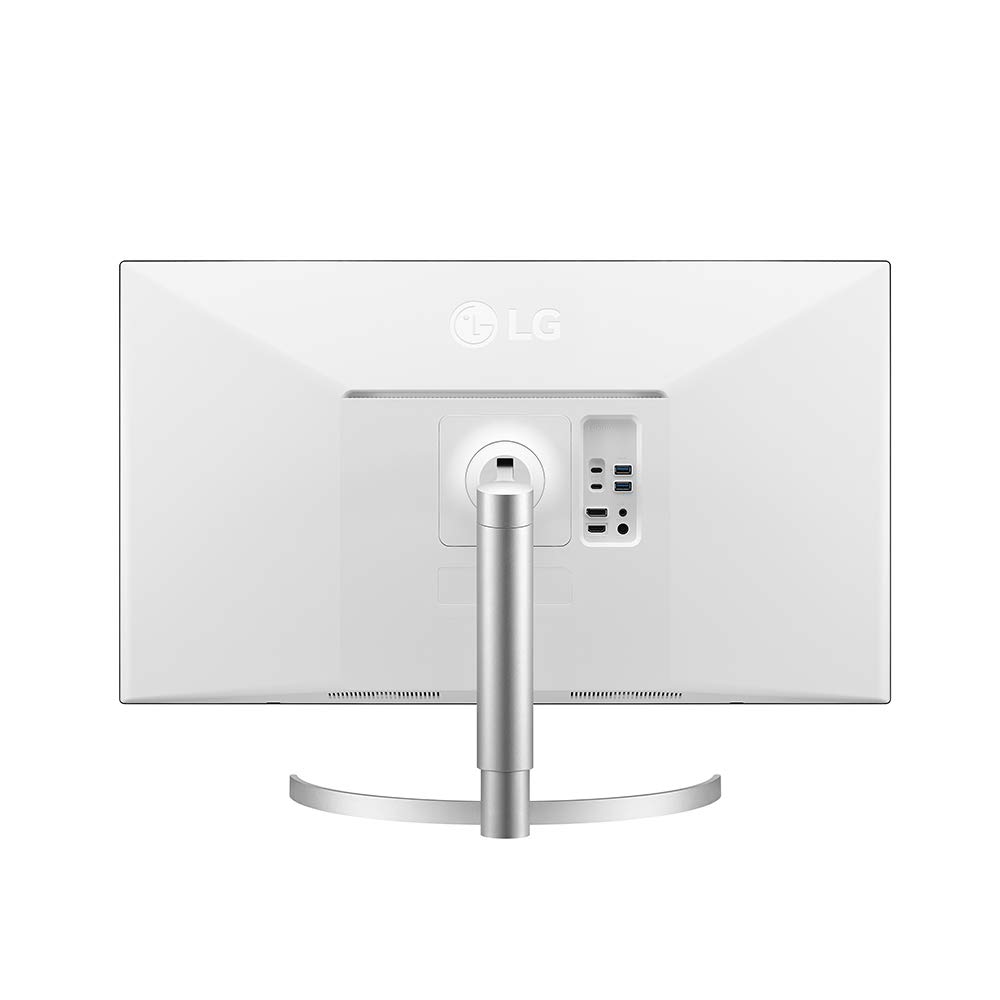
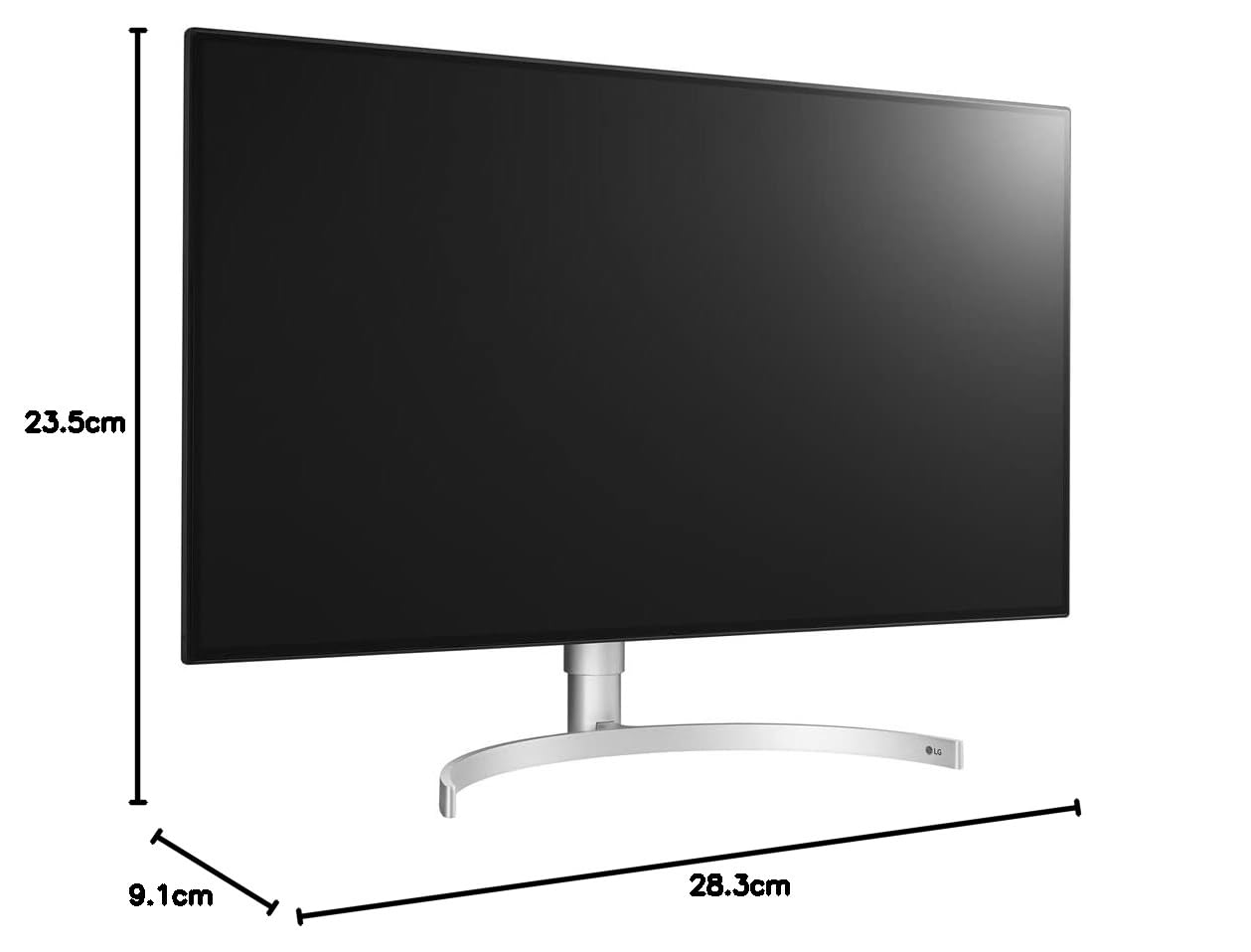
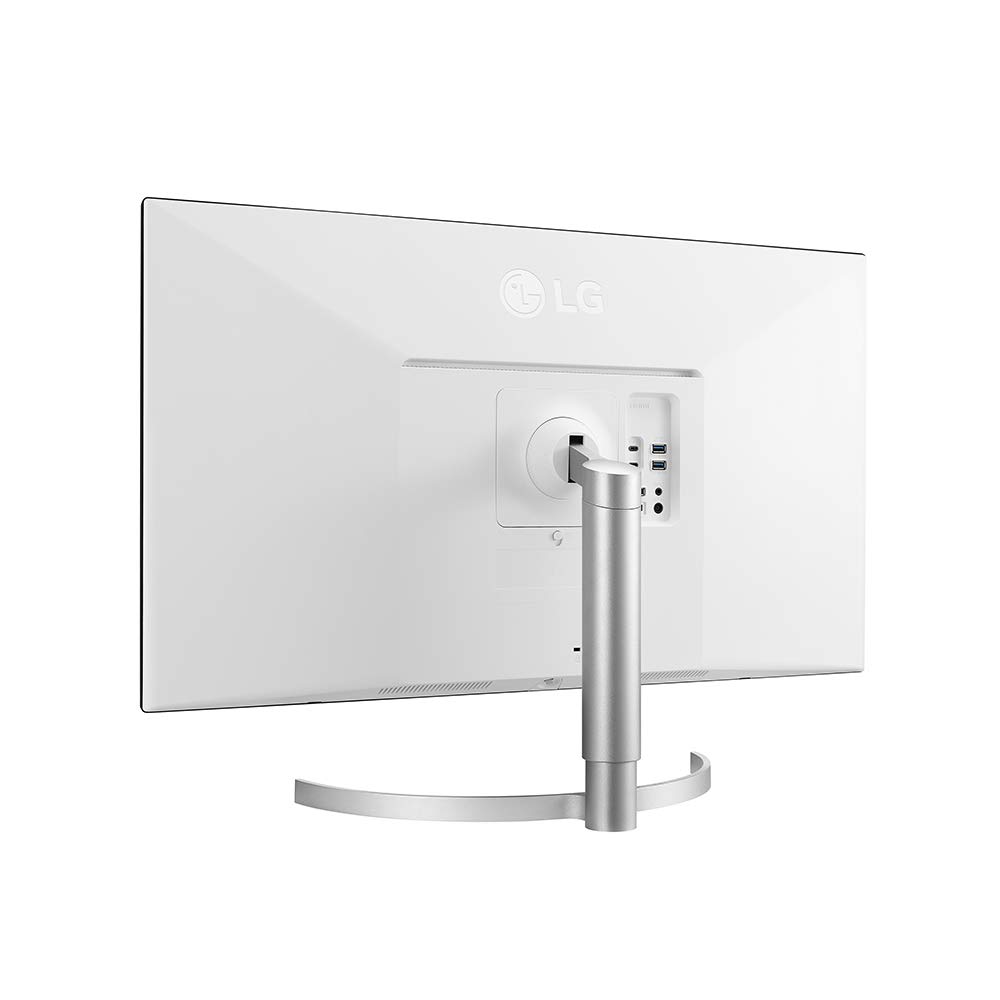


⚡ Elevate your workspace with 4K clarity and pro-grade connectivity!
The LG 32UL950-W is a 32-inch 4K UHD Nano IPS LED monitor featuring 98% DCI-P3 color accuracy, VESA DisplayHDR 600 certification, and Thunderbolt 3 connectivity for daisy chaining multiple 4K displays. Designed for professionals and gamers alike, it offers a 178° wide viewing angle, ergonomic adjustments, and FreeSync adaptive sync support, delivering a premium visual and productivity experience.


| ASIN | B07K8877Y5 |
| Adaptive Sync | FreeSync |
| Aspect Ratio | 16:9 |
| Best Sellers Rank | #411,821 in Electronics ( See Top 100 in Electronics ) #8,073 in Computer Monitors |
| Brand | LG |
| Brightness | 360 candela_per_square_meter |
| Built-In Media | base, display port cable, hdmi cable, monitor, thunderbolt cable, usb type-c cable |
| Color | Silver |
| Connectivity Technology | Thunderbolt |
| Contrast Ratio | 1300:1 |
| Customer Reviews | 4.0 out of 5 stars 239 Reviews |
| Display Resolution Maximum | 3840 x 2160 Pixels |
| Display Technology | LED |
| Display Type | LED |
| Global Trade Identification Number | 00719192625303 |
| Hardware Connectivity | Thunderbolt |
| Has Color Screen | Yes |
| Image Contrast Ratio | 1300:1 |
| Item Dimensions D x W x H | 9.1"D x 28.3"W x 23.5"H |
| Item Type Name | LG 32UL950-W 32" UltraFine 4K UHD LED Monitor with Thunderbolt 3 Connectivity (2018) |
| Item Weight | 16.1 Pounds |
| Manufacturer | LG Electronics |
| Model Name | LG 32UL950-W |
| Model Number | 32UL950-W |
| Mounting Type | Wall Mount |
| Native Resolution | 3840x2160 |
| Number of Component Outputs | 2 |
| Number of Height Positions | 3 |
| Picture Quality Enhancement Technology | Nano IPS, VESA DisplayHDR 600 |
| Pixel Pitch | 0.23 |
| Power Consumption | 200 Watts |
| Processor Count | 1 |
| Refresh Rate | 60 |
| Resolution | 4K UHD 2160p |
| Response Time | 5 Milliseconds |
| Screen Finish | Glossy |
| Screen Size | 32 Inches |
| Screen Surface Description | Glossy |
| Series Number | 9 |
| Shape | Rectangular |
| Specific Uses For Product | personal, gaming, business |
| Total Number of HDMI Ports | 1 |
| Total Thunderbolt Ports | 1 |
| Total USB 3.0 Ports | 2 |
| Total Usb Ports | 2 |
| UPC | 719192622685 719192625303 |
| Unit Count | 1.0 Count |
| Viewing Angle | 178 Degrees |
| Voltage | 240 Volts |
| Warranty Description | Limited - 1 Year Parts Labor |
| Warranty Type | 1 Year Manufacturer Warranty |
M**E
Excellent for design & gaming
This monitor delivers on all its promises. It a good compromise for a dual-use design/gaming monitor at a not too exorbitant price - Very nice picture and large gamut - Great looks: thin bezel, thing screen, nice white back and elegant stand - Multiple options for connectivity - Very good gaming performance For design one drawback: the blacks loo "dirty" For gaming one great plus: It is Gsync compatible. Not officially but the freesync setting works with a recent Nvidia card and driver. 60Hz refresh rate seems low to some but in practice good enough for a casual gamer.
A**.
Great TV, Not Great TV Interface
This TV looks really great. My one star deduction is that I've never had a TV that felt so demanding of my involvement with it's interface. It doesn't feel user friendly because of that. I would take another quarter star off if I could because of the weirdness with the pointer. I'm not sure for whom that is, but it should be able to be easily and intuitively turned off.
K**E
Really like this Monitor
I did a lot or research- I decided that I wanted a 4K with wide color gamut. Other monitors claim HDR- high dynamic range = wide color gamut; but most are not bright enough to achieve that standard and most do not have much of an extended color range beyond Srgb which is your standard monitor. A brightness of 1000 c/m2 (candellas per square meter) is the standard. Most monitors produce 350 c/m2. This monitor is one of the only ones that produces a peak of 600 c/m2- it does not meet the 1000 c/m2 standard but it is very very good. Another positive is the color range- this monitor delivers 98% of the DCI-P3 color gamut- very very good. 5 ms response time = very good. I am mesmerized viewing this monitor- sharp as a tack 4 k resolution and amazing HDR color. 2 - 5 watt speakers - produce pretty good sound quality (better than most.) My only negative comment is that the brightness on mine falls off just a bit at the left and right edges of the screen. If it were bad, I would have sent it back - but honestly it is barely noticable during regular viewing. I wasn't sure I would like the wide format but it is fine for regualr work and fabulous for movies.
T**N
Absolutely stunning display!
I have three of these and they are absolutely gorgeous! The picture quality is amazing. Colors look bright and vibrant and text is crystal clear. Absolutely perfect monitors for coding, photo, and video editing. To my surprise, they are also very good for gaming. Obviously a faster refresh rate would be better but I have played hours of FPS titles without any issues.
C**S
Mac Sees it as a 27 inch instead of a 31.5 inch monitor & LG Support is Worst I've Experienced
The monitor itself looked decent, if cheaply made. Display is very bright and it looks clear by default. However, digging deeper, things get really bad. The UI for the monitor is absolutely terrible. Totally non-intuitive menus using a tiny terrible joystick sticking out of the bottom center of the monitor. With OS X on a recent 27" iMac, it runs with a default resolution of 1920x1080, which turns out to be the whole Retina display thing, which displays at 1/4th resolution (doubles both vertical and horizontal pixels). Changing the resolution to scaled with full 4K makes things way too tiny. Scaling it to an intermediate resolution (3360x1890) makes the UI and text the right size, but it's no longer very clear. I used this to replace an 8-year old Dell 30" monitor, and that, running at about this same resolution natively, had clearer text and image quality! I had trouble setting up the display arrangement of this monitor that I had next to my iMac monitor. I finally figured out that it was because OS X sees this monitor as a 27" not a 31.5" monitor! I called LG tech support last week, spent almost 2 hours on the phone total, with 8 different people, most of who were rude and had no clue of anything. Finally they had agreed to email an actual engineer to figure out how to fix this, and said they'd get back to me within a couple days. A week later, and they never got back to me, so I called again. Spoke with a rude and ignorant CSR who basically ignored my question of why I was not contacted, and said if I wasn't happy I could send the monitor back to them and they would look at it, which would take about 3-4 weeks. I reiterated that my issue with not with the monitor itself but with how the OS X operating system saw the specifications of the monitor, specifically the screen size. After saying to me that that would be an issue with the monitor's internal software, which I tried to correct, he basically said that they would not help or support me with this new monitor I'd just bought for $1,100. So, I'll be returning it and probably purchasing a BENQ. LG support is seriously just about the worst support I've every received from a consumer electronics company. When the manufacturer doesn't stand behind their product, it's not worth getting even if it's great. In this case, the specifications of the monitor are amazing, but the monitor itself is so-so. Adding in that I can't use it with a Mac, and the non-existent support, I would really encourage people to avoid this monitor, and LG in general.
P**R
Good picture, poor build quality, even worse customer service
Until late let year, our office has been on Apple Cinema displays, but since Apple only recently returned to that market with their astronomically priced displays after a several-year hiatus, we found ourselves searching for a more economical option with a good, accurate picture (we're an advertising agency, so several of us are designers). After reading reviews, considering a couple different brands, we stocked up on LG displays of varying sizes, including a couple of the 32UL950s. The verdict, a few months in: you get what you pay for. While our years-old Apple displays are still going strong after office moves and a number of users each (though the tech inside is aging), the LGs have been a mixed bag. While the LG picture quality is reasonably good, the build quality is chintzy. Lots of plastic. Brittle housing. After being in service for less than 3 months, one of the screens cracked while being repositioned. Turns out, the thin, plastic anti-glare cover is the only thing protecting the screen below. There is no rigid, intermediate protective layer. The bezel is thin, so if you have a thumb on that bezel and it slides a half inch inward while moving, the screen can and will crack with very little pressure. Physical damage isn't covered by manufacturer warranty, so $1200 essentially got us 3 months of use. Repairs, I'm told, will cost almost as much as a new monitor. For a 1" crack that shouldn't have even happened. While $5k for the new Apple Pro Display strikes me as excessive, the cost per month to operate may just shake out in Apple's favor. We'll see how our other LGs hold up, I suppose. But so far, I'm regretting diving in with LG. I'm also miffed by LG's customer service. I've emailed a couple times and called twice as well. I've received all sorts of misinformation about repairs: it would cost $300; no, $1000, I'd have to ship it in, I'd have to go to 3rd party repair center, they'll send an LG guy to my house but not tell me when, and on and on and on. I've been rerouted, disconnected, and told I'd have to talk to someone else (by just about everyone). Frankly, the customer service experience has been the most regrettable part of this whole ordeal. UPDATE 4/17/20: after many emails and calls, LG finally agreed the damage was irregular and that they'd repair it under warranty. My opinion of LG customer service has risen a tick. But, the service tech came out today AND CRACKED THE NEW SCREEN WHILE INSTALLING IT. I don't fault him. Though I do feel this vindicates me in my assertion that these things are unacceptably fragile. He's trying again next week.
P**.
Works well most of the time.
Only issue is with the mew Mac mini and the m1 chip. Waking does not always work.
C**Z
It works nicely with the Xbox One X and Series X
UPDATE FOR LG 32UL950-W with Xbox Series X - 11/14/2020: This monitor continues to look great and I've tweaked it to look fantastic on the new XBox Series X. For some of the comments asked, I only use this monitor for gaming on the Xbox. I do not use this with my PC's and therefore can't answer for that. I've included some pics of the settings on the Series X and wanted to list my monitor settings for others to try out for themselves. The below monitor settings I ended up with on the XBox Series X were achieved by going through the "Calibrate TV" and "Calibrate HDR for games" under the General TV & Display option in Settings. I tested the color by playing the "COSTA RICA IN 4K 60fps HDR (ULTRA HD)" video on youtube (5 Min 14 Sec). The colors were vibrant and the detail was crisp. Games look gorgeous as well. Input List: HDMI Aspect Ratio: Full Wide Picture Mode: Custom Picture Adjust Brightness: 80 Contrast: 84 Sharpness: 40 Super Resolution+: High Black Level: Low DFC: Off Game Adjust Response Time: Faster Freesync: Extended Black Stabilizer: 65 Color Adjust Gamma: Mode 1 Color Temp: 7500K No changes to six color General Smart Energy Savings: Low Auto Standby: Off Local Dimming: Auto I do want to mention one minor thing I've noticed since my last update which may bother some but has not bothered me enough for it to be an issue. On some loading screens where it is almost entirely black except for one area (like in Apex Legends where the small red flag symbol shows up in the lower right corner) you can see the back lighting highlight a specific column on the screen. I've never noticed any back lighting sections when playing games. It has only occurred on those initial loading screens. UPDATE - 1/30/2019: I've continued to use this monitor and it's working great. I've added some screenshots of the Anthem Demo login screen. Anthem looks gorgeous! I'll try to grab additional photos from the open demo. In these images I've tried to highlight the 4K aspect and how images have more detail. I compared this against my wife's XBox One S on her 40 inch Samsung TV (UN40H6203AF). You can see the additional detail 4K brings in the mural (much greater detail) and on the helmets (no jagged lines). I put a red circle over the mural and helmet areas. I also think the color looks better on the 32UL950-W. As before, I've added a red box with UN40H6203AF in it and the blanks are the 32UL950-W. ORIGINAL POST - 1/18/2019: I recently upgraded from a Samsung SD27D590 to the LG 32UL950-W for my Xbox One X. I've used this monitor for about 10 hours tweaking different settings. I have tested using Battlefield V (4K, HDR), Destiny 2 (4K, HDR), and Overwatch (4K, No HDR). Thus far it looks really good. I noticed one odd thing in the beginning but it's only been with Battlefield V. There are times it seemed to auto-adjust to a darker tone and then it will brighten back up. This did not happen with other games nor did it happen with my old monitor (and it's a different darkening and brightening then leaving/entering a dark building). The overview deployment map does appears to have more detail. Destiny 2 looks amazing! The colors are really vibrant. With Overwatch, I thought that the purple color of my Zenyatta skin also seemed to be more vibrant even though Overwatch doesn't support HDR. Can't wait to see how Anthem and the Division 2 look! The XBox and monitor will require some adjustments to get everything looking good. I would recommend doing a search for "best visuals from xbox one". You should find a link for checking and setting the xbox graphics settings for 4K, 10 Bit color depth, PC sRGB, etc. I would suggest also running through the Xbox TV Calibration settings. I had to reset the display properties on the monitor and run thru the calibration a couple of times before I got things where I wanted them. Additionally, Freesync is not enabled by default. You have to turn it on in the monitor settings or the Xbox will not detect Freesync is available (Settings->Picture->Game Adjust->Freesync). I selected Extended which the manual indicates has a greater range. I haven't done significant testing on Freesync as of yet. One thing to mention about HDR vs non-HDR. When you adjust settings for the monitor it does not adjust for HDR. I found this out when playing Battlefield V. As soon as the game started, I tiny bubble appears in the upper-right corner indicating HDR content is detected. When I went to adjust settings, I noticed the monitor settings were different then what I had just spent time adjusting. I'm still tweaking the HDR settings and they do appear to save separately from non-HDR settings. I also noticed that lowering the brightness level in HDR mode to 90 stopped the odd darkening/brightening issue I mentioned earlier. I currently have the brightness around 75. I've had mixed results with some of the individual game HDR adjustments. I tried to go with the Destiny 2 settings they recommended for HDR and it looked really washed out. I'm attaching some images showing the detected settings on the 27 inch and the 32 inch. You'll see that the LG 32UL950 does have 4K, HDR and Freesync detected on the Xbox. I also uploaded a few pics of the games I mentioned. Hopefully the attached images aren't too bad. I'm not sure how they'll be modified when uploaded. All attached images for the 27 inch monitor are marked with SD27D590 in a red box. The unmarked images are from the LG 32UL950-W.
Trustpilot
3 days ago
1 month ago