
DOWNLOAD THE APP


Customer Services
Copyright © 2025 Desertcart Holdings Limited
DOWNLOAD THE APP
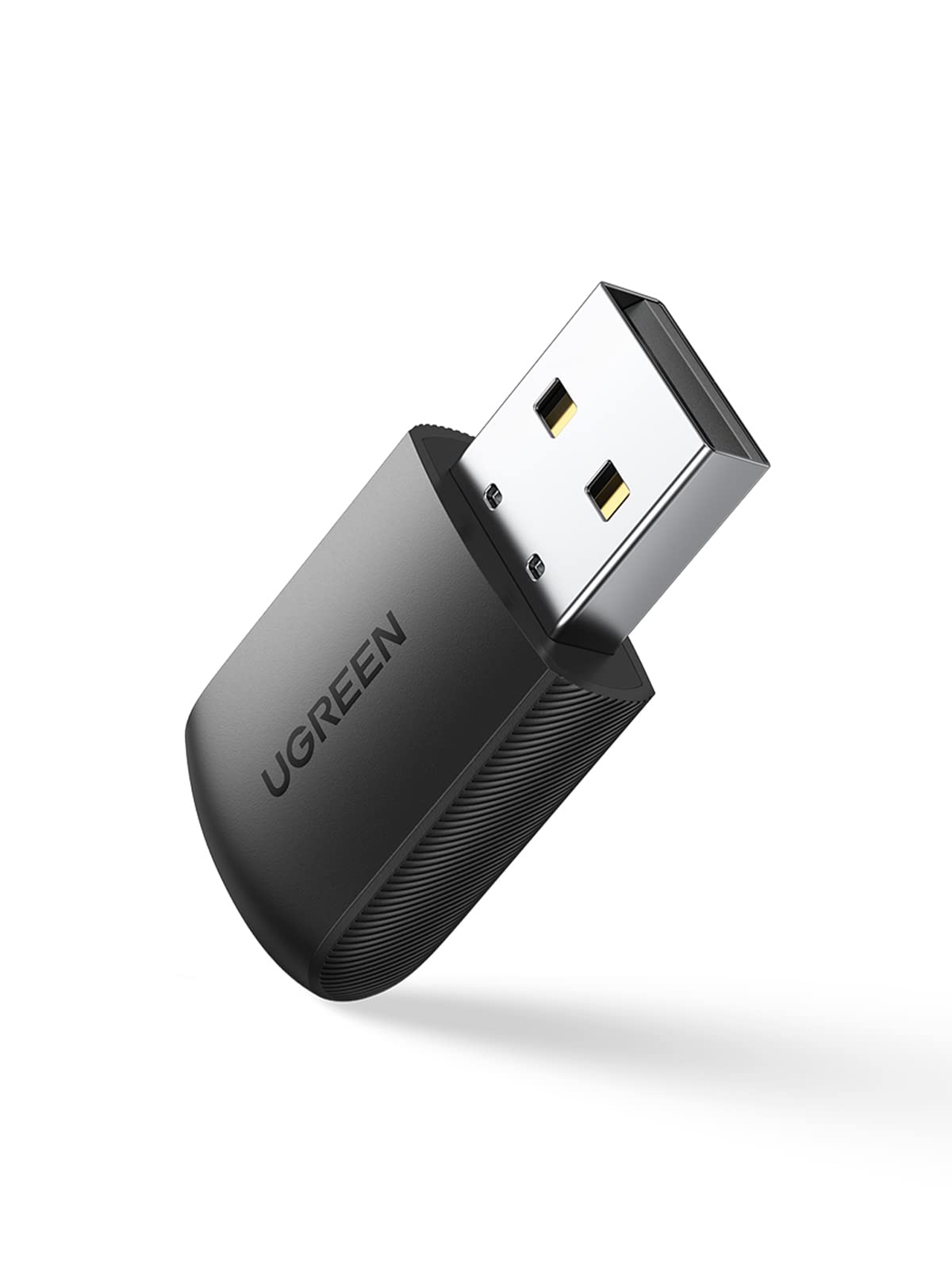

🚀 Upgrade your connection, ditch the wires, and join the fast lane!
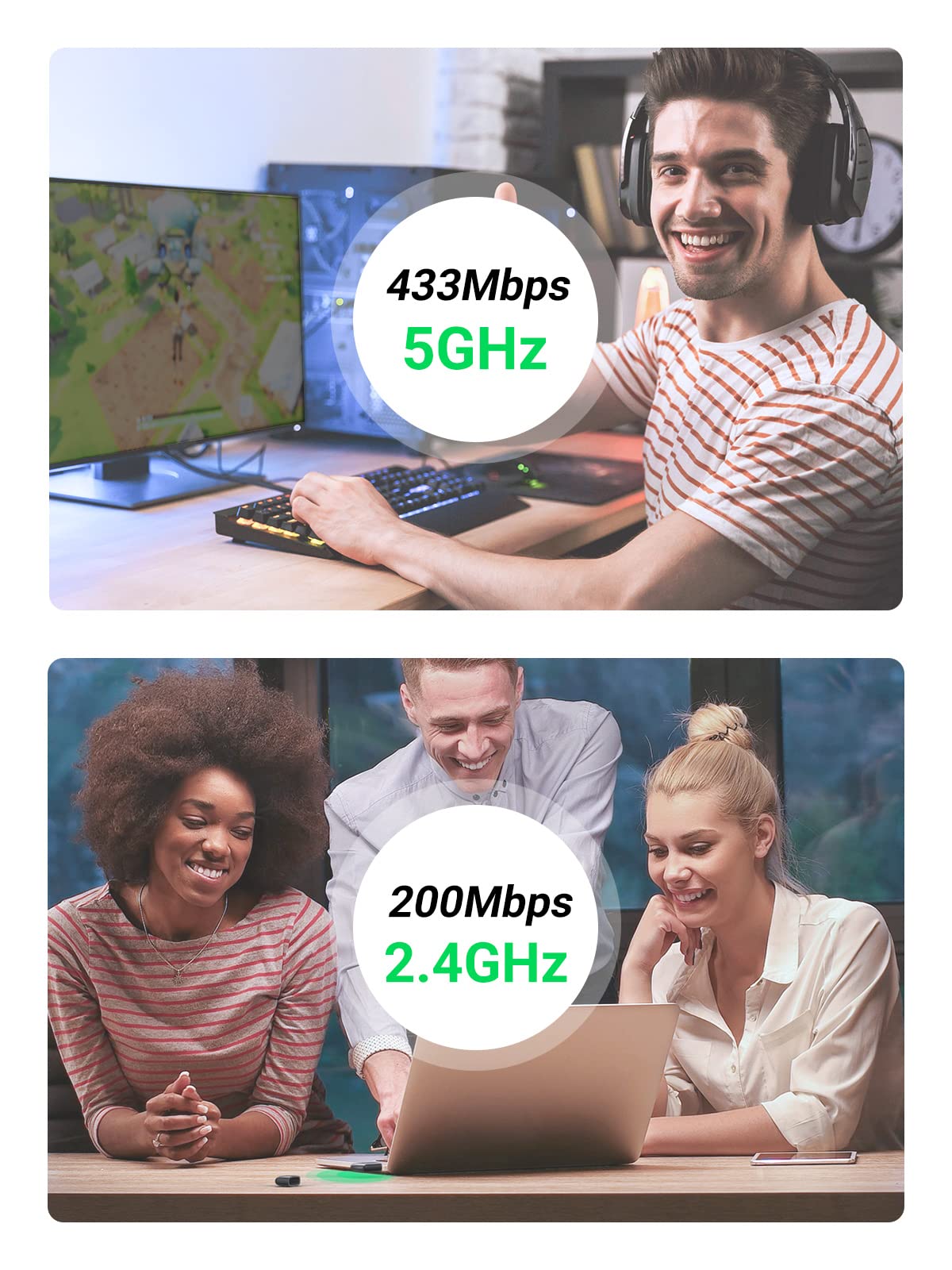
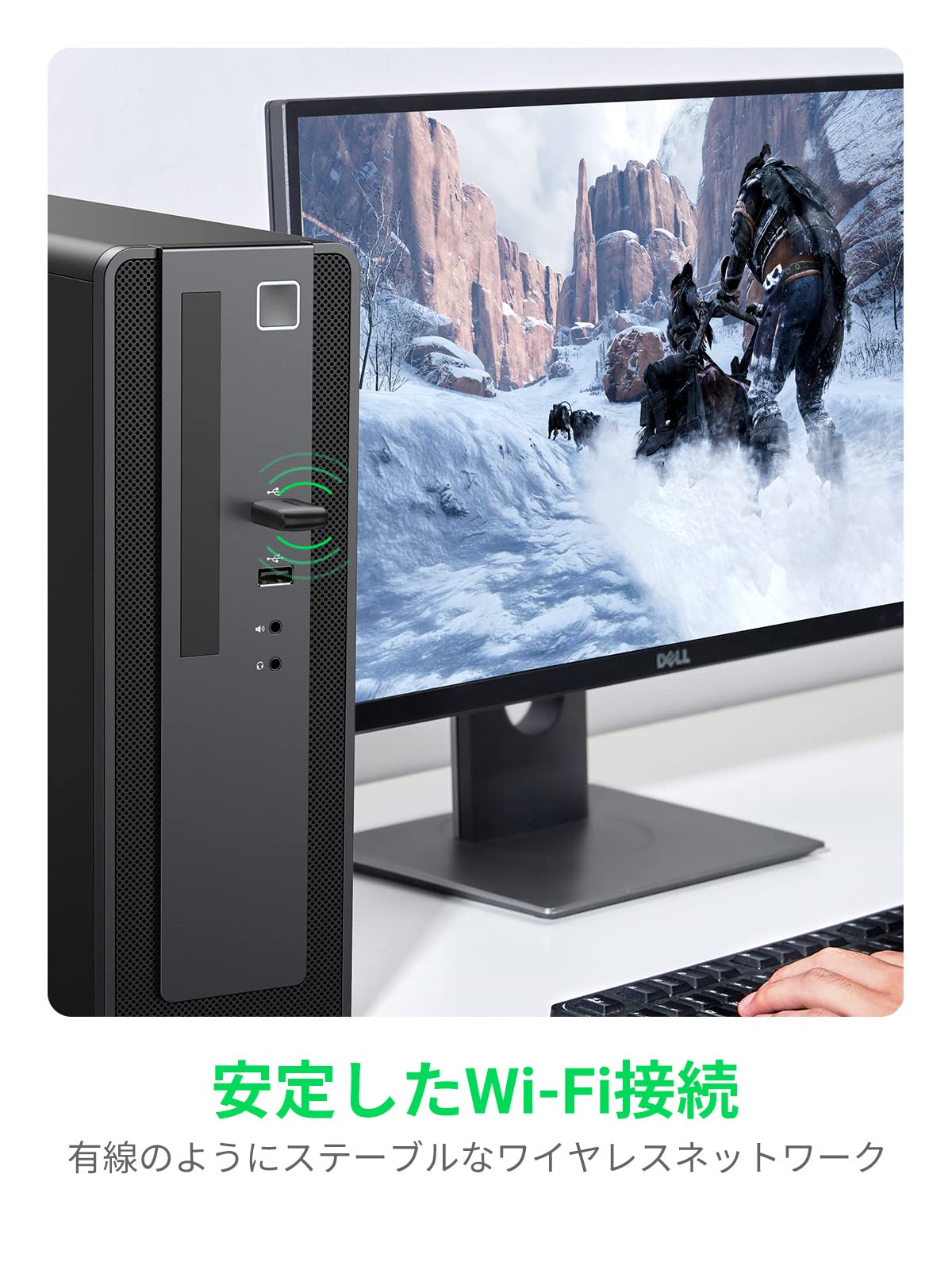
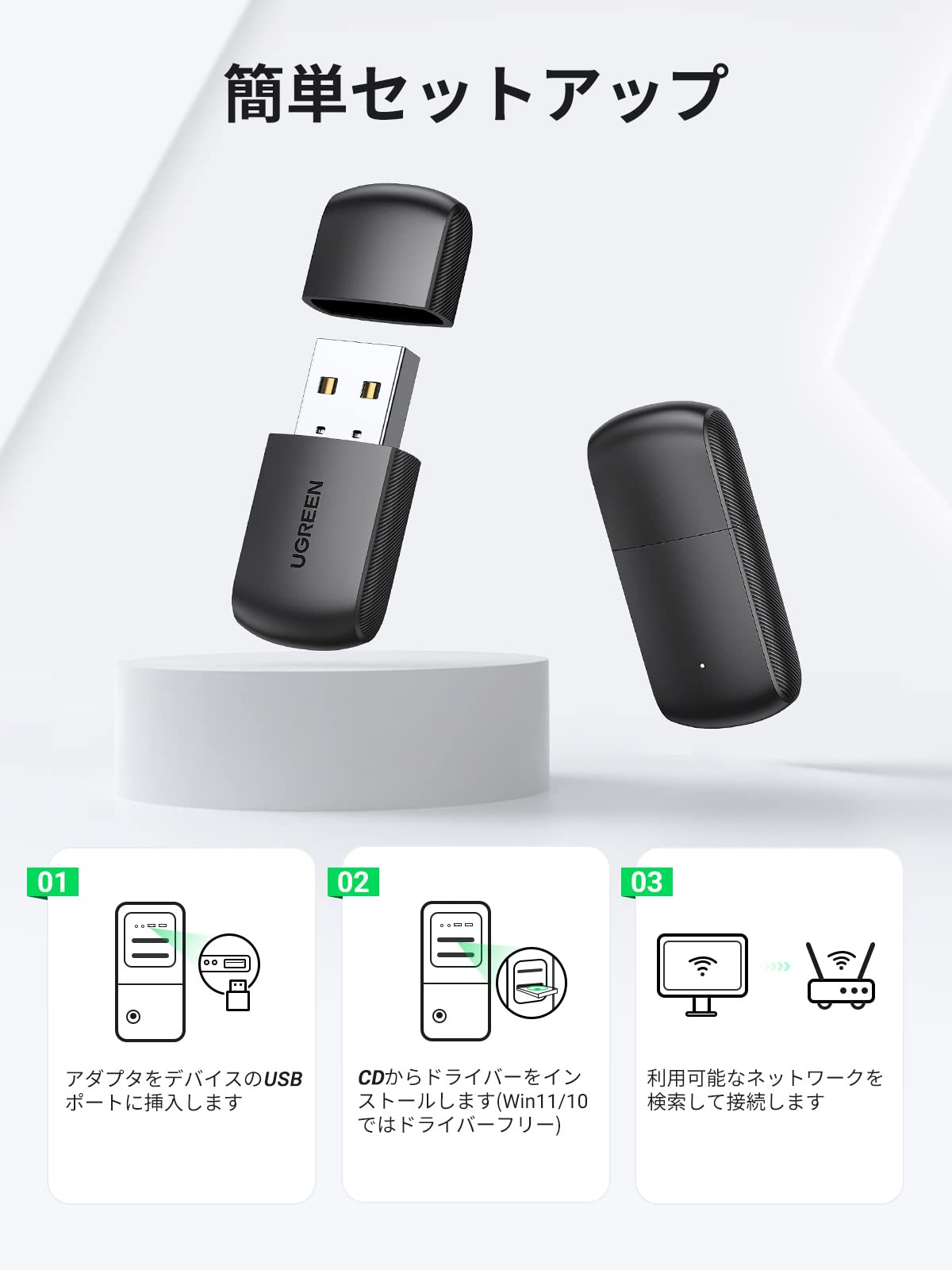
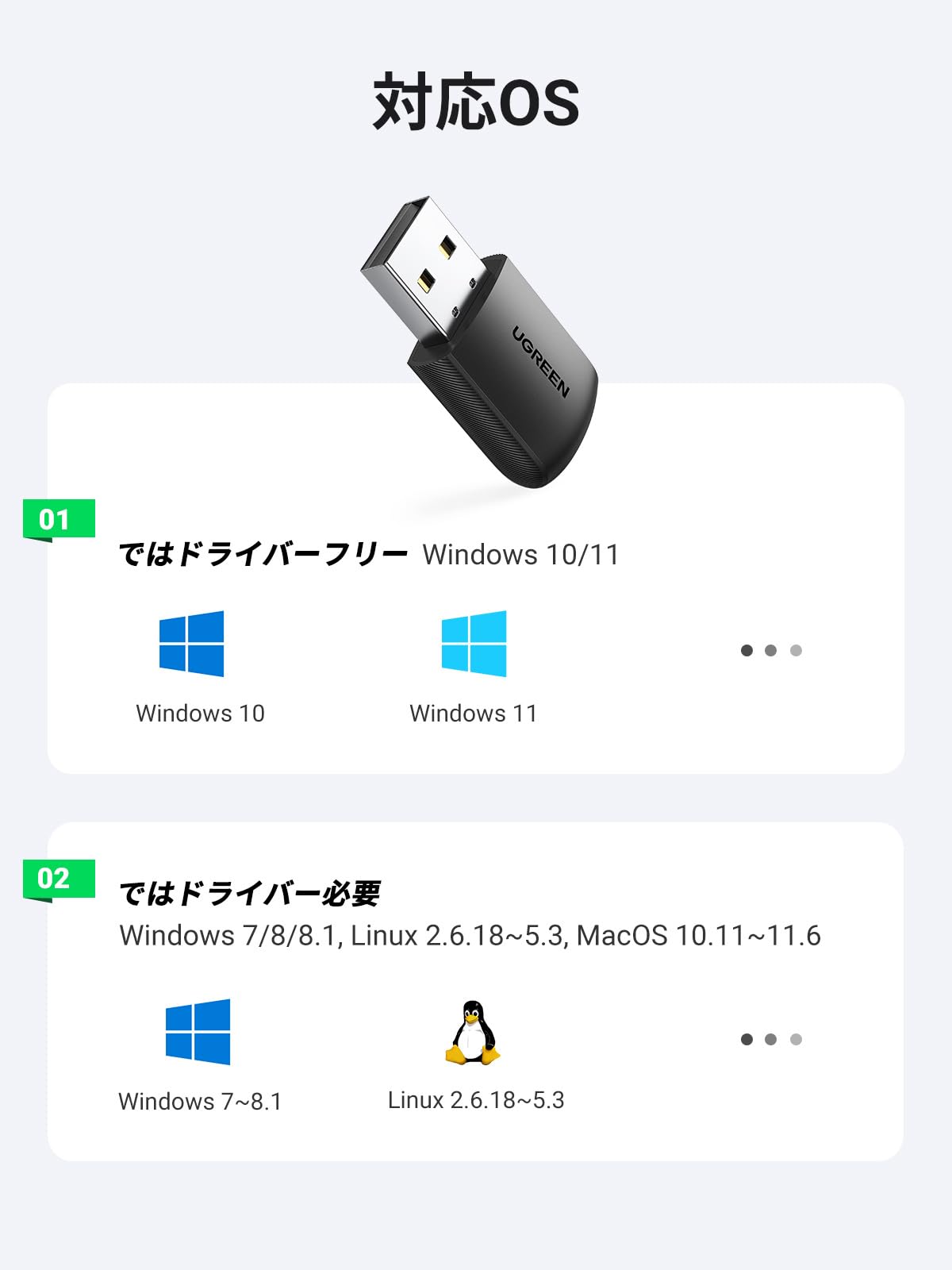
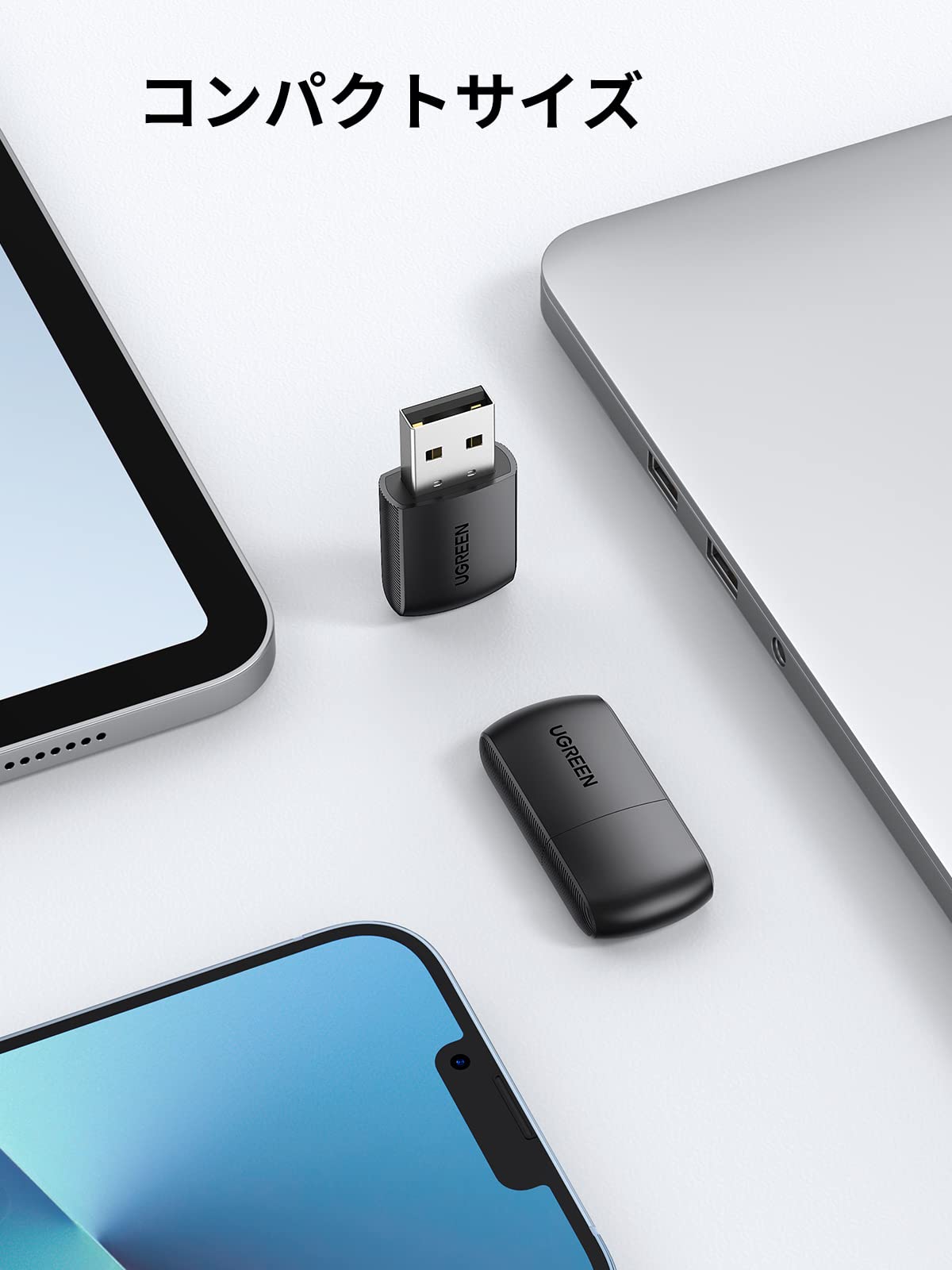
The UGREEN AC650 Wireless LAN Adapter delivers dual-band Wi-Fi speeds up to 433 Mbps (5GHz) and 200 Mbps (2.4GHz) in a compact USB form factor. Compatible with Windows 7/8/10 and Linux, it offers plug-and-play convenience for Windows 10 and driver support for other systems. Perfect for professionals seeking reliable, high-speed wireless connectivity for streaming, gaming, and remote work, it also doubles as a Wi-Fi hotspot with soft AP mode. Backed by a 24-month warranty, this adapter blends portability with performance for the modern multitasker.


| Brand | UGREEN |
| Manufacturer | UGREEN GROUP LIMITED |
| Product Dimensions | 4 x 2 x 0.5 cm; 20 g |
| Item model number | 20204 |
| Color | Black |
| Item dimensions W x H | 40 x 20 x 5 mm |
| Operating System | Linux, Windows 10 |
| Are Batteries Included | No |
| Item Weight | 20 g |
ふ**ん
NanoPi Fire 3 に Armbian を乗せて使ってます。driverを導入しました。2.4GHz/5GHzとも、問題なく使えてます。ちょっと古めのボードと、OSですが新しいNICが使えてラッキーです。
か**ん
サブデスクPCと旧型ノートPC用に2つ購入しました。 商品の梱包はしっかりされており、へこみや汚れ等は特にありませんでした。 電子機器の発送であるため、梱包自体に傷や汚れがないのは安心できますね。 実際の商品の使用感ですがサブデスクPC(win10)のみで使用しました。 プラグアンドプレイでそのまま使用でき、特に接続も切れることはありませんでした。 USB差込口からでっぱりますので、でっぱりが気になる方は他の小さい商品を購入するべきかと思います。 個人的に一つ残念な点はフタがお尻部分にハメられない事のみです。 フタが無くならないように気を付けなければなりませんが、それ以外は問題ないため値段やセットアップ含め良い商品だと思っております。 26/01/20 追記 Linux Q4OS 32bitでの利用時にはドライバーが上手く当たらない可能性があるため注意してください。 私の環境(DynaBook CX 925LL)ではドライバーは入れられ、USBも差し込まれたと認識してなお、ドライバーがどうにも上手く当たらず32bit利用は頓挫しましたw その後、Q4OS 64bitに切り替え、何も問題なく認識し利用できております。 Windows7、8、10(ESU登録の場合のみ、1年サポート期限の延長あり)は既にサポートが切れております。 Windows11にアップデートできない機器の場合はLinux移行が求められると考え、追記しておきました。 26/01/23 追記 あれから少し別のLinux(antiX 64bit)でも試していたところ、同様にドライバー認識問題が発生。 再度調べる中でRTL8811CUを搭載しているものはRTL8821CUドライバーが問題なく認識し動作するという情報を発見。 すると上手くドライバーがAC650に当たり、動作しました。 旧型ノートPCの内蔵無線ランで15〜20Mbpsだったものが、AC650で85〜90Mbpsとなり、無事に解決と至りました。 この手順は他のLinuxでも対応できるかも知れません。
松**井
商品は 別に問題はないが説明には蓋付きだったが 蓋がついてなかった
J**O
Gomi / Trash (UPDATED)
For some it cannot connect to my 5Ghz network. Only works on 2.4Ghz. Tried the built-in setup.exe, tried uninstalling and installing the driver, nothing. The chipset is RealTek 8811CU and looks like there always issues when it comes with compatiblity. Gonna buy a more expensive one that at least works. UPDATE: Well, after spending 2 straight days testing, uninstalling, installing, troubleshooting, I finally got it work as it should.
K**W
Wifi速度の改善だけでここまで実用になるとは思わなかった。 MacBookAir 2012 midが現役で稼働できるレベルです。
P**L
良かった
五**裕
小さくて扱いやすい上感度も良い
K**A
Beagle bone blackで使用できました。 USBポートに接続しただけでwlan0として認識しました。 問題なく使用できています。 基板: Rev.C ソフトウェアイメージ: AM335x 11.7 2023-09-02 4GB microSD IoT $uname -a Linux BeagleBone 5.10.168-ti-r71 #1bullseye SMP PREEMPT Fri Sep 1 04:05:07 UTC 2023 armv7l GNU/Linux
D**.
Works seamlessly 🙂 PC connected to our wifi immediately after installation.
B**R
Açıkçası alırken biraz şüphelerim vardı. Ömrü ne kadar dayanır onunla ilgili bir şey söyleyemem fakat 1 aylık bi kullanımın ardından gayet memnunum. Muadillerinin yarı fiyatına satılıyor. Dual Band özelliği sayesinde modeminizde 5ghz desteği varsa tertemiz hız alıyorsunuz. 2 oda ötedeki modemden maksimum hız ve kablolu bağlantı gibi stabil ping alıyorum. Yorumlarda birisi kopma sorunu yaşadığından bahsetmişti. İlk başta ben de aynı problemi yaşadım. Bunun sebebi Windows bu bilgisayarın kendi wifi kartını wifi1 bu cihazı wifi2 olarak görüyor ve ikisi de aktifse wifi1 de aynı ağa bağlanmaya çalışıp kopma sorunu yaşatıyor. Wifi1 kapalıyken yalnızca bu cihazla bağlantı kurarsanız herhangi bir kopma sorunu olmuyor.
B**R
Works as advertised. Haven't check speeds, but also haven't noticed any bottlenecks. Allowed me to connect different devices with different connectors.
T**1
This WiFi dongle is cheap and totally blew my mind with how simple adding WiFi to my new Dell PC could be. FYI, I didn't think any PC you could buy that cost over $1000 would come with only ethernet internet connection, I learnt the hard way when setting my PC up. My excitement of turning on my new PC lasted 1 minute when it got to connect to WiFi and it only had option for ethernet, contacted Dell and they confirmed the PC I bought is only ethernet. So I look on the internet for WiFi cards and they all seem to have antennas which confused me as no PC I've ever owned had antennas to access WiFi, but the more I looked the more confusing it was UNTIL I stumbled across this amazingly awesome and simple (no crazy antenna!!!) plug and play usb dongle. Although it came with a small CD, I didn't need it, plugged it in and it found my home WiFi is seconds. Getting super fast download speeds and never had any problems, buy this WiFi dongle, you won't be disappointed!!!
T**A
Cumple con la calidad que se espera de Ugreen, pero si el ordenador no está preparado para admitir 5G, que es lo que ocurre con el mío, funcionará a 2.4 G y si el ordenador está un poco escondido, es mejor colocar un prolongador para colocar el adaptador wifi en un punto mas despejado, porque de otra manera se desconecta con frecuencia. Yo lo he conectado a un hub también de Ugreen que me permite colocarlo en un lugar apropiado y no tengo problemas
Trustpilot
4 days ago
2 months ago