We remain fully operational. Our teams are working around the clock to ensure your deliveries continue safely.

DOWNLOAD THE APP


Customer Services
Copyright © 2025 Desertcart Holdings Limited
DOWNLOAD THE APP
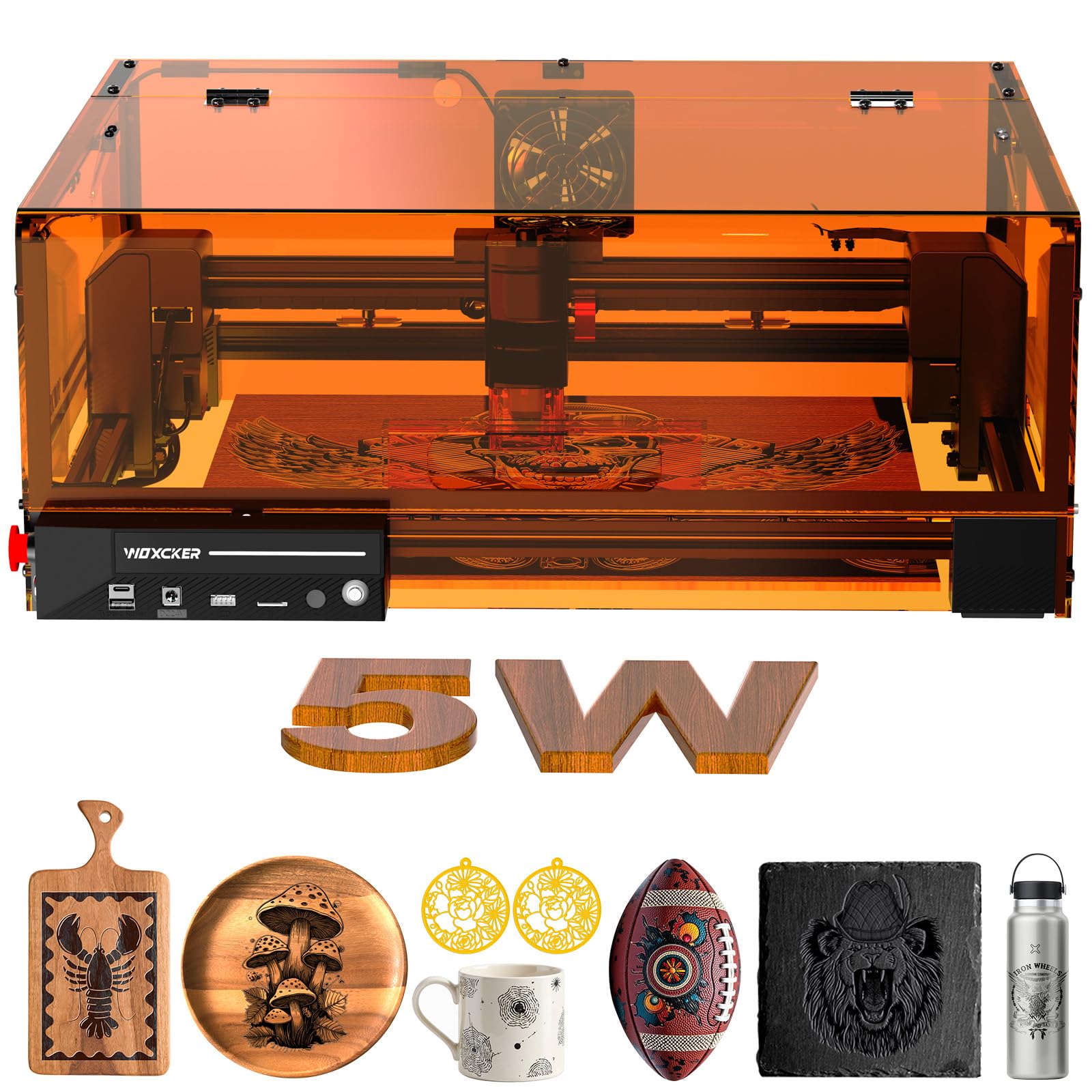
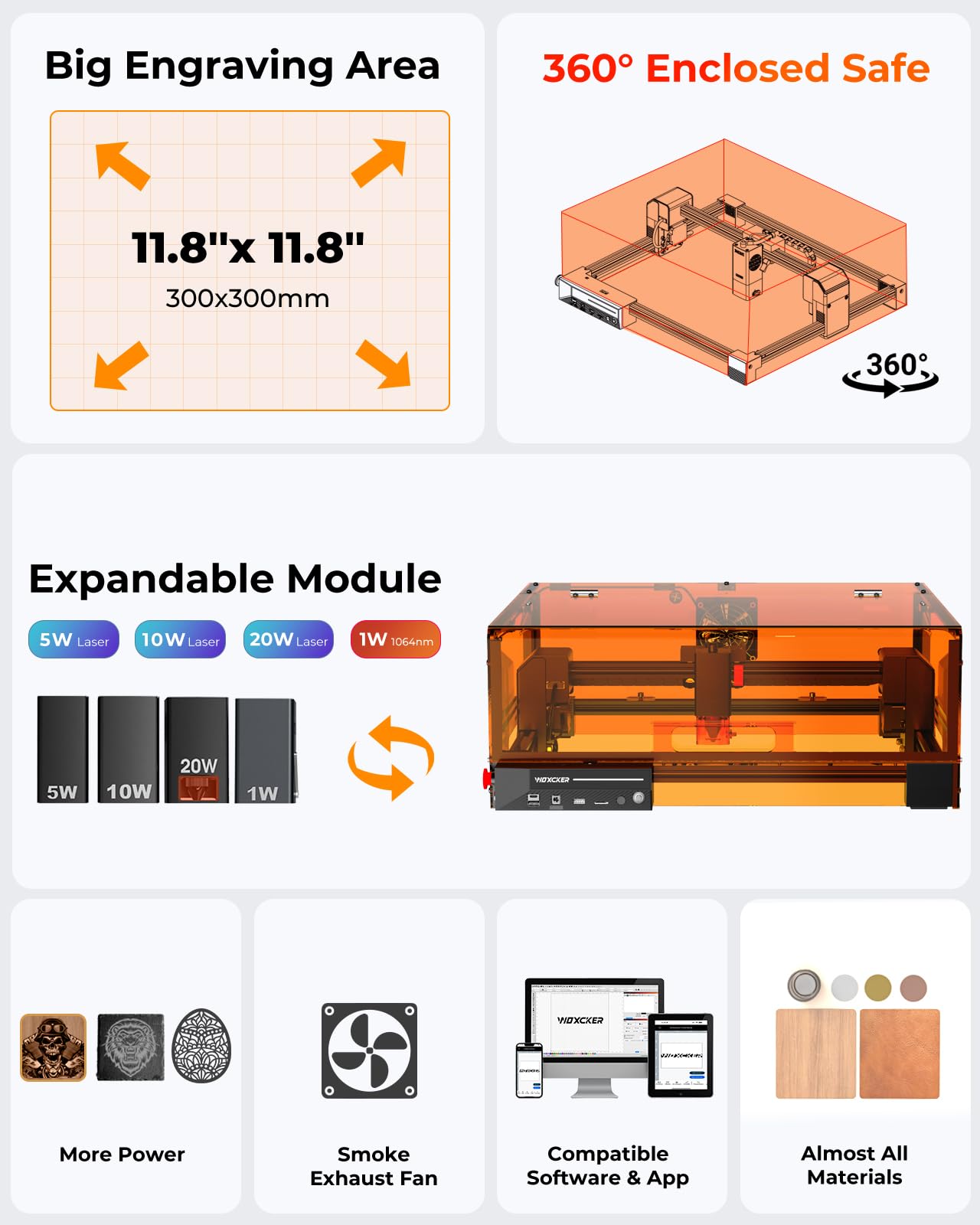
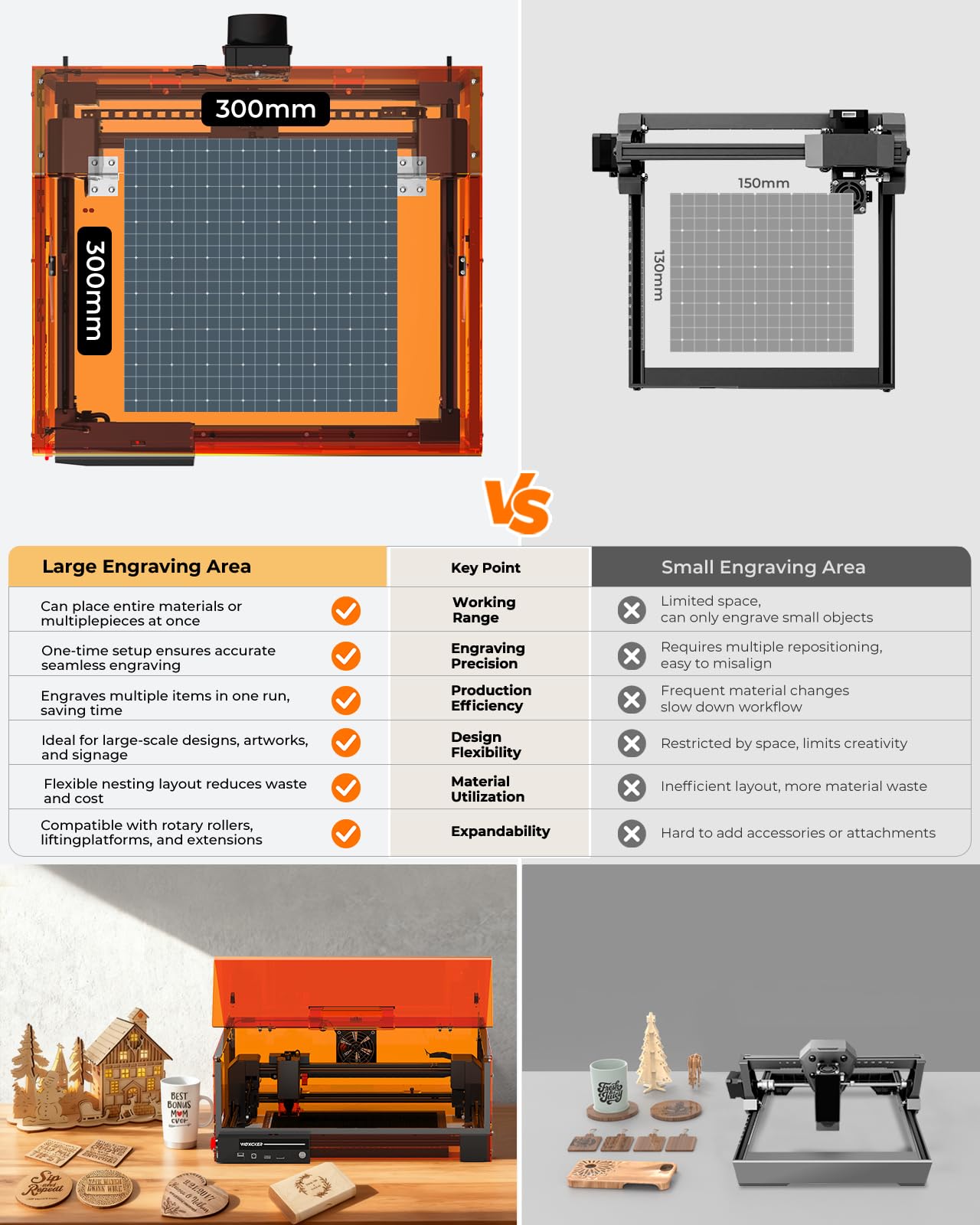
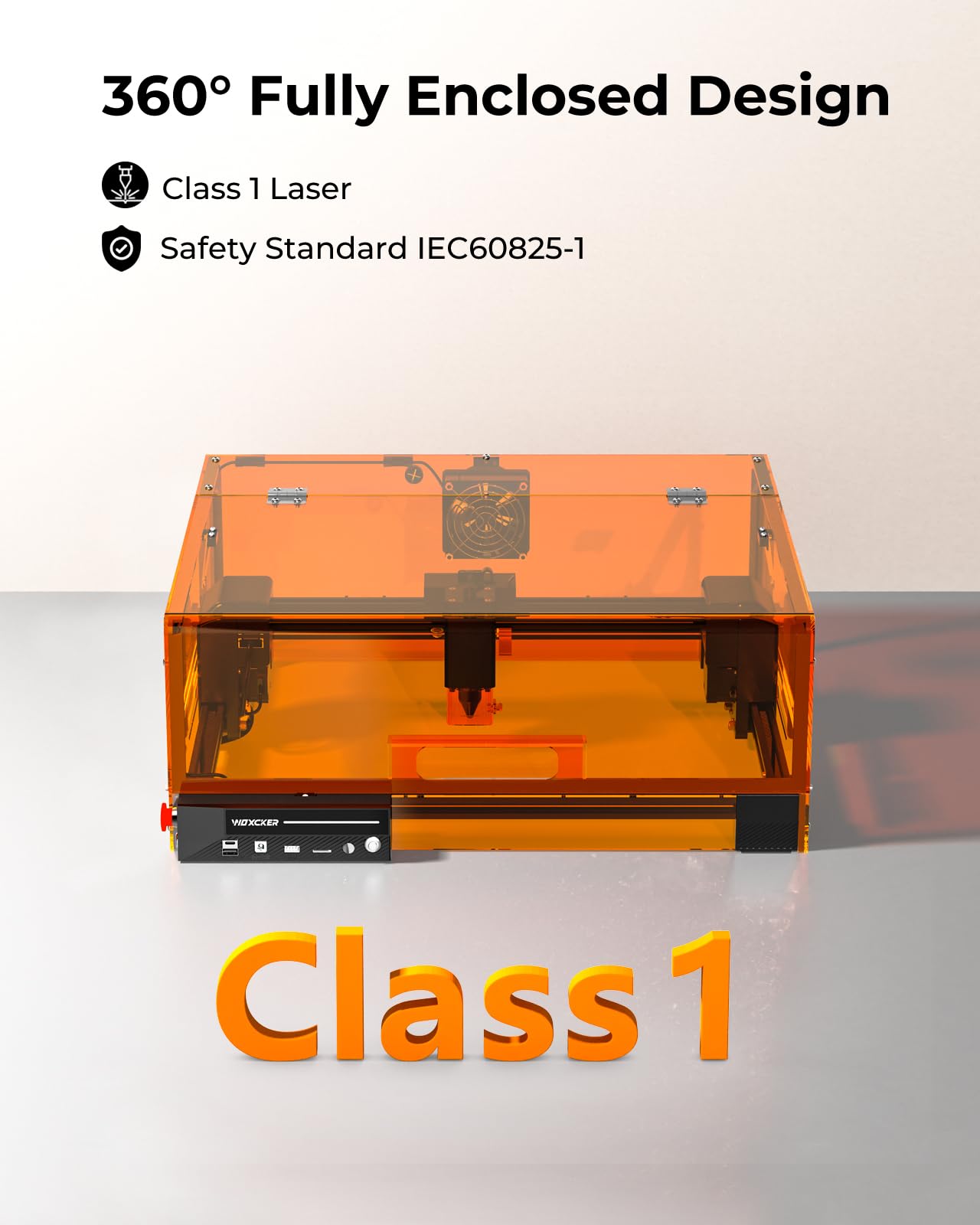
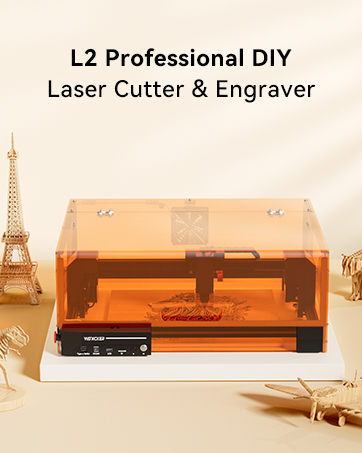
🔥 Precision Meets Power — Engrave Your Vision with Woxcker L2 MAX!
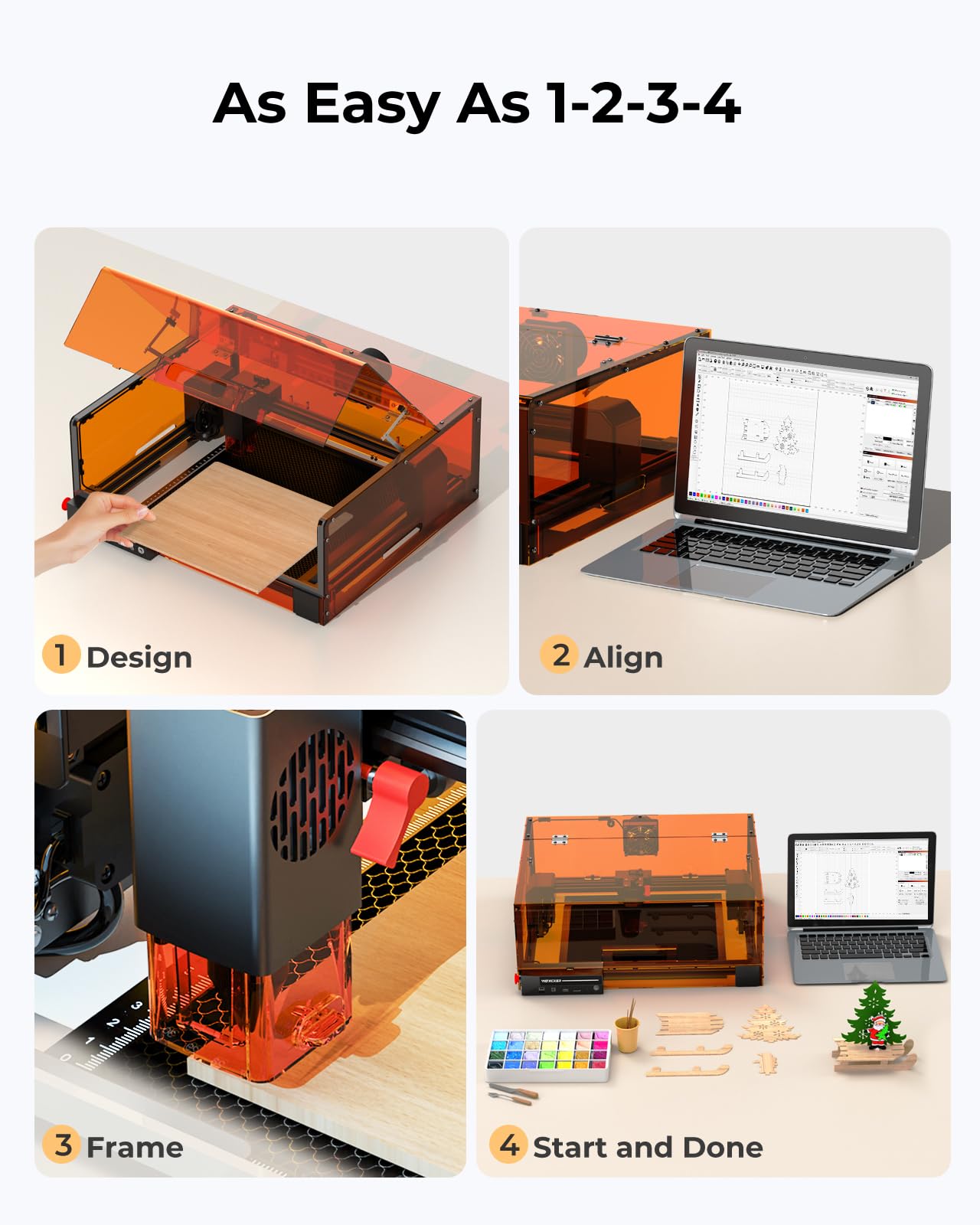
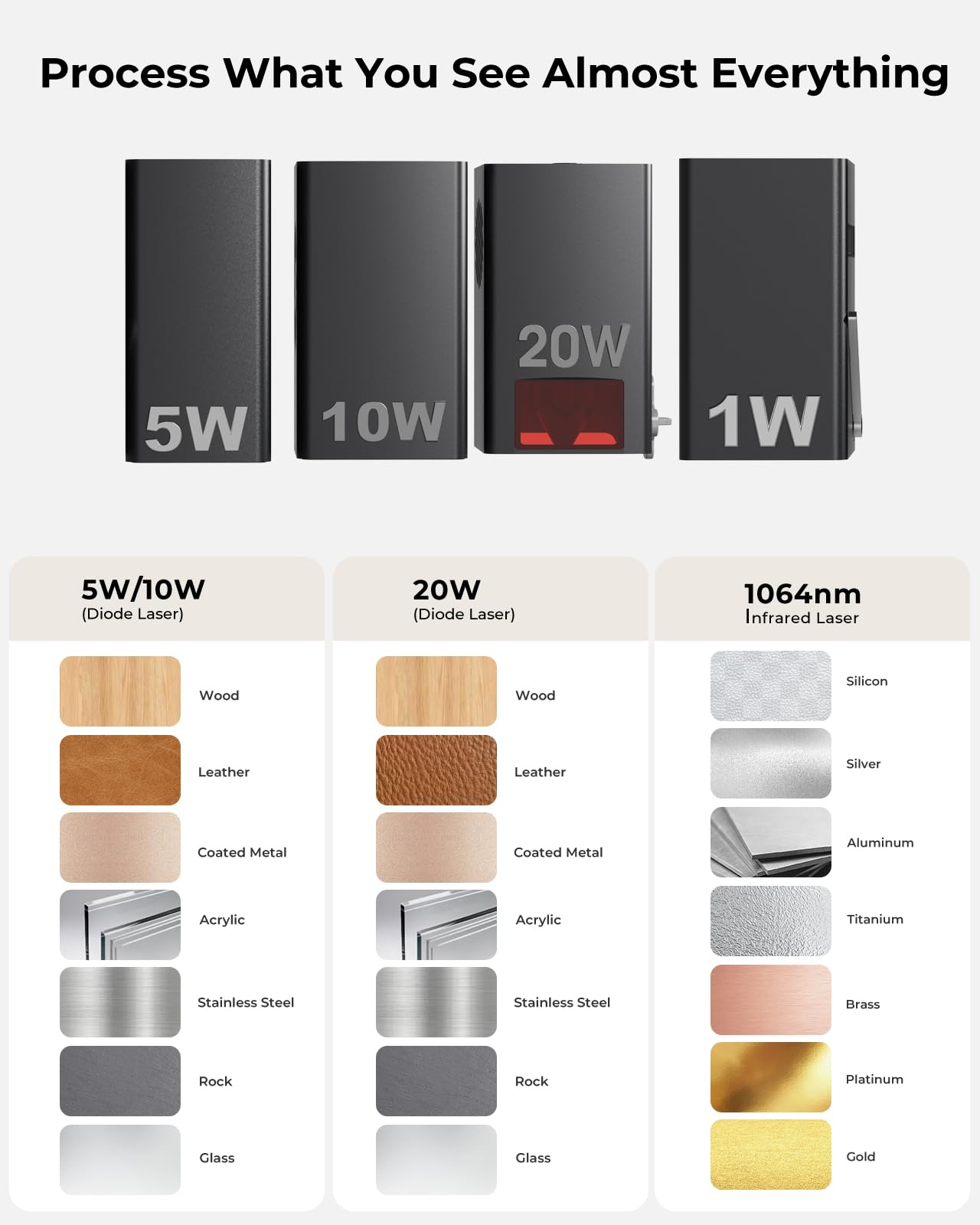
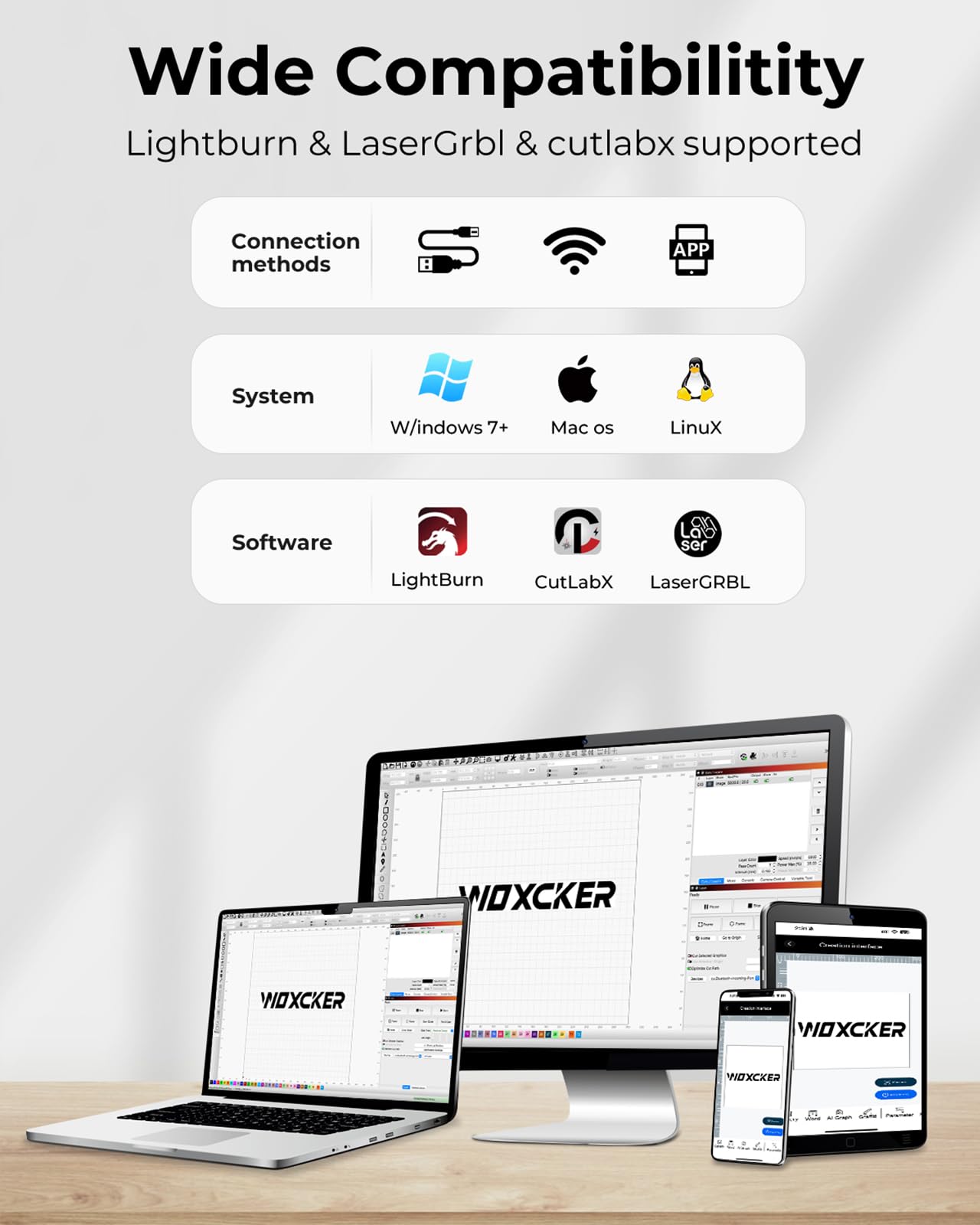
The Woxcker L2 MAX is a 5.5W fully enclosed laser engraver featuring a 300x300mm workspace and ultra-fine 0.01mm precision. It boasts advanced safety systems including flame detection and auto-stop lid sensors, plus a blazing 20,000mm/min engraving speed that cuts project time by over 50%. Compatible with popular software and multiple connection modes, it’s designed for professionals and hobbyists seeking fast, safe, and highly detailed engraving on wood, leather, glass, acrylic, and more.






| ASIN | B0DYS4DN7K |
| Batteries Required? | No |
| Color | Black |
| Customer Reviews | 3.4 3.4 out of 5 stars (12) |
| Date First Available | February 28, 2025 |
| Item Weight | 19.86 pounds |
| Item model number | L2 MAX |
| Manufacturer | Woxcker |
| Part Number | L2 MAX |
| Product Dimensions | 18.78 x 21.57 x 8.4 inches |
P**V
A Fun and Versatile Tool!
I’ve been wanting to get into laser engraving for awhile now and so far I am really impressed with this machine. This is a 5W laser which seems to be a good place to start for newbies. I have tried out the laser on a few materials so far (wood and stone are pretty fun—I haven’t figured out glass just yet) and have had lots of fun in the process. I have not had any major issues so far and it’s been an easy process throughout. Setup was easy, although it took a bit of time. If you read the manual and/or watch the installation guide video (comes on the flash drive that comes with) you’ll be fine. I didn’t love putting it together, but I hate putting IKEA stuff together—so that tracks for me. Very nice quality machine—it feels solid and heavy duty. The enclosure is light, but not in a flimsy way. The only problem I had while setting things up was with the enclosure—and it was really my fault. There is a little red button—make sure this button is pressed down when you close the lid or the machine will not work! It took me far too long to figure out this little tidbit. However, for eye safety, it is great that when the lid is lifted it turns off! I just wish I would have realized my mistake earlier. I have been using my laptop with Lightburn to engrave so far. There is a free program you can use as well—and also some apps for phones. I have not used these yet as Lightburn makes everything really easy to do. Tech support has been responsive, answering my emails within the next business day or so. This has been a really fun tool to use the last few days. It is easy to use, nicely priced for what you get, and solidly built.
C**U
Worst product
This product is a scam , it does not work , the product WiFi does not connect and it gives weak signals anytime you connect
L**S
Laser fun
Pretty easy to set up and use, wish there were more instructions on settings for different materials but trial and error has been fun too.
G**V
Not bad at all for my first laser engraver
While I do plenty of my own DIY projects, including woodworking, I had never had a laser engraver and I wanted to try one on the cheaper side of things. This one fit the bill under a thousand bucks and with a 5.5W diode laser. The whole thing sits on various t-slot profiles that seem very stout and are easy to put together with the included hardware and tools - though I did use my own hex bit screw drivers. There were 3 manual booklets in there covering various aspects of the hardware and software setup - but the installation was pretty clearly explained there. The only weird part was that the tie rod connection step was incorrectly marked - no biggie since it's easy enough to figure out the way the connection needs to happen (it's in one of my pictures as well). It's not heavy once put together, I was easily able to carry it downstairs and to my garage where I operated this the first time with my garage door open and an external fan blowing at it just to be safe. Speaking of safety, it comes with both the enclosure that prevents eye damage if you look at the laser indirectly, as well as a set of safety glasses - and I doubled up by using both as you probably should. The front edge of the enclosure also rests on a little red switch that will automatically shut off the laser if you open the cover. The cover/enclosure also has a built in fan to ventilate fumes from inside. The engraver comes with a little MicroSD card that has its drivers on it among other things. It is compatible with popular tools like LaserGRBL and Lightburn, but I decided to test it with the bare minimum in setup time that I could throw at it to see what kind of results that would yield with no fine-tuning. in that respect, I ended up using CutLabX on my phone (a somewhat barebones app, at least not the nicest UI), not changing ANY settings on the app, putting the laser all the way down (a quick and dirty attempt at focusing the dot if you will) and running my first job with an uploaded drawing from my phone engraved on an old somewhat-misshapen piece of plywood I had sitting around. Basically, give the engraver the bare minimum of everything, expecting a poor result, and seeing what it actually delivered. The Woxcker handled this little torture test with aplomb! You can see the end result is more than acceptable given the conditions, and it was very quick doing it. Since then I've tried jobs using the other PC-based apps and some fine tuning and it has performed even better. For the price at the time (and it looks like it's on sale now), this thing gets a recommendation from me!
A**R
Not impressed
Not impressed. The pins were all bunched up. One pin ended up breaking off. Wasted $200 and something for nothing.
D**K
Versatile entry level engraver, nice quality
I was interested to get into laser engraving, and this price point was a nice entry point. It wasn’t very difficult to put together, I did have to follow the directions closely, but got it done. The machine does need to run off a program so you have several choices of what kind of programs to use. I used one that was free and got it set up pretty easily. Overall, the machine is excellent, it runs nicely off the program, it’s light weight and I can easily move it around. I’m having fun experimenting with different materials and different designs. I think this is going to be a lot of fun.
K**N
No response
Sucks! Can’t connect any computer! No response from sender or company!! Would not buy from them again!! I have sent several emails asking 4 help! Nothing! Pissed!
D**N
it’s a laser engraving machine
my husband loves it
Trustpilot
5 days ago
3 weeks ago