


⚡ Unlock Ultra-Speed Storage, No Tools Needed!
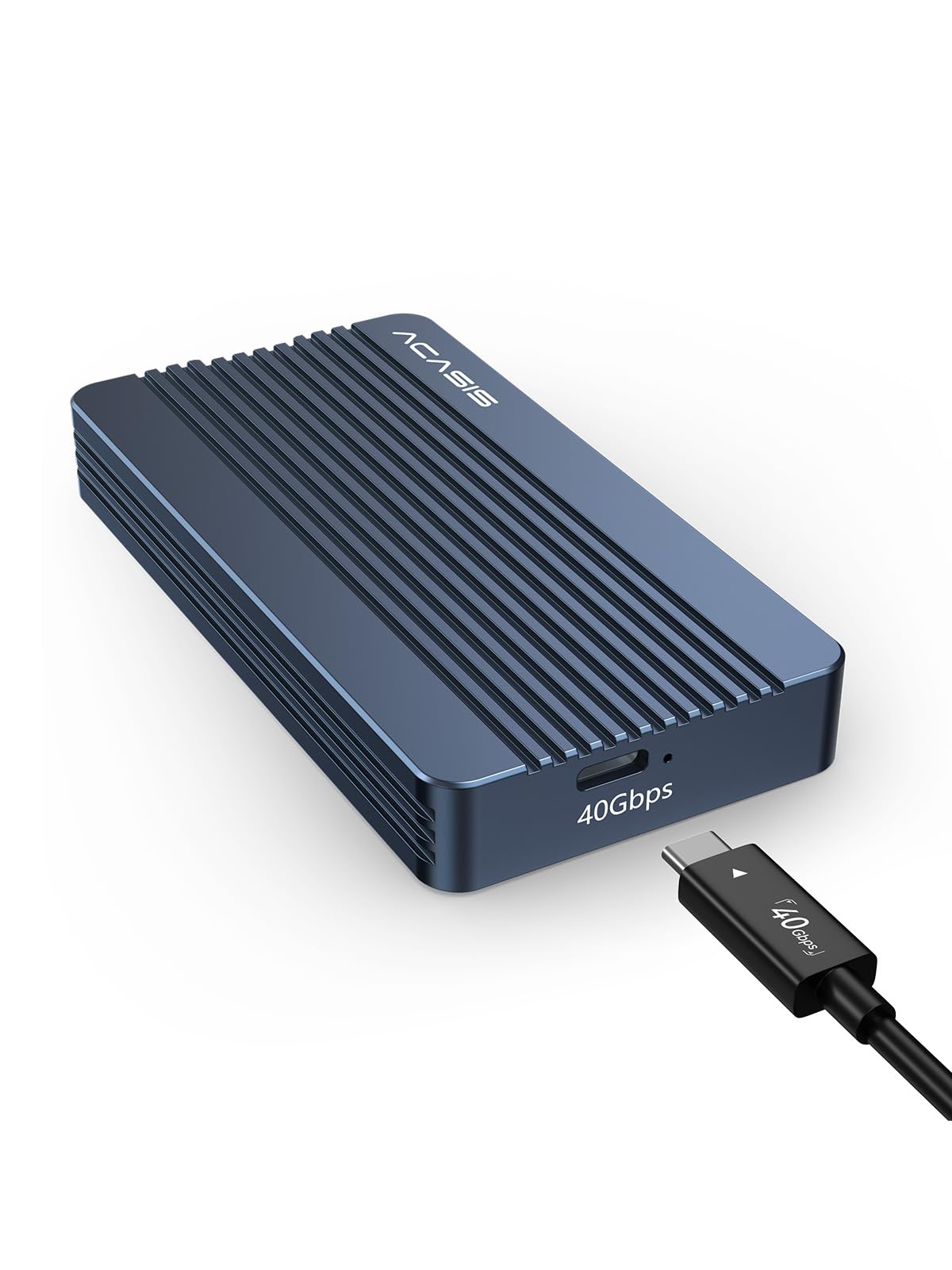
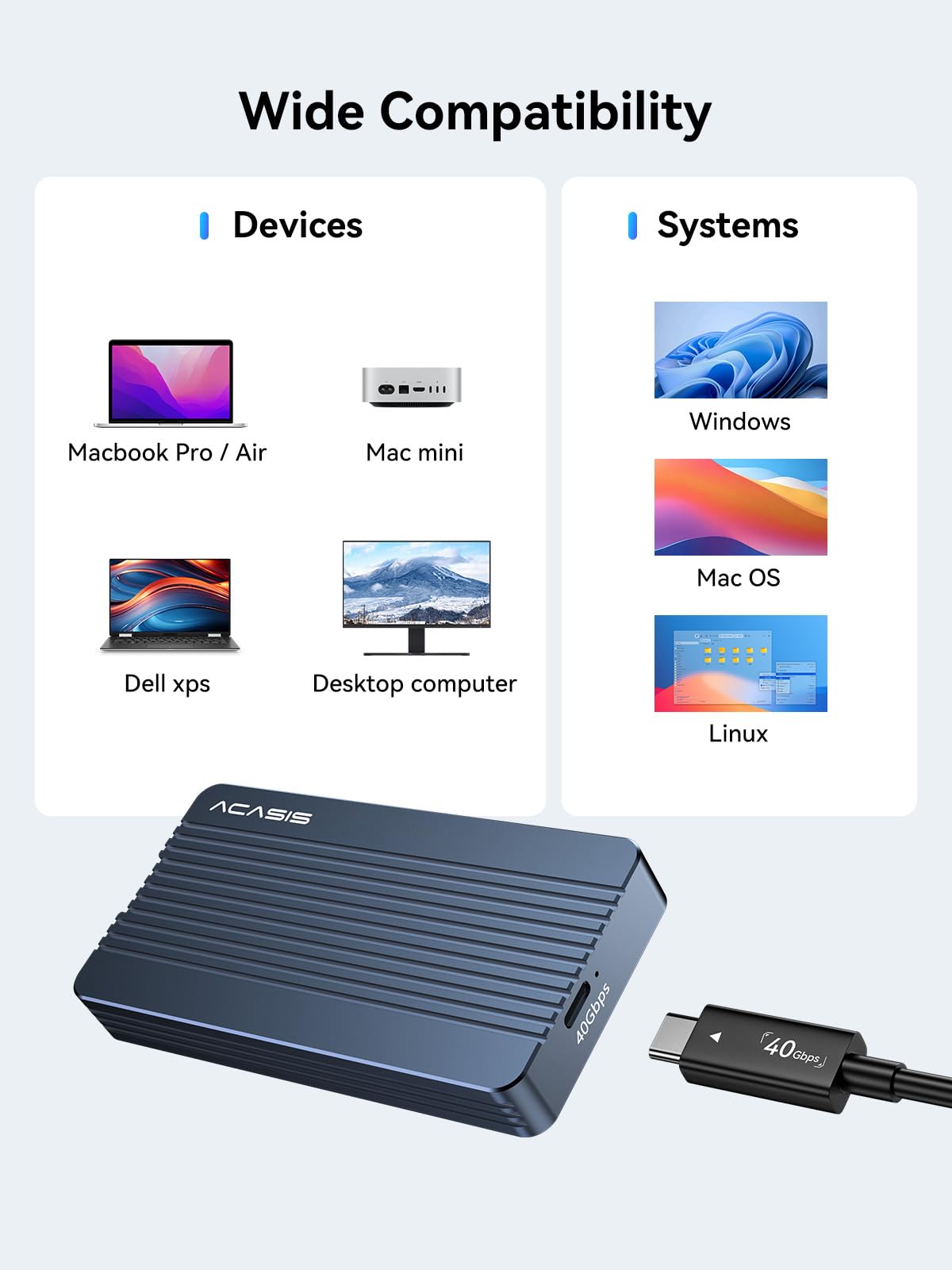
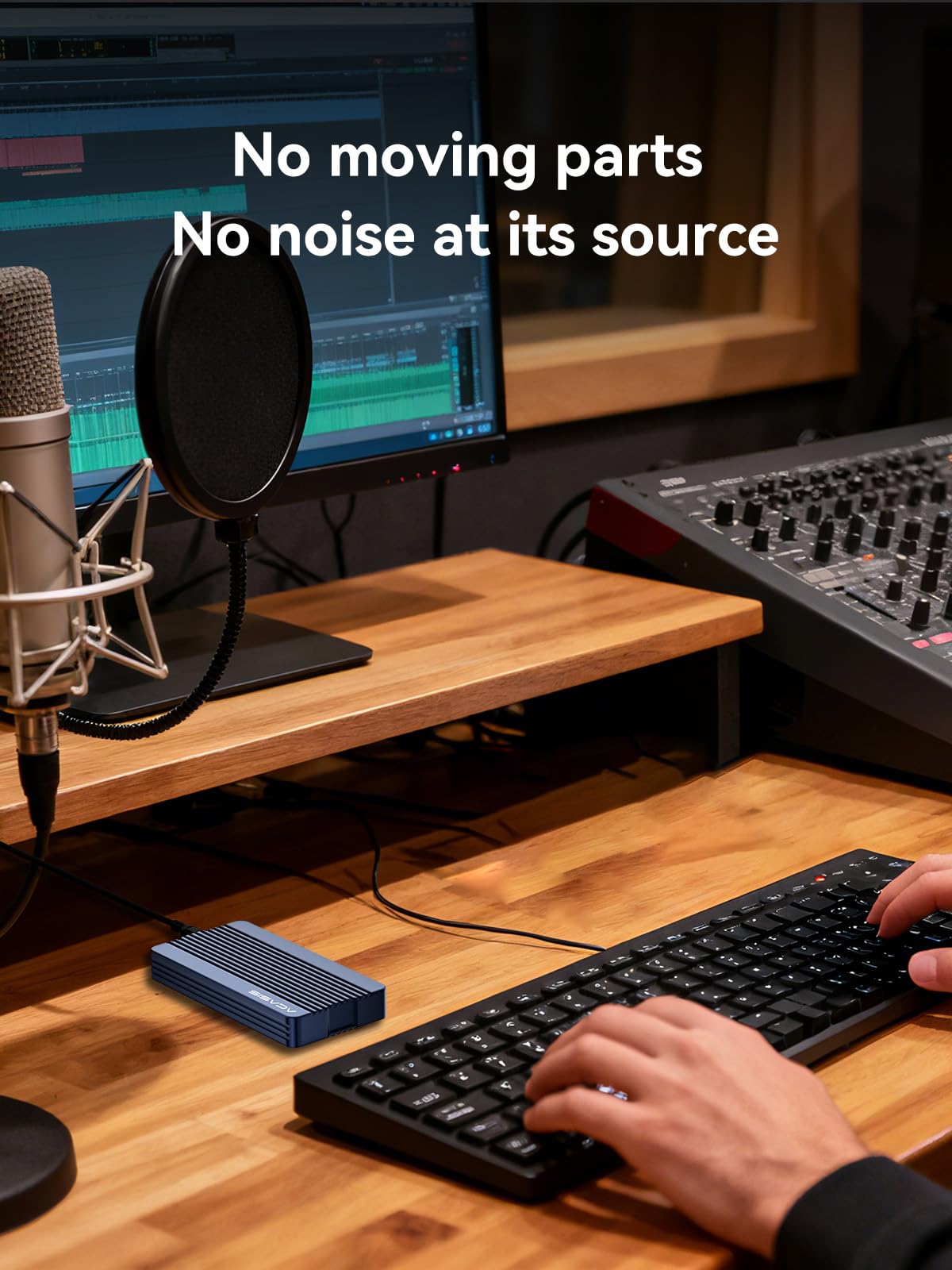
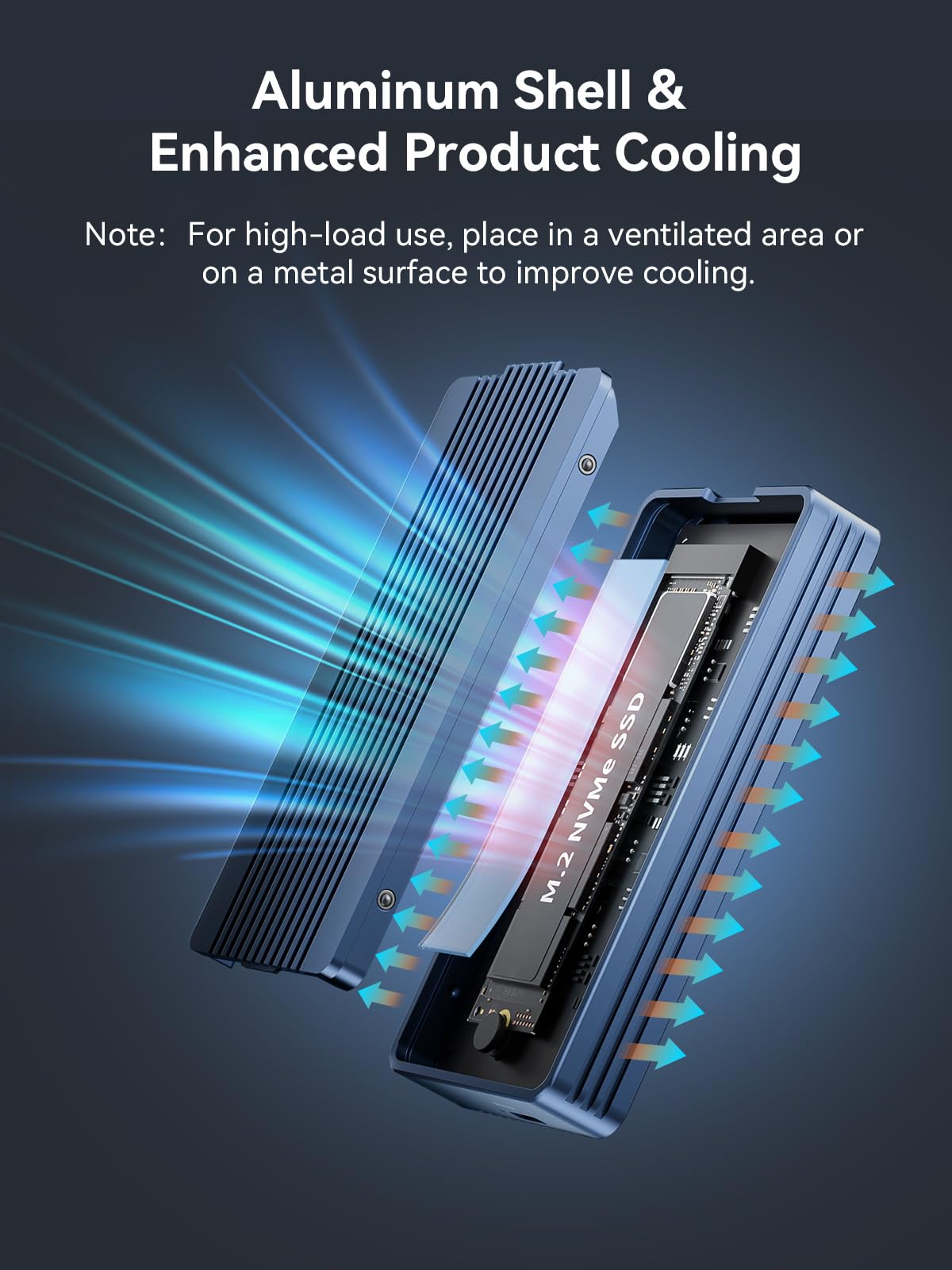
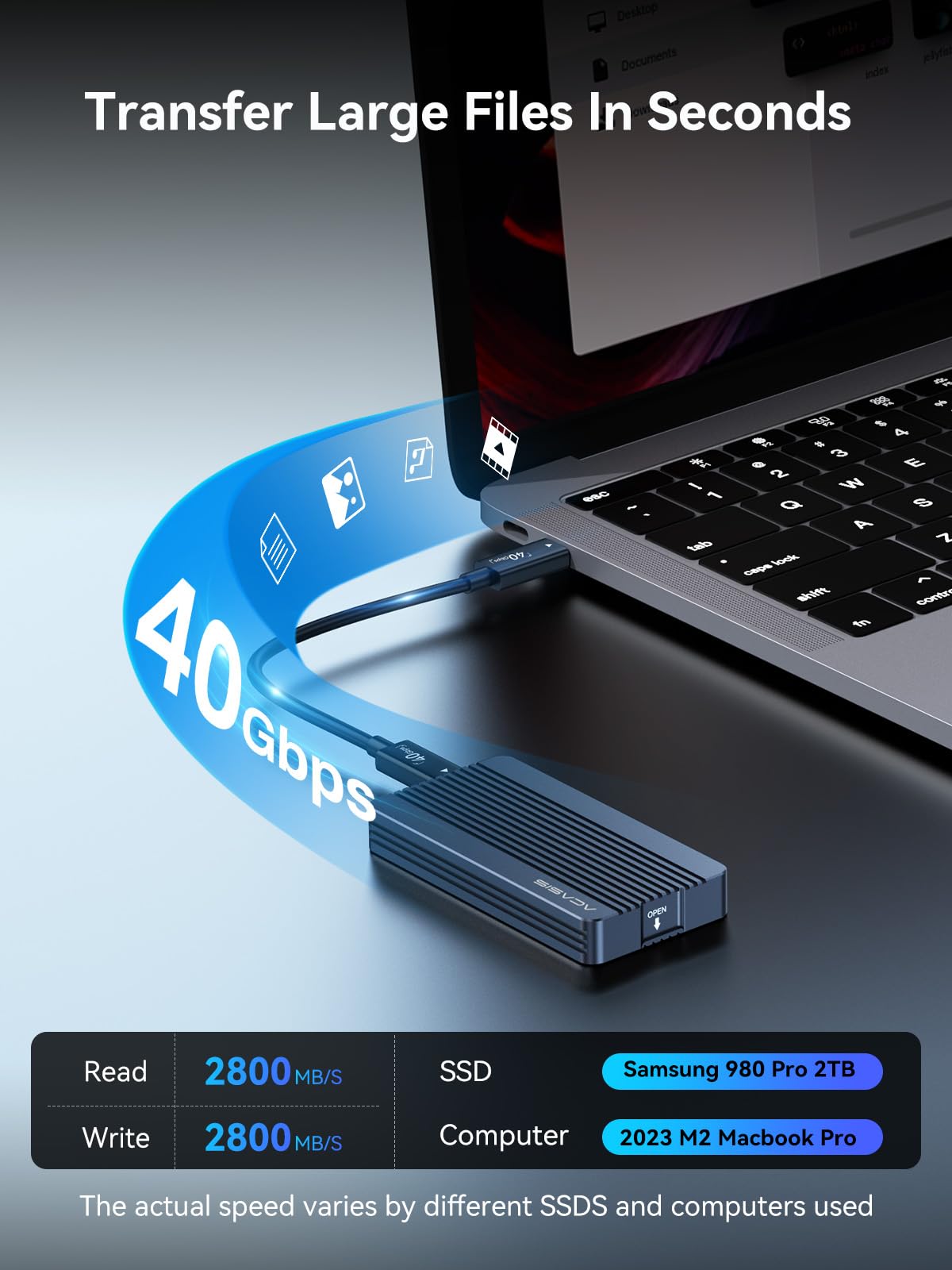
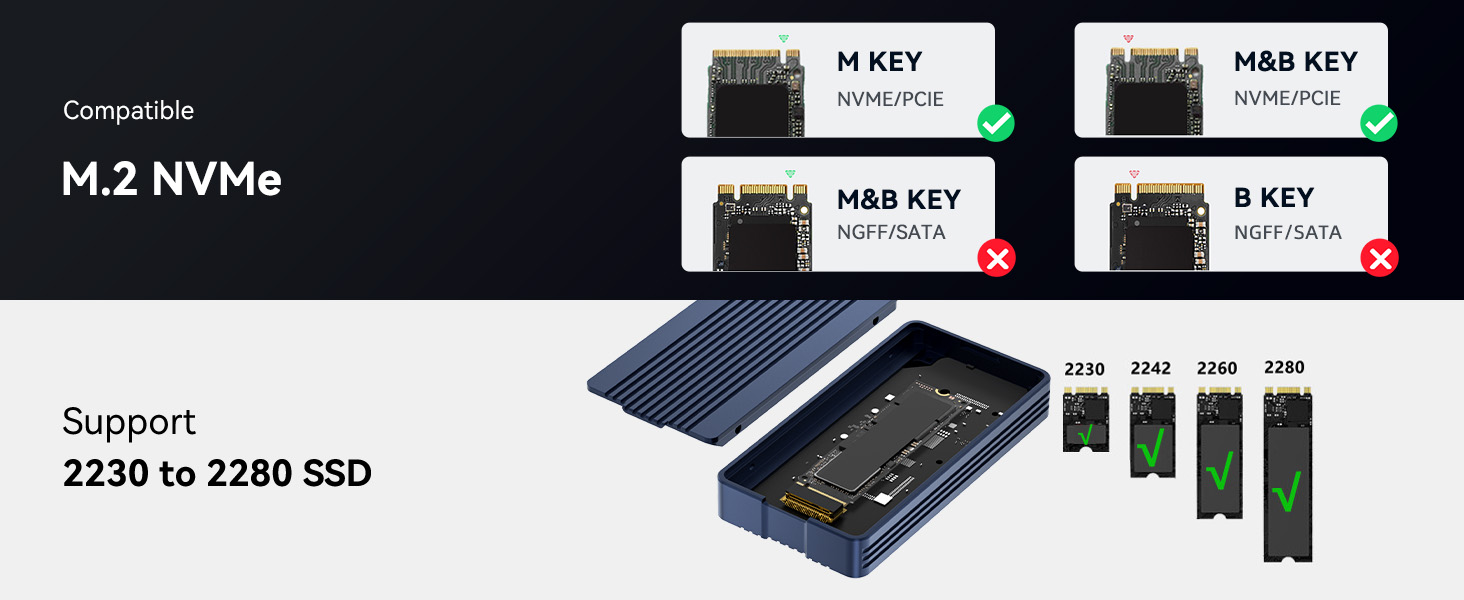
The ACASIS TBU405 Air is a premium USB4-exclusive M.2 NVMe SSD enclosure delivering up to 40Gbps transfer speeds. Designed for M-Key B+M 2280/2260/2242/2230 SSDs up to 8TB, it features tool-free installation and a fanless aluminum body for silent, efficient cooling. Perfectly tailored for M1/M2 Pro/Max Macs and compatible with Windows and Linux, it offers seamless plug-and-play performance for professionals demanding speed, capacity, and portability.



| ASIN | B0DD34LH8R |
| Best Sellers Rank | #119,416 in Computers ( See Top 100 in Computers ) #510 in Enclosures |
| Compatible devices | Laptop |
| Data transfer rate | 40 Gigabits Per Second |
| Hard disk form factor | 22 Millimeters |
| Item model number | TBU405 Air |
| Manufacturer | FREEGENE |
| Max number of supported devices | 2 |
| Memory storage capacity | 8 TB |
| Package Dimensions | 14.4 x 10.21 x 3.71 cm; 249 g |
| UPC | 781108279634 |
V**I
Works like a charm. No heating issue observed so far. Using WD SN770 2TB with my mac studio m1 max. Giving expected read and write speeds. Value for money product.
T**S
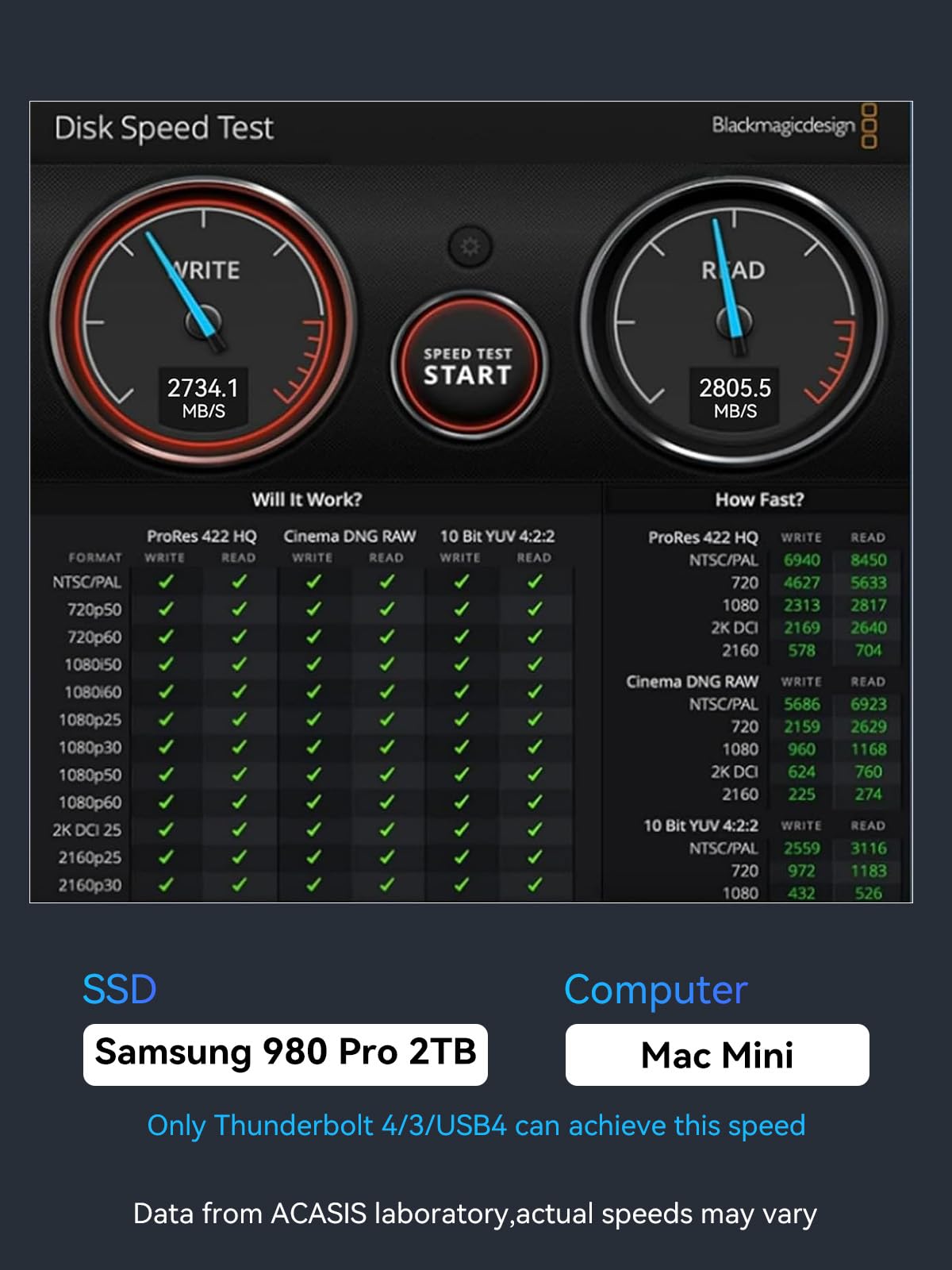
I am blown away by the speeds that this SSD enclosure can deliver. I've got mine paired with a Samsung 990 PRO 4TB SSD and plugged into the Thunderbolt port of my Mac Studio. I'm seeing read/write speeds in the 2700 MB/s and 2600 MB/s range, which is so much faster than my previous 10 Gbps enclosure (which was achieving roughly 600-700 MB/s speeds). And this is with the SSD about 45% full. I use my system for video editing 4K content, and the scrubbing speed on my timeline has become instantaneous. I can quickly scrub through the timeline or jump to different parts of the video with ease... no lag anymore! Installation was super easy... just open the fully aluminum case, insert the SSD and rubber mounting plug, then push the SSD into the enclosure (no screws or screwdrivers needed). Close the cover and you're done. My Mac recognized the drive immediately. The enclosure can get warm (to slightly hot) when I'm rendering a long duration video, but that's expected of any SSD or hard drive. To keep the enclosure (and SSD) cooler, I keep the enclosure on top of my Mac Studio (which has an aluminum shell)..... this helps to dissipate heat a little better than if I were to place it on my wood desk surface. The enclosure looks great; it's sleek and minimalistic with cleanly milled heat-sink grooves. And the all-aluminum design is very-nicely machined and matches the design language of my Mac, awesome! I don't have a PC, but this is fully compatible on my Mac Studio running the latest MacOS.
S**R
I was having a hard time deciding which enclosure to buy. I decided at last minute to try this one. it is very easy to install. if you have a gen 4 nvme SSD Western digital hard drive then this enclosure is cool to the touch. I am getting 2600 to 2800 for speeds. this enclosure is really fast with just a 10 GB file in 5 seconds tranfers speeds. This was the cheapest thunderbolt enclosure that I could find on amazon. I am impress it come with a real thunderbolt 4 cable. I highly recommend this encloure
D**N
I use this paired mainly with an M4 mac mini. Instead of using it as an external drive, I installed macOS on the drive inside of the enclosure and use it as the boot drive. It has been working flawlessly, and the speeds are very close if not the same as the internal drive.
A**R
This very bad working condition Don’t buy this one .8000/-rupes waste this not working my mac studio thunder bolt and usb
Trustpilot
1 week ago
1 month ago


