Desert Online General Trading LLC
Dubai, United Arab Emirates
Desert Online General Trading LLC
Dubai, United Arab Emirates

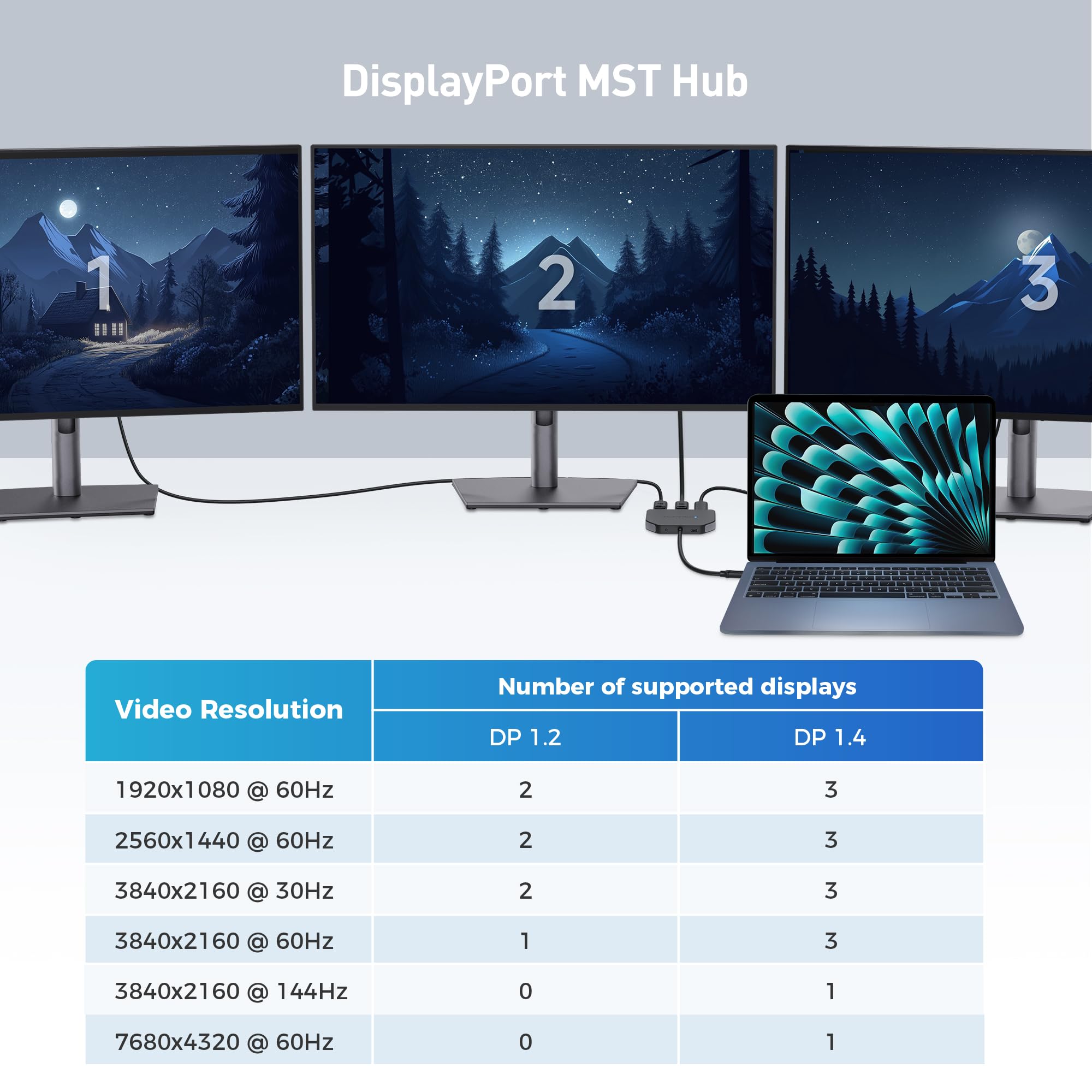
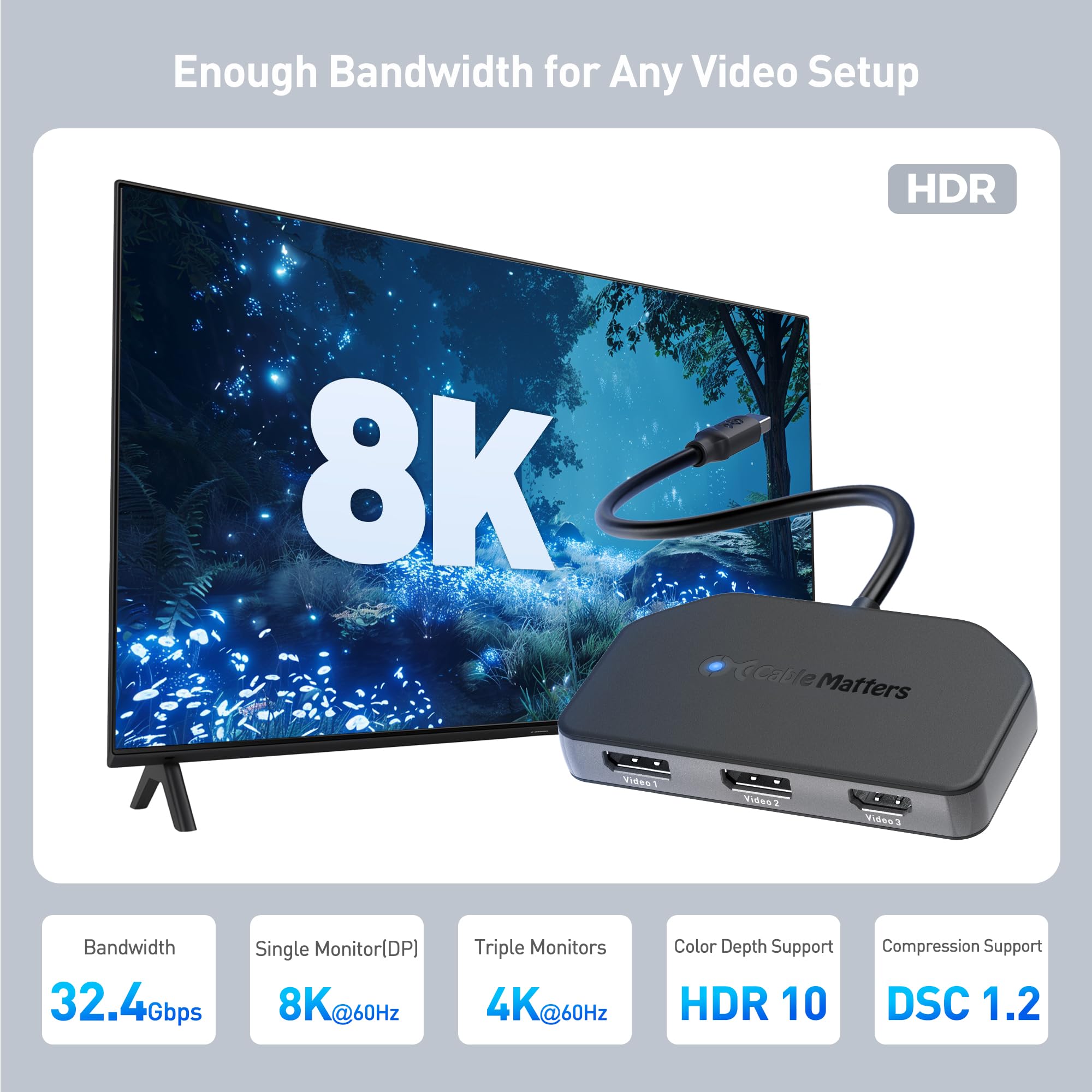
🚀 Triple your screen, triple your impact.
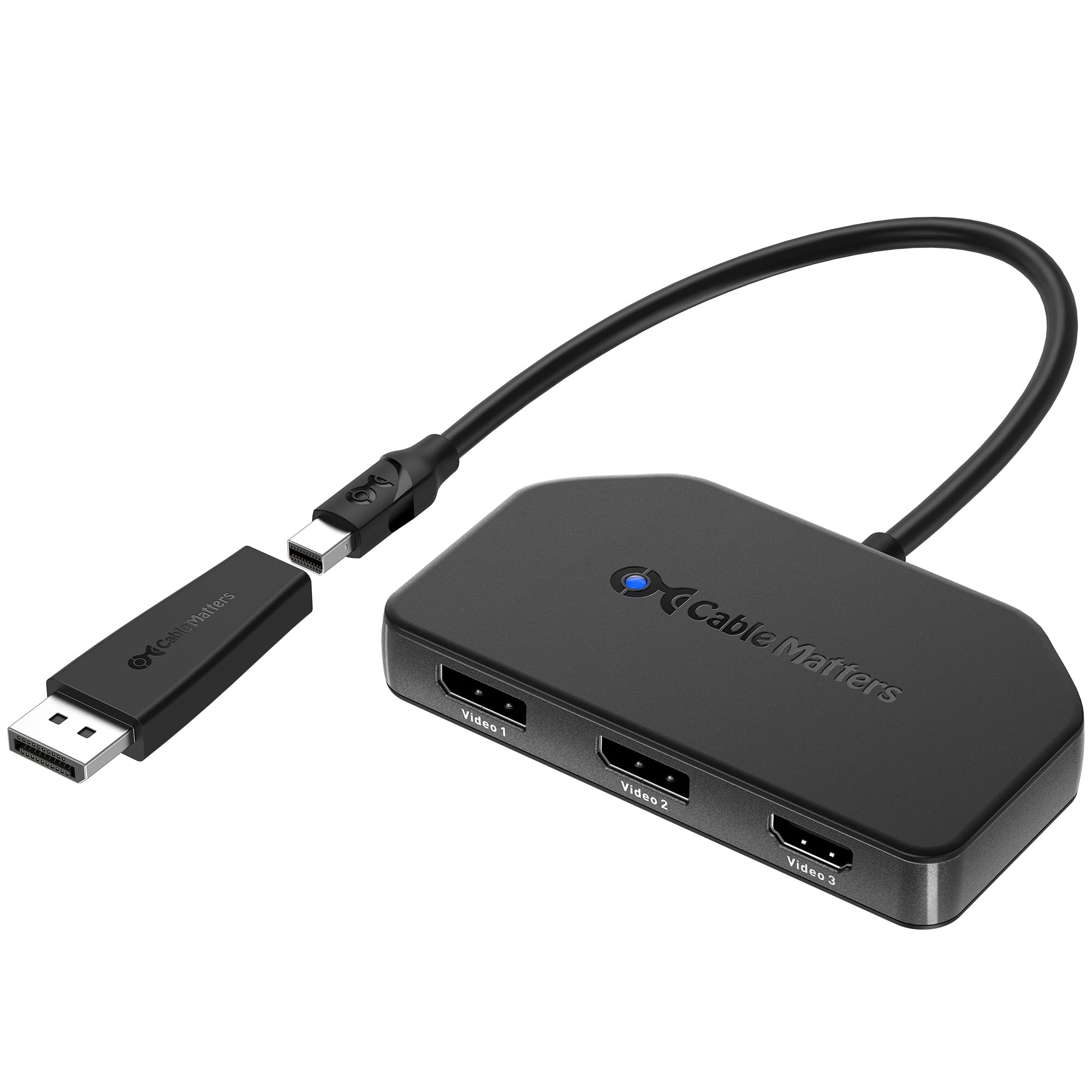
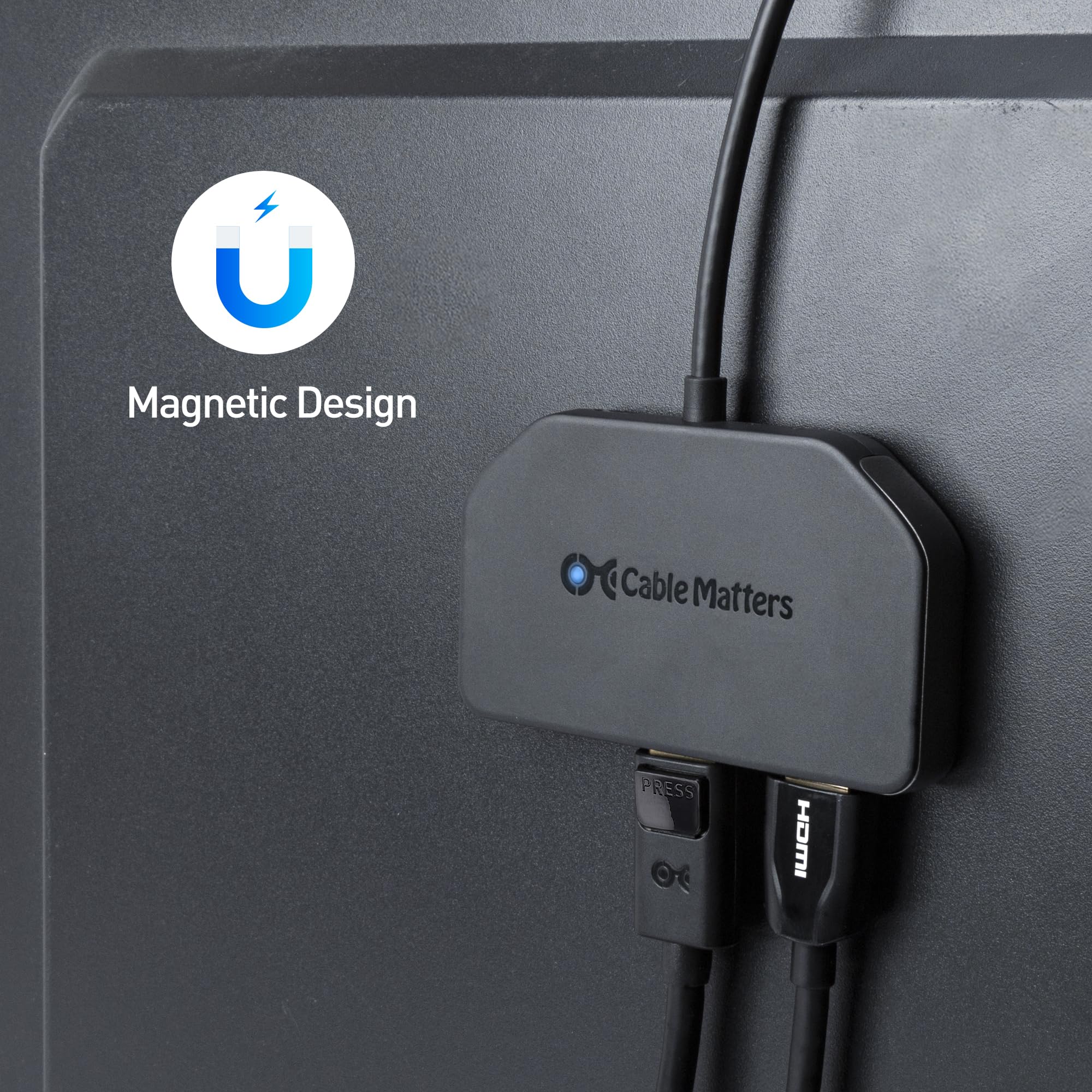
The Cable Matters DisplayPort 1.4 MST Hub is a compact, bus-powered splitter that supports up to three monitors via 2 DisplayPort 1.4 and 1 HDMI 2.0 outputs. Designed for Windows systems and high-end GPUs, it delivers HDR visuals and efficient power management, featuring a magnetic mount for tidy setups. Note: Not compatible with macOS.


R**L
Works on Linux
This product says it only works on Windows, but it works for me on intel graphics using Linux 6.13 on Manjaro Linux. It doesn't do 144hz on 2 monitors at 4k, but that's a bandwidth limitation.
B**T
Display port
Easy to use display port. Works great, quality and great price in my opinion.
J**S
Works as advertised
This item allowed me to continue using my legacy macbook and Lenovo with mini DP connectors with my other HDMI-based equipment. It solved a long standing compatibility issue with my setup, in conjunction with a bi-directional DP to mini DP cable, ASIN B07NW9XKGL. I have tried many combinations of adapters and cables, but this is the only combination that has worked flawlessly. Output from the Lenovo is converted to 2 x DP and 1 x HDMI. The cable connects one of the DP outputs to a legacy mac monitor. The HDMI output is connected to my Onkyo Home Theater receiver. I can now see the output of my laptop on my mac monitor, my LG TV and my Epson projector simultaneously with no interference or degradation.
S**A
Add more monitors
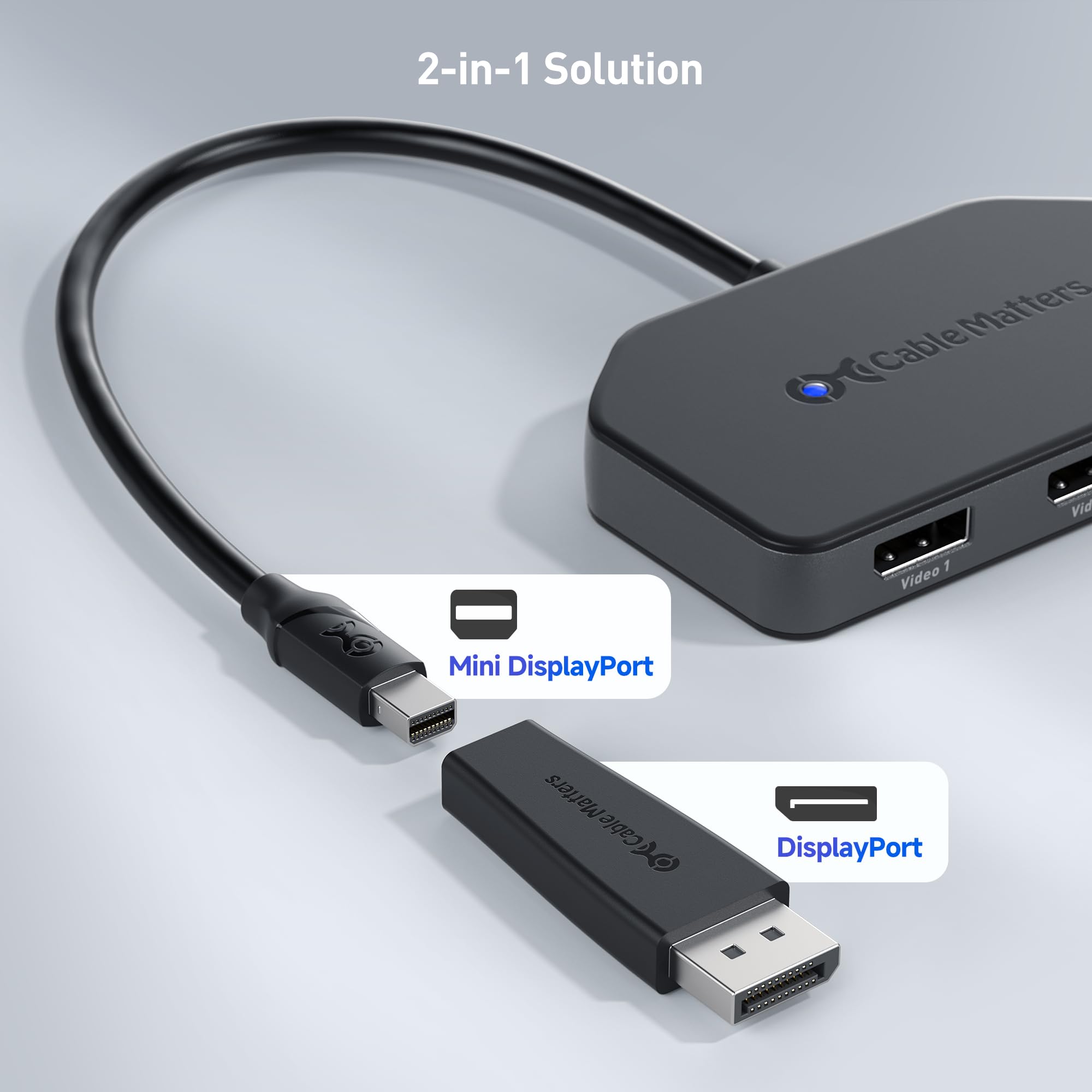
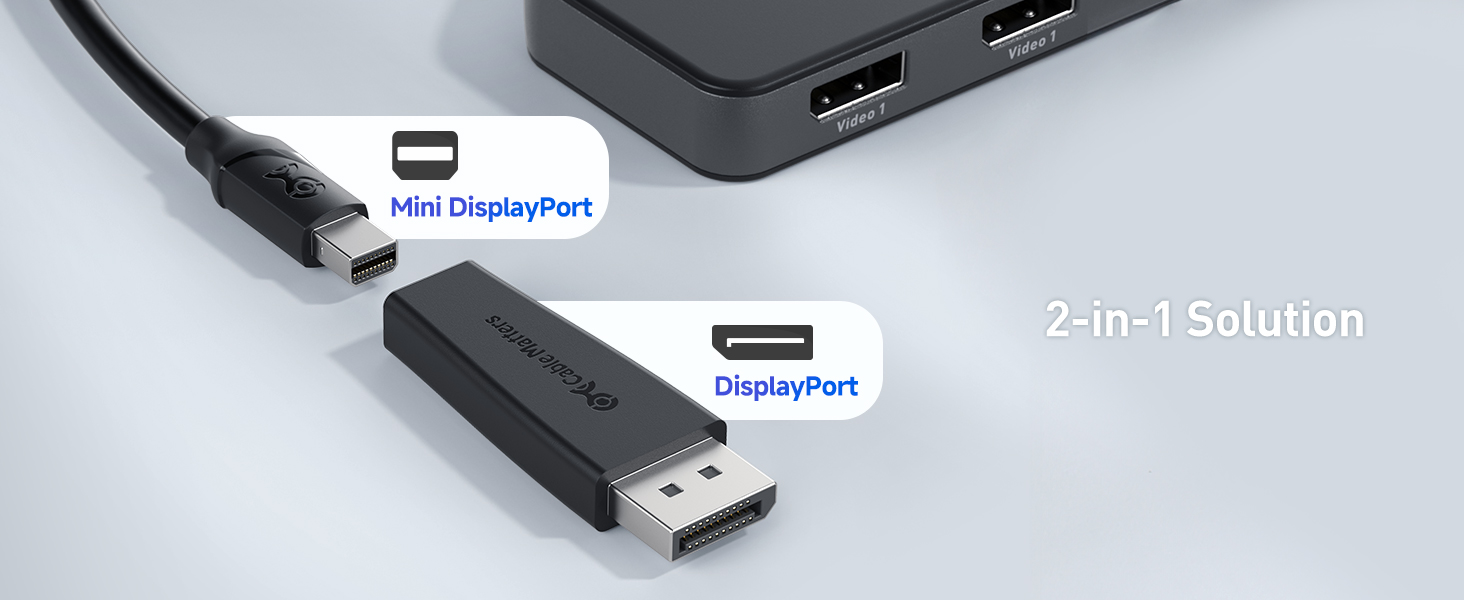
The Cable Matters DisplayPort 1.4 MST Hub is a versatile and efficient solution for expanding display setups. It features two DisplayPort 1.4 ports and one HDMI 2.0 port. The latest versions allow for more monitors. This hub allows for a triple monitor setup with support for HDR, ensuring vivid colors and sharp images. The inclusion of a Mini DisplayPort to DisplayPort adapter adds flexibility. It's designed for low power consumption so it can be bus-powered in most configurations. If it's not working try wtih the USB-C power port power. Overall, this MST hub is a solid choice for users looking to expand their multi-monitor experience with high-resolution support and reliable performance.
T**R
MST hub signal Failure
Very disappointed. The MST hub device worked well for about two weeks. Then it stopped working. I was using to connect two displays with DP cables. The system now only passes signal to one monitor even though windows recognized two connected monitors. Tried cycling and disconnecting and swapping connections with no result. Searched online and saw similar complaints. Something failed in the device. Junk. Not recommended.
H**3
Exactly what I was looking for
I have been looking for one of these for a while, so I can use my two monitors with my laptop. I'm not a techie person, but it works fine for me and I'm very happy with it.
C**A
Didn't work for what I needed
Didn't connect the 2 external monitors. I was trying to set up a workstation with 4 monitors, desktop running Windows 11. The desktop has 2 DPs and 1 HDMI port. I tried multiple splitters and finally found one that works but this was not it (just a "no signal" message followed by black screens on the 2 displays connected with this splitter).
V**N
Does not expand display ports on HP ProBook
I had several old HP ProBook laptops and was looking to expand the displays. So, I took this device, an HDMI cable, two DP to HDMI cords and three HDMI monitors and went to work. The DP on the laptop, I could plug one of my DP to HDMI cords into and extend the signal to one monitor. If I plugged this hub in, I could do exactly the same thing, extend the signal to one other monitor using either the HDMI port or the DP on the hub. If I plugged all three in, the HDMI port on the hub worked and the monitors hooked up to the DP ports did not receive a signal. If I unplugged the HDMI port from the hub, one of the DP ports started working and the other one did not.So, with an HP ProBook, only one signal can be gotten out of the DP port.
Trustpilot
1 month ago
2 months ago
3 weeks ago
1 month ago