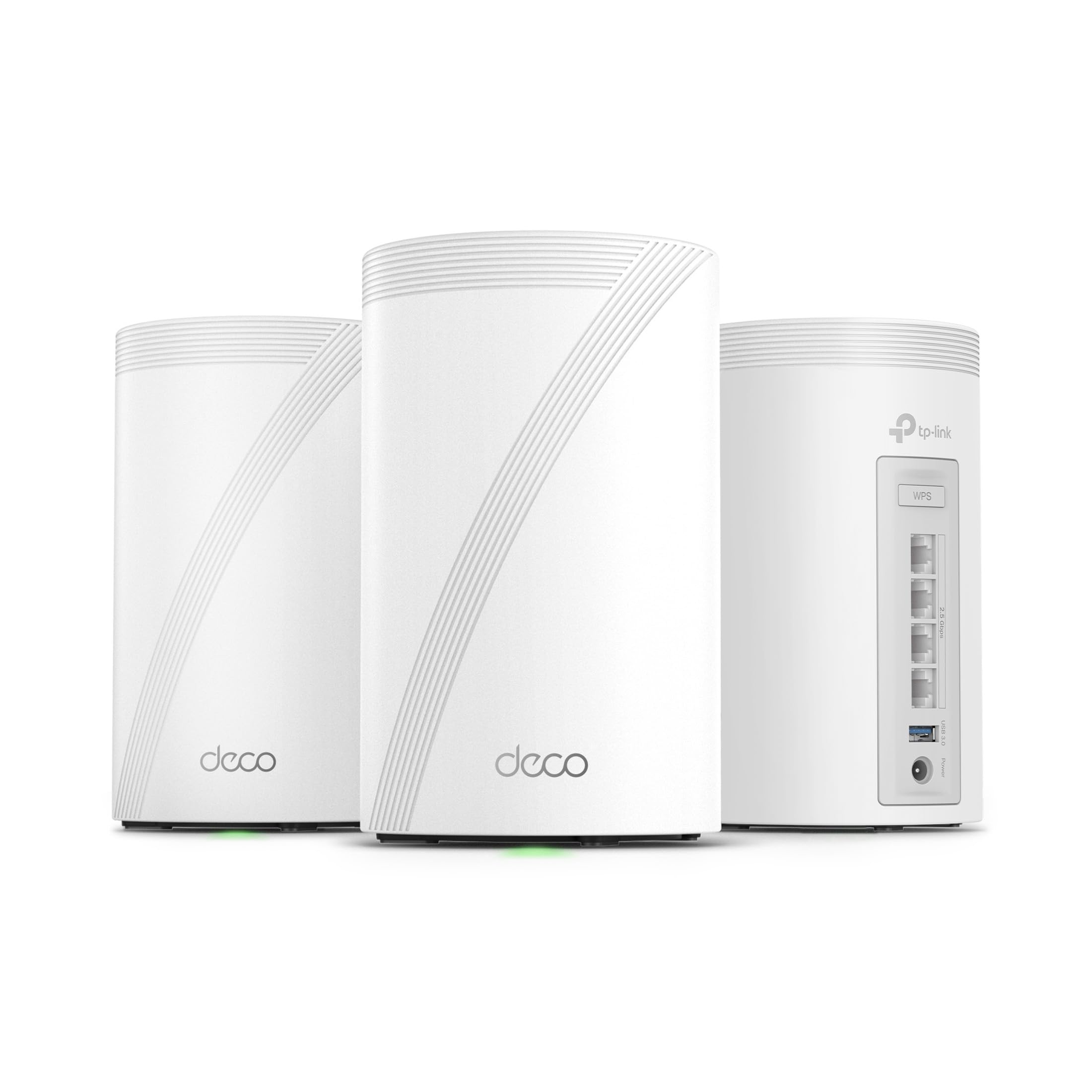
🚀 Elevate Your Internet Experience!
The TP-Link Tri-Band WiFi 7 BE10000 Whole Home Mesh System (Deco BE63) is a state-of-the-art networking solution designed to deliver ultra-fast speeds of up to 10 Gbps across a vast coverage area of 7,600 sq.ft. With advanced features like AI-driven roaming, robust security protocols, and extensive device compatibility, this system ensures seamless connectivity for over 200 devices, making it perfect for modern smart homes.




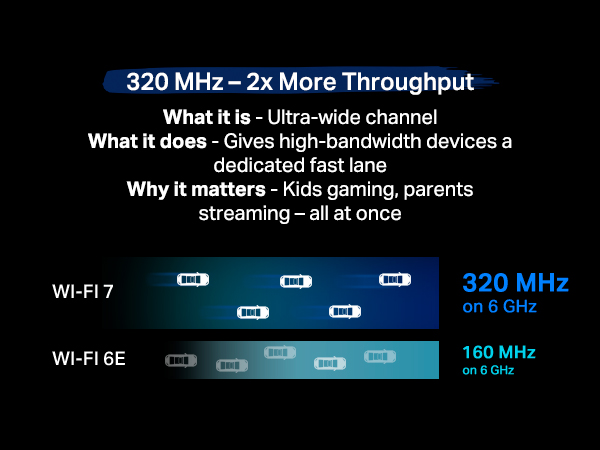

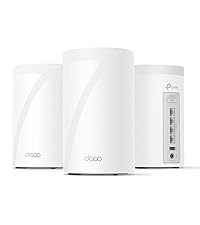

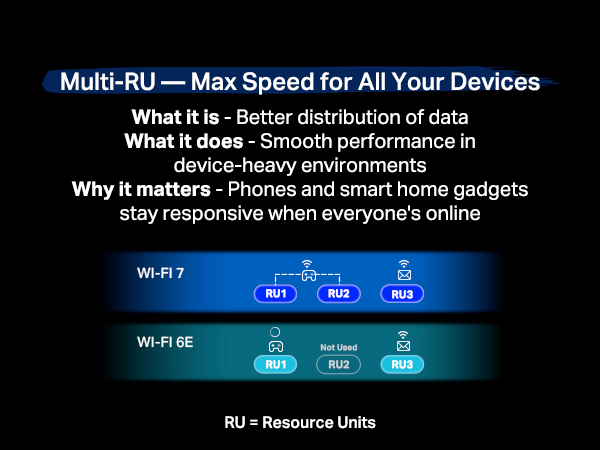
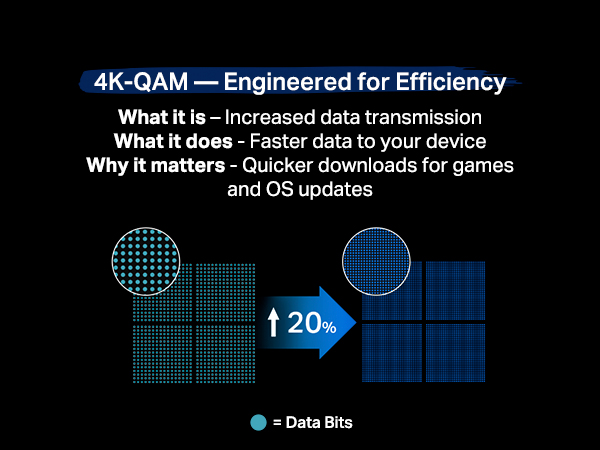
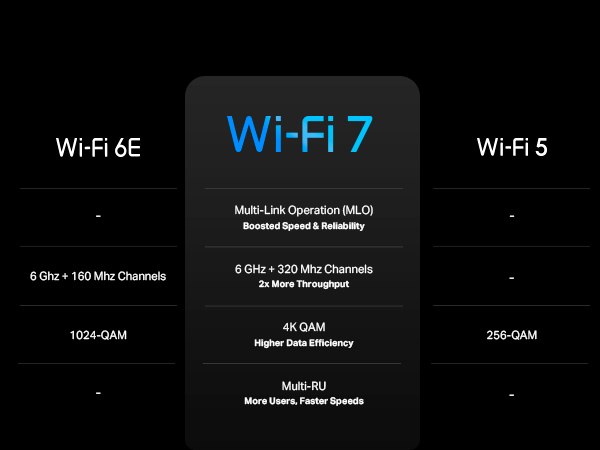


| Color | White |
| Connectivity Technology | Wi-Fi |
| Control Method | Voice |
| Data Transfer Rate | 10 Gigabits Per Second |
| AntennaType | Internal |
| Maximum Upstream Data Transfer Rate | 10 Gigabits Per Second |
| Frequency | 6 GHz |
| Wireless Compability | 802.11n, 802.11ax, 802.11g, 802.11ac, 802.11.be |
| Controller Type | App Control |
| Antenna Location | Gaming, Home |
| Compatible Devices | Smartphone |
| Number of Antennas | 4 |
| LAN Port Bandwidth | 2.5 Gbps |
| Security Protocol | WPA-PSK |
| Operating System | RouterOS |
| Frequency Band Class | Tri-Band |
| Number of Ports | 4 |
| Additional Features | QoS, Access Point Mode, Guest Mode, WPS, Remote Access |
| Item Weight | 2.26 kg |
| Item Dimensions L x W x H | 10.7L x 10.7W x 17.6H centimeters |
M**.
Awesome
Love these things. I set these up as a mesh system for the ground floor, which doesn't have any router signal. Just connect one of them by Ethernet, then let the rest repeat off of that. You'll get great coverage for the entire ground floor. Also, setup is super easy as TP-Link has a great app for this. Thinking of buying another pack just to extend coverage even more.
M**S
Top tier mesh system, for a reasonable price
Easy to set up, app connects quickly, and the speeds are top notch. Probably the best option for the price.
E**R
Working fine but i cant connect my WIFI 7 devices to this, i mean our android phone is showing WIFI 6e and sometimes WIFI 6 but haven't seen WIFI 7 yet
A**A
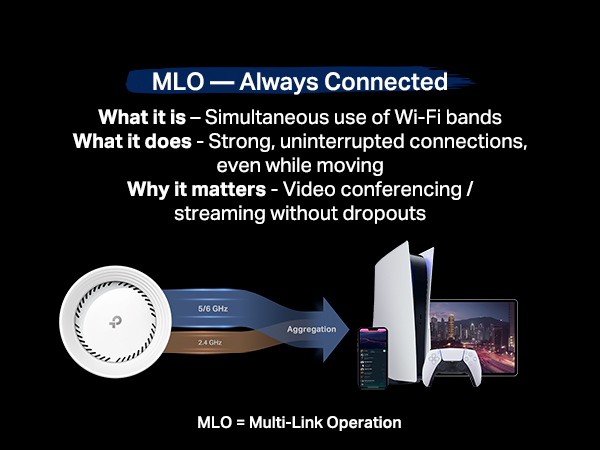
Te permite crear una red de 2.5 a 5GHz, una de 6GHz y una MLO de 5 y 6GHz, además de crear una red para invitados, aislar dispositivos de tu IoT. Con 2 cubre perfectamente 200m² y atraviesa paredes sin tanto problema. Se acabaron mis problemas con la disponibilidad de mis dispositivos.
D**D
Replaced an older ASUS mesh system that was a daily headache to deal with for a 4,500 sq ft house on 3 levels. Decided to give this TP-Link Tri-Band WiFi 7 BE10000 Whole Home Mesh System (Deco BE63) a go. Based on my constant problems with my ASUS mesh system, I was expecting this to be a pain from the start. I was dead wrong. This took about 30 minutes (if that) to set up and get going, start to finish, and it works flawlessly in this 3 level house. Whole house is covered, about 70 devices, and it hums right along with no issues. I'm very impressed (and relieved from not having to deal with that ASUS fiasco every day). I've only had this now for a couple of days, but everything is going well so far. PROS: 1. Setup was simple and straightforward via the Deco app 2. It worked perfectly out of the box - no hassles or hiccups 3. Enough flexibility to set your router's address and the DHCP range - if you have a lot of static IP addresses this makes transitioning to the TPLink much easier 4. Speed is great - I haven't benchmarked it, but it no one has noticed any lagging on any devices, multiple 4k TVs, etc. CONS: There are a couple of things - 1. What idiot designed these power adapters? First, they're HUGE. The way it has to be plugged in it takes up 3 outlets on a power strip. There's no reason a power supply has to be that large. Second, the flimsy power cord is way, way too short. Someone really dropped the ball in design of the power supply and cord, particularly for a $450 router. 2. The router has a USB port on it. (in fact each of the 3 units has the same 3 RJ45 and USB ports, but the USB for the main unit (the first one you set up and go through the installation) is the only one that you can hang an external drive off of and access it.)) I plugged an external hard drive into the USB port and was able to share it via the Deco app - the one catch is that you can't just create a share name, such as "backup". The router adds a "G" so that in order to use the share, it must be used as \\your.router.ip.address\G\backup ...not really a big deal, but I have many computers that run backups and I had to go reconfigure them to add the "G" to the network path. Other thoughts - You're forced to use the Deco app on a phone or tablet to manage the network. There is a webpage interface, but it's basic stuff only. That said, I'm pretty impressed with the Deco app itself - seems to have all of the needed features without a lot of stuff I don't really use or need that I had in the ASUS and have seen in other router setups. There is a basic level of security included for free, but TP-Link offers additional tiers of security. I ended up adding the Security+ ... but they also have a tier that includes advanced Parental Controls, VPN, Password Management, and several other things, for more money of course. So far so good on all of my IoT devices too. If you're looking for a router system with great coverage and speed that you don't have to muck around with daily, this appears to be a solid choice. I'll update this review if anything changes.
C**O
En verdad el Deco BE63 distribuye una velocidad igual a la contratada por tu proveedor de servicios de Internet, es un equipo increíble, la instalación muy fácil.
م**ي
راس الشاحن ليس ثلاثي !!
Trustpilot
1 month ago
4 days ago


