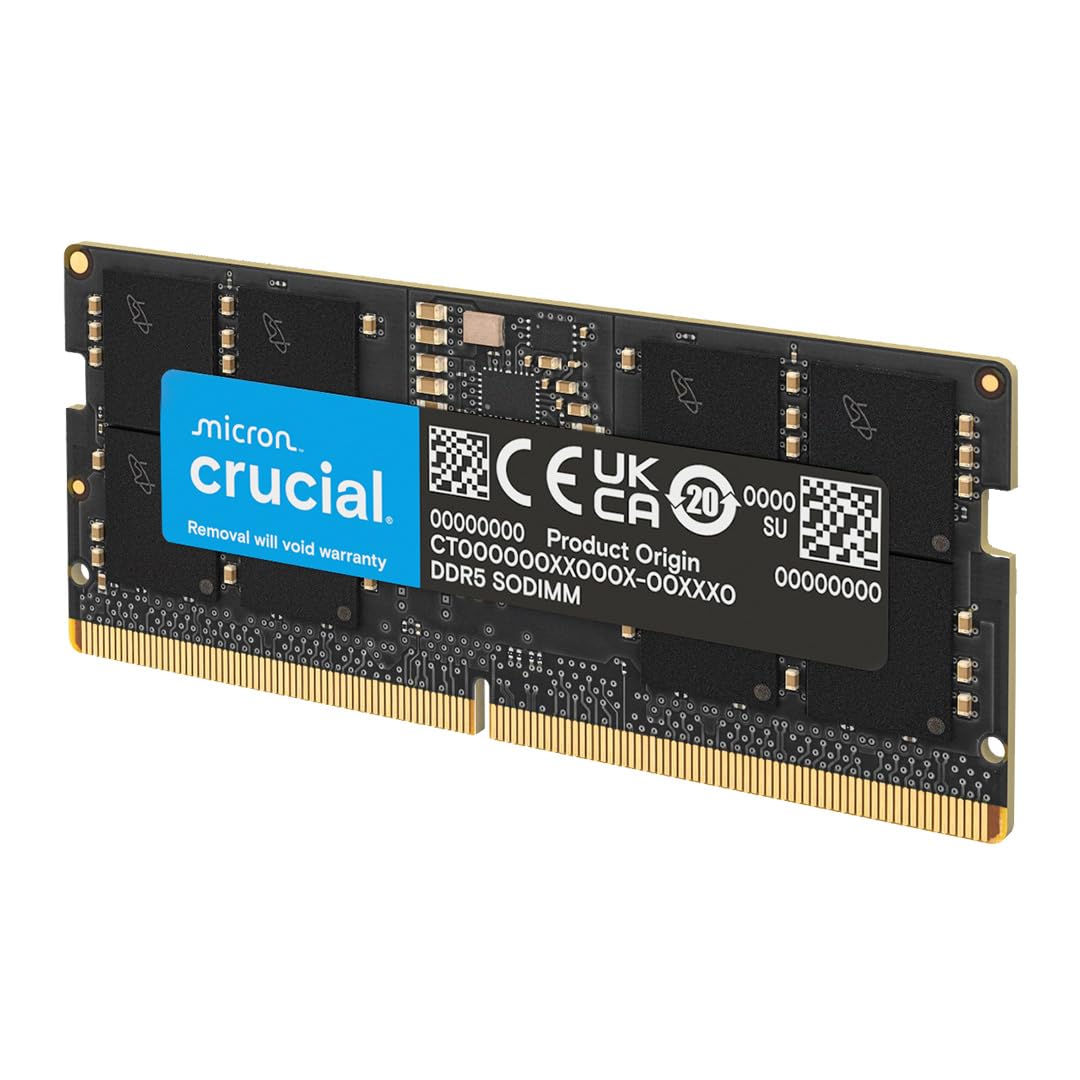
🚀 Upgrade your laptop to warp speed with Crucial DDR5 16GB RAM!
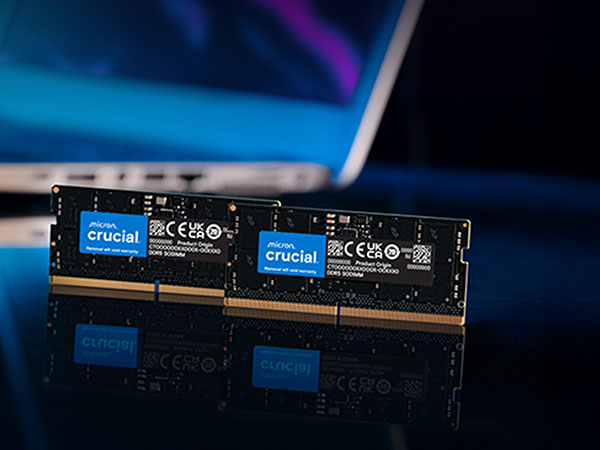
The Crucial 16GB DDR5 RAM module delivers ultra-fast 5600MHz speeds and energy-efficient 1.1V operation, designed specifically for 12th Gen Intel Core and AMD Ryzen 7000 laptops. Featuring a compact SODIMM 262-pin form factor, it supports Intel XMP 3.0 and AMD EXPO for effortless overclocking. Backed by Micron’s 42 years of expertise, this memory upgrade ensures smoother multitasking, accelerated gaming, and reliable performance for professionals and gamers alike.



| ASIN | B0BLTGMCB7 |
| Additional Features | Lightweight |
| Best Sellers Rank | #35 in Computer Memory |
| Brand | Crucial |
| Column Address Strobe Latency | 46 |
| Compatible Devices | Laptop |
| Customer Reviews | 4.8 out of 5 stars 2,166 Reviews |
| Data Transfer Rate | 5600 MHz |
| Form Factor | SO-DIMM |
| Global Trade Identification Number | 00649528929938 |
| Item Height | 30 millimeters |
| Item Type Name | DDR5 Laptop Memory |
| Item Weight | 8.7 Grams |
| Manufacturer | Crucial |
| Memory Speed | 5600 MHz |
| Model Name | Crucial DDR5 5600MHz SODIMM |
| Number of Pins | 262 |
| RAM Memory Technology | DDR5 |
| RAM Size | 16 GB |
| UPC | 649528929938 |
| Unit Count | 1.0 Count |
| Voltage | 1.1 Volts |
| Warranty Description | Limited Lifetime Warranty |
J**P
Perfect for UGREEN NAS
Got it to replace/upgrade my Ugreen NAS stock ram. Easy to replace it - just watch a video on youtube or follow instructions carefully provided with the NAS. Great quality memory stick. Works flawlessly and it's super fast.
C**.
Used to upgrade UGREEN NAS - no compatibility issues
Installed without any issues in my Ugreen DXP2800 NAS. Allowed me to upgrade from 8gb. Matched the speed that was supported at 4800mhz and has been running stable for about 4 months now.
S**R
Good quality product.
Excellent. Works perfectly.
R**.
Does the job
There isn't much to be said about RAM sticks; they either work or they don't. This one passed all memory tests in its new home (a white-box NAS motherboard) and is working well. Good price, too. Five stars.
N**Y
DDR5-5600 64GB SO-DIMM RAM Benchmark Results (ODROID H4 Ultra)
Works great without issue, but it's only been a few days. Couldn't find another brand or 64GB SO-DIMM RAM and I'm glad I won't need to seek any alternative as I'm having no issues with this. I'm using it for an ODROID-H4 Ultra which only supports a single channel, despite this the performance of it is great. Test System: Board: ODROID H4 Ultra CPU: Intel Core i3-N305 (8-core, Alder Lake-N) RAM: 64GB DDR5-5600 SO-DIMM (single stick, single channel) OS: Ubuntu Linux Benchmark Tool: sysbench 1.0.20 🔧 1. Single-Threaded Write Test (1 KiB blocks) - Bandwidth: 6.27 GB/sec (6274 MB/sec) - Total Data Written: 100 GiB - Threads: 1 - Block Size: 1 KiB 2. Multi-Threaded Write Test (4 threads, 1 KiB blocks) - Bandwidth: 7.31 GB/sec (7313 MB/sec) - Threads: 4 - Block Size: 1 KiB - Total Time: 10 seconds - Total Data Written: ~73.1 GiB 3. High-Efficiency Write Test (4 threads, 1 MiB blocks) - Bandwidth: 31.6 GB/sec (31633 MB/sec) - Threads: 4 - Block Size: 1 MiB - Total Data Written: 20 GiB - Total Time: ~0.65 seconds 4. High-Efficiency Read Test (4 threads, 1 MiB blocks) - Bandwidth: 89.8 GB/sec (89836 MB/sec) - Threads: 4 - Block Size: 1 MiB - Total Data Read: 20 GiB - Total Time: ~0.23 seconds Summary Despite being limited to single-channel operation due to the ODROID H4 Ultra's single SO-DIMM slot, this 64GB DDR5-5600 module delivers excellent real-world performance. Large-block sequential read/write tests show bandwidth well beyond expectations for an embedded system, while even small-block performance is solid. The RAM operates efficiently across various workloads and shows no sign of throttling or instability.
D**S
Great price and easy to install
Great price for RAM upgrade to my laptop. It was having memory issues while playing Diablo IV and these cured the problem immediately.
H**E
Received and worked
Plugged in and worked.
A**R
128GB Ram works perfectly with Alienware M18 R2 laptop, even though the max spec is 64GB RAM
Installed two Crucial 64GB DDR5 RAM 5600MHz (128GB total) in an Alienware M18 R2 laptop. The maximum support for the laptop is 64GB total. I've read online that people have tried 96GB (2x48GB) with no issues, so I figure I try 2x64GB. It worked right away after the computer loaded with no issue. I did have a situation where the computer was randomly resetting itself and searched online for the solution - it usually means the RAM is not seated 100% properly, so I uninstalled and reinstalled and have had no issues since. Memory speed slows down the larger the GB you add. I purchased 5600 MHz speed and after installation and booting up, it's showing up at 5200 MHz which in my applications won't see any material differences - so going from 32 GB to 128 GB is a huge difference overall. Very happy with this purchase and makes my computer noticeably faster. If you use Google Chrome, you can now have all the windows/tabs you want open! I purchased them individually as it was cheaper and faster shipping than the 128GB kit (so two 64GB).
Trustpilot
1 week ago
2 months ago


