



📺 Elevate your laptop to a full HD TV hub—never miss a moment, anywhere!
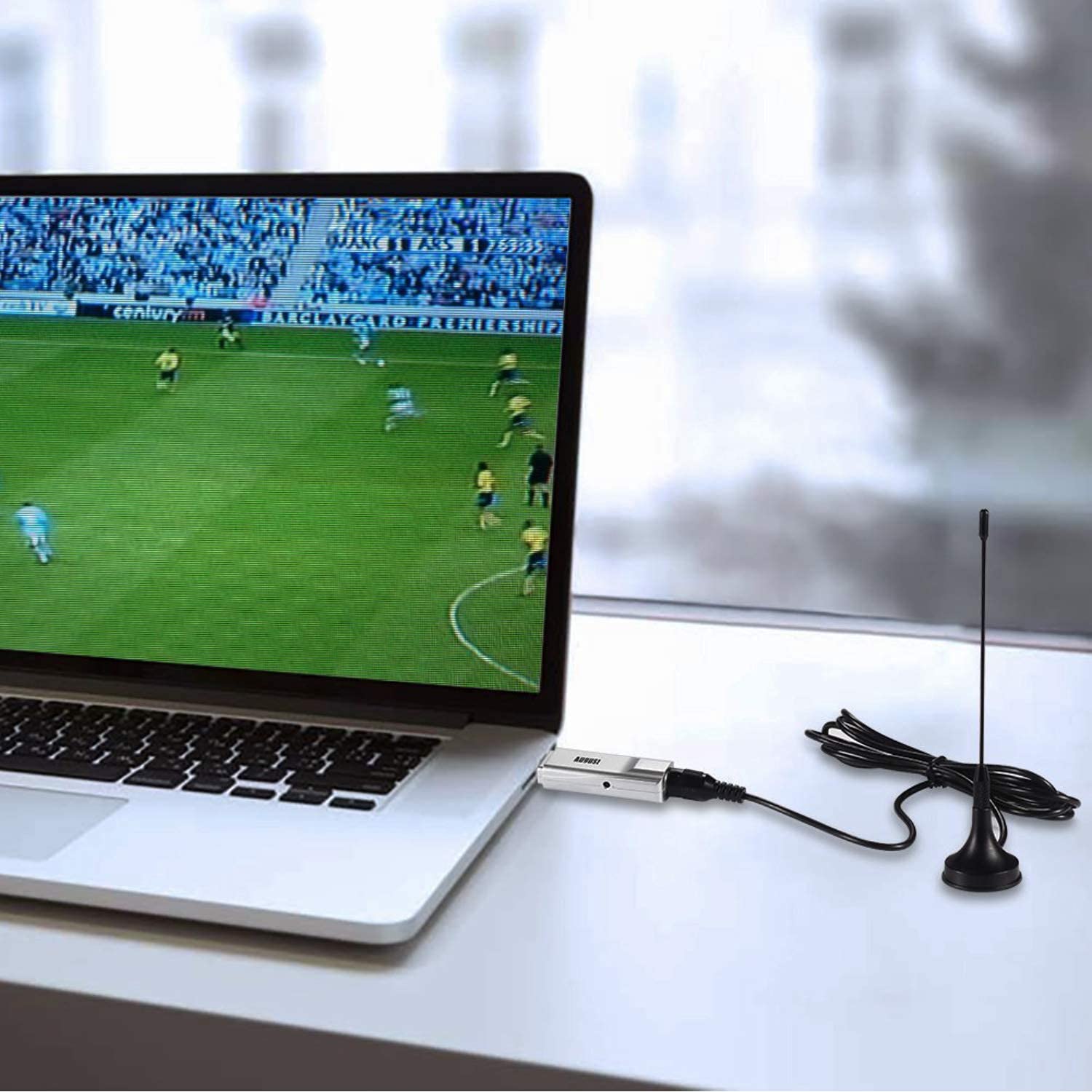
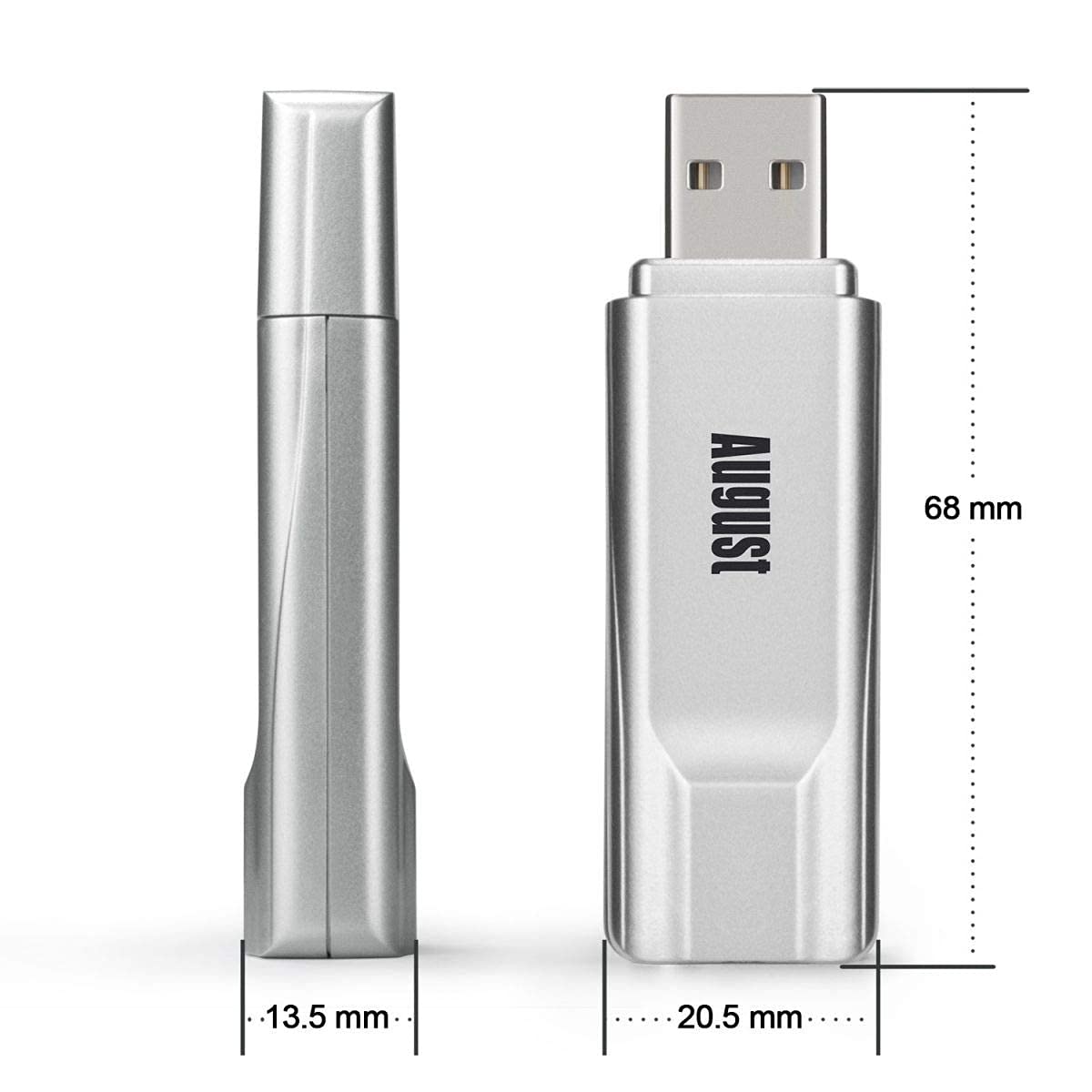
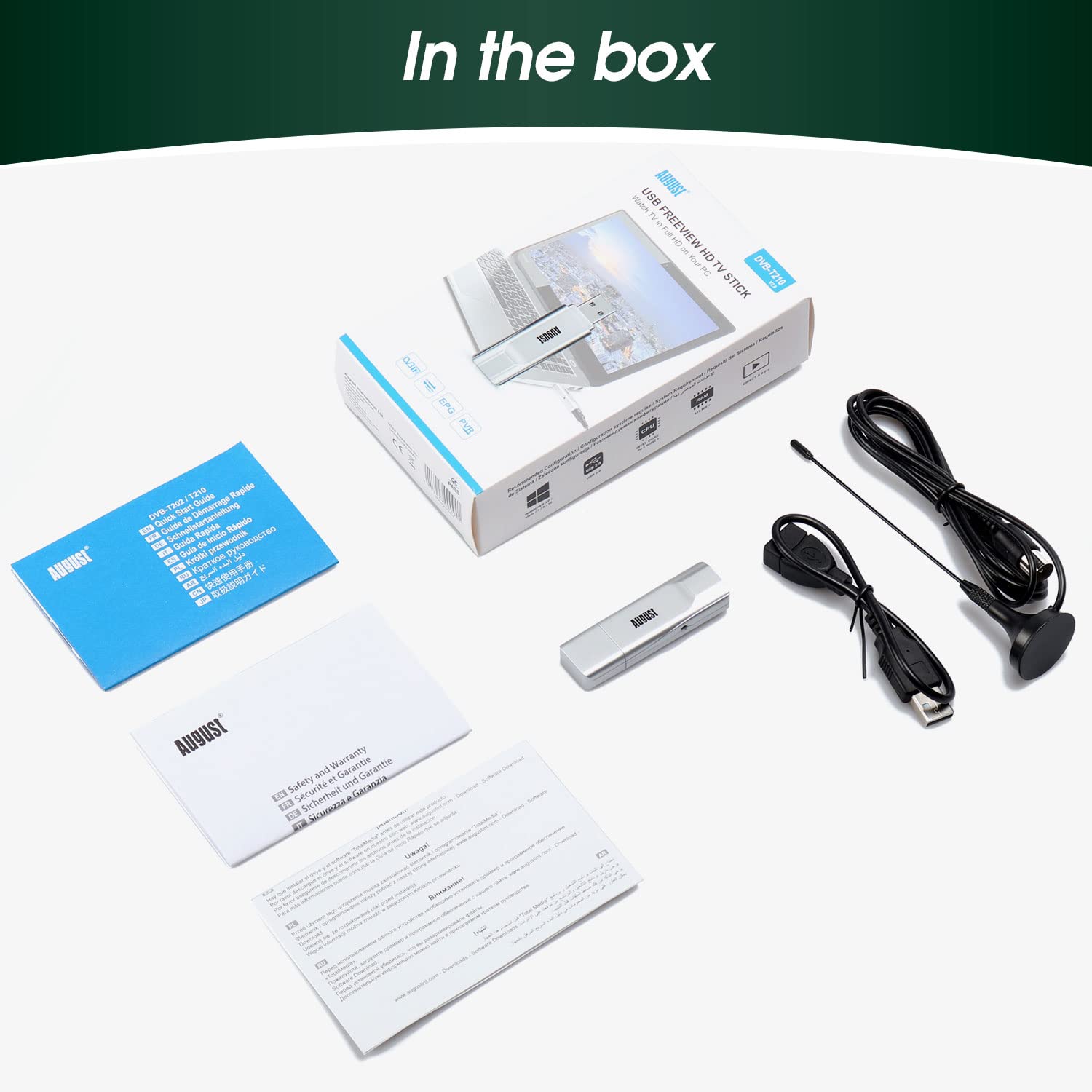
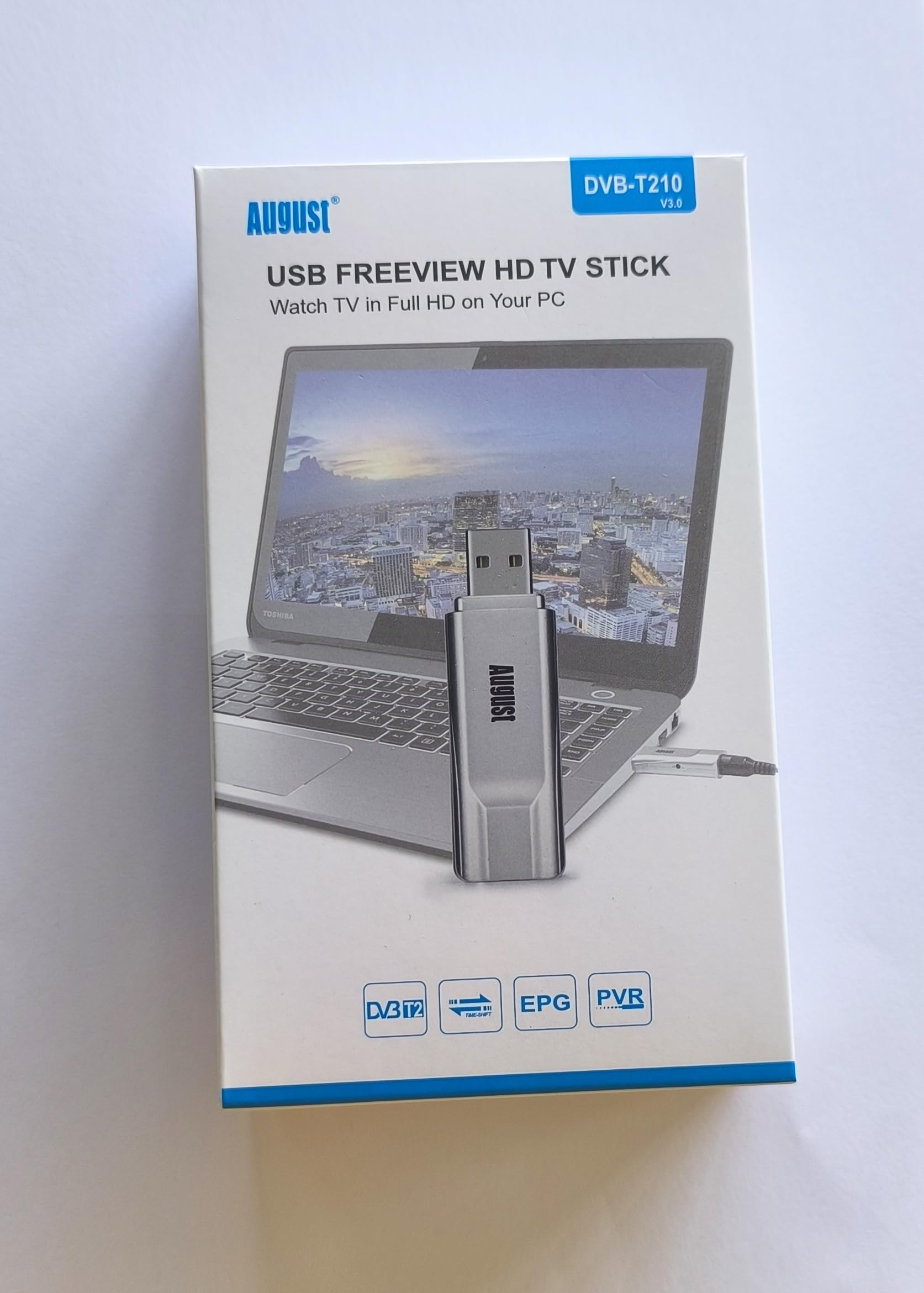
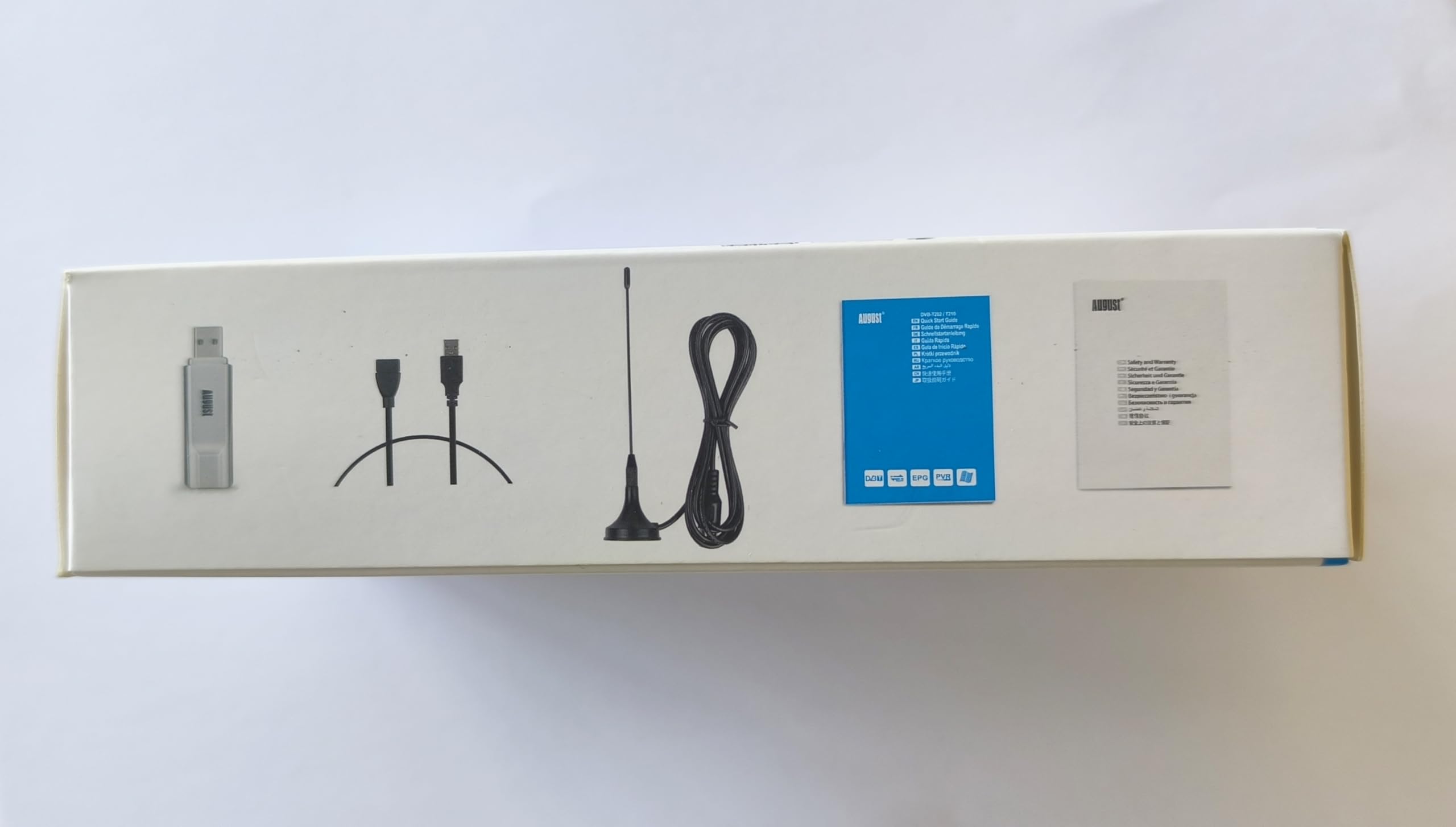
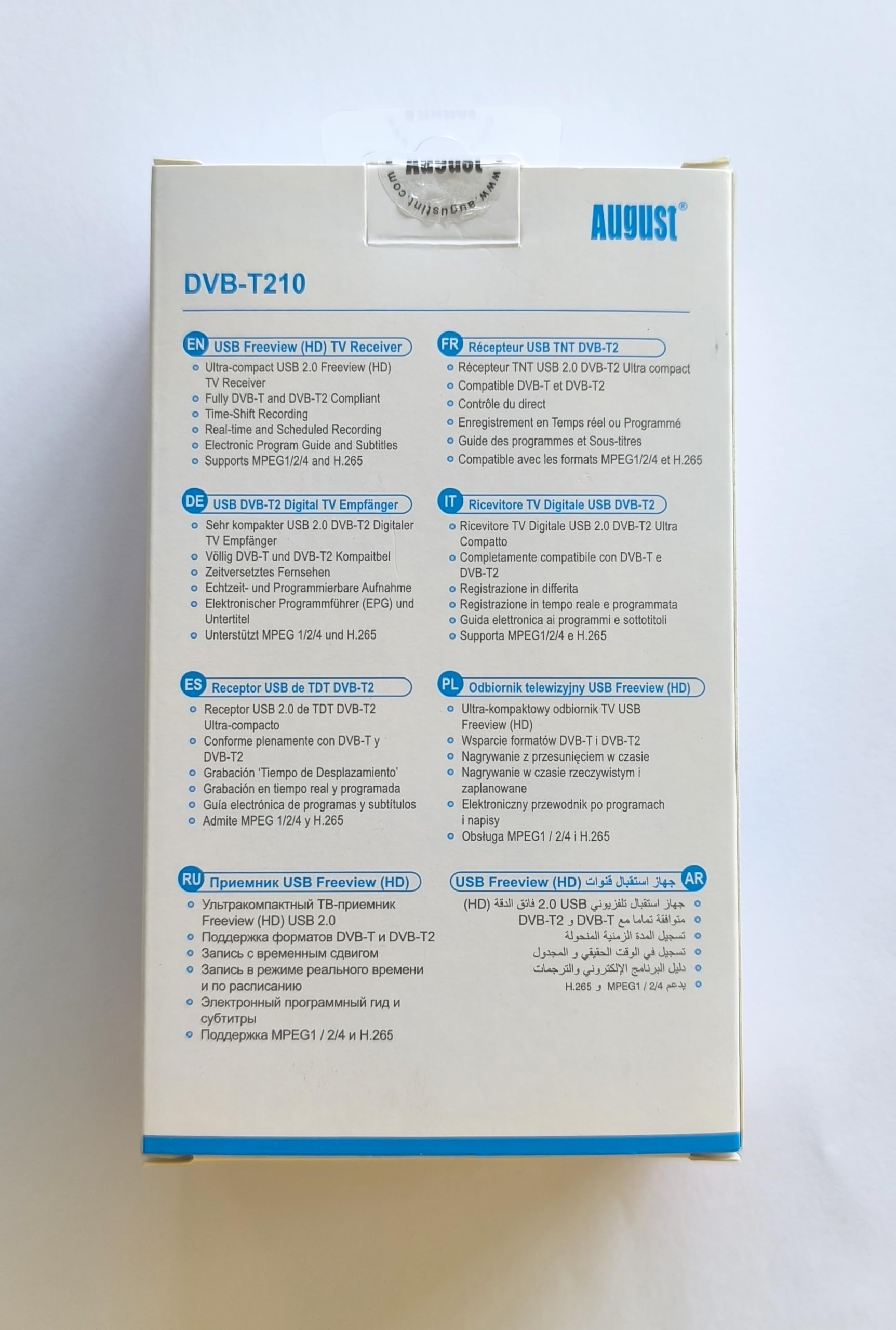
The August DVB-T210 is a compact USB TV tuner that adds DVB-T2 Freeview HD reception to any Windows PC or laptop. It supports over 100 channels in 1080p, allows live TV recording directly to HDD or SSD via included NextPVR software, and features timeshift capabilities like pause and rewind. With an upgradeable coaxial aerial port, it ensures superior signal reception without needing WiFi, making it the perfect portable TV solution for professionals on the go.


A**Y
August DVB 202 USB Freeview TV Tuner
Got this little tuner. Must admit, wasn't really sure it would work.Delivered super fast next day by Amazon, though I had chosen Super Saver free delivery.. They had even sent me an e-mail telling me it was coming... The supplied software and drivers come on a mini cd that fits in the centre of your standard CD tray. The supplied booklet, contains instructions specific to you operating system, so read this before installing the software.Installed without a hitch and once I had waved the little supplied aerial around a bit to get the best signal I could find. It picked up 93 stations. And as long as the signal is strong, it displayed them without hitch.I then tried out the TV record function.On my machine, it placed the recordings in the my video folder and when I tested the screen shot (capture frame) button it put the image in the My Pictures folder. You can alter where it stores pictures and videos, on the home page screen under Setup/General.I then moved one of the recordings to a USB stick and played it back on my HD TV. It was surprisingly good quality.I'm impressed.A very simple to use interface with basic functions and nothing too technical to cause confusion.An electronic program guide (EPG) with a brief program description and channel list, provide a way to scroll through the channels and when you are viewing in full screen, hovering the mouse pointer over the bottom of the screen pops up a floating tool bar with the most required functions on it. Pressing escape takes you out of full screen and back to the TV page. Here you can set up your scheduled recordings and rescan your TV channels if you need to. You can also save channels in a favourites list.No idea how long it will last, but considering the price,it was worth a punt, for a handy little device, that so far has worked very well..August DVB-T202 USB Freeview Tuner Stick - External PC TV Card with Digital (DVB-T) Television Receiver and PVR Style Recorder - Wintv Dongle Supported by Windows 7 / Vista / XP for Desktop and Laptop Computer
J**N
It will work...but be prepared for pain...
Before purchasing this item you should ask yourself whether an hours worth of your time (or sanity) is worth £10...This is the poorest install\software I have seen since the days of Windows 95. *shivers*The product will NOT work if you try to set up using the included aerial which is very poor. You will need to connect via a better house aerial or aerial with booster to get past setup.The included software is ancient and occasionally freezes and requires Windows Media Player 9 enabled to work.To get the August DVB T202 working:1. Plug the USB firmly into a USB port and attach to a strong aerial source (not the included aerial!).2. Place the mini-cd in your drive and close. Autoplay should load the installer. If it doesn't then run the DVB-T202.exe setup file from the mini cd.If you do not have a CD drive you will have to find one or find a way of copying the cd files to your laptop - this is because the the T202 drivers on their website DO NOT WORK.You can put the cd in another computer (i.e at work) and use Winrar to 'Add to Archive' the whole CD. Then copy the archive file to your laptop via a USB stick and then extract it on your laptop. You can then run the extracted DVB-T202.exe file in the extracted folder as if it were on the cd.3. In the installer splash screen select 'Driver Install'.4. After that has finished, select 'Software Install' (you will be prompted for a serial - there is one on the back of the CD envelope and also one in the serial.txt file on the cd. You can enter any user name.5. Restart your computer after all installations.6. Start the TotalMedia application and scan for channels (takes around 5 minutes). Select Finish when it's done.
T**G
A brand new world
I have a desktop computer with Win 7, 64 bits and a 24 inch monitor.I spotted this product while being bored at work and just browsing the net to revive a dead brain. I read the other reviews and found the price reasonable. I had been looking out for a product like this since my fifteen years old Hauppage TV card did not exactly fit in with my new motherboard and os. That had been sold on Ebay many years ago. So I was in the market and the excellent reviews and price made me order the card.The delivery was very fast. A five stars delivery service. Then the moment to install it came and I discovered that living among high rise flats meant that the antenna did not really work although the USB stick seemed very clever and worked fine. My address is my fault. So a new order for a splitter and a longer antenna cable was put in and then received. Some more conflicts between male and female antennas followed before I found an old cable and that solved the problem. Twiddling around is fun though and no complaints from me. What is a sad man without twiddling around ? An even sadder man.Reinstall the thing again and tried it on my communal antenna. A perfect result and the product lived up to the billing given by the other positive reviewers. It is far better than the Freeview box and rather old TV I already got.I am not sure what this remote control is doing as I am using the mouse to control the TV. Neither does it work. But I got the user manual and will read it. The channel list also need some reorganisation. I will read the user manual.Out of the box and taken the price into account; this is a very impressive product which will be ideal for students and others on the move and at home. I will not use it much, but will keep it on the computer as a backup when my TV and/or Freeview desktop gives up the ghost. I will also use it when my partner want to see one TV programme and I want to watch another. I will also install it on my laptop too.In short; five stars and a product more people should seriously consider.
Trustpilot
5 days ago
3 days ago


