
DOWNLOAD THE APP


Customer Services
Copyright © 2025 Desertcart Holdings Limited
DOWNLOAD THE APP
🖨️ Print smart, live vibrant, stay ahead.
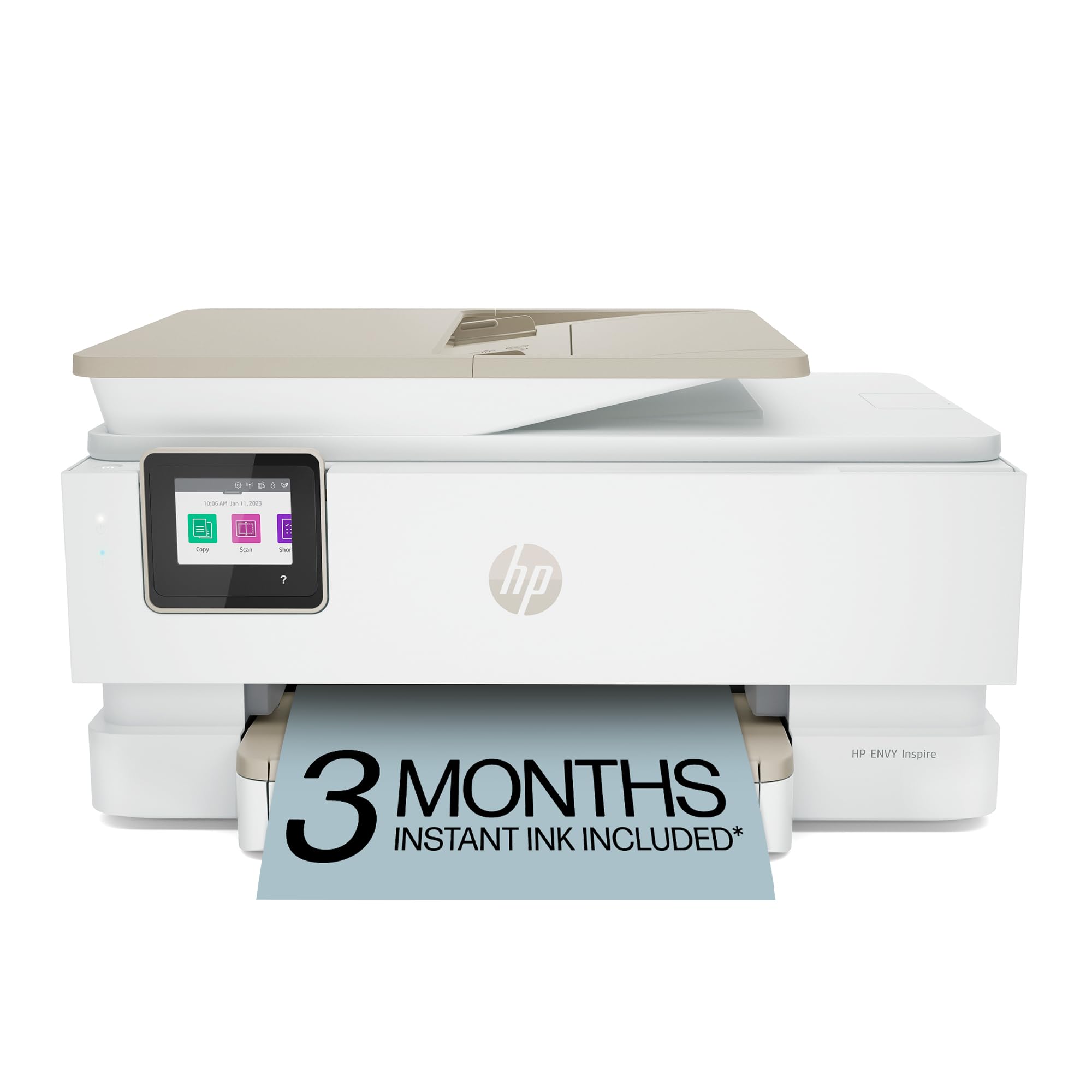
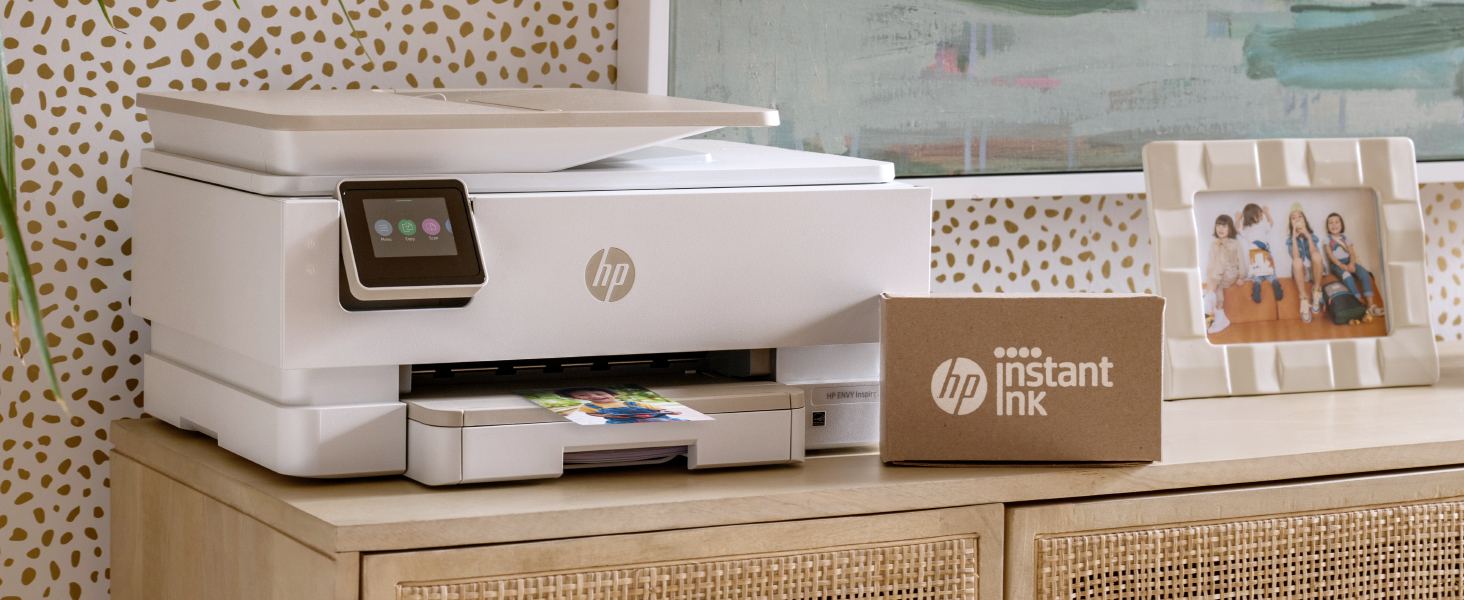
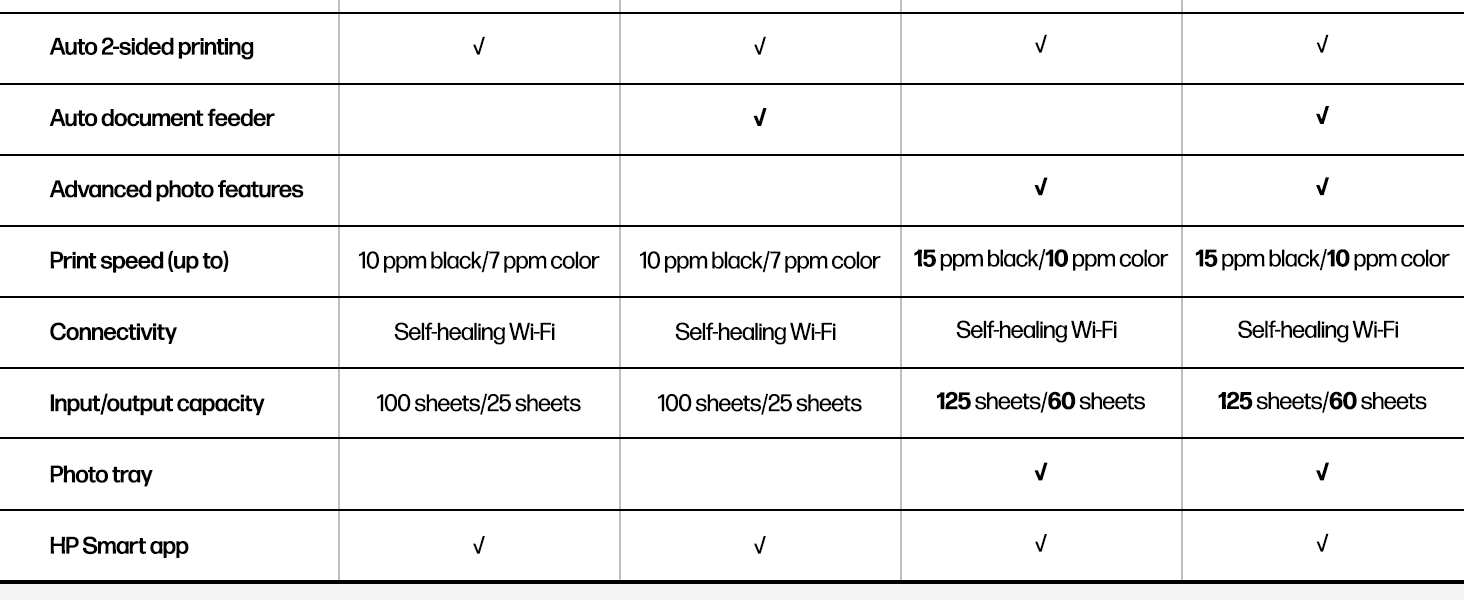
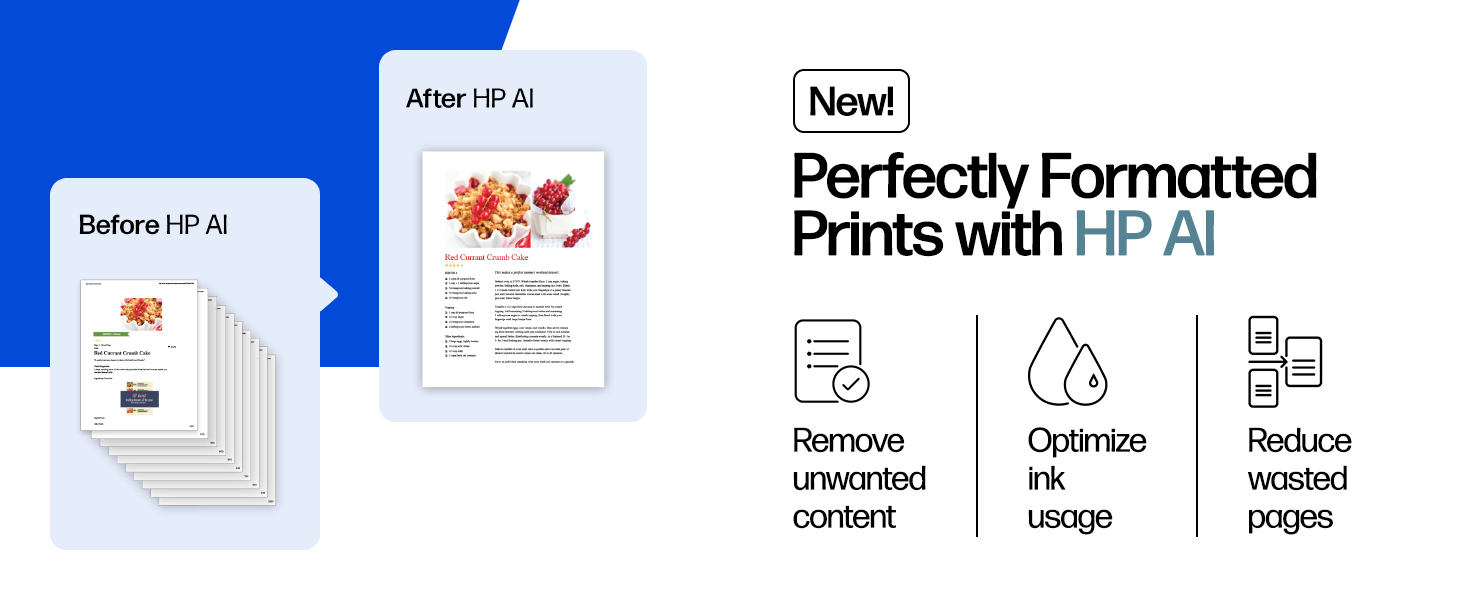
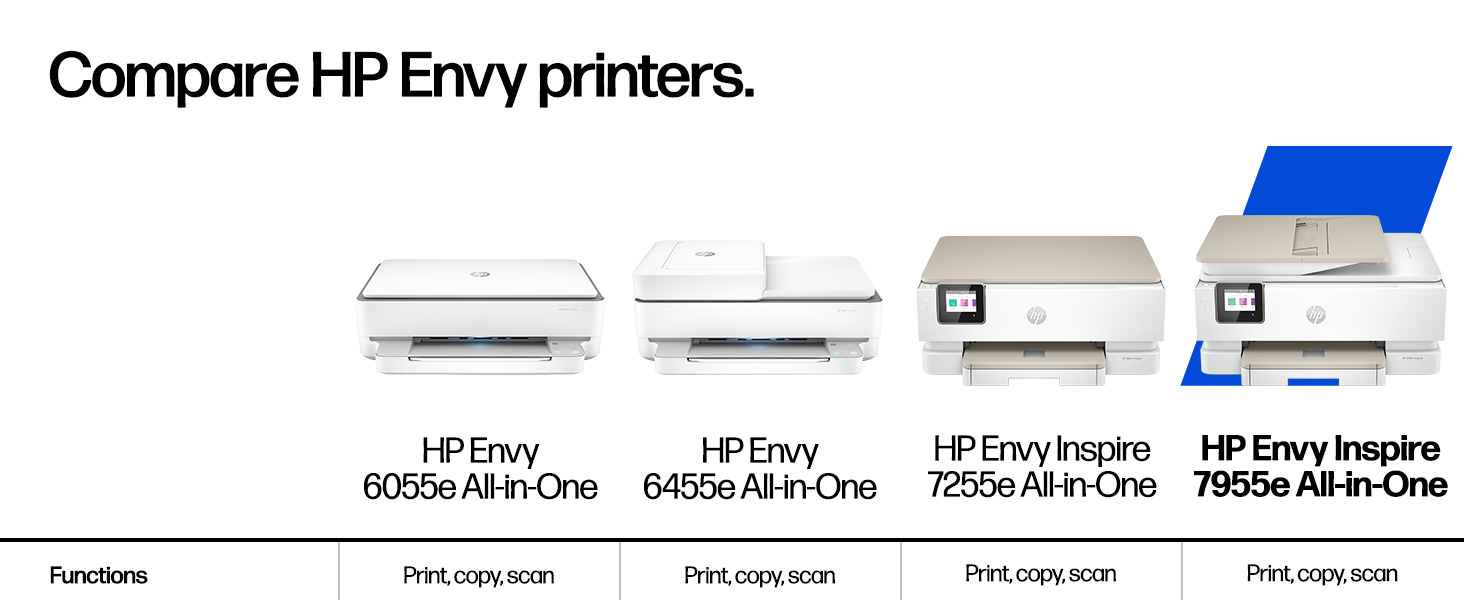
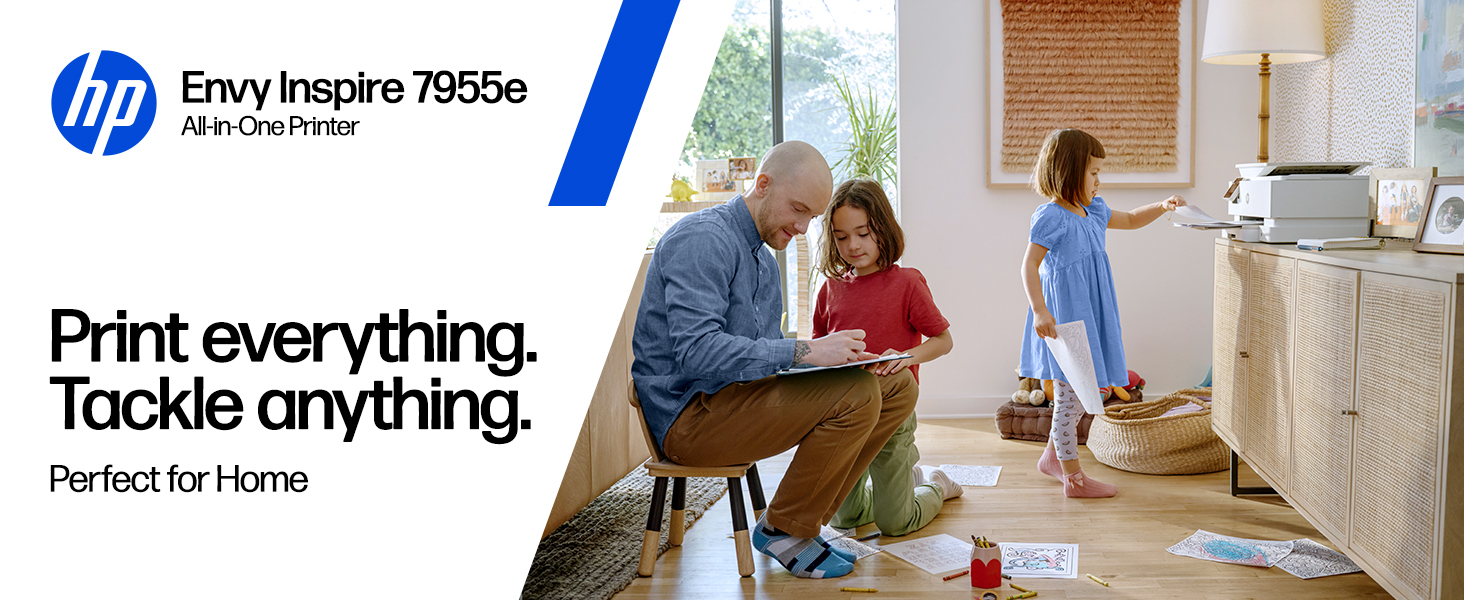
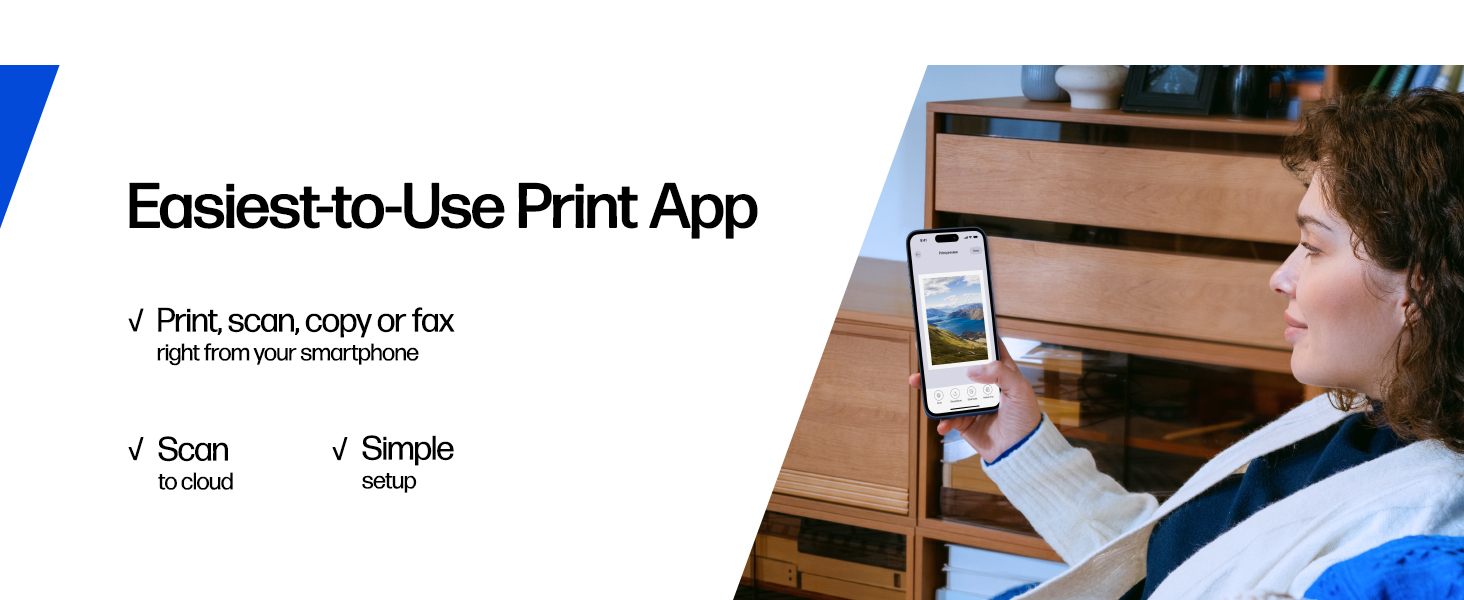
The HP Envy Inspire 7955e is a versatile wireless color inkjet printer designed for home use, offering fast print speeds up to 15 ppm, automatic duplexing, and advanced photo printing capabilities. It features seamless mobile printing via the HP Smart app, an eco-friendly design with 45% recycled plastic, and includes a 3-month Instant Ink trial for hassle-free ink replenishment. Perfect for professionals and creatives seeking reliable, high-quality prints with smart AI-enabled features.


| ASIN | B09BBLN72F |
| Additional Printer functions | Copy, Scan |
| Best Sellers Rank | #2,981 in Office Products ( See Top 100 in Office Products ) #20 in Inkjet Computer Printers |
| Color Depth | 24 Bits |
| Compatible Devices | Laptops, PC, Smartphones, Tablets |
| Control Method | App, Touch |
| Controller Type | Amazon Alexa, Android |
| Customer Reviews | 4.0 4.0 out of 5 stars (3,881) |
| Date First Available | November 15, 2021 |
| Dual-sided printing | Yes |
| Duplex | Automatic |
| Hardware Interface | USB |
| Included Components | HP ENVY Inspire 7955e All-in-one Printer; HP Setup Black Ink Cartridge; HP Setup Tri-Color Ink Cartridge; Power cord; Ink Caution Flyer; User guide; Setup poster; Legal Flyer |
| Initial page print time | 16 Seconds |
| Ink Color | Black, Cyan, Magenta, Yellow |
| Item Weight | 17.9 pounds |
| Item model number | HP ENVY Inspire 7955e |
| Manufacturer | HP |
| Max Copy Speed (Black & White) | 13 ppm |
| Max Input Sheet Capacity | 60 |
| Max copy resolution black-white | 600 dpi |
| Max copy resolution color | 600 dpi |
| Maximum Black and White Print Resolution | 1200 x 1200 Dots Per Inch |
| Maximum Color Print Resolution | 4800 x 1200 Dots Per Inch |
| Maximum Media Size | 8.5 x 14 inch |
| Maximum copies per run | 50 |
| Memory Storage Capacity | 256 MB |
| Model Series | 7950 |
| Number of Trays | 2 |
| Output sheet capacity | 60 |
| Print media | Card stock, Envelopes, Glossy photo paper, Labels, Paper (plain) |
| Printer Ink Type | Ink |
| Product Dimensions | 15.08"D x 18.11"W x 9.21"H |
| Scanner Type | Flatbed with ADF |
| Sheet Size | 3.85 x 8.5 to 8.5 x 14 Inches |
| Supported Media Sizes | Legal (8.5 x 14 inches) |
| Total USB Ports | 1 |
| UPC | 195697738739 |
| Warranty Type | Extended Warranty |
| Wattage | 1.02 watts |
K**E
fix it so ink can be sent also why does it keep pushing out papers
like my printer but having trouble signing up for free ink just get run around not happy with printer doing same thing as my other hp keep pushing out clean paper when want one print.
J**N
Very pleased
This is a quality printer and I am so happy to have it and it’s a breeze to use once it is set up. My neighbor came over and set it up for me so how lucky was I don’t hesitate to buy this. Downside because you have to sign up and pick a plan you wanna pay monthly for so I chose the $10 plan because this is not something I will be using very often. I’m a retired person who basically just has to print out stuff for my doctors it will print in color which I don’t need that either but there you go don’t hesitate to buy this.
J**S
IF YOU DONT LIKE MONEY - BUY THIS
Bought this so I could make a photo album for my wife for Christmas. Downloaded over 20k worth of pictures and videos. Stored them all on my hard drive. Sorted all the pictures into categories. Took a few weeks to do. Went back and started picking the ones I wanted to print for her. About 400 pictures in- and (6) 64XL Color Cartridges and 1(HP Color Instant Ink) cartridge (only used 1 HP Instant Ink Black cartridge) My printer received an error code. I contact HP tech support via chat. Took over 20 minutes in a chat to actually get to the problem. I even logged into my HP account from the start so they would have all my information. Still needed to provide it in the chat. After 1 hour the tech support person had me running the same steps over and over to no avail. Then wanted to remote log into my computer- Uhhh no thanks. I said a few things in the chat I am not proud of. BUT I vowed to never again buy HP printers or products. I seem to have problems with HP printers around the 400-500 page mark. This was my 4th HP printer in 8 years. I have just been too stubborn to switch. BUT hey- if you like wasting money, and going through ink like water, then this is the printer for you. I was so desperate to get ink, that I was running into Office Depot(shiver) to buy ink. Thanks goodness they price matched Amazon, and saved me a few bucks. Ink is not cheap. I think the ink used for this printer is hand crafted by Elves in the Brazilian rain forest only on full moons. It has to be based on the prices they charge for it. So 6 regular XL ink cartridges, and 1 instant ink cartridge for 400 pages. That equals about 57 pages per cartridge and the cartridges are about $55 a piece, so a little more than $1.00 per page to print a photo. I could go to a printing company and not actually have to do all the work. Just pop my stuff on a flash drive, take it in and say, print this. It would be the same cost. That's not even taking into account the cost of the paper. That is about $0.50 a sheet. So $1.50 per photo. Print quality was ok on it. I did use HP Premium photo paper Glossy 60lb weight. I printed 8x10s, 5x7's and 4x6's. At first the 4x6's in the main paper tray were printing out crooked and the photos were not lined up right. I switched to photo tray and same problem. I wasted about 10 4x6 pictures trying to get it right. Eventually I had to use the main photo tray to get the 4x6 to work. The 8x10 and 5x7 were no problem. Just sucked through ink. So HP I say farewell, its not me, it's you. Its been 20 years of disappointment and frustration, but this time I mean it, we are done. Don't try to come back to me later saying you're good, and you worked on yourself and we can make it work again. Fool me once, shame on you, fool me 20x+ for 20+ years, shame on me.
K**Y
Worth buying. The easiest printer I have ever had to set up (out of the box).
I have had 3 HP printers over the past 10 years. The first HP Envy I purchased was fantastic! After I printed over 11,000 pages, I gave it to my mom, who then printed several thousand more copies before it finally gave up. I was super satisfied with it, and I purchased another HP Envy (a different model, as the first style was no longer sold). The second HP Envy printer was as bad as the first was good. Suddenly, it stopped working, and it was only 2 years old. This HP Envy Inspire 7900 printer is so far excellent compared to the last one. My only complaint is that the little shelf that catches the paper after it is printed was automatic with previous printer models, but it is no longer; otherwise, I would have given this printer 5 stars.
E**T
HP printer
This printer has been so easy to work and does a great job making copies. Very easy to set up and connect.
D**A
Great printer and affordable
Love it. Easy to use. Great color.
D**A
Great printer!
Awesome printer! Easy to use and the app is great for scanning and faxing documents. I highly recommend it!
3**S
Sharp, clear prints; easy setup
So far, so good! This printer was easy to set up. It doesn’t seem as solid as the 10-year-old HP all-in-one deskjet it’s replacing, but since I don’t intend for it to leave the table it sits on, I don’t think that will be an issue. Printed colors are sharp, clear and bright. Duplex printing has an annoying pause between sides. Initially I didn’t click in one of the ink cartridges properly, which caused a paper jam error, but it was easily resolved. It was also easy to add this printer to my InstantInk account. I have a love-hate relationship with InstantInk, which made me look seriously at other printer manufacturers, but I kept coming back to HP for features like color printing, automatic duplex printing, photo image quality and price. I also figure that if the HP printer I’m replacing lasted almost 10 years, like the one before it, HP is a pretty good bet.
A**E
This HP Envy Inspire is super easy to use! Prints, scans, and copies all work really well, and setting it up was a breeze. Connecting to Wi‑Fi and printing from my phone is quick and simple. Perfect for home use.
R**E
Photo prints has dedicated slot for photo paper. Scans Copies Prints like a pro printer . HP app is good , it just perfectly configured the printer.
M**S
got this printer. opened box and followed instructions. was unable to open the " cartridge door". turns out the " printer door has to be closed to open the cartridge door. This was resolved after chatting with the HP mobile support team. There could be a little note or focus put on this in the video presentation that accompanies the printer. Anyways, printer works great. happy with purchase... ( outside of the frustration related to set up and video chat!... if you ever do need the video chat support from HP, I will say that it is fabulous!)
P**H
This printer was really easy to setup. The print quality is outstandingly sharp. I'm extremally happy with this purchase. I highly recommend this printer for your home or office.
K**Y
Printer is ok but the instant ink is a scam. You have to give a credit card number to get your 6 months free ink and then they charge you per month whether you get ink or not. I never got ink shipped to me during my 6 months free ink even after 4 phone calls saying I was out of ink so I had to buy ink at the store then finally they shipped me 4 free ink but since I cancelled my account because my ink was not being automatically shipped; the ink cartridges they sent so longer work cause you have to be connected to their program. Scam! Scam! Scam!!! I will never buy Hp products again! Printer also keeps shutting down saying no ink cartridge so I have to unplug it to get it to reboot to work.
Trustpilot
3 days ago
5 days ago