

Desert Online General Trading LLC
Dubai, United Arab Emirates
Desert Online General Trading LLC
Dubai, United Arab Emirates


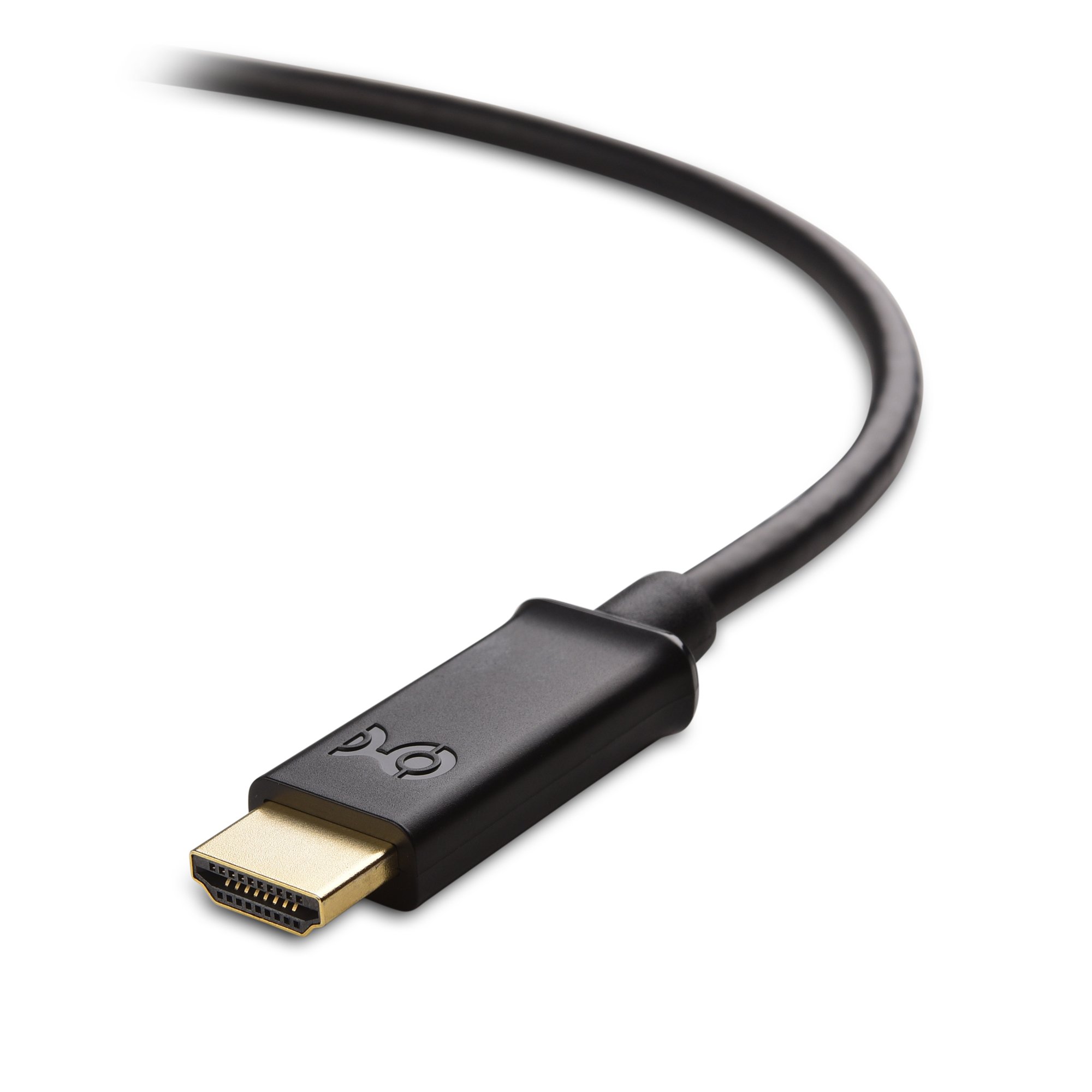
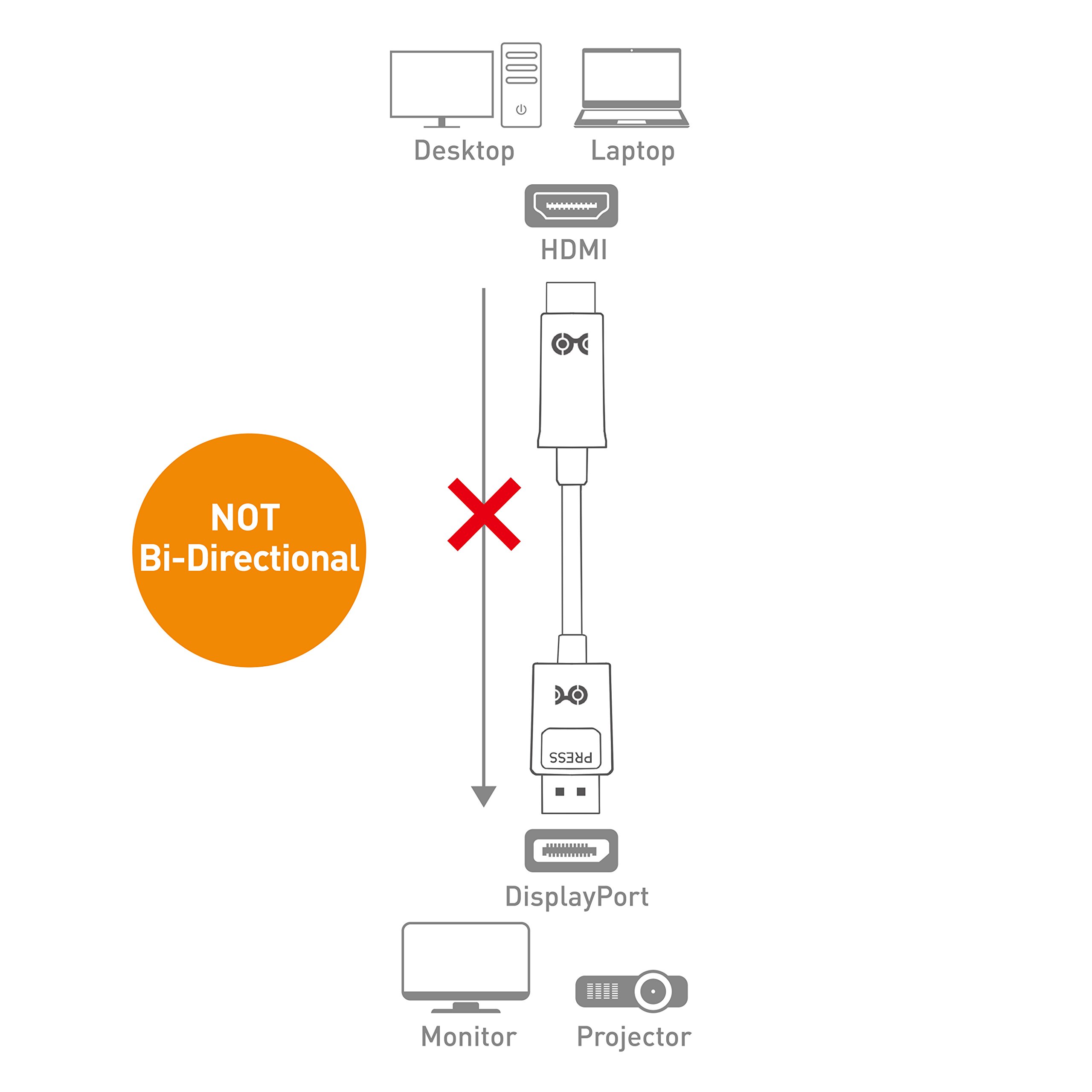

Cable Matters Gold-Plated DisplayPort to HDTV cable is an indispensable companion for your laptop or desktop equipped with DisplayPort. Enjoy movies on the big screen HDTV, extend your desktop to a second monitor (1080p) for an expanded workstation, or show presentations on a projector at school or work with this cable. The combination of gold-plated connectors, bare copper conductors, and foil & braid shielding provides superior cable performance and guarantees exceptional picture quality and authentic sound. Connection Notes - Can only convert signal from DisplayPort to HDTV. This is not a bi-directional adapter - Connect up to 2 monitors using AMD Eyefinity Multi-Display technology (one cable per monitor); An active cable is required to support more monitors - Depress the button on the DisplayPort connector to release the latches and avoid damage when unplugging Important Note This cable is NOT compatible with USB port on your computer Warranty Limited One-Year Warranty and Lifetime Product Support HDMI and High-Definition Multimedia Interface are either registered trademarks or trademarks of HDMI Licensing, LLC in the United States and/or other countries.


M**N
Display port to HDMI cable
Excellent product for anyone who wants to connect a computer graphics card to a HD TV or monitor with HD quality, I had tried a HDMI cable but found got intermittent 1 second black screens & was later told off a t ech guy that the HD on PC graphics cards is often off sync with that of HD TV's & monitors which will cause this, so why they even put HD ports on the cards is beyond me, but if you have a display port on your card them problem solved with this cable, gives picture quality equal to that from the HDMI port & makes it stable so don't get black screens or any other problems & at the price its fantastic value
S**W
Works fine
I wanted to watch on our fairly new TV with an HDMI input things that I downloaded using BBC IPlayer.from my fairly new laptop with a DP port. I bought this with some trepidation. It was quite expensive. However I have now used it five times and it just worked without any problem. The only configuration I needed to do was at the TV use the menu to select the HDMI port as the input. The laptop needed no configuration at all. I leave the HDMI end plugged in to the TV permanently and just put the DP port end into the laptop when required. At other times I protect the connector with the plastic cap it came with. I notice that the DP port end is very secure - you have to press a button on the connector to release it.
T**G
Works plug n play audio and video.
I have 2 TV's connected to PC. The 1st being HDMI to HDMI - the second only has HDMI ports, no VGA + AUX and my graphics card, as they all do only has 1 HDMI port, but also 1 Displayport. Wasn't sure how well this would work having read some nay-sayers stating they have problems with DP, or that it never transmitted audio. Don't know what whacked out planet they came from, as for me plugging this to my 2nd TV worked as plug and play, both audio and video worked straight away. Under sound manager I can choose what TV to transmit sound through, whether its DisplayPort one or HDMI one. Works as expected, excellent product, never again will I have to mess about with VGA resolutions and their lack of audio, forcing me to use AUX cables which always leave a humming feedback
B**J
if you must use display port.....
Not entirely sure why anyone thought it was a good idea for my work HP laptop to come with a display port and no hdmi socket, but bingo this cable solves the issue. Identify it as a display port by the funny :D symbol next to the socket. Plug and play, connector connected solidly, plugs into hdmi at the other end on both an HDMI monitor and a TV. Unlike some of the other reviews never had a problem with the sound switching from the laptop to the monitor/tv.
F**E
Works for me
Works for me.Plugged the displayport end into my old dell optiplex 760 and the hdmi into my Acer G246HLBBID 24 inch monitor.It worked straight away to 1920 x 1080 resolution.Tred some other resolutions and had black bars all the way round,i use 1280 x 720 as i sit 2 meteres away from the monitor and that resoultion is fine for my needs.Pleased with the cable as it works as it should.
Trustpilot
2 weeks ago
2 months ago

![Cable Matters [Premium Certified] HDMI to HDMI Cable 3 ft (Premium HDMI Cable) with 4K HDR Support in Black](https://images-na.ssl-images-amazon.com/images/I/71Vvx4inaML._AC_UL116_SR116,116_.jpg)