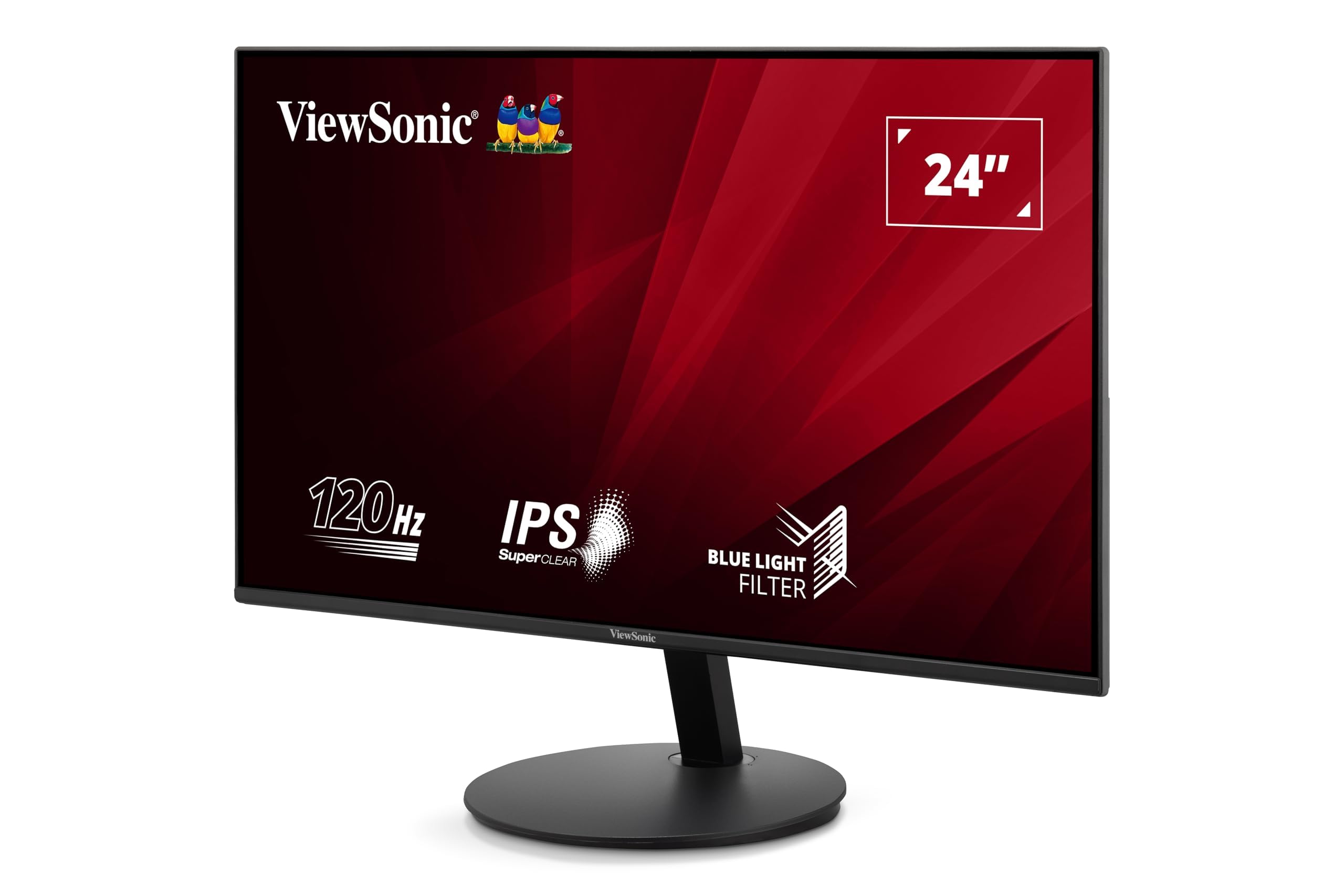
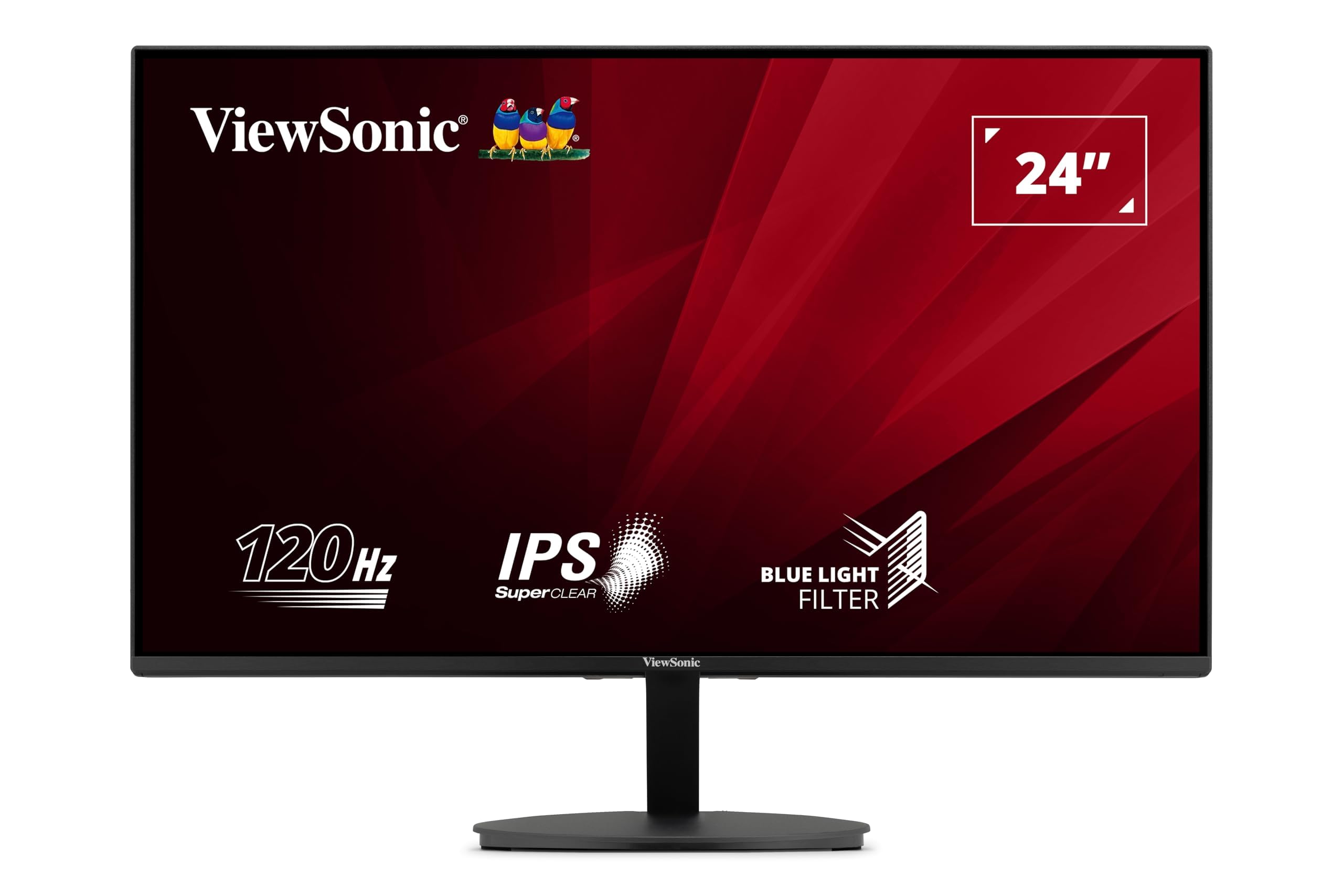
🎯 Elevate your creative edge with colour accuracy that commands attention
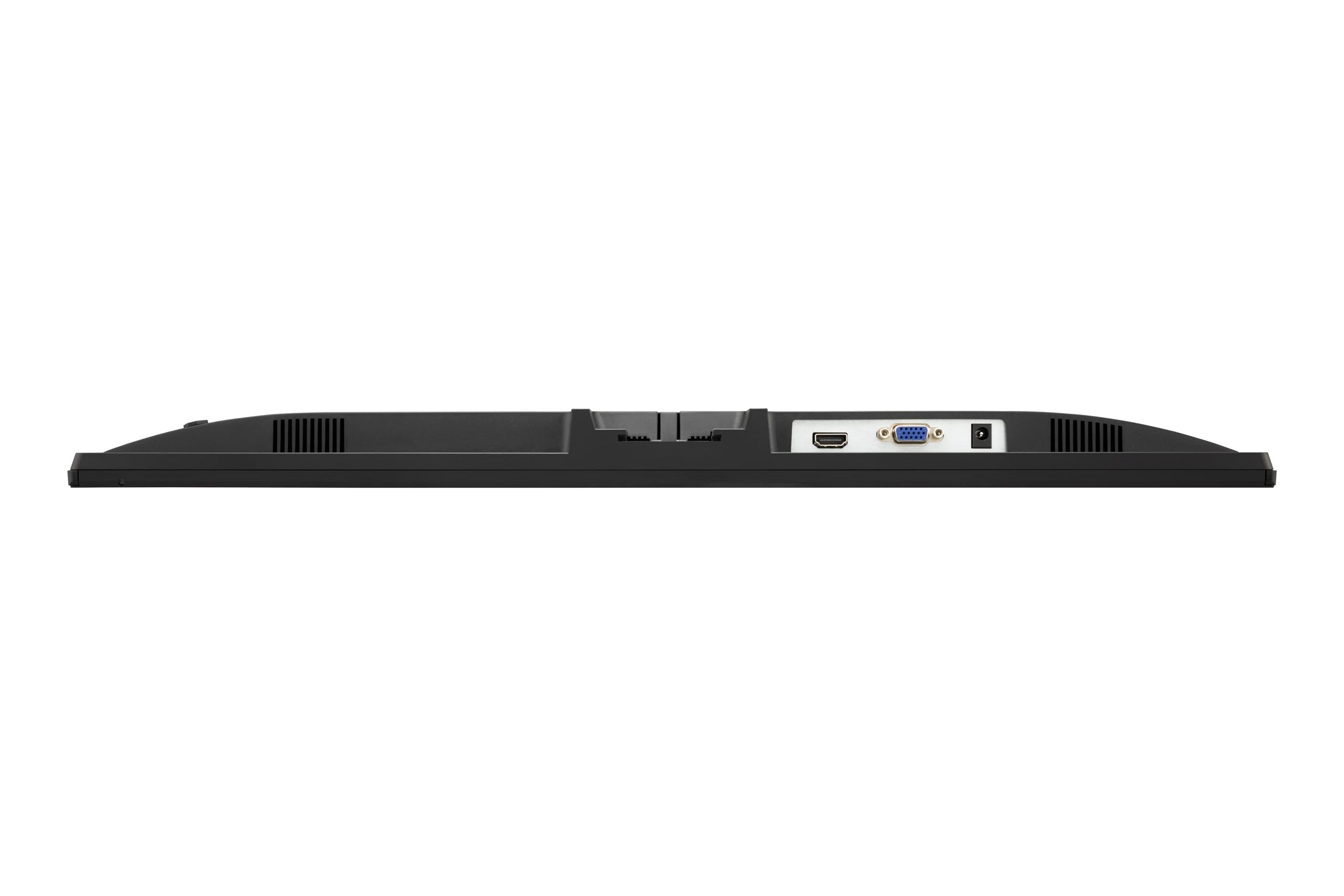
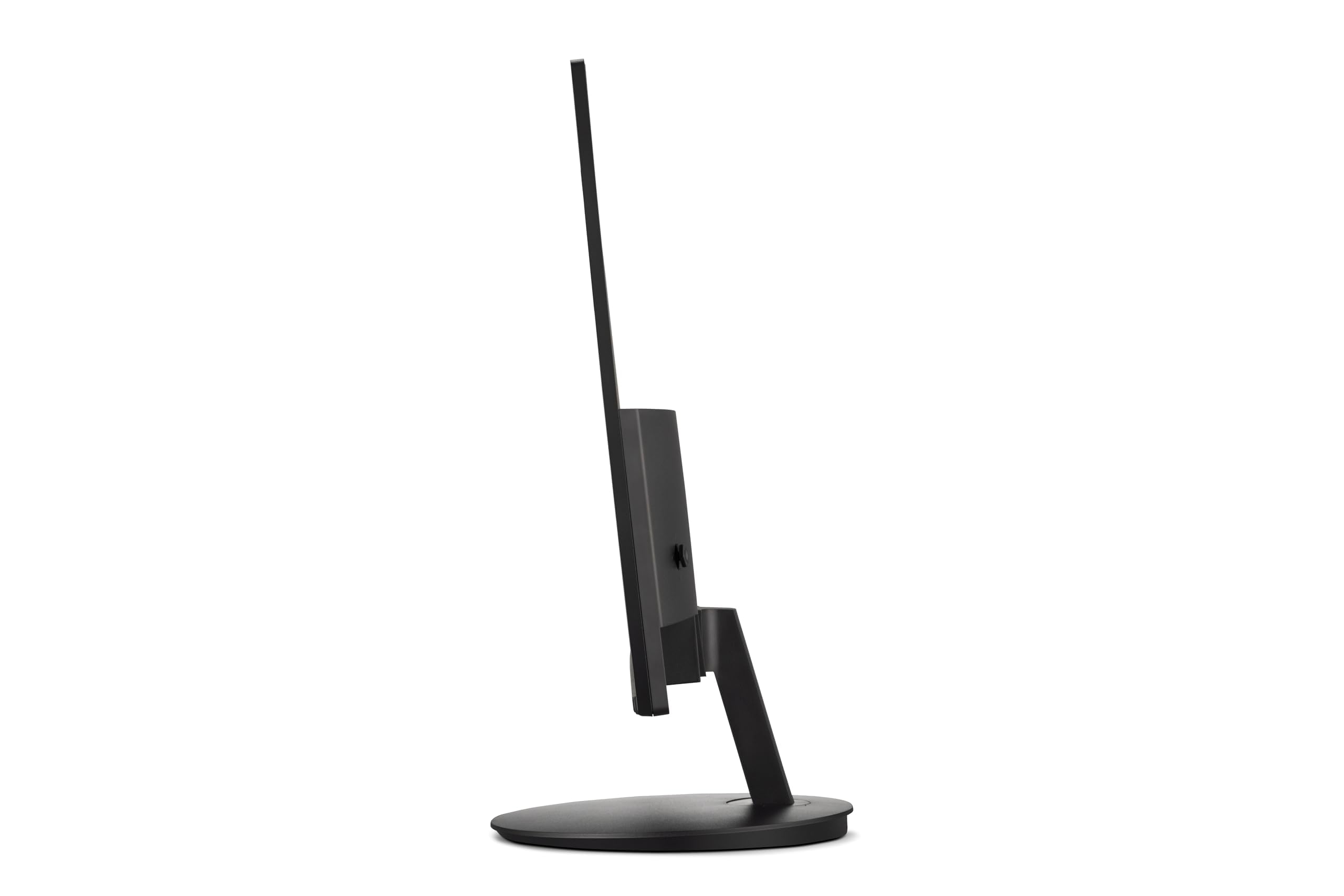
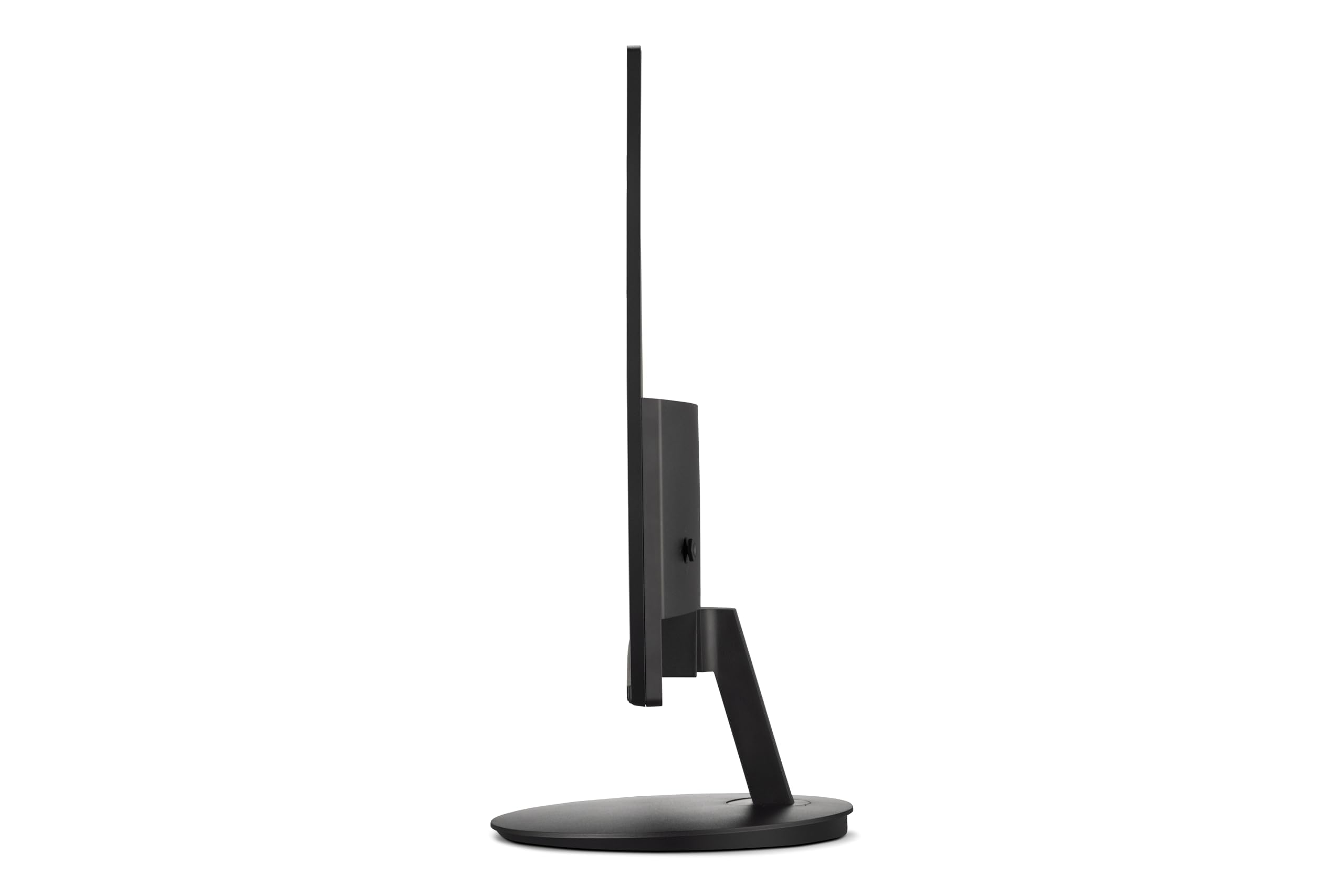
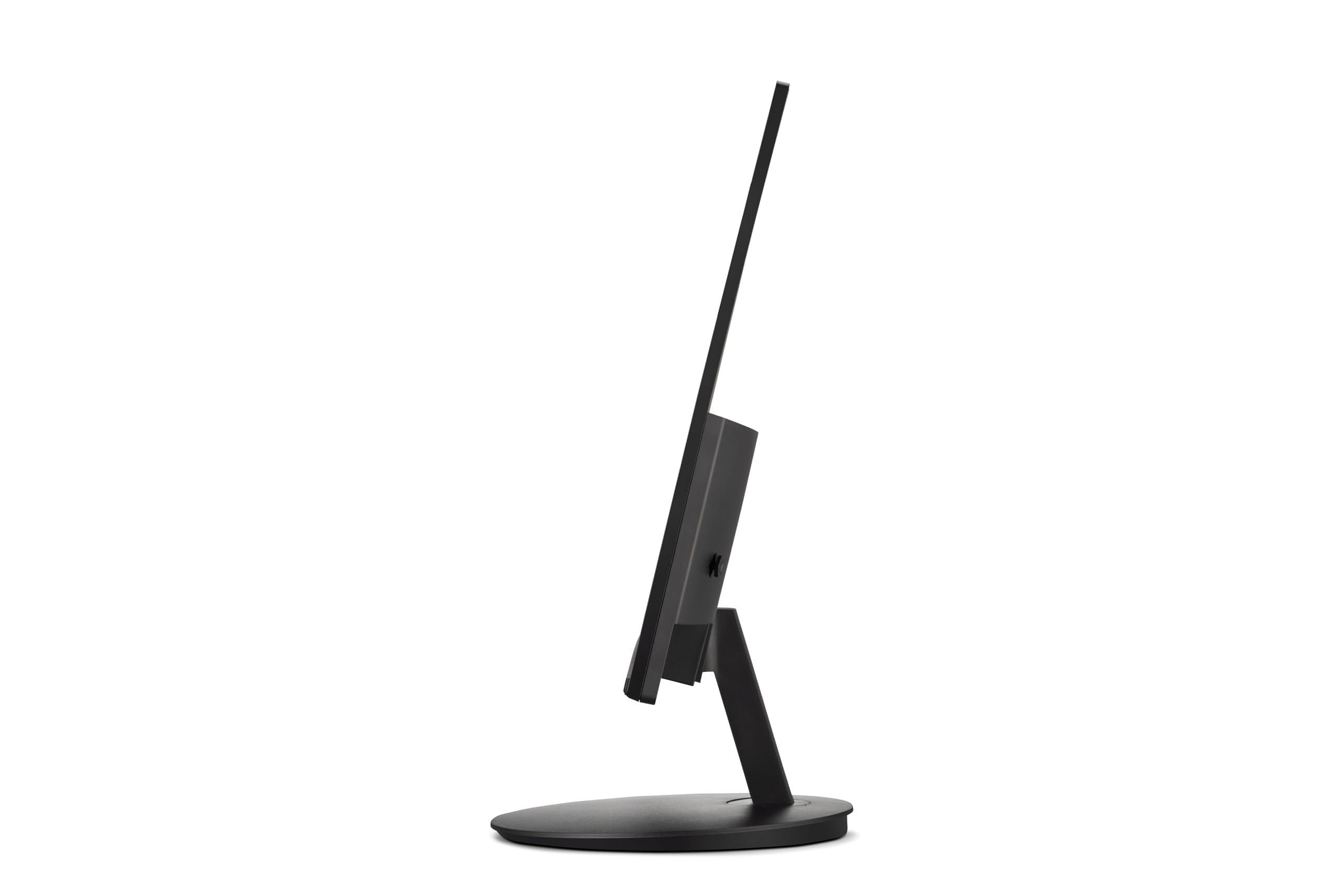
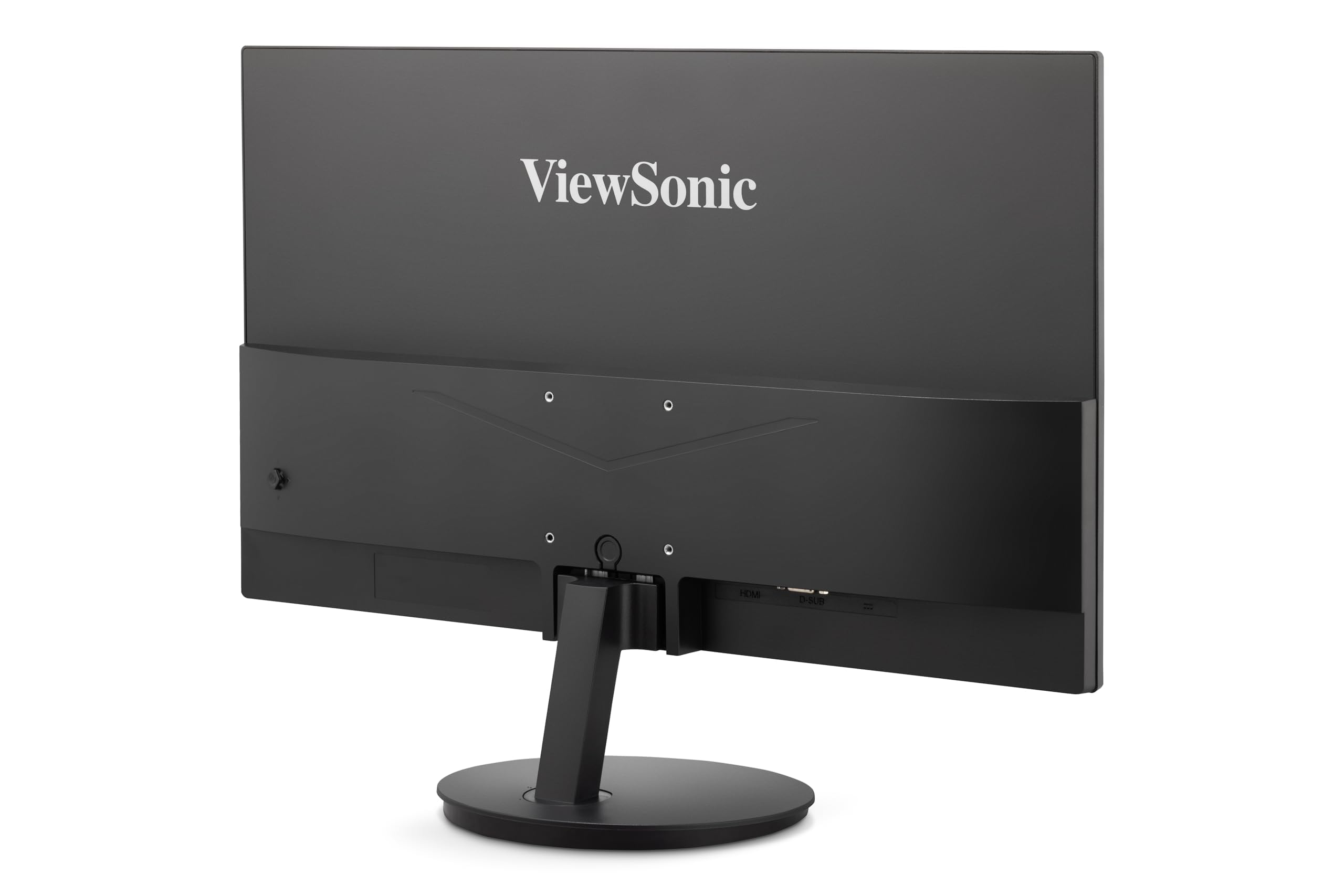
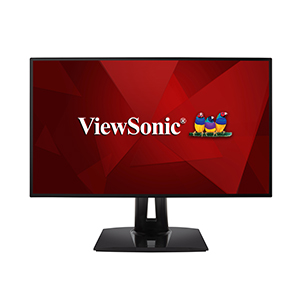
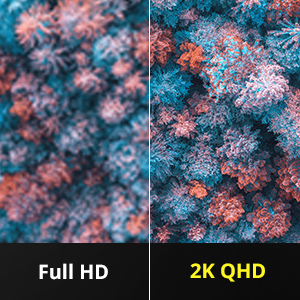
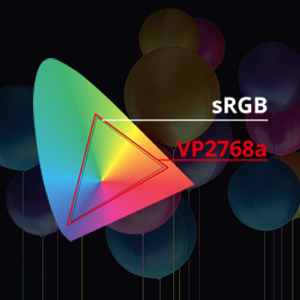
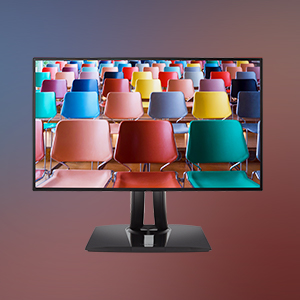
The ViewSonic VP2768a is a 27-inch professional-grade 2K QHD monitor designed for graphic designers, photographers, and video editors. It features a SuperClear IPS panel with 100% sRGB and Pantone Validated colour accuracy, ensuring precise and vivid colour reproduction. Equipped with advanced ergonomic adjustments and inclusive Colour Blindness Modes, it supports comfortable, accessible workflows. Connectivity is future-proof with USB Type-C (90W power delivery), HDMI, DisplayPort, and Ethernet, making it a versatile docking station for creative professionals seeking reliable, high-fidelity displays.



| ASIN | B08L9VHCGP |
| Are Batteries Included | No |
| Batteries | 1 Lithium Ion batteries required. |
| Best Sellers Rank | 77,236 in Computers & Accessories ( See Top 100 in Computers & Accessories ) 1,242 in Monitors 9,311 in Components & Replacement Parts |
| Brand | ViewSonic |
| Colour | Black |
| Customer Reviews | 4.6 4.6 out of 5 stars (1,218) |
| Date First Available | 4 Nov. 2020 |
| Guaranteed software updates until | unknown |
| Item Weight | 6.88 kg |
| Item model number | VP2768A |
| Lithium Battery Packaging | Batteries only |
| Lithium Battery Weight | 0.19 Grams |
| Manufacturer | ViewSonic |
| Number Of Lithium Ion Cells | 1 |
| Number of HDMI Ports | 1 |
| Number of Lithium Metal Cells | 1 |
| Number of USB 2.0 Ports | 4 |
| Number of USB 3.0 Ports | 3 |
| Power Source | Hand-operated |
| Product Dimensions | 40.89 x 21.59 x 61.21 cm; 6.88 kg |
| Resolution | 2560 x 1440 Pixels |
| Screen Resolution | 2560x1440 |
| Series | VP2768a |
| Standing screen display size | 27 Inches |
| Voltage | 12 Volts |
T**M
Good monitor
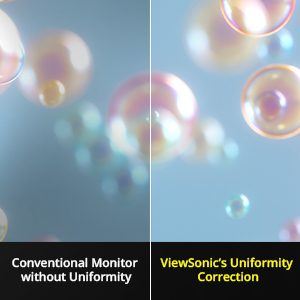
No dead/stuck pixels, good uniformity, strong colour reproduction, adequate response time and input lag for casual gaming, sturdy and adjustable stand. I originally bought a Dell IPS monitor for a similar amount of money and with similar specs, but it was disappointing. It had two stuck pixels, noticeable backlight bleed in the bottom left corner, and a slight green tint on the left side of the screen and a red tint on the right side. The Viewsonic has no such tint, and only suffers a little at the edges with luminance drop off. The backlight bleed is also better, although not perfect. The Dell was slimmer and had a more attractive finish, but the Viewsonic beat it on image quality. Perhaps the Dell was just a bad panel, but for £400 only the Viewsonic justified the money spent. I use it for photo/video editing, gaming, tv shows, coding and lots of general browsing and it does these well. I like having accurate colours and good uniformity for day-to-day use even if I don't really need professional quality. Change the response time to 'Advanced' in the monitor settings to reduce ghosting over the standard setting. 8 months in and I'm still happy with it, and I think QHD at 27 inch is still the sweet spot.
M**A
Best monitor for colour grading.
Couldn’t have said it better than the title. I use this with an M2 Max MacBook Pro and it’s honestly the best all time monitor I’ve ever used in terms of colour accuracy. What you see on the screen is what you get on all other screens. It’s true 2.4 gamma and rec709 so makes for a perfect editing monitor. Can’t recommend it enough! Just know it doesn’t have speakers and it’s peak brightness isn’t as good as other screens but it’s perfect for colour grading.
L**R
High-performing monitor but support documentation and software is notable by its absence
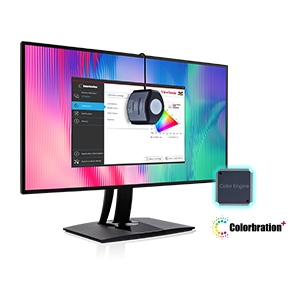
The "ViewSonic VP3268a-4K 32-inch 2160p UHD Professional Monitor, 100% sRGB, Pantone Validated, Colour Blindness Mode, USB Type-C, HDMI, DisplayPort, Ethernet, for Graphic Design, Photo & Video Editing" is not a monitor for every computer user; it has features that some will almost insist be provided but others that may not best suit specific uses. Its 14ms refresh time will be far to long for gamers but for graphics work, pictorial design, desktop publishing and other demanding roles will be suitable and are well-supported. It stands alone by offering 100% sRGB and full Pantone validation and very few others offer either yet alone both. It comes with a stand and column that is pre-assembled and accounts for the bulkiness of its packaging. The column mount only needs be slotted into the VESA mounting and it is then essentially ready for use once the power lead and a choice of video cable are connected. The large circular botton is for power and the reaminder form its OSD system. Its negative points are few, its weight aside, but there are software issues. ViewSonic provide a link to signed drivers for both Windows 10 and 11 but neither installs, ending in a suggestion to download the unsigned driver as an alternative but it does not exist on ViewSonic's support page; Windows native ViewSonic Driver wworks well enough and supports audio via DP (probably also via HDMI although not yet tested). It is unknown whether the Mac software installs and functions correctly. The other two issues relate to optional software, vDisplayManager 2.0 which supposedly offers screen division, PIP and other facilities and Colorbration Plus that supposedly works with several screen calibration devices including those from ColorMunki, Xpress and several more either in addition to or substituting for their relevant software. While both install, they freeze and never run in their Windows versions. Whether or not that applies to the Mac versions is again unknown - there is no longer any Mac hardware on-site that could confirm functionality. That those events relate to a monitor with an RRP close to £800 are issues that could not reasonably be anticipated and urgently need to be addressed. Were they known in advance, a different and less expensive choice may have been made although without 100% sRGB or Pantone compliance. A range of necessary cables is included but there is a dearth of information about its OSD operation. A guide exists for a related model (VP3256-4k) which provides most answers but there may be minor differences between the two models and their features. While all the slimmer buttons work within the menu system (top button selects it), most others also have other unrelated functions, again not documented, but come with dire warnings about incorrect settings. None are labelled but as they are located in the bottom right-rear corner (from the front), the labelling would not then be visible. Overall, a good monitor for specialist users and their needs but there are elements that need investigation and resolution by the brand.
R**N
For a photographer, fabulous!
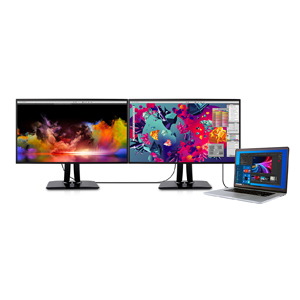
As a hobbyist photographer, I decided it was time to upgrade my aging monitor, and after a lot of research I settled on the ViewSonic VP2768, and I've not been disappointed. The colours are fantastic - and it's definitely helped me getting colour-accurate prints, being 100% sRGB - and the clarity is great, and at 27in it's plenty big enough. My only gripe is that the auto-rotate software seems flaky at best, but given that I didn't buy it for that functionality (and I'd rarely use it in portrait mode anyway), then it doesn't warrant losing a star. Oh, and as an occasional gamer, it's held up perfectly well for the games I play :-) UPDATE: since Covid I've been working from home (as an IT instructor) so I probably spend more time than most at my desk. I bought a second one of these (I don't quite have enough space for a third, otherwise I would!) and I don't regret it all. A fantastic monitor.
M**Z
Superb screen with beautiful real life colour and detail
Excellent small bezel 16:9 4K screen with very helpful non reflective surface. Colour profile looks perfect.
S**G
Good monitor
It was delivered quickly and packaged well, I have had quite a few monitors over the years but this one beat them all very impressed with the colour on screen to what you get when printed out I don’t review many things but I thought this was worth it as it really is a good monitor. Is it worth the money and I would have to say yes
A**S
Linux user
Very pleased, KDE Plasma6 picked up the display no problem and made accessable a whole bunch of colour profiles so all good. Physically, easy to assemble ootb, and all the i/o ports I could want for, access easy by rotating. Screen is soft on the eye and quick. Haven't raked through the menus yet or tested it but photos look vgood.
H**R
Compré tres monitores y son increíbles. La calidad de la imagen es muy buena (no le pide nada a un 4K, ya que el 2K es la resolución ideal para un monitor de 27"). El panel IPS es de gran calidad, ya que cuenta con una buena visualización de colores (aptos para un diseñador) y tiene mucho brillo (de hecho yo sólo utilizo el 30% del brillo con luz de día). La pantalla mate, evita reglejos molestos y permite disfrutar la bella imagen que brinda este monitor. Me pareció un gran detalle que incluyera varios cables para la mayoría de las entradas que tiene (DP, HDMI, USB B y USB C), además de que la caja está muy bien diseñada porque protege a la perfección el Monitor durante el envio. Cada monitor lo monte sobre un brazo VESA y entraron a la perfección (solo como consejo es de que busquen brazos para 32" ya que los que tienen como máximo 27" no lo aguantan y eso que no se siente pesado). Por último, al ser una pantalla IPS, tiene un ligero bleeding de unos milímetros, pero lo esconden muy bien ya que sólo se nota en la parte inferior de esta, en donde normalmente va la barra de tareas, por lo que hay que presentar mucha atención para poder notarlo (de hecho, yo me di cuenta hasta puse una imagen, en pantalla completa, con un fondo completamente blanco, ya que con otros colores ni lo percibes). Los botones del menú son algo incómodos, ya que van atrás, sin embargo es un pequeño sacrificio para poder contar con un marco completamente liso en todos sus lados (para solucionar esto, yo le cambiaría que la selección de opciones fuera con dos clics de los botones en vez de uno, así el primero podria usarse para resaltar la opción que se pretende seleccionar y si te equívocas no estas entrando y saliendo de las secciones del menú).
V**M
Magnifique écran !!! ... simple à connecter et superbes couleurs juste wOoOw et la qualité est excellente !!!!! Les 3 câbles étaient là comme prévu et l'emballage rigide afin de bien protéger l'écran. Pour les jeux je l'ignore j'ai placé 5 étoiles pour ne pas faire baisser le côte de ce bel écran. Voir les commentaires des autres clients sur ce. ( Notez que cet écran est dans les Awards 2021 ) Je le recommande sans hésiter aussi le bon service d'Amazon. :)
J**N
Absolut sicher verpackt und nach einem Tag auf dem Tisch! Es braucht wirklich keine extra amazon-Umverpackung. Auspacken, Aufbauen, Anschließen - alles in allem 10 Minuten und der neu Bildschirm läuft. Übrigens auch für Frauen ohne männliche Unterstützung kein Problem. Da sich die Bedientasten hinter an der rechten Seite des Monitors befinden, ist eine Installation der Software vDisplay Manager empfehlenswert. Man benötigt dafür das mitgelieferte USB-Kabel als Datenverbindung. Darüber lässt sich z. B. sehr schnell vom Standard- in den Moviemodus (und alle anderen Modi natürlich auch) umschalten. Höhenverstellbarkeit, Kippen und Drehen, alles funktioniert wie geölt. Pivot-Funktion kann auf Auto gestellt werden und man braucht nur den Bildschirm zu drehen, fertig ist das hochformatige Bild. Macht wirklich Spaß. Im Gegensatz zu meinem alten Philips 244 bemerkte ich eine bessere Helligkeit, der vorkalibrierte Bildschirm ist hell, die Farben leuchtend, aber nicht unnatürlich. Seitenwechsel, Scrollen etc. scheinen wirklich schneller zu gehen. Ich nutze den PC für viele Gestaltungen und Bearbeitungen von Fotos, diese sehen sehr natürlich aus. Mir gefällt es und ich bin zufrieden. Die Homepage von Viewsonic bietet jede Menge Hilfe, einschließlich Mail- und Telefonkontakten. Handbücher, Treiber (so man sie braucht) und Dokumentation sind vorhanden. Preis-Leistungs-Verhältnis ist perfekt.
I**N
I use it with my 2015 macbook pro retina for reading pdf, programming, and watch youtube videos. I set the view mode to macbook and the colors turns out pretty well. Don't expect it to look like your retina display, but it's good enough for me.
T**T
The best monitor for the money. I use dual set for Work and Home. Great display for graphics/web work, WebEx on-line meetings, video and business presentations. Love the USB ports for headset and phone charging.
Trustpilot
1 month ago
1 month ago


