


🚀 Elevate Your iPad Experience!
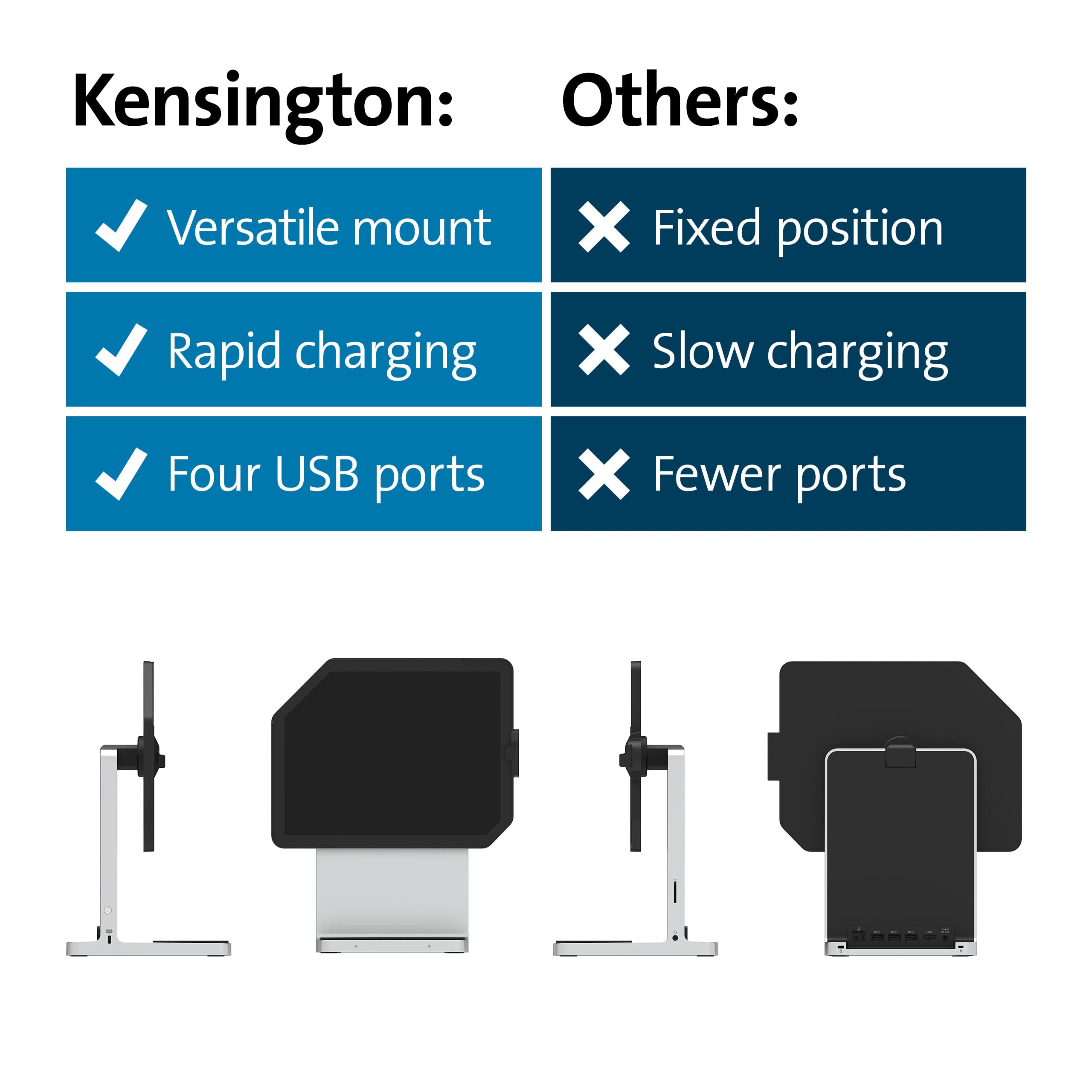
The Kensington iPad Docking Station (K34031WW) is designed for the 11" iPad Pro and 10.9" iPad Air, offering a powerful desktop experience with 4K HDMI support, rapid charging capabilities, and versatile connectivity options, all while ensuring your device's security.


| Standing screen display size | 11 Inches |
| Brand | Kensington |
| Item model number | K34031WW |
| Item Weight | 8.8 pounds |
| Product Dimensions | 16.5 x 12.4 x 10 inches |
| Item Dimensions LxWxH | 16.5 x 12.4 x 10 inches |
| Voltage | 12 Volts |
| Manufacturer | Kensington |
| ASIN | B08R5CH5C1 |
| Date First Available | January 8, 2021 |
T**A
Exactly As Advertised
Just received mine on Wednesday, 1/18/23, and set it up. It's perfect for my needs. I have a new 10.9 iPad Air 5th gen running iOS 16.2.User Error Warning: When I tried using it for the first time, I couldn't get my external monitor to connect. I couldn't figure it out and after I contacted Kensington, I realized it was user error. You must click your iPad into the connector. Mine didn't click so my iPad wasn't actually connected to the docking station, so my external monitor wasn't connected to my iPad.User Error Warning: My 2nd error was the audio. Once my iPad was connected to my docking station my audio would cut-off and I couldn't hear anything. This morning it dawned on me that the dock station didn't have speakers and neither did my external monitor so there was nowhere for the sound to come out of. Thankfully, I have a Bluetooth speaker and once I connected the speaker to my iPad the sound came out crisp and clean.Other than my own user failings the dock station is exactly what I needed. My iPad Air is replacing my MacBook Pro 2 which I never really needed and paid way too much money for considering I barely used it because I was used my iPhone and/or iPad all the time. I needed a docking station that would allow me to have multiple USB plugs, SD card input, charging pad for earphones (not iPods), lets me use my Bluetooth mouse and Logitech keyboard, and looked clean on my desk and was space saving. This docking station fits the bill. My current iPhone doesn't charge with a charging pad (iPhone XR) its old school and I refuse to give it up. So, I can't comment on whether it would charge an iPhone properly.Now if you purchased this docking station when it launched it cost about $400, that was steep, but it's been over a year since it's been introduced, and it cost me $178.54 on Amazon. The only thing about buying it from Amazon is they say it will deliver in a couple of days but then you receive an email telling you that it won't be delivered for another 3 weeks, in total from the time you ordered it until you received it would be 4 weeks. Well, I wasn't having that since I'm a Prime member and if I can't use that as leverage then there's no point in paying for it. I called customer service and asked if it were truly in-stock and if not, I'd cancel the order and order directly from Kensington, you know cut out the middleman. Well, that got me bumped up the list and I received the docking station 2 days after my original promised delivery date of 1/16/23. So far so good and everything seems to be working in proper order if that changes, I'll update this review.
S**N
Exceeded all my expectations
I was close to ordering a MAC mini until I found this docking station. I decided that I would attempt to use the IPAD OS for my desktop needs. This docking station provided me with everything I could want in a desktop. The bonus is that I can remove it from the dock and it becomes my laptop. I moved all my household management items to this new environment and could not be happier. I did not transition to Apple’s office apps since I haves 20 plus years with Microsoft which is also available on the my new station.I still have my Windows PC but use it strictly for gaming. I have my USB switch for keyboard and mouse to switch between the two environments. My 4K monitor works great with both the PC and the Docking station. I also have the docking station hardwired into networking since I am so close to my router. The added power supply supports my gaming keyboard and mouse with RGB lighting. The dock supports multiple devices without any power issues. The other surprise was the weight of the dock and how well built it was. The dock provides the stability to use ipad with a pencil when needed without the ipad moving around the desk. Yes, the dock was a little pricey but way less then investing in a mini mac. Very Happy.
M**A
Great home dock for a standard sized iPad.
I once owned a classic Mac. Most docks on the market "just works" as they are supposed to. Pairing my iPad Pro M1 to the StudioDock and adding a small keyboard and mouse gives the resultant setup that "classic" vibe.- AirPod and iPhone wireless charging included.- Apple Watch charging available via (overpriced) Kensington watch dongle- Good selection of HMDI, USB and ethernet 100/1000 ports- Solid build ... literally- Now priced within reason (as of 11/2023)
H**E
Best for WFH workers
The media could not be loaded. Product is very well made; works with my 11” iPad Pro. iPad is very secure when mounted.Pros:- Strong build quality, extremely durable- Wireless charging for additional devices- multiple ports for USB- iPad mirroring works with the HDMI port- Comes with different wall plugs for different countries for people who want to travel with it or if you’re living in a different country- Rotates 90 degrees- Recognizes most if not all devices that you plug in (it recognized my PS5 controller via the thunderbolt)- Device itself doesn’t get too hot. Low warm temp.- Great addition for M1 MacBook users given M1s can only use 1 additional monitor. Using this will almost be like having 3.Cons:- Heavy af!!- Takes up a lot of space if you try to put this in a backpack — may cause back pain doing this.- Doesn’t come with Apple Watch dock charger. Sold separately.People I think it’s best for:- Creative professionals- If you have a small WFH setup and an iPad + MacBook- Something that will charge your devices all at once.
H**N
Solid (heavy) with many usb 3.0 and 1 USB-C
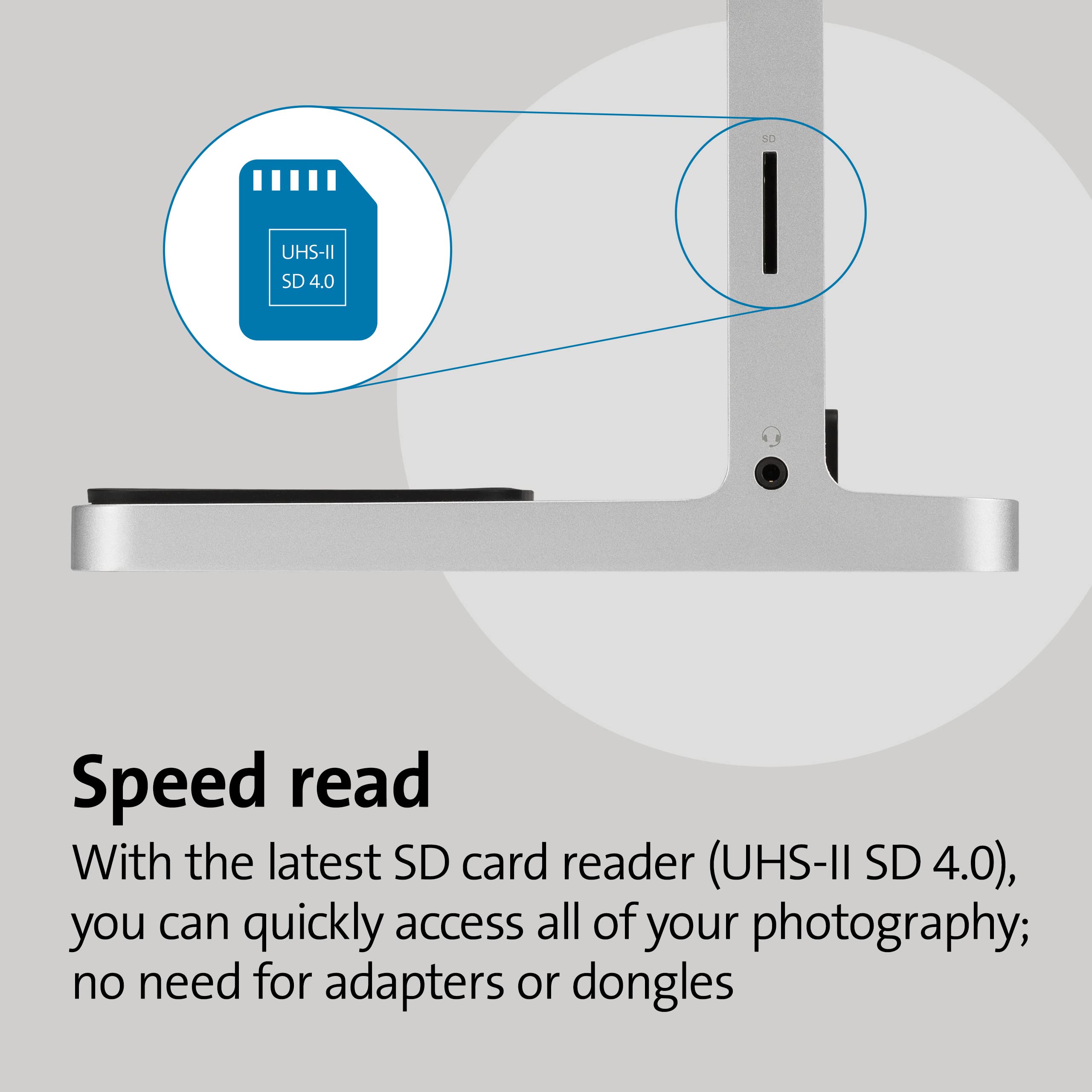
I wanted a stand for my ipad. This stand is solid, no chance of getting knocked over because of the weight. Connects via USB-C . one extra USB-C on the side a bunch of USB 3.0, HDMI, SD and ethernet connections as well as 1/8 audio connection.The stand is not height adjustable, but the pad and rotate and pivot.I leave it on my table and use it all the time. I-pad connects and removes very easily.
~**~
Versatile stand that I didn't think I'd need
The Kensington iPad Docking Station is actually quite incredible. It has a quality heft to it without being bulky. No assembly necessary - just pull out of box and plug it up.Pros:- 360 STURDY Ipad rotation + Charger- AirPods & iPhone wireless charger works very well-Comes with plugs for different countries (I was amazed by this)-The back ports are invaluable - work great.-The height level is perfect.Cons:No cons. The only thing to mention is you can NOT have any type of case on your iPad with this stand. The iPad sits flush against the mount and there is no room for anything.Overall 100% worth the buy.
Trustpilot
5 days ago
2 weeks ago


