


🔋 Power your path with precision and peace of mind
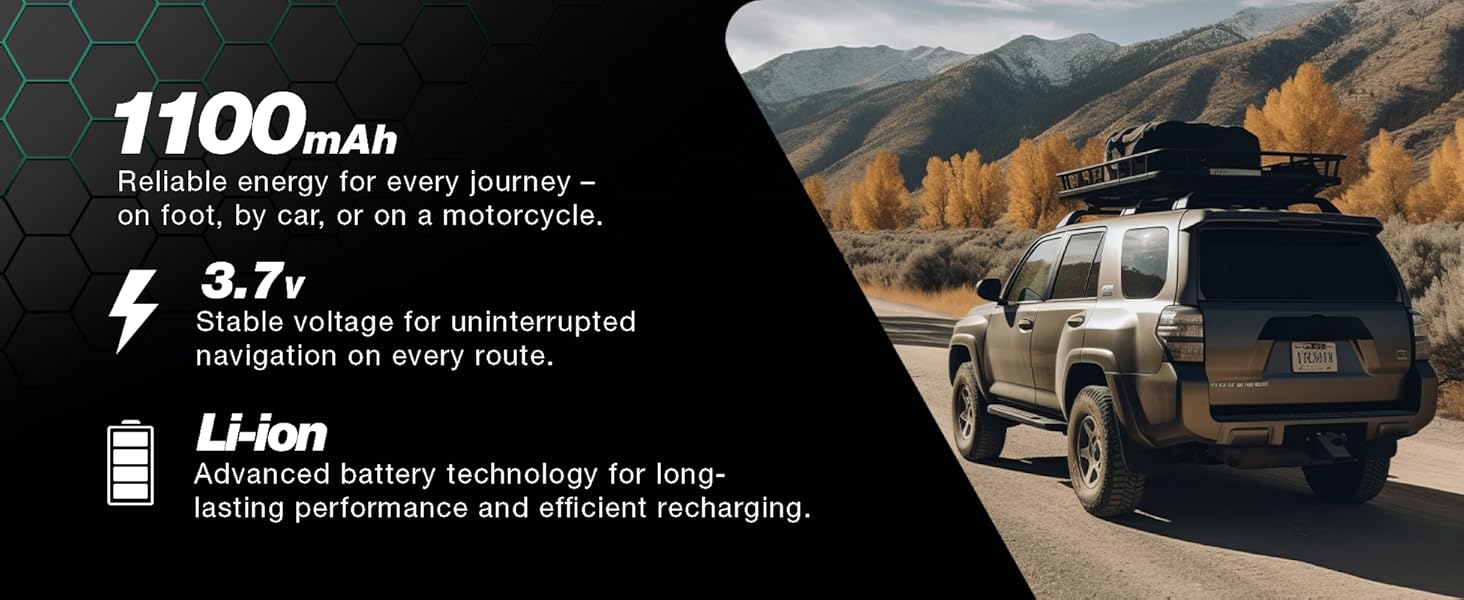
CELLONIC’s 1100mAh, 3.7V Lithium Ion battery is a premium, fully compatible replacement for a wide range of TomTom Go GPS devices. Engineered with advanced safety features and backed by rigorous German quality control, it ensures longer runtimes and reliable performance. This eco-friendly choice extends your device’s life while delivering a 3-year guarantee for worry-free navigation.

G**6
Good quality battery
My TomTom Premium X, now after many years of service was having issues with power connection and crashing - forgetting it had traffic support. I was having to reset each week to reenable this service. The battery would not hold charge - seconds only. It is fiddly to open the case but be patient and look at you tube for hints but the battery fitted perfectly and renewed my TomTom.
J**F
Works good and fits Tom Tom
Works well and fits Tom Tom. Was easy to fit once the old battery was removed. My Tom Tom is now working like new and updated well.
N**K
Not a perfect match
The hot summer killed my TomTom 6200 Wi-Fi (Model 4PL60)i. I left my TomTom on the dash in full sunlight so it cooked. Exactly the wrong thing for Lithium batteries which are easily damaged when charged hot, especially as they reach full charge. It’s a shame TomTom didn’t program a smarter charging algorithm to slow the charge during very hot or cold temperatures. Anyway, I needed a replacement battery as my 6200 ended up holding charge for only around 30 seconds. TomTom don’t sell replacement batteries so I bought this one. It arrived next day, properly packaged and at first sight looks ok.The 6200 is difficult to open. It has no screws and you need to be quite forceful (whilst being careful). Insert a good spudger into the slight gap on the bottom of the unit and ease the case open, releasing the plastic clips around the whole circumference. Take care to hold the two halves close together as they are connected by some fragile cables. Once the case parts are separated gently ease out the 2 wire connector and then lift the locking bar on the flat cable and it will come out easily. Put the display half to one side while you work on the battery. Pull the connector to disconnect the old battery, then ease of the battery up out of its recess (it is held by double sided sticky tape).As others have said, the wires on the original battery emerge centrally on the top edge and this replacement they emerge on the corner. This makes inserting the new battery almost impossible. I found the best way was to flip it over – so label side down – and then there is more clearance for the wires (see photo). After a few dry trials to get the wires running neatly I put double sided tape on the label side and pressed the new battery home into the recess. Then route the wires and plug into the pcb connector. Finally re-assemble the display by plugging in the two connectors and then pressing the two case halves back together, ensure all the clips click back into place.Switch on to test. I got only a few minutes before TomTom gave a low battery warning, so I popped it onto the charger pronto. After charging for 5 hours, I took it off and left it running. It ran for over 1 hour and 45 minutes before giving another low battery warning which from memory is typical for a ‘new’ unit.Only time will tell how long this replacement battery will last and on hot days I must remember to remove it from the window when not in use.
V**K
So far so good….
Bought this for my TomTom Go 6100. There are videos on YouTube showing how to replace. All working great so far and saved me spending on a new device. I bought the battery that also came with the kit which was only slightly more expensive to buy than the battery alone, but was well worth it. So far so good….. the battery appears to be charging properly and is holding the charge. Definitely recommend !
G**S
Not so good as I at first thought!
I purchased this battery to replace the one in my TOMTOM GO 6200. Every time I powered up the device it kept rebooting and reporting low battery. So I knew it had to be replaced. With TomTom devices I find the battery begins to fail after two to three years of daily use. This replacement battery fitted perfectly without issue. I have just powered up my sat nav and all seems to be working perfectly.This unit comes with a three year warranty, so will last as long as a TOMTOM official battery. I have saved a considerable amount of money by replacing the battery at home on my kitchen table! To anyone wishing to replace the battery in their TOMTOM device, although I found the process relatively simple, you have to be careful with the ribbon cable that connects the display to the circuit board. It is not very long, so will need to be carefully disconnected from the circuit board, giving you free access to the board. Some TOMTOM devices require torque screws being located and to open up the device and then more screws to remove covers to access the battery. Fortunately my battery was not hidden under a circuit board and I was able to access it very easily.Hopefully this battery will last the requisite three years. ADDENDUM! THIS BATTERY LASTED BUT A FEW DAYS BEFORE FAILURE! AFTER A FEW DAYS THE BATTERY SIMPLY WOULD NOT CHARGE. I HAVE SENT IT BACK TO AMAZON AND ORDERED A REPLACEMENT BATTERY, WHICH I HAVE JUST FITTED. IT IS WORKING SATISFACTORILY RIGHT NOW. I HOPE MY FIRST BATTERY ISSUE WAS AN UNFORTUNATE RARE OCCURRENCE. 😐
J**H
Good replacement battery for GO6000 - a bit fiddly to fit.
So, battery is fine, getting it in is a good 30mins work.You will need a tiny star screwdriver to remove screws at base.Most difficult bit is separating top and bottom casings. The device is well made as does take some aggressive prodding without anything breaking. I had small plastic priests but eventually used the big ones normally for car trim removal.Once they are apart you then separate the ribbon. This bit wasn't clear in the videos I found but the grey bar just pushes back a millimeter or two and the ribbon slides out. The small final connector needed screwdriver prodding but wiggled out OK.Likewise the old battery connector and the speaker connectorcome apart with gentle prodding.The 5 base scews are then removed and you get to the battery. Note if this is the first change it is stuck in with double sided tape and takes a lot of praising to remove but will come out.Then replace battery and work backwards.Take your time and good luck!
K**R
Incorrect fitting
The battery cable clip is too large. When attempting to install it damaged the input clip. Now my Satnav no longer works. I have had to buy another Satnav.I am now considering cancelling all subscriptions to Amazon.
M**B
Great Battery Replacement
I purchased a replacement battery for my TomTom Go Premium X as the old one would only last for a minute.It only took 10 minutes to replace and after fully charging, it ran for a good 1.5 hours and even then wasn't fully flat.It has given my SatNav a new lease of life and saved me purchasing a new one.
Trustpilot
1 month ago
2 months ago


