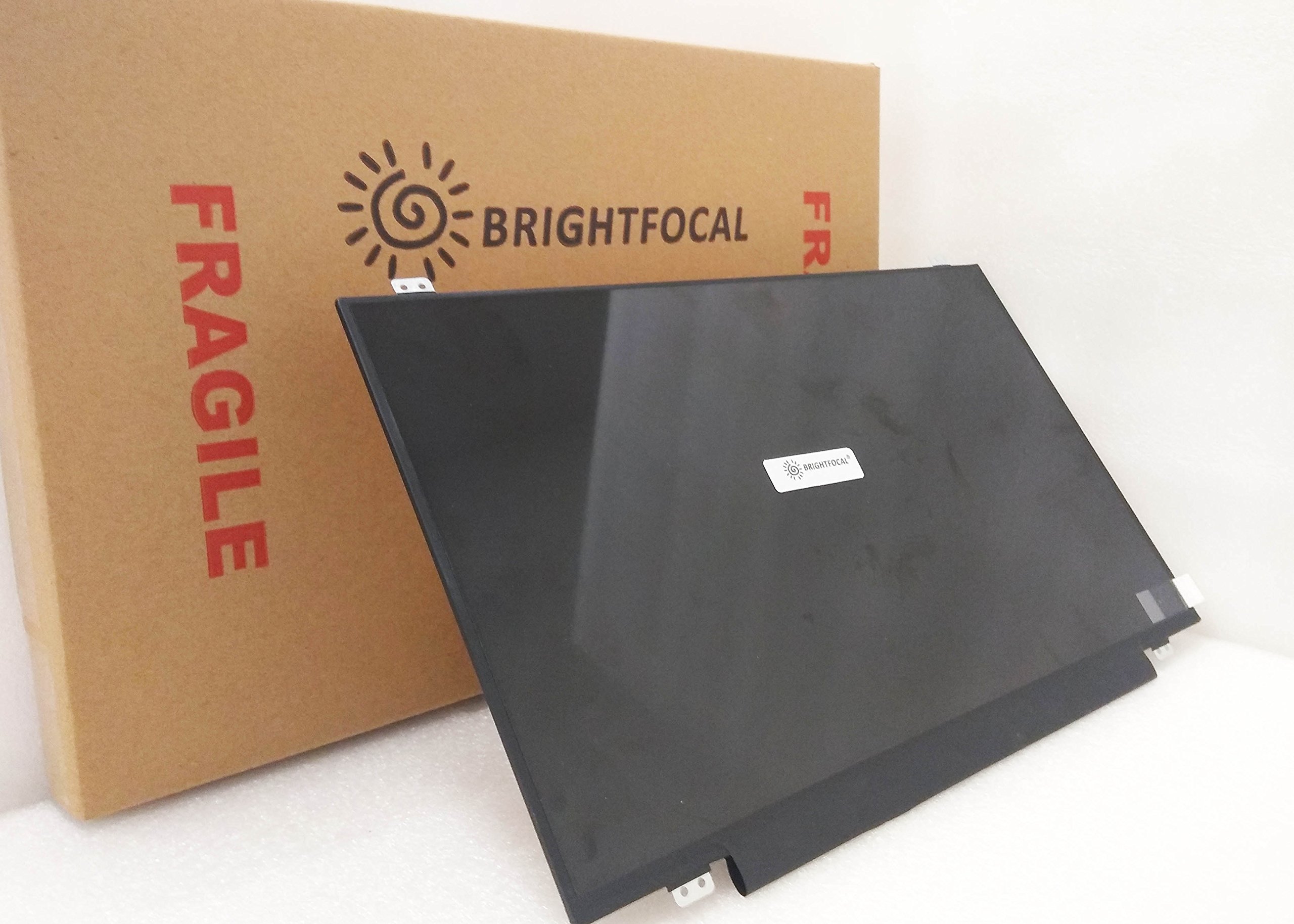
Important: You must match the RESOLUTION, BACKLIGHT, and SCREEN SIZE, TOUCH/NON-TOUCH to your current screen. You cannot deviate from your current screen specifications. Purchasing a screen with different specifications will not work with your system. If you are unsure what your current screen specification is, please contact us before purchase and we will gladly help. BrightFocal provides 100% compatible new item and your satisifaction is guaranteed.
J**S
Super easy install, didn't have to buy a new PC
Recently I opened up our Inspiron 15 series laptop to find the screen was all kinds of messed up. Not knowing a thing about broken screens, I immediately assumed we were going to need to go shopping for a new laptop. I looked up a couple of YouTube videos and it seemed as if screen replacement on my Inspiron would be a 2 minute task. So I took a chance and ordered this screen. It said it would ship in a couple of weeks (not Prime), but it arrived in 4 days! The bezel is easy to remove (butterknife). Once that is off, there are 4 tiny philips screws to remove ... unplug the old screen, plug in the new one. Replace the 4 screws, snap the bezel back on. There really isn't anything to fear or screw up. If I have any recommendation it would be to take a picture of how the old screen is plugged into its socket, so you know how to plug the new one in. Otherwise ... this is definitely something you can do yourself w/confidence. No need to take it to a repair shop and probably pay 4-5X.
A**N
Well packaged, easy to install and works well
I was pretty simple to install and was packaged really well. Perfect replacement for a screen that had been impact damaged
Trustpilot
2 weeks ago
1 month ago


