
DOWNLOAD THE APP


Customer Services
Copyright © 2025 Desertcart Holdings Limited
DOWNLOAD THE APP


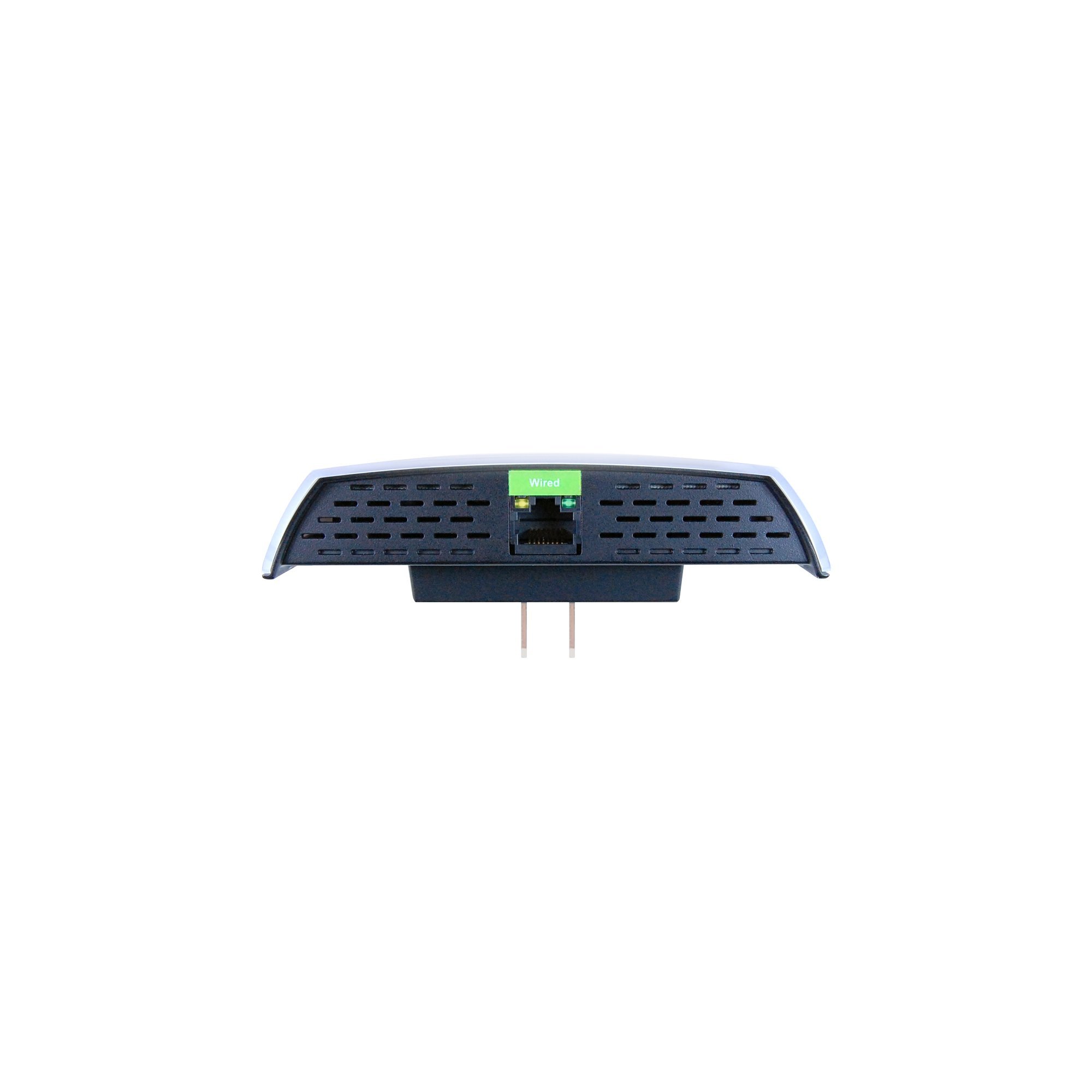

🚀 Elevate Your Connectivity Experience!
The Amped REC15A Wireless High Power Compact 802.11AC Wi-Fi Range Extender is designed to enhance your Wi-Fi coverage up to 6,500 sq ft, providing ultra-fast speeds for HD streaming and gaming. Its compact design and dual-band capabilities ensure seamless connectivity throughout your home or office, while universal compatibility allows it to work with any router. With additional features like wired connectivity and smart network management, this extender is the ultimate solution for eliminating dead spots and boosting your internet experience.
T**N
Not trivial, works in many situations, but not all, so make sure you understand what this does and what it does not do
Before you buy this device, make sure you understand its limitations and make sure that it will meet your needs.In situations where a single access point cannot cover a large enough area, e.g. in a large office, a variety of technologies is available to extend the coverage, either wired or wirelessly.Repeaters are one option where it is not possible to combine multiple access points to form a mesh network. The objective is obviously to create a single large network where the individual cells are transparent to the client, i.e. where the client will switch between access points without the user noticing a service interruption. This requires that all stations share the same SSID.This is not what this device does. The Amped support staff calls the REC10 a repeater in forum posts, but I think that it is in fact not a repeater but a range extender, and these terms are not synonymous. The difference is not just semantical, because a range extender spans up its own network, i.e. you have a separate SSID, separate security settings, and as a result have multiple wireless networks. A mobile device that is moved between the coverage areas of those networks will not be able to seamlessly switch between them, but rather require user interaction. The REC10 tries to intelligently merge the IP address ranges of the home network and the extended network by providing its own DHCP server for wireless clients. This is configurable, but not very intuitive, because the settings for the DHCP client and server are lumped together and the details are not documented ("for advanced users"). I have not been able to get my desired configuration working. I would like the device to have a static IP in the home network and serve IP addresses to its DHCP clients from a separate range, or at least forward requests to my home network DHCP server. When I set DHCP to "server" and configured the IP addresses accordingly, it did not work. "Auto" works, but then the device has a dynamic IP address in my home network and I cannot create rules for it in the firewall.Also, this appears to be causing problems with certain types of routers or other devices in your network. Read the Amped support forum for more details. There is apparently a known set of configurations that will not work. Comcast routers are mentioned repeatedly as unsupported. The fact that Amped has not published unsupported configurations is a frequent source of criticism.That said, for many this might still suffice. I plan to use this device temporarily to provide better wireless service in the back yard and around the pool. It will not be plugged in unless I want to sit outside or we have guests.Setting up the device was not as straight-forward as one would hope, but this was mostly my own fault. I have a schedule on the home WLAN that turns the kids' devices off after 9pm so that they sleep and don't surf or watch Netflix in bed. Because the REC10 obtained an IP address from my DHCP server that was not in the list of exceptions, it would not connect to the home network. It took a couple of hours to figure this out - the diagnostic features are limited. Once I gave it a static IP in my wireless network, I was able to add it to the list of devices that are allowed on my home WLAN without time restrictions.A minor annoyance is the fact that the administration website (at [...] always wants to redirect to [...] even when you access it from the home network via its home network wireless IP (a static IP in my case). This can be convenient if I want to check or change the configuration from my desktop that is on a wired connection. When I browse to the IP address, the home page briefly appears, but then attempts to redirect me to [...] which of course does not work from the home network. I had to add it to my hosts file before I was able to use the web interface this way.The biggest obstacle in configuring the device is that it reacts to sluggishly to changes. Some things appear to take forever until they become effective, and there was at times a discrepancy between what the web interface showed and what I observed. For example, when the web interface says that there is no connection to the home network, but I am verifyably connected to the REC10 and get fresh web pages served from the Internet, then this is not good.One potentially attractive aspect of having a separate WLAN for me is the ability to separate clients based on time restrictions. If all the kids devices use the extended network and all my devices use the home network, I don't need to manage individual IP addresses anymore for the firewall rule and can just create a schedule for the REC10's IP address. But this will require that it remains online all the time, so I will have to weigh the pros and cons.I cannot comment on performance and throughput yet, or if IPv6 is supported.For reference, here is my network configuration that I can now confirm works with this device:- Verizon FIOS service- My router/firewall/WLAN access point is a Netgate M1n1wall running pfSense 2.0.3. It is connected directly to the FIOS feed. I do not use the Verizon router.
P**S
Difficult Setup at First
This would have been five stars, but I ran into some problems involving installation. Good thing I don't expect everything to work immediately, even if I follow the directions to a T. Also, this review is more useful to those who have the setup guide with them. So, here's what happened...At first I was seeing the correct pictures based on the setup guide located inside the box. The first problem I hit was after going to the setup amped wireless page. I had adblock on so I couldn't see the next button or scan button (not sure why those were counted as ads). I figured that's a fault for me, so I disabled adblock and was able to see the rest of the images. The second problem I hit was the part where you need to copy or enter manually the SSID for the network. I chose to copy the settings and then I entered the key for my network. The first time, I couldn't get on and kept getting "access denied" results. Refresh didn't help despite the page telling me to do that, so I hit the back arrow which led me straight to the dashboard again. The network I had chosen was pre-saved along with the key I had entered earlier. When I got back to the "Configure Settings for your Extended Network" step, I chose the same options (but removed the RE at the) and finally got on. However, once the countdown was over (as indicated in step 7), I was never redirected to the next part. The page just sits there for about ten minutes while I played a game (I got this for my Wii U to help the signal strength). The page times out, and then suddenly the internet says it can't connect. I tried over and over, but I couldn't bring the page back.I decided to follow the reset directions, but the network didn't pop back up like it did before. This time it stayed as a hidden network. So I hit the reset button again, and this time the network shows. I reread the directions and decide to keep the RE (the extended network will say "your_network_RE", something to that effect). I hit next but I still get the "access denied" page. I try this method about three more times and finally get on after that. After the countdown ends (step 7 again), the wifi disconnects as indicated in the guide. The page that I should have seen earlier (step 8 connect to the new extended network) shows up. I connect, and I am finally done (step 9 setup summary). I made sure to print that page, and I plan to update this review as needed. Oh, and the four stars? It's also because I'm using the connection as I type, and I also see three wifi bars on my Wii U gamepad! None of my other networks were able to produce that result, so hopefully I'll get less drops when I'm online now.P.S. This amplifier got hot quick! Hope it doesn't start a fire...Update 1: A few days ago (it's 9/16/2014 now), I had to reset the range extender because my signal kept dropping. The solution I found was to switch to one of my other routers (a Linksys) and get rid of a bad connector. I could always connect to the range extender, but the wifi wouldn't work, so I'm going to hook up my Wii U to the range extender via ethernet. I've been reading that that's best for the console anyway. My laptop has no problems with device wirelessly.
Trustpilot
3 weeks ago
1 month ago