We remain fully operational. Our teams are working around the clock to ensure your deliveries continue safely.

DOWNLOAD THE APP


Customer Services
Copyright © 2025 Desertcart Holdings Limited
DOWNLOAD THE APP


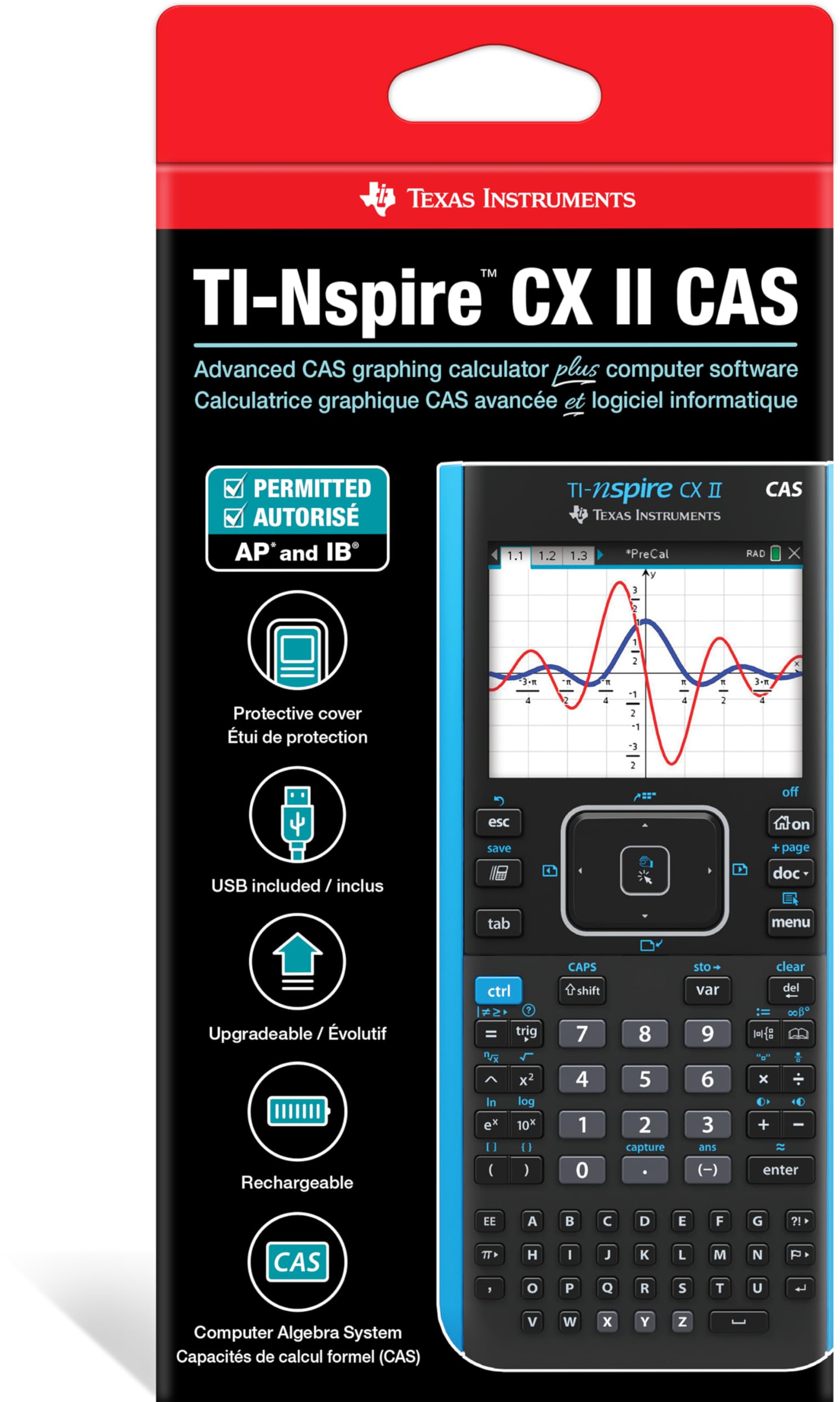

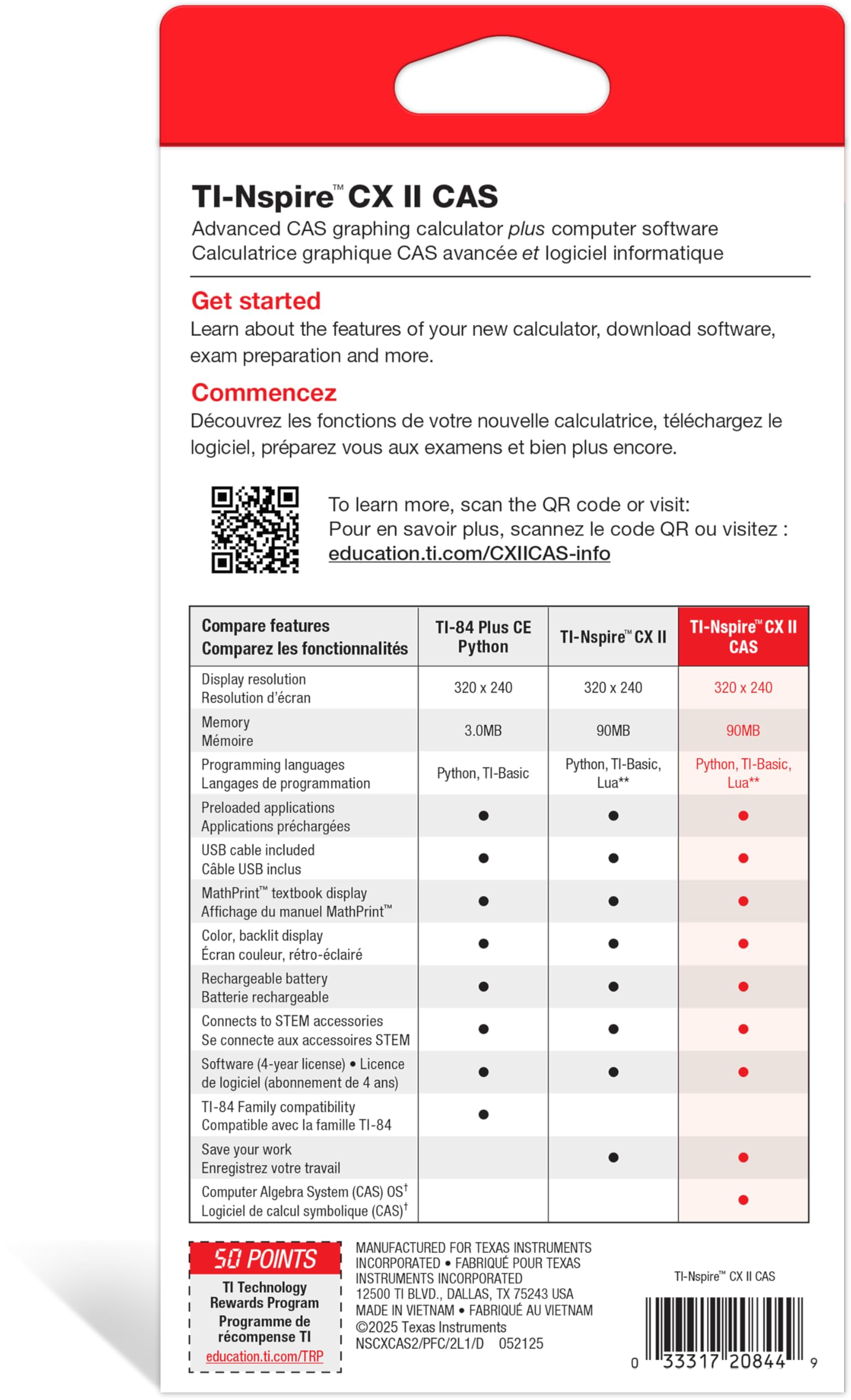
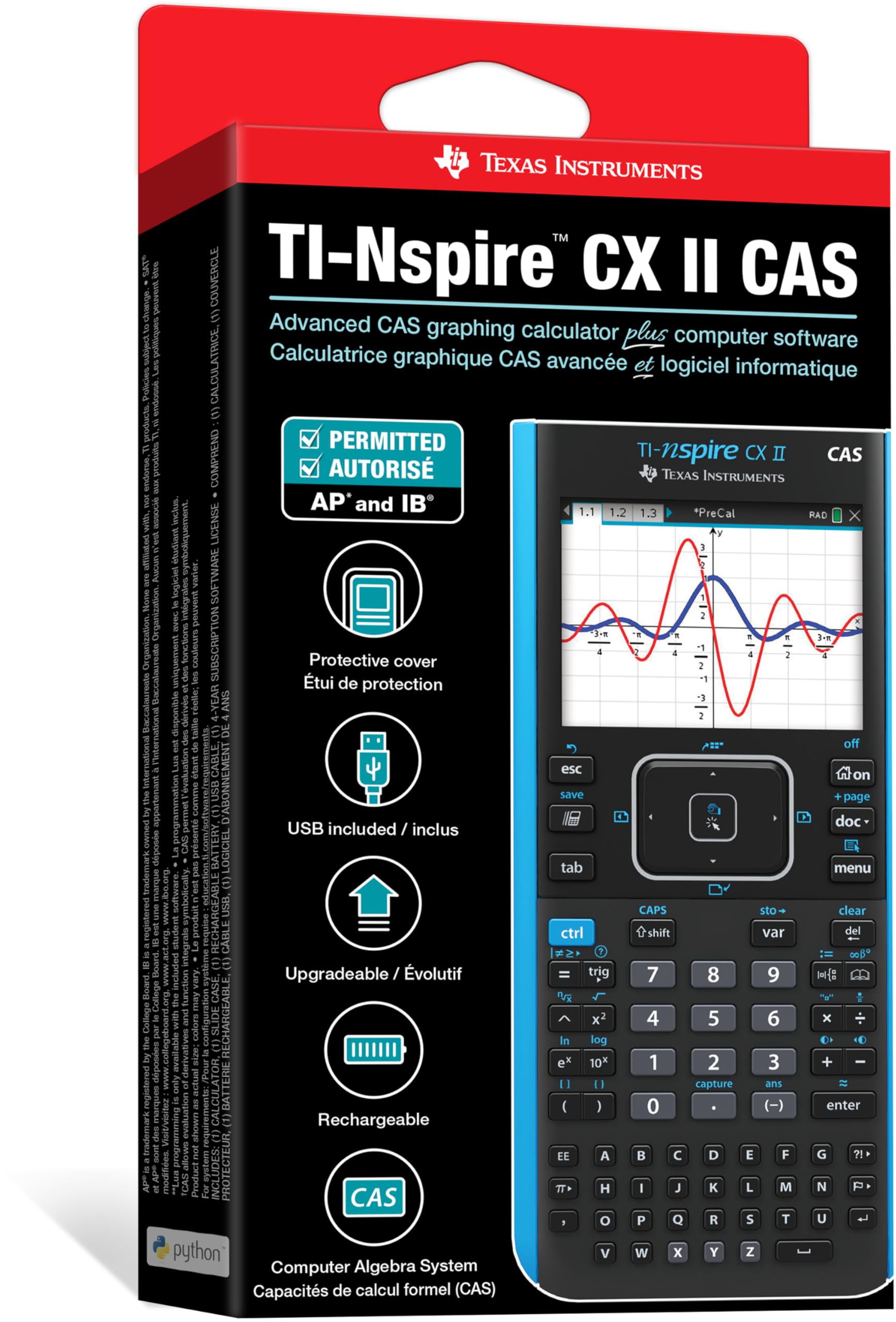
📊 Elevate your equations — graph smarter, study sharper!
The Texas Instruments TI-Nspire CX II CAS is a cutting-edge color graphing calculator featuring a vibrant 3.5-inch 320x240 pixel display, rechargeable battery lasting up to two weeks, and customizable graphing options with 15 colors and 6 styles. Bundled with advanced student software for PC/Mac, it offers dynamic, real-time graphing capabilities and a sleek, lightweight design tailored for demanding academic and professional use.


| ASIN | B07RL7HM5V |
| Best Sellers Rank | #7,254 in Office Products ( See Top 100 in Office Products ) #4 in Graphing Office Calculators |
| Brand | Texas Instruments |
| Calculator Type | Graphing |
| Color | Black |
| Customer Reviews | 4.6 out of 5 stars 9,287 Reviews |
| Display Type | LCD |
| Enclosure Material | Plastic |
| Global Trade Identification Number | 00033317208449 |
| Item Dimensions L x W | 7.59"L x 3.62"W |
| Item Type Name | Graphing Calculator |
| Item Weight | 9.12 ounces |
| Manufacturer | Texas Instruments |
| Model Name | TI-Nspire™ CX II CAS |
| Number of Batteries | A batteries required. |
| Power Source | Battery Powered |
| Screen Size | 3.5 Inches |
| UPC | 033317208449 |
| Unit Count | 1.0 Count |
| Warranty Description | 1 YEAR |
E**N
Great for Electrical Engineering
The TI-Nspire is an AMAZING tool as an Electrical Engineering student it makes life 10 times more easier. The battery life is great and I only have to charge every now and then. There are lots of tutorials online for doing things, but this calculator can do tons of things especially in the complex region which is especially of use with transfer functions, impedances, etc... and is allowed in a lot of my exams.
W**3
OP Calculator
This, my friends, has everything a calculator needs, and more. Like, way more. Once you learn how to unleash it's true potential, you will never want to return to other calculators. It comes with every function you might need, makes it's math in really fast times, the color is nice, the batteries have high duration, and overall has a great quality in everything. I used it for some medium things, but I saw engineers taking it to another level. I have it after all these years ans it has proven to have a great durability. Totally recommend it.
J**E
Best Calculator I've Ever Used
I'm a college student, studying for a degree in Economics. Needless to say, my life these days is all about maths. For the past couple of years I'd been using the TI 84 Plus CE which, although it's a pretty good graphing calculator all in all, has it's issues, but I is the recommended calculator for all the classes I've taken so far. So, imagine my surprise when I found out about the Nspire calculator series. The TI Nspire CXii CAS is an extraordinary tool. It can factor polynomials, calculate complex equations giving the answer in terms of i, and graph in 3D. That's right...Z-axis! The CAS in the calculator's name stands for Computer Algebra System. It allows you to solve polynomial equations in any number of variables and give answers in terms of those variables. That's right! You don't need numbers! One of my favorite upgrades is in the graphing feature. In the TI 83/84 series, if you wanted to trace a graph to a point of interest that was not in you current viewing window, you needed to leave the graph and go to a separate page where you needed to reset the viewing window to include your point of interest, then you had to navigate back to the graph and calculator would redraw it often very slowly. The Nspire CXii, on the other hand, allows you to make adjustments to the screen from a pop-up menu that comes up while you're still in graphing mode. And, if you don't want to bother with that, you can use the track pad to pick up the screen and move it, or you can just trace your chosen graph in either direction and when you reach the edge of the screen, it moves the screen to match your movements. You can also split the screen to view your table of values while looking at your graph! I'm still discovering all the things I can do with this calculator and I'm sure I'll continue to discover much more as I advance to higher levels of maths. There are entire apps dedicated to geometry, statistics, trigonometry, and more. Also, apparently there is a whole set of science tools witch can plug into the calculator to give you data on a wide range of things; heat, speed, velocity, etc. So much good stuff. Ok, now for areas that could use improvement. First, there is set of educational software that you can download and access for free when you purchase the calculator. Unfortunately, the software is only compatible with Windows or iOS. I, like many students, am a Chromebook user. Not making their systems compatible with Chrome OS is, in my opinion, an epic fail. I contacted their customer service department and suggested that improvement as well as a cloud computing option for those who want to access the tools from any computer. I was told that they passed my ideas on to their product development department. All in all, though, this is a great calculator! I'm sure I'll get several years of enjoyment out of it as I work toward my degree. It's way more intuitive and easier to navigate than the TI 84. That said, if you're like me, you'll need some help to get started. There's a pair of books by Lucas Allen in the Kindle store that really jump-started my understanding and enjoyment of the TI Nspire CXii CAS. I highly recommend reading them.
C**R
Essential for College Math Courses
Must have for High School and College Math classes! Time Saver! Less frustration with using this caluculator to solve problems. I think it is the Best Calculator on the market advanced math courses! Perfect gift for young student starting Algebra and next levels of required math in HS and College. Worth every dollar.
B**E
Incredibly useful
Absolute God-tier calculator. It excels in every discipline, statistics, calculus, algebra, chemistry - a must have. The only caveat I must mentioned is that not every professor will allow this on a calculator, due to the CAS functionality. The notes feature is useful in the lab. The only thing I don't like is the keyboard laid out as ABC.. rather than QWERTY, has absolutely no impact on its functionality. 10/10 would buy again.
B**Y
Can be complex
Taking Calculus, Physics, and Chemistry this semester and this calculator is amazing. So far has been able to do everything ive needed it to do as far as graphing, logorithms/natural logs, displaying multiple equations on one screen... im sure i have not even discovered the full potential of this calculator. Only reason I am not giving it a 5 star review is it can be complex and everything I've been able to do so far was from invested time of playing with it. It has a bar code to scan but doesnt seem to take you to an I structures guide or seem to work. It also didnt come with a hard copy of instructions. Unless you're already familiar with the tool, it can be hard to use.
E**C
Read this about the battery "issue" with this calculator
I bought this calculator and it was opened, but I decided to keep it after I was given an option for a discount sent to my account. All in all, it does exactly what I was expecting. Excellent display, much more rapid graphing than my TI-89 Titanium, multi-color, you name it. The touch pad does seem to be a bit too sensitive, but it's a graphing calculator, not the Mars Rover. Although there are other reviews out there that discredit the battery, there's more to the battery than what I've read. You must charge it for several hours first. I updated the firmware, and charged it for about 5 hours and it keeps the charge. Note: The charge icon won't go in increments of 1, it will jump to, say, 25%, then a while later it'll be at, say, 75%, then eventually 100%. So with MY unit here, it doesn't appear to be a battery issue, it's more of a sensitivity issue with the battery % indicator.
R**A
As the picture
Quality calculator, color as thw picture speed accuracy , good afternoon
Trustpilot
2 weeks ago
3 weeks ago