
DOWNLOAD THE APP


Customer Services
Copyright © 2025 Desertcart Holdings Limited
DOWNLOAD THE APP


👀 Protect your eyes, perfect your view — because your screen deserves the best!
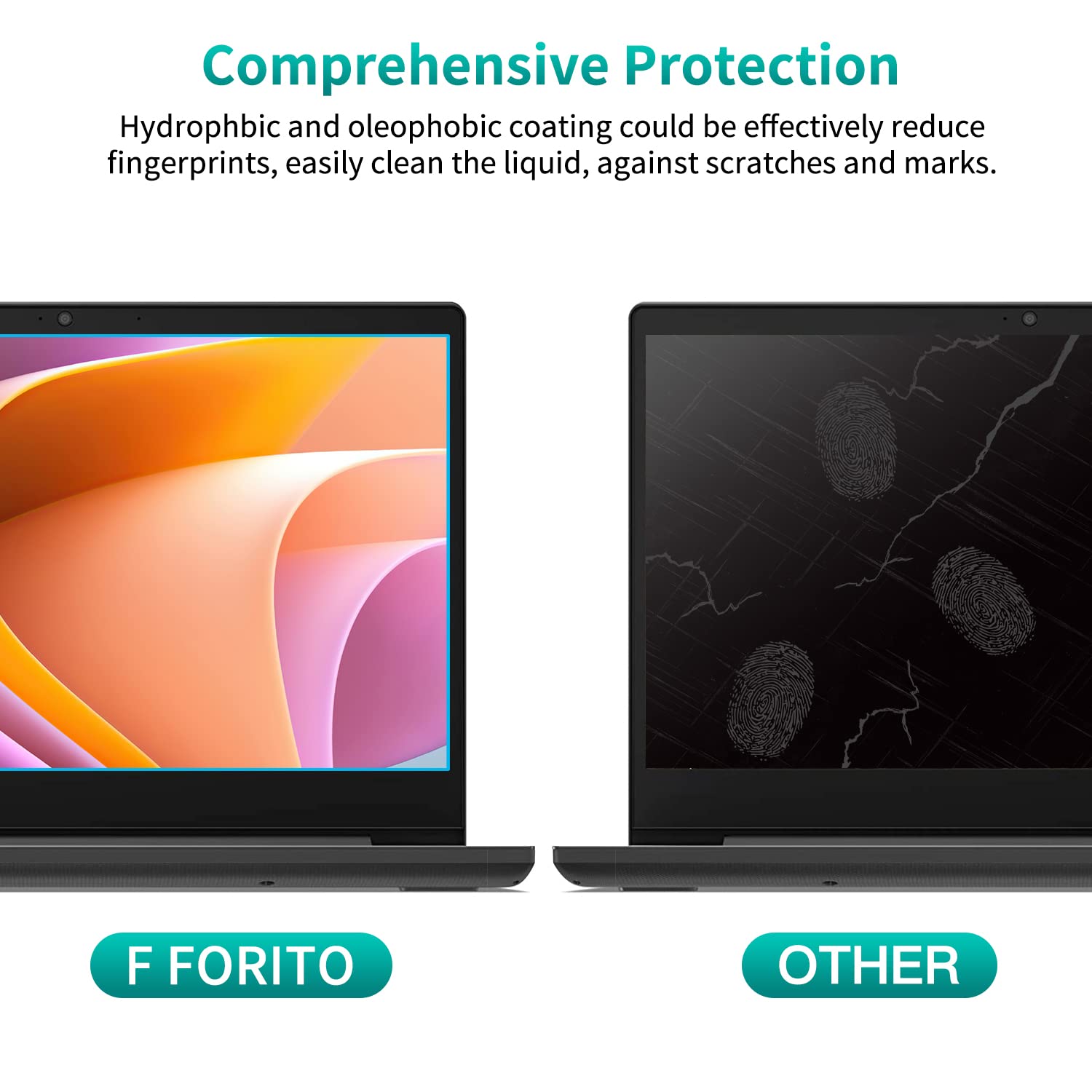
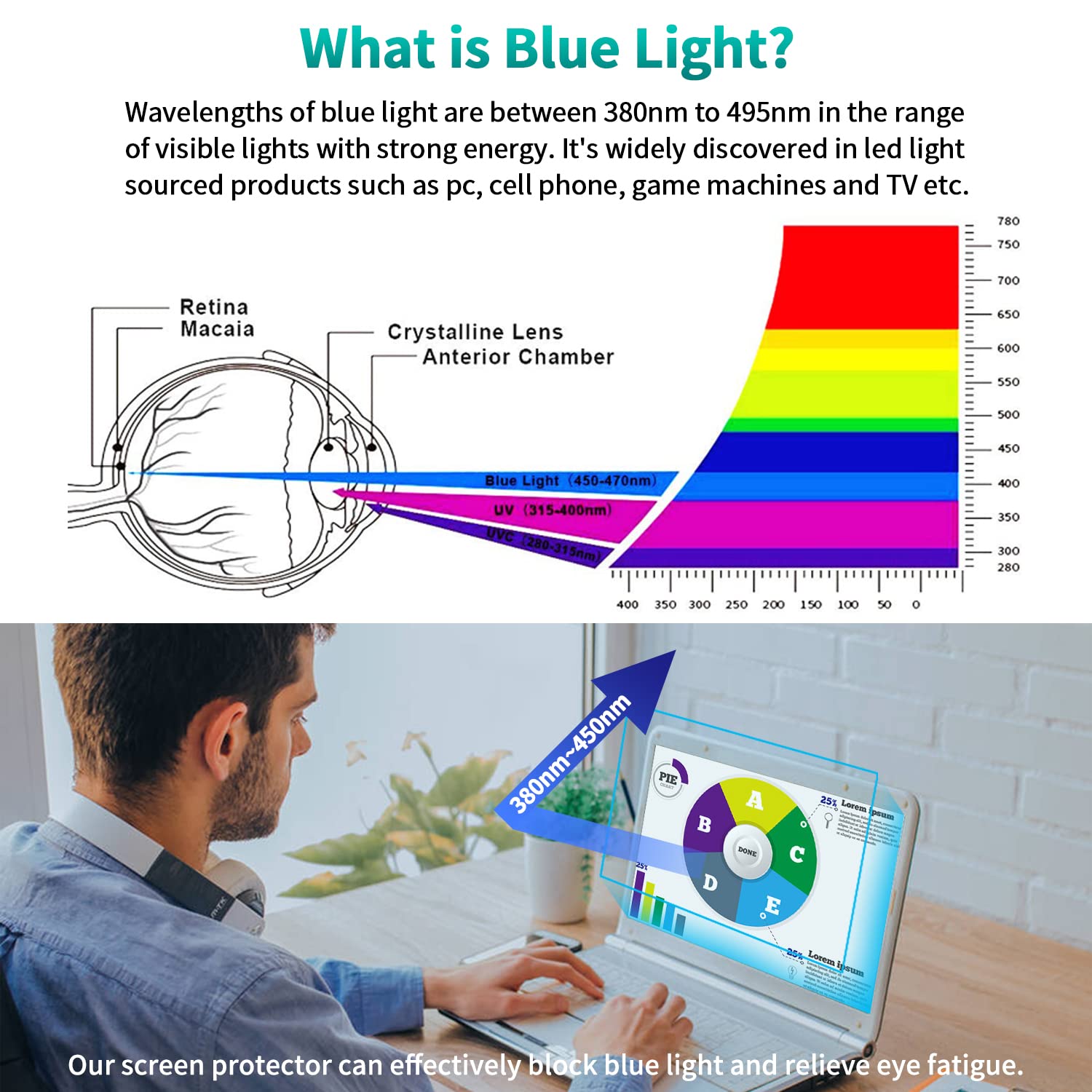
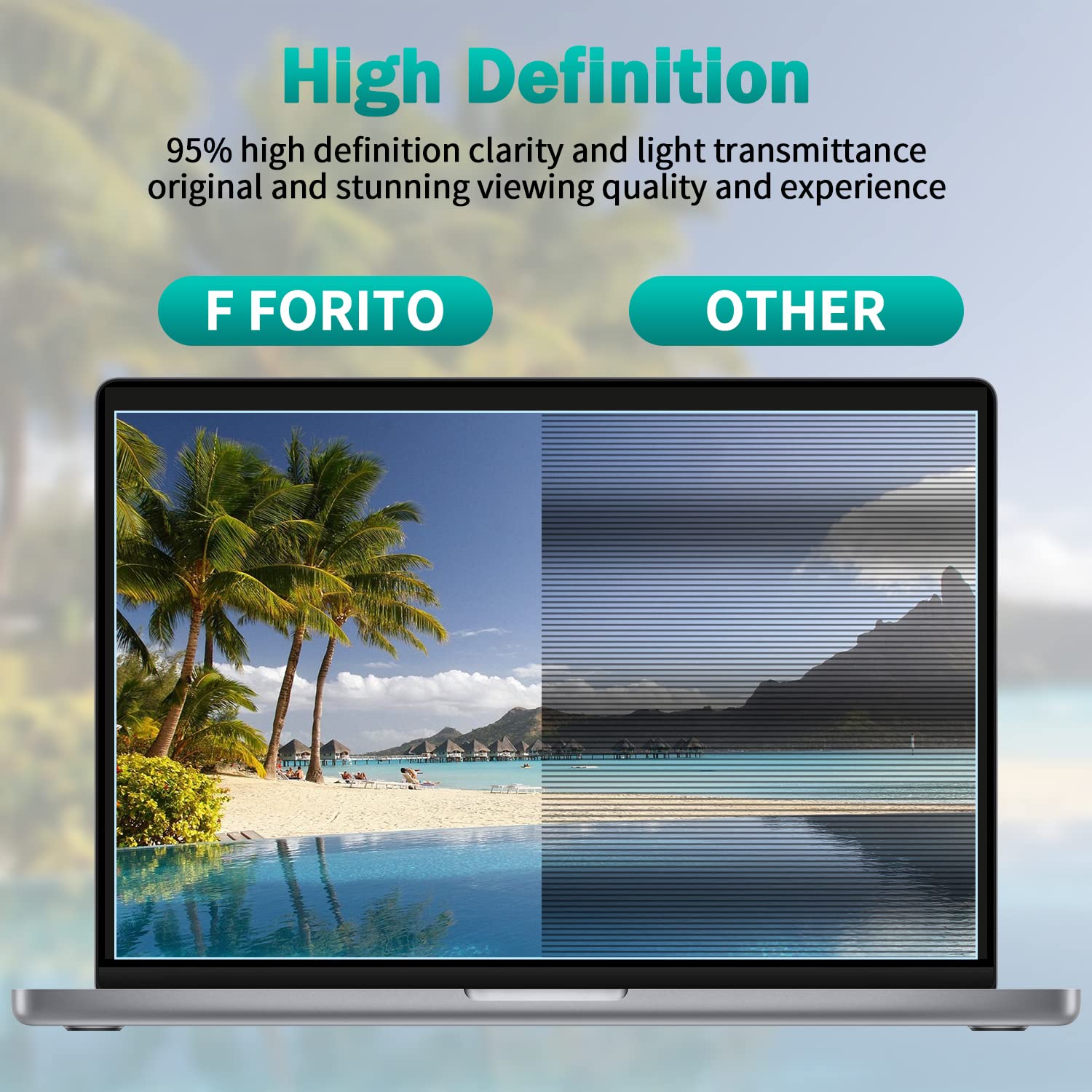
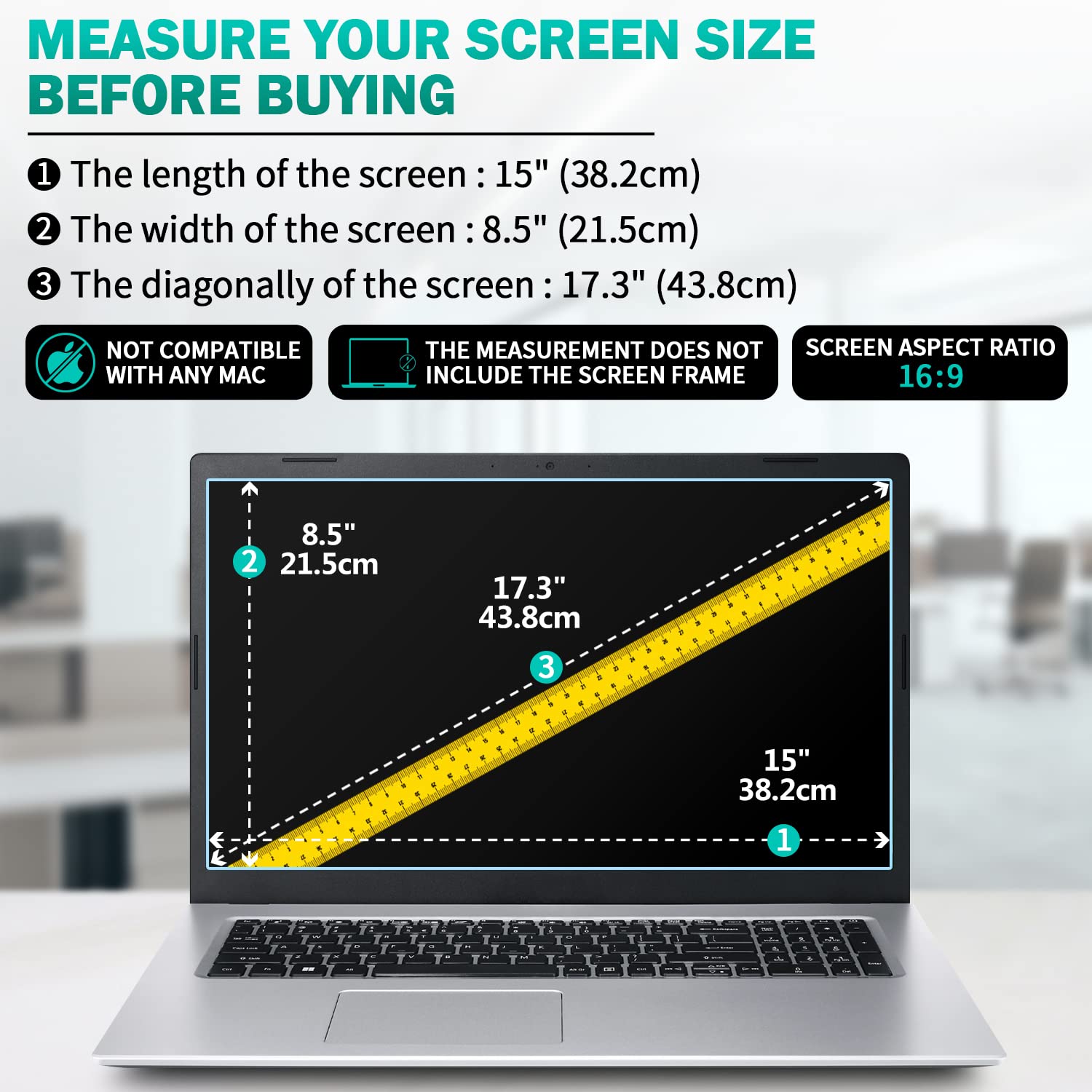
The F FORITO 2-Pack 17.3 inch Anti Blue Light Matte Laptop Screen Protector is engineered for 16:9 laptops from top brands like HP, Lenovo, Acer, ASUS, and MSI. Featuring a precise 15" x 8.5" size, it combines a 9-layer blue light filter with anti-glare and anti-scratch coatings to reduce eye strain and screen reflections. Its oleophobic and hydrophobic surface resists fingerprints and smudges, while the included installation kit ensures a smooth, bubble-free application. Ideal for professionals seeking enhanced visual comfort and durable screen protection.


| ASIN | B07PBWD5B6 |
| Best Sellers Rank | #278 in Computers & Accessories ( See Top 100 in Computers & Accessories ) #13 in Laptop Screen Protectors |
| Brand | F FORITO |
| Color | Transparent |
| Customer Reviews | 4.2 4.2 out of 5 stars (11,496) |
| Date First Available | March 4, 2019 |
| Item Dimensions LxWxH | 15 x 8.5 x 0.5 inches |
| Item Weight | 8.4 ounces |
| Item model number | F-BLSP173P |
| Manufacturer | F FORITO |
| Product Dimensions | 15 x 8.5 x 0.5 inches |
| Series | F FORITO 17.3 Inch Anti Blue Light Laptop Screen Protector |
| Standing screen display size | 17.3 Inches |
M**L
A winning glare screen
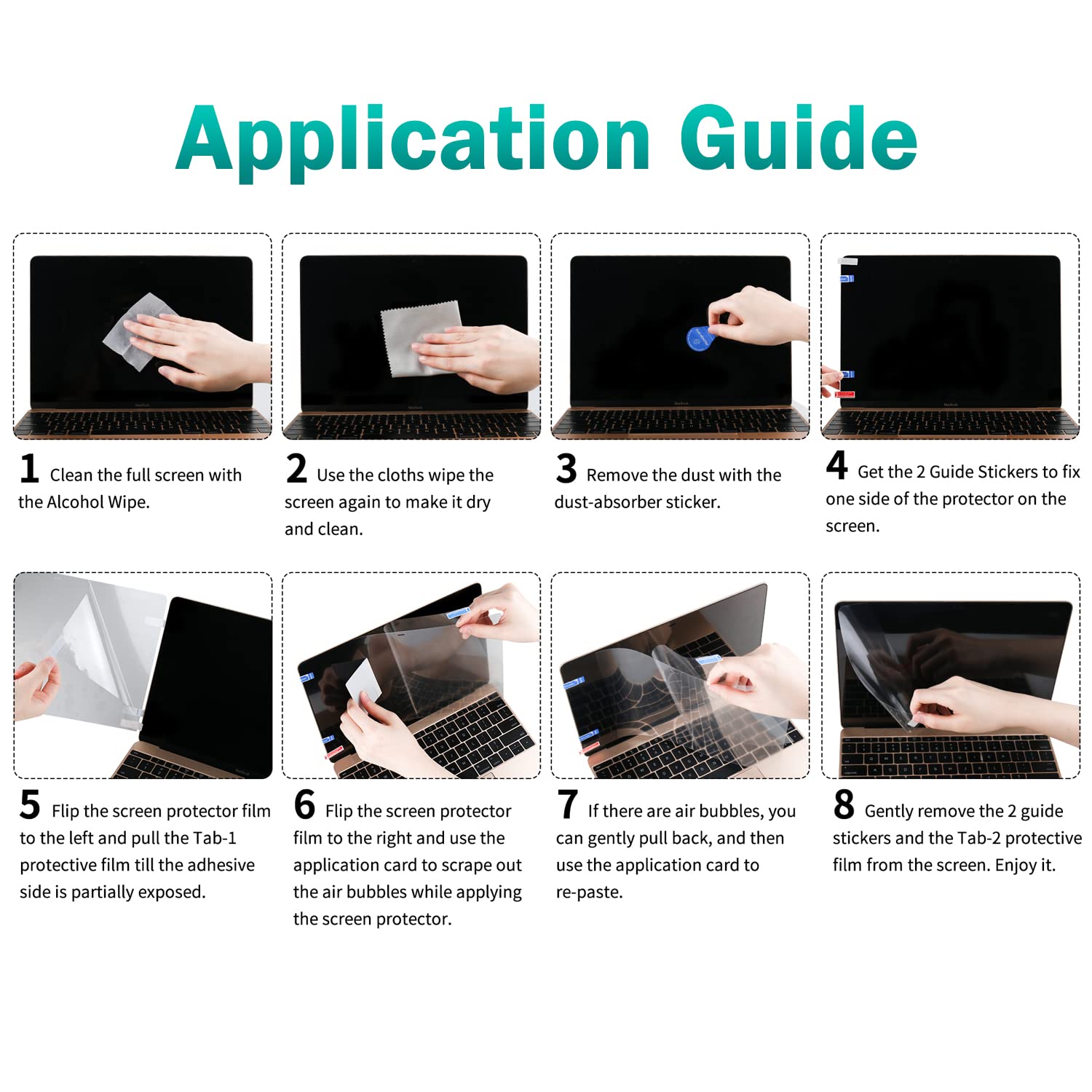
First of all, I love the packaging that the product comes in. It was once my job to design packaging for products. I am very impressed with the overall appearance and functionality of each element to this assembly. The instructions were very clear. I must also say the outside graphic was easier to understand for a visual person, than the interior package. Just a little note here: it comes with two glare screens! I suspect one is a back up in case you need one or mess up on the first one? Not sure but, I only had the one laptop, so here we go- After studying the step-by-step instructions I proceeded. The cleaning cloth, the little dust patch and the fiber screen cloth and screen squeegee are wonderful quality for what I got. @The initial application if you follow it and you do it step-by-step it’s not unlike doing contact paper if you’ve ever worked with that before. The difference of course is this is a thicker grade of plastic if you will and you want to make sure you get the right side on the monitor screen, because that’s what sticks to the screen and will stay in place. Once you squeegee the whole thing down and get all the air bubbles out, it should fit beautifully within your screen parameters, given you’ve got the right size. Mine was a 14 inch HP screen. A very generic laptop and it just went down beautifully, almost by magic. It actually makes my laptop look better than it is. I was impressed by the matte finish and silky texture of the overall screen protector. Nothing pisses me off more than having glare come back at me when I’m working; not to mention it’s hard on the back of your eyes after a period of time. It is a relief to have this sight saver. If you have a touch screen weird textures might be uncomfortable after awhile. The silky texture is nice. As a writer I find it very important that you protect your eyes. The overall Amazon review is really good on this product, something the vendor Carries on to their packaging #1 chosen glare screen. For the cost and a few minutes of time it takes to put it on there I give this an A+ plus- very pleased very very please. Especially since I first tried to purchase a glare screen from three different office supply stores, including a major brand electronics store. They didn’t have anything like this. Thank God for Amazon.
G**R
Anti-glare works, installation is not too bad
I have a Dell Precision 7680 (16", 16:10 aspect ratio) and the screen protector fit properly. After installing, I immediately noticed that the screen looks more matte and less reflective, which is what I was looking for because the original screen was incredibly shiny and reflective. I am happy with the new look of the screen. I thought the installation was not too bad, unlike some of the comments I read beforehand. You do have to be careful, but all in all, it took me no more than 10 minutes to unpack everything and install. The instructions inside the package are better than the ones on the outside. Basically: 1. prep your laptop screen- cloth wipe, alcohol wipe, cloth wipe to dry, then sticker to remove dust. 2. PRIOR TO REMOVING ANY TABS, align the screen protector onto your screen. (I found this easiest to do with my laptop screen bent back and laying flat on my desk.) 3. Once happy with alignment/centering of the screen protector, use the small "guide stickers" to fix the screen protector on one side. Basically as though it is tape and you are taping it to one side of your laptop. 4. Pull up the screen protector (it should be stuck to your laptop at one side) and remove the film on the underside (side facing your laptop). Be careful not to touch the back or add any dust at this point. 5. Use the application card to remove the bubbles. Just push the air bubbles to the nearest edge. (If you did trap any dust, you can peel the screen back up to that point and use the dust sticker. After peeling, you will need to push the air bubbles again.) 6. Remove the top film and you are done. I'm not sure how to measure or notice the blue light reduction. But I am happy with the new matte look of the screen and reduced glare/reflection. I have very minimal to no air bubbles after installing (just a few tiny ones around the edge that I think will go away over time). And I can confirm that touchscreen works through the screen protector.
K**L
Touch screen anti-glare
It comes 2 in a package, but I only need 1. Other anti-glare screens do not maintain the touch screen capability. This one may even enhance it! Installation instructions are pretty good. It includes one alcohol life, one small dusting cloth and drying, dust absorber sticker.. plenty of stuff to install one touch screen. What do I do with the other? Can I use plain alcohol or some other kind of wet wipe if I find a second screen to do? THE PHOTOS POSTED IN SCRAMBLED ORDER. SORRY. Photo 1 shows the anti-glare screen put in place to be sure it fits. Perfect! Photo 2 shows after placing the guides so that one can follow the instructions and remove side one plastic coating which will adhere to the touch screen directly ... The three guides positioned do not stay in place. Maybe instructions should have told me to thoroughly clean the edge around my screen. So that was a bit of a challenge at hearing them. Because I have done a lot of peel and stick types of things, contact paper, instant lamination, etc, I was able to work with it little by little. Photo 3 I'm not sure if it is showing bubbles or fingerprints, smudges that didn't get cleaned off of my very dirty screen before we started. Photo 4 is an angled view of the black screen showing bubbles, imperfections or grease spots or something. I think I'm happy with it! The touch function works very well! I'm just not sure about those little apparent bubbles or spots that I can't seem to work out. They may not make a tangible difference. Therefore I would guess that the quality is high, the thickness is appropriate and I have no clue how durable it is or whether it can be pulled off and a different one installed later.
モ**ル
商品到着まで時間がかかるし、何より貼った際空気が入るから何度トライしてもダメ🙅♂️ 専門の人にしてもらうか貼らない方がいいと思いました。買い損です
S**R
I didnt realize the color is dark blue, threw it away, if you like your screen color full blue go for it.
P**N
very satisfied. This is the 5th screen protector I'm buying for my laptop and I'm finally very satisfied with this brand and quality.
A**I
Delivery took a longer time than expected. Delivery was safe and packaging was nice. Delivery person was very polite and delivered the product without any hassle
R**S
TL;DR - This product works as stated and is worth the money :). I just got the screen protector today and I am very happy with it. The blue light protection and anti-glare stuff make the screen look matte and kind of "older" (not sure if that's the right word), but it didn't affect the clarity of images and such on my screen. Instead of reflecting light directly into my eyes, the screen protector sort of disperses the light (since it's like impossible to just get rid of it) so there aren't any reflections obscuring my view, but there are subtle differences in brightness (preferable to the alternative though). The texture of the screen is great for writing/drawing imo (since its more like paperand gives some much needed resistance to pens or your finger) and it also reduces the amount of smudging on my screen (so thankful cuz I have oily fingers). I bought the 15in screen protector, but I have a 14in laptop so I had to cut it to size, you can see that I didn't do a great job in my photos (right side of screen). However, the parts that I didn't mangle with my pizza cutter fit super snugly onto the screen and look great. I could even watch Hocus Pocus 2 without any real issues. 10/10 gonna see if it protects my screen from dropping 50 ft. :D edit: also it was kinda fun to put on. You can just reverse to get rid of bubbles and its not that hard.
Trustpilot
1 day ago
2 weeks ago