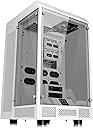
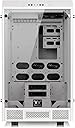
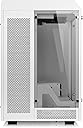
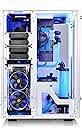
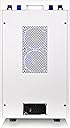
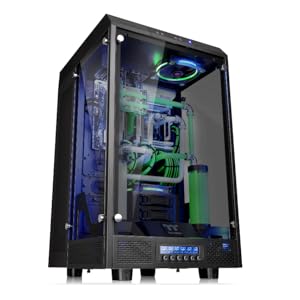
❄️ Elevate your build to legendary status with The Tower 900 Snow Edition!
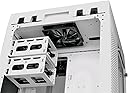
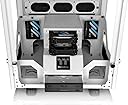
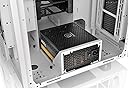
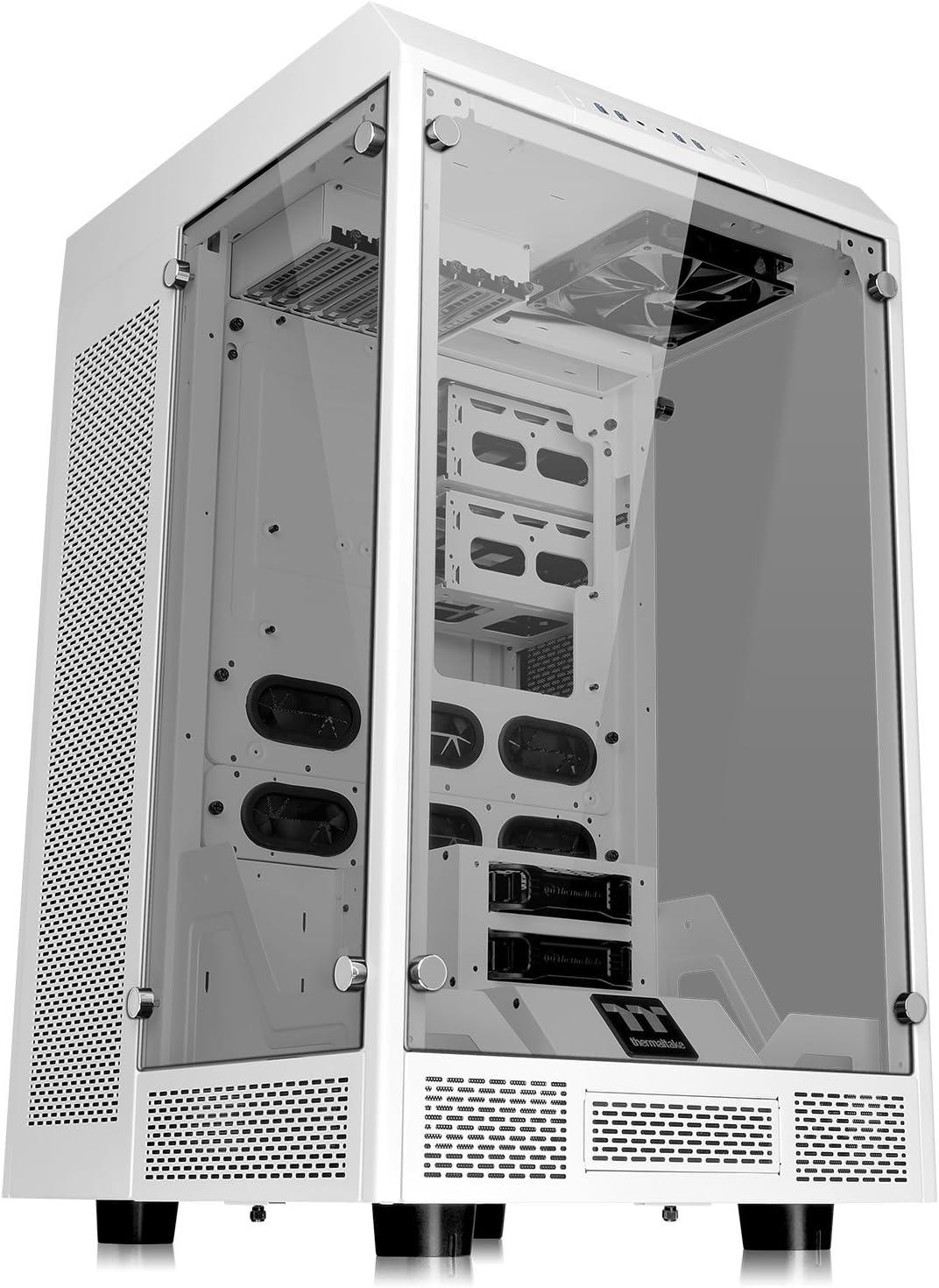
The Thermaltake Tower 900 Snow Edition is a premium full-tower PC case featuring a striking white finish and expansive 5mm tempered glass panels. Designed for enthusiasts, it supports multiple motherboard sizes and advanced dual-loop liquid cooling with dual 560mm radiator mounts. Vertical GPU mounting prevents sagging, ensuring a flawless presentation. Built with durable SGCC steel and backed by 3 years of technical support, this case is engineered for high-end, visually stunning custom builds.


| ASIN | B01MTOVX8D |
| Antenna Location | Gaming |
| Box Contents | Tower |
| Brand | Thermaltake |
| Brand Name | Thermaltake |
| Case Type | Full Tower |
| Case type | Full Tower |
| Colour | white |
| Compatible Devices | Personal Computer, cpu, motherboard |
| Cooling Method | Air |
| Customer Reviews | 4.6 out of 5 stars 142 Reviews |
| Enclosure Material | Tempered Glass |
| Fan Size | 120 Millimetres |
| Global Trade Identification Number | 00841163065839, 04717964406026 |
| Hard Disk Form Factor | 2.5 Inches, 3.5 Inches, 5.25 Inches |
| Internal Bays Quantity | 6 |
| Item Type Name | ATX Full Tower |
| Item Weight | 24.49 kg |
| Light Color | white |
| Manufacturer | Thermaltake |
| Manufacturer Part Number | CA-1H1-00F6WN-00 |
| Material | Tempered Glass |
| Model Name | The Tower 900 Snow Edition |
| Model Number | CA-1H1-00F6WN-00 |
| Motherboard compatibility | Extended ATX |
| Number of Fans | 16 |
| Other Special Features of the Product | LED Indicators |
| Power Supply Maximum Output | 1000 Watts |
| Power Supply Mounting Type | Bottom Mount |
| Recommended uses for product | Gaming |
| Supported Motherboard | Extended ATX |
| Total Expansion Slots Quantity | 7 |
| Total USB 2.0 Ports | 2 |
| Total USB 3.0 Ports | 2 |
| Total USB Ports | 4 |
| UPC | 841163065839 |
| Unit Count | 1.0 count |
S**R
You can do whatever you want without fighting the case.
It's the size of a small fridge! My review is just to clarify some other people's comments that, when filling up the case, are hard to relate to. 1. Top Piece: Some of the answers/reviews say to grab a handle to pop the top off. I looked for a handle.... but it's not really a handle, it's the rectangular cutout centered on the back of the top. At first you might give it a couple of gentle yanks and think oh no, I'm going to break something taking it off! Don't worry. It takes some force to remove, and the first few times I was really stressing over it, but it's just an odd design that works. I have taken the top on and off some 20+ times now and no longer pay it any mind. Assuming you have the motherboard in, and the top off, you'll see how everything connects up. It's actually pretty brilliant from a cable management perspective. There are standard connection points exposed at the top of the front, the kind you would typically see on any pc case, for USB, headphones, etc. There is a neatly secured bundle of wires from the front connections through the top of the metal frame and down to the back of the case. You just route the cables through the rubber grommets and onto the motherboard. Having said that, one of the best selling points for this case is the walls of glass, and if you use the front ports, your cables will hang down ion front of the glass and ugly it up. I think they should have put those connections down where most people put a fan controller, and put the fan controller at the top. In any case, I have everything routed through the top and nothing permanently connected to the front for appearance. The motherboard and PCIe device connection points that you typically see in the back of a computer case are exposed through the top of the metal frame (on which the plastic top sits). The back of the top has smaller cutouts to either side of the "handle" for routing to the top connections. The upside is that it makes for a very clean look to the back panel, as well as the ability to neatly mount two fans. The downside is the routing length from your devices to the connections, both because keyboards, mice, speakers and other input/output devices aren't long enough to connect through the back, and when using longer cables, the weight can cause repeated disconnect unless you anchor the cables (for me it was an HDMI cable to my t.v.). To Thermaltake's credit, the case comes with usb extenders for your mouse and keyboard. You might need more. For example, I needed a couple more for devices like a gaming mini-keyboard, etc. 2. The radiator covers (narrow top-to-bottom pieces abutting the glass with black, magnetic filter screens) are removed with the push of a 'button' that is a flat metal portion of a spring loaded, lever type mechanical catch. The mechanism is metal and attached to the top of the metal frame on which the plastic top sits. Just stick your finger through the cutouts on the back of the plastic top nearest the panel, you will find them. Once you see how it works you will absolutely love them. Super easy and quick access. 3. This one is not a clarifying comment, just applauding the fact that the back panel has the type of finger screws that are retained by the panel when you unscrew them. I have a couple of extra fans hidden in the back, as well as all the hardware (screws, etc.), and they never get in the way. Expected cheap materials for the price and size, but this is a well made case. I think just the top and the HDD trays are plastic. Me and PC cases have a love/hate relationship but I wasn't able to break anything during my install. They did a beautiful job matching the paintjob
L**O
Aussi pratique qu'élégant !
Personnellement, je suis toujours super ravie de ce boîtier acheté en début d'année 2020. Les + : - Boitier pratique & élégant : En blanc et avec ses panneaux en verre, il a de l'allure et permet d'accéder aisément partout sans le moindre tournevis. L'alimentation et les câbles sont cachés à l'arrière. Pour le montage et pour ranger proprement les fils, il est extrêment pratique ! - Entretien facile : Ses grilles magnétiques stoppent bien la poussière et sont aussi faciles que rapides à nettoyer. Les trois panneaux en verre se retirent vite (avec des vis à main), ce qui simplifie les opérations de maintenance et de nettoyage. - Qualité : Tout est toujours impeccable après quasi 3 ans d'utilisation. Le matériel est solide et de qualité. Depuis le début, j'ai eu à remplacer qu'une pièce : un des ventilateurs. Celui-ci devait avoir un léger défaut de soudure et le nettoyage sans souffleur a fini de l'endommager. Les - : - Sa taille et son poids : Pour l'entretien, je vous conseille vivement de remplacer ses 4 pieds plastiques par 4 roulettes. Je regrette toutefois que les roulettes ne soient pas dans le modèle de base (ou au moins proposées en option) car c'est un peu galère de trouver les bonnes références et tellement plus pratique avec des roulettes ! - Les branchements (ports USB, vidéos, audio etc...) sont en haut et non sur le côté. Ils prennent donc davantage la poussière. Je vous recommande donc des caches anti-poussière ou un souffleur. - Son prix : il était moins cher en 2020 qu'aujourd'hui, en novembre 2022...
C**J
Well built case for custom loops
This is a very large computer case. It is about the size of my 2.7 cubic feet mini fridge. If you are planning on using strictly air cooling, find a different case. This is not meant for strict air cooling, as it only has room for 2 fans in the front compartment of the case. The case itself is well built, with no sharp edges to cut you like you can find on cheap cases. The tempered glass is thick and well made, with a slight tint on it. If you want to be able to see your build in the dark, you will definitely need some LEDs inside the case (but it's 2017 so you should already have RGB) I love the way the case is split into 2 sections, one for the build and then another for cooling and wiring. I had no problem installing 2 480mm rads into the back of the case, and still had room for a 240 on the back panel itself. If you are building with hardline tubing, I recommend using adapters to change to soft tubing for the back section for a couple reasons. One, you might have a hard time finding tubing long enough to go from one part to the back. Two, It would be difficult to bend the tube without putting it through one of the gromets in the case. I wish the left and right side of the case where the motherboard sits had more holes for cable management. There are only one on each side, and it makes the cables look a little awkward when they have to angle themselves towards one of the holes. This is easily fixable with a dremel, but slightly annoying that this wasn't thought of beforehand. One thing you have to think of is that all of your connections will be at the top middle of the case. You will need long cables or extensions if you want to hide your cables and do a good job of cable management. The cables for the front panel connectors (namely the usb 3.0 header) are just barely long enough to reach the connector on my motherboard (x99 sabertooth). All in all this is an excellent case, and if you plan on doing custom water-cooling and have the physical room for it, this should be on your short-list of options.
O**R
Great Case, Strong Durability
The case is huge. A little bigger than I thought it would be but it ended up being great for me. Cable management with this case is super easy. All of the cables that lead from the motherboard come out the top of the back and the power comes out the bottom. The case is made of mostly metal, making it pretty durable and the tempered glass looks great with any amount of LEDs inside. Although take notice that you will need an extra person to help carry the thing, unless it’s in pieces, it’s size and mass is quite difficult to deal with on your own. The only problem I had was that my motherboard did not have 2 usb 3 slots on it so 2 of the slots are disabled for me.
M**S
Lots of room to play
If you have the space this is an awesome case. The build quality seems to be as good as you would want for a computer case. Everything is there for a reason and you have lots of options. I have been using a Mac Pro for the last 3 years, and was very tired of having wires everywhere. This keeps my 6 drives all nice a neat with most of the wires out of site. This case was built for dual liquid coolers and I have two Thermaltake Pacific 240 kits installed in it. There is plenty of room to work in both the front and back when needed. I love the clean look and wires are hard to find, which is what I was after. I needed something that could handle the Arizona Summers and this case seems to be made for it. It does take up a lot of space, but if you tinker and have the room, it doesn't get any better. I was going to go with the black one, but we have a lot of dust and white is a little easier to keep looking good. It is super cool at night with the UV lights and coolant. The pictures don't do it justice.
Trustpilot
2 weeks ago
2 weeks ago