Desertcart purchases this item on your behalf and handles shipping, customs, and support to Denmark.
🚀 Elevate your office game with speed, style, and smart tech.
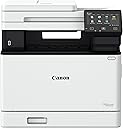
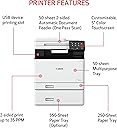
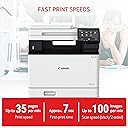
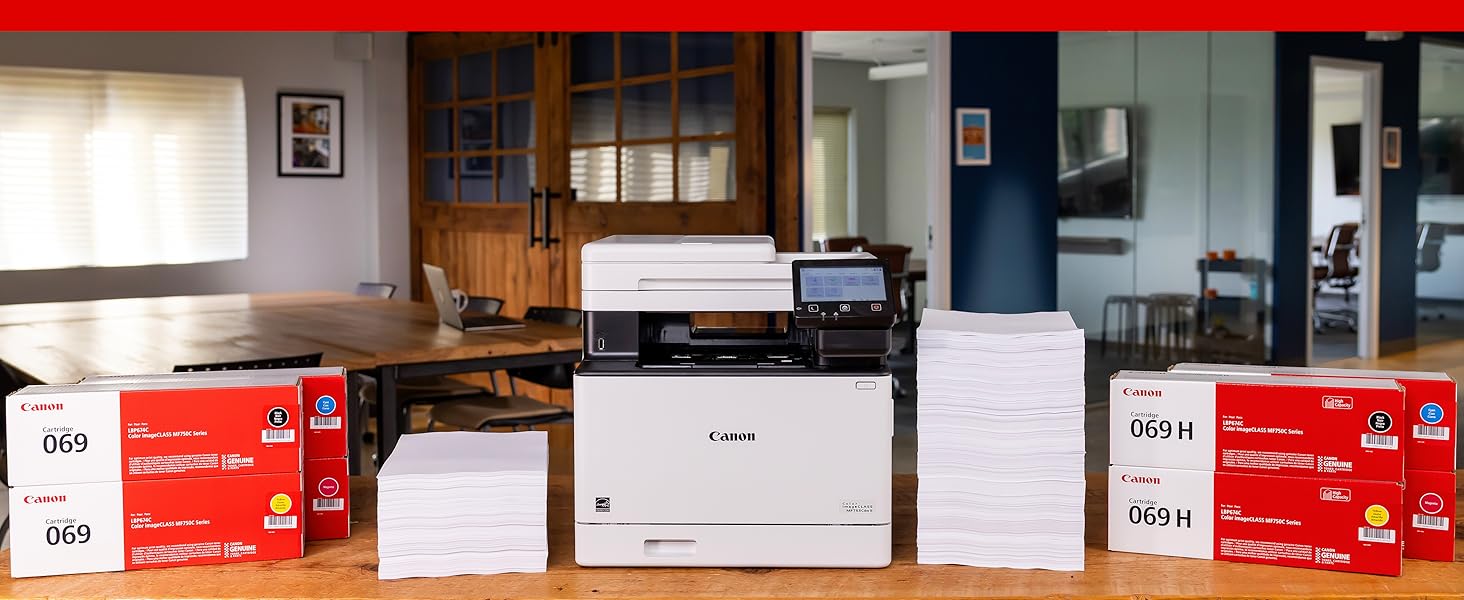
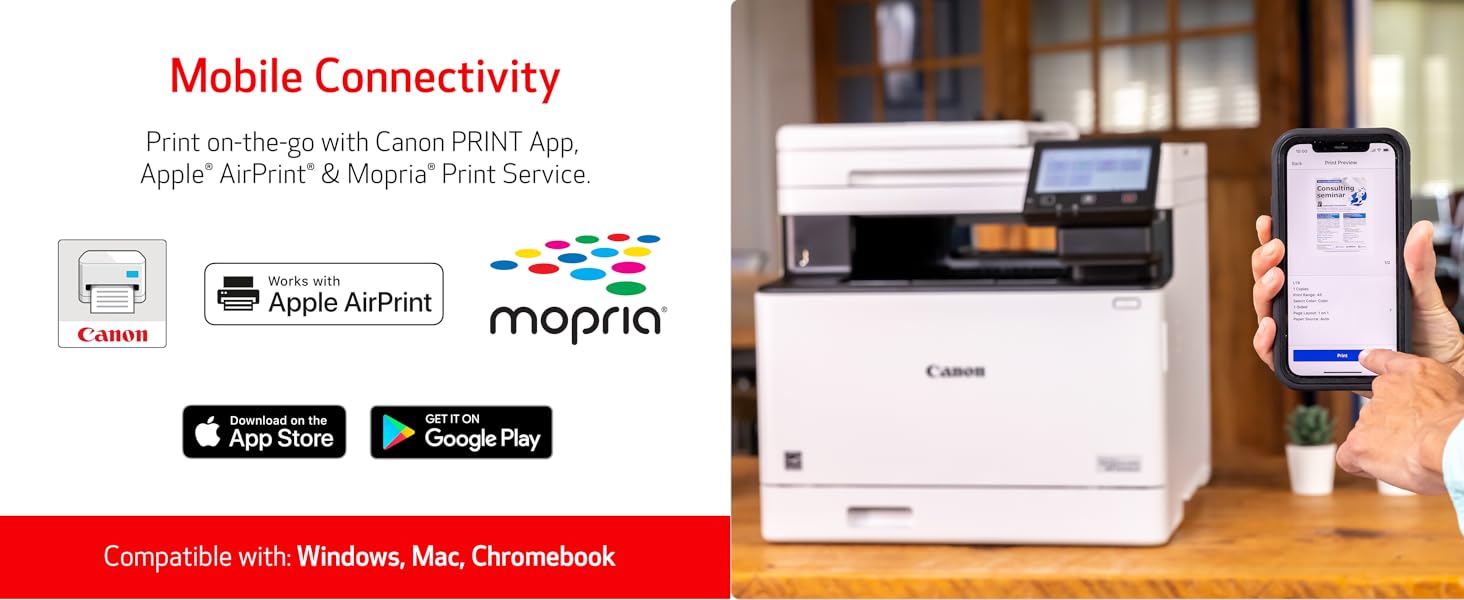
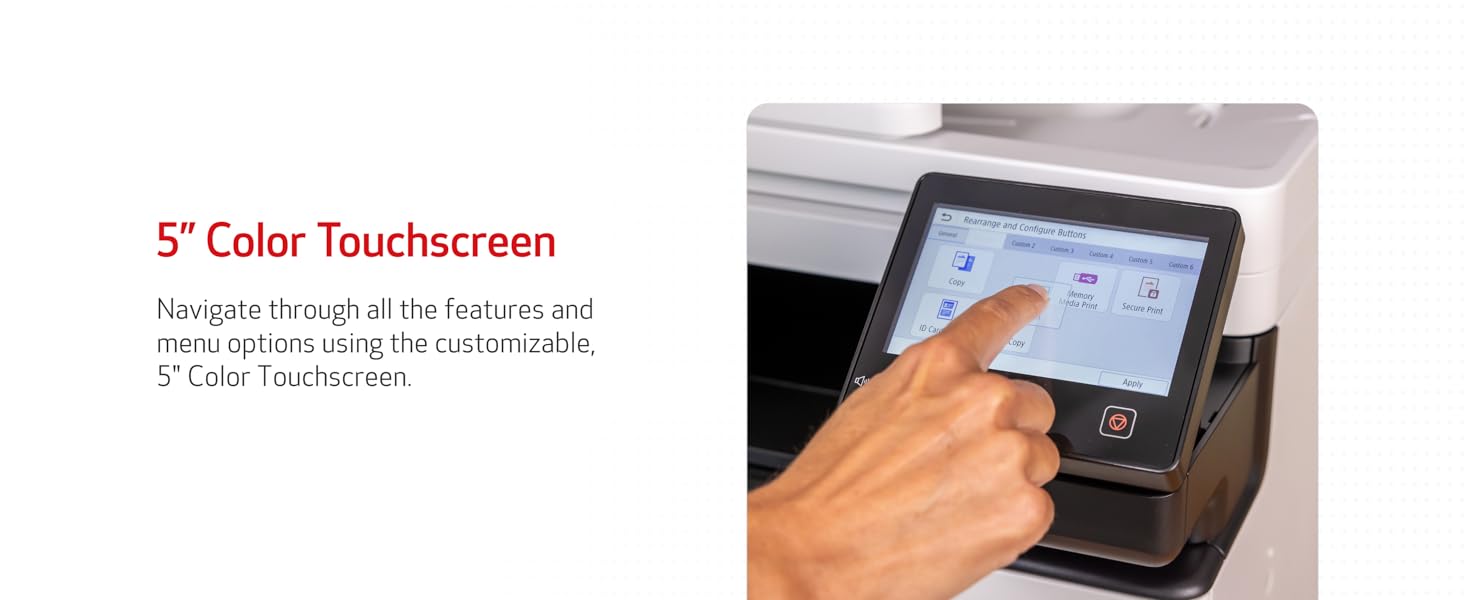
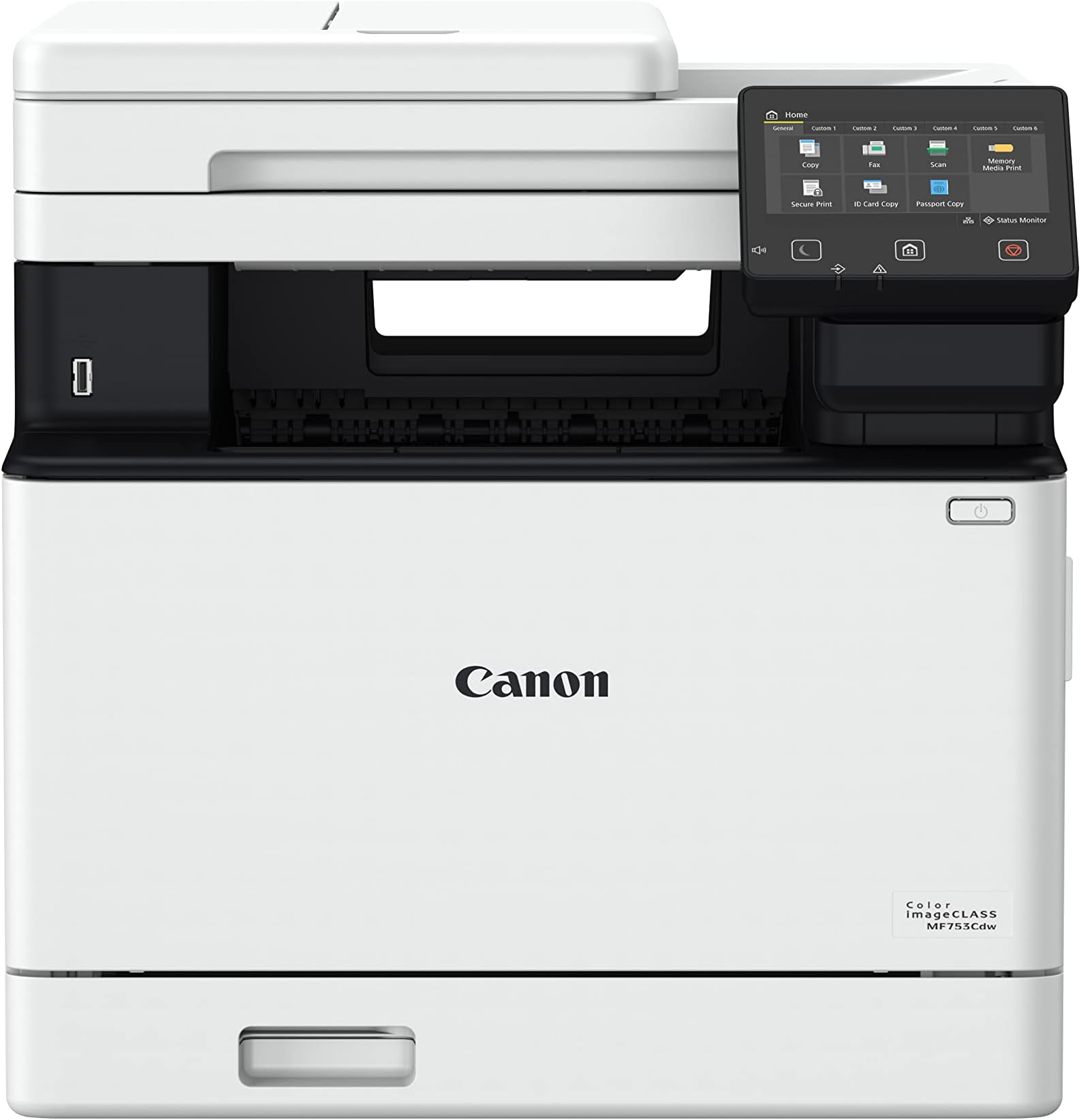
The Canon imageCLASS MF753Cdw is a wireless 4-in-1 color laser printer engineered for busy professionals and small businesses. Delivering up to 35 pages per minute with sharp 1200x1200 dpi color output, it features automatic duplex printing and scanning, a customizable 5-inch color touchscreen, and robust paper handling expandable to 850 sheets. ENERGY STAR and EPEAT Silver certified, it supports mobile printing and offers a 3-year limited warranty, making it a reliable, eco-conscious choice for modern workspaces.


| 1実行あたりの最大コピー数 | 99 |
| ASIN | B0BSMQTVBW |
| EUスペアパーツの入手可能期間 | 3 年 |
| GTIN (Global Trade Identification Number) | 00013803345162 |
| UPC | 013803345162 |
| print_media_type | プレーン紙 |
| resolution | 600 x 600 |
| おすすめ度 | 5つ星のうち4.2 566 レビュー |
| インク色 | 色 |
| カラー | MF753Cdw |
| コントローラーの種類 | Android |
| スキャナータイプ | シートフィード |
| ディスプレイの種類 | 液晶 |
| デュプレックス | 自動 |
| トレイ数 | 2 |
| ドライバー 数 | 1 |
| ハードウェアインターフェイス | イーサネット |
| ブランド | キヤノン |
| ブランド名 | キヤノン |
| プリンタ出力 | カラー |
| プリンタ採用技術 | レーザー |
| プロセッサ数 | 1 |
| メーカー名 | Canon |
| モデルシリーズ | imageCLASS |
| モデル名 | iC MF753Cdw |
| ユニット数 | 1 個 |
| 両面印刷 | はい |
| 互換デバイス | スマートフォン |
| 保証タイプ | 限定 |
| 出力シート容量 | 250 |
| 初期ページの印刷時間 | 7 秒 |
| 印刷技術 | レーザー |
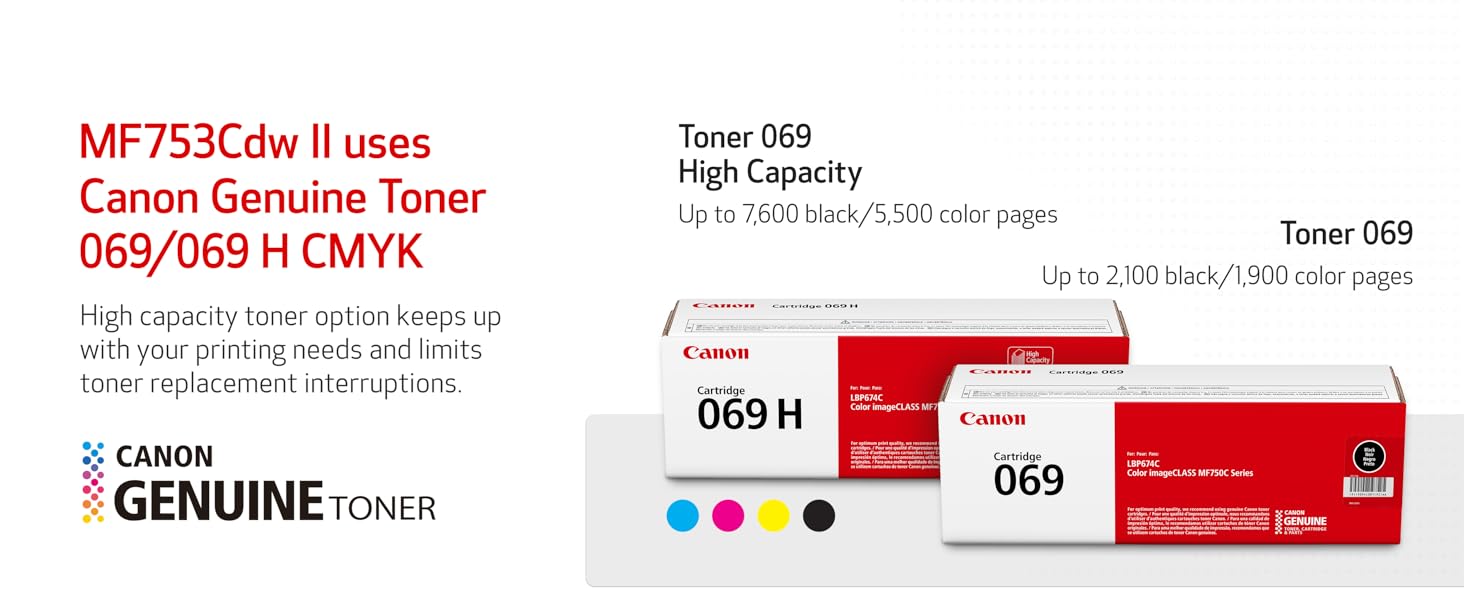
| 取替え可能カートリッジ | Canon 純正トナー 069 / 069 H |
| 同梱商品 | FAXコード, MF753Cdw製品。, カートリッジ069 CMY:スターター1,100イールド/ブラック 規格:2100枚, ドキュメンテーション:, 電源コード |
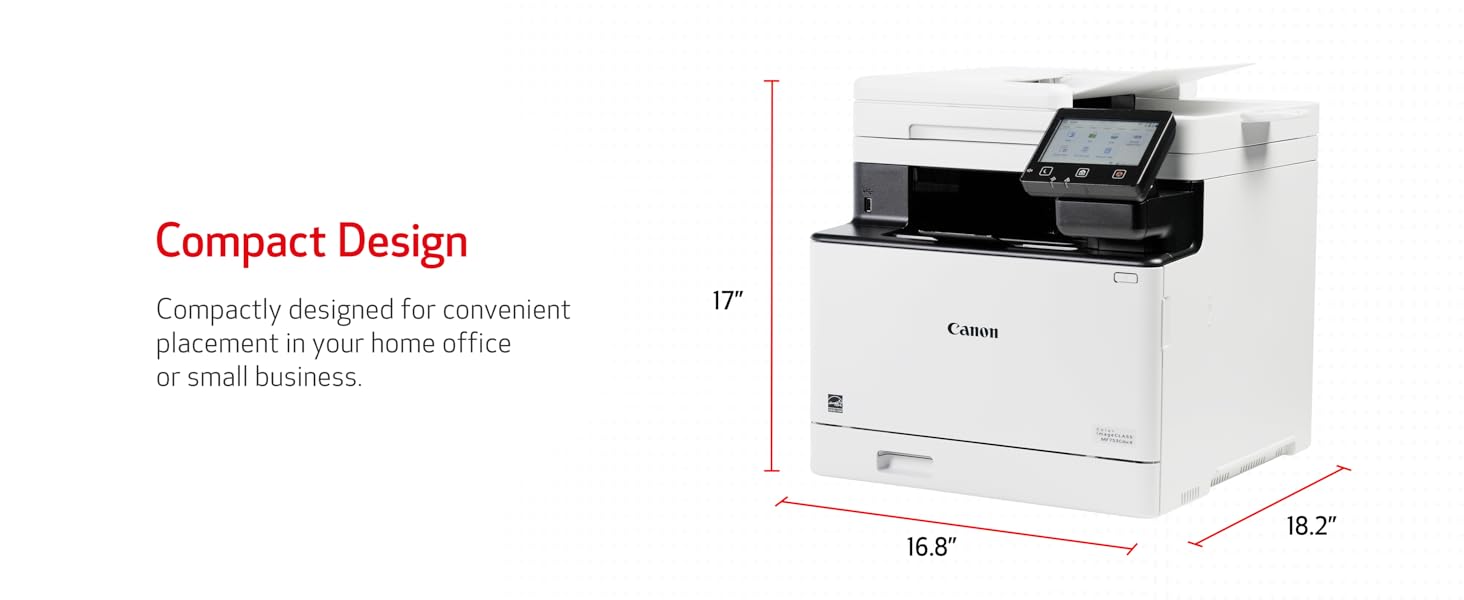
| 品目の寸法 (D x W x H) | 46.2奥行き x 42.7幅 x 43.2高さ cm |
| 商品の用途 | 事務所 |
| 商品の追加説明1 | EPEAT シルバー, Energy Star。, エネルギースター, オートデュプレックス。, タッチスクリーン。, タッチ画面, ディスプレイスクリーン, ディスプレイ画面, ネットワーク対応, 両面スキャン, 両面スキャン。, 自動ドキュメントフィーダー, 自動ドキュメントフィーダー。, 自動二重 |
| 商品の重量 | 48.5 ポンド |
| 商品種別 | カラーレーザープリンタ |
| 型番 | 5455C010 |
| 接続技術 | Ethernet, USB, Wi-Fi |
| 最大コピー解像度(カラー) | 600 x 600 dpi |
| 最大コピー解像度(モノクロ) | 600 x 600 dpi |
| 最大コピー速度(モノクロ) | 35 ページ/分 |
| 最大メディア(用紙)サイズ | 8.5 x 14 inch |
| 最大入力シート容量 | 250 |
| 最大印刷解像度(カラー) | 1200 x 1200 dpi 1インチ当たりのドット数 |
| 最大印刷解像度(モノクロ) | 600 x 600 dpi |
| 最大印刷速度(カラー) | 35 ページ/分 |
| 最大印刷速度(モノクロ) | 35.0 |
| 特徴 | EPEAT シルバー, Energy Star。, エネルギースター, オートデュプレックス。, タッチスクリーン。, タッチ画面, ディスプレイスクリーン, ディスプレイ画面, ネットワーク対応, 両面スキャン, 両面スキャン。, 自動ドキュメントフィーダー, 自動ドキュメントフィーダー。, 自動二重 特徴 EPEAT シルバー, Energy Star。, エネルギースター, オートデュプレックス。, タッチスクリーン。, タッチ画面, ディスプレイスクリーン, ディスプレイ画面, ネットワーク対応, 両面スキャン, 両面スキャン。, 自動ドキュメントフィーダー, 自動ドキュメントフィーダー。, 自動二重 表示を増やす |
| 管理方法 | タッチ |
| 紙サイズ | Standard Cassette 3.9" x 5.8" to 8.5" x 14" / Multipurpose Tray: 3" x 5" to 8.5" x 14" |
| 色 | MF753Cdw |
| 色彩深度 | 24 bpp |
| 追加のプリンタ機能 | オールインワン |
| 通信・接続インターフェース | Ethernet, USB, Wi-Fi |
| 電力消費サイズの測定単位 | 650 ワット |
H**I
Finally a Printer That Doesn’t Frustrate Me
I’ve gone through several printers over the years, and this is one of the few that actually feels reliable for everyday use. Setup was smoother than expected, wireless printing works consistently, and the print quality is sharp for both color and black-and-white documents. The duplex printing and scanner save a lot of time, especially for home office and document work. It’s fast, quiet compared to older printers I’ve owned, and doesn’t constantly give connection issues like many cheaper printers do. For anyone tired of replacing inkjet printers or dealing with dried ink problems, this laser printer is absolutely worth it. Feels like a solid long-term investment.
J**E
Game Changer
I was sick of going to print something after a month or two and finding the ink in my inkjet printer was dry. Then I either had to purchase brand name ink, or take the risk of the off-brand inks not being recognized by the printer, since they use chips on the cartridges and update the firmware on you, so that what you can get away with changes all time (a practice that should be illegal for consumables, but that's another discussion). I literally had cartridges in my old printer become 'unrecognizable' despite have been used before. I said I'm done with this garbage. Did some research, and found out that there are issue with the new 'well' format printers, where they waste your ink, or some even brick themselves when the waste storage fills up. Decided on a laser printer, so that I would never have to worry about not using it for a while and the ink drying up. It's also cheaper for toner in the long run. Then I read that this printer has a setting for 'use official Canon toner only' OFF BY DEFAULT. This is a major good-guy move for me, and sold me. The price is high, but I care about my prints, and I was wasting $20-40 on new ink any time I wanted to print a single page before with inkjet anyways. This comes with black and color toners, and I don't know how long they last in the long run, but I have been printing fairly often for around a year now (mostly black) and haven't run out yet. Letters are printing sharply. I was worried about printing color images, as people always say that inkjet is superior for that, but aside from trouble printing a very faint tan fade one time, the images have been fine. I think toner has come a long way. They also don't cause the paper to become warped and wrinkly like inkjet can. I also think that the slightly shiny look of toner looks more professional to me. The printer can handle quite thick paper/stock with no issue. I like to print cards, so this was important to me. Setup was super easy, and I got it connected to my wi-fi with no issue at all. Scans are good, and with the automatic feed tray, much easier than my previous home-level all-in-one printer/scanner (read the instructions, and do the scanner calibration print page like you are supposed to). Double-sided printing works perfectly. If you have a home-office, care about your prints, or are just sick of the money-grabs from the consumer-grade inkjet brands, then this is probably closer to what you want.
I**E
Excellent printer, but received gray‑market unit; Serial not eligible for Canon registration
The printer itself is fantastic, fast, quiet, and produces excellent print quality. It offers one-pass scan at rapid speed and all the functionalities that this printer offers. If I were rating only the product, it would absolutely be five stars. Hands down. ⚠️ I discovered something important that other buyers should know. ⚠️ The unit I received appears to be a gray‑market (non‑U.S.) model, even though it was sold through Amazon. The serial number cannot be registered with Canon USA, and Canon confirmed it is not a United States market unit, which means it is not eligible for US warranty or support. The System Manager ID also cannot be reset by Canon USA for this reason. The listing did not disclose that the product was sourced from outside Canon’s authorized US distribution channel. The printer works well, but buyers should BE AWARE of the warranty and support limitations that come with receiving an international model. Great product, but I strongly encourage the seller to ensure that only authorized US units are supplied, or clearly disclose when inventory is sourced from other regions. At this price point, consumers reasonably expect full manufacturer warranty support. Because the serial number on my unit cannot be registered with Canon USA, there is no valid U.S. warranty. Buyers should be aware of this before purchasing.
M**E
great multifunctional printer
great printer / scanner / fax so far, requires a bit of tech hands to set it up properly to communicate with the other devices / computers in the network. First thing to do after you unpack and connect to power and local network, go to Canon website and install their drivers and utilities.
B**J
Fantastic Printer and Easy to Use!!!
I was a HP printer fan for forty years. In that time, I've always had a few problems with HPs printer software or some primitive aspects of each printer or the software package. I finally hit my breaking point with the purchase of my first home laser printer (HP Color Laserjet Pro MFP 3301fdw Wireless All-in-One Color Laser Printer). Junk software again, but I wasn't going to waste endless hours troubleshooting the scanning issue where the HP MFP 3301fdw would not free itself up to accept more scans. I am extremely computer savvy with a background in electronics, and HPs Laserjet Pro was a stopper for me. I worked with it for several hours trying to free up the queue issue. Finally, I boxed it up, sent it back to Amazon (thanks Amazon), and bought a Canon MF753Cdw. After a few days of waiting, I received the new Canon printer and set it up in about forty-five minutes. It was hard for me to buy a Canon because I'm a Nikon guy, but we're into printers here. Cleanup time took thirty minutes, so the total set up time tally was one hour and fifteen minutes. Easy to install, use, and reliable. I took it through a lot of tests, and it passed with flying colors. The touch pad can be awkward though. I used all kinds of touch pads on laptops in my life, and I was able to adapt to it. The printer was so easy to setup and install the software. Just follow the directions. I didn't encounter any issues as others have complained about in their reviews. Solid machine, and the value is fine because of its reliability so far. I highly recommend this printer that produces ultra clean, accurate, sharp, copies or images. Well done, Canon. Update (10/3/24): Still working great. The auto-feeder has no issues, and it's scanning alignment is excellent. I would highly recommend this printer.
Trustpilot
1 week ago
2 days ago