Buy anything from 5,000+ international stores. One checkout price. No surprise fees. Join 2M+ shoppers on Desertcart.
Desertcart purchases this item on your behalf and handles shipping, customs, and support to Denmark.
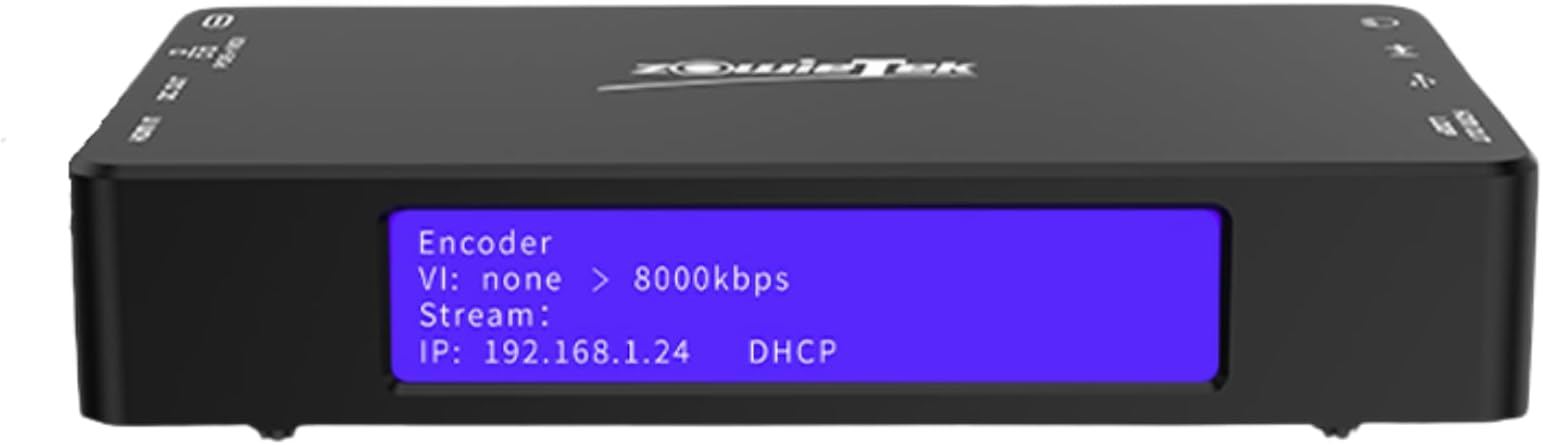
🚀 Elevate your live streaming game with ZowieBox — the Swiss Army knife of 4K video encoding!
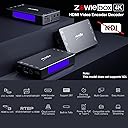
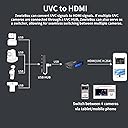
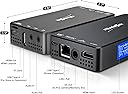
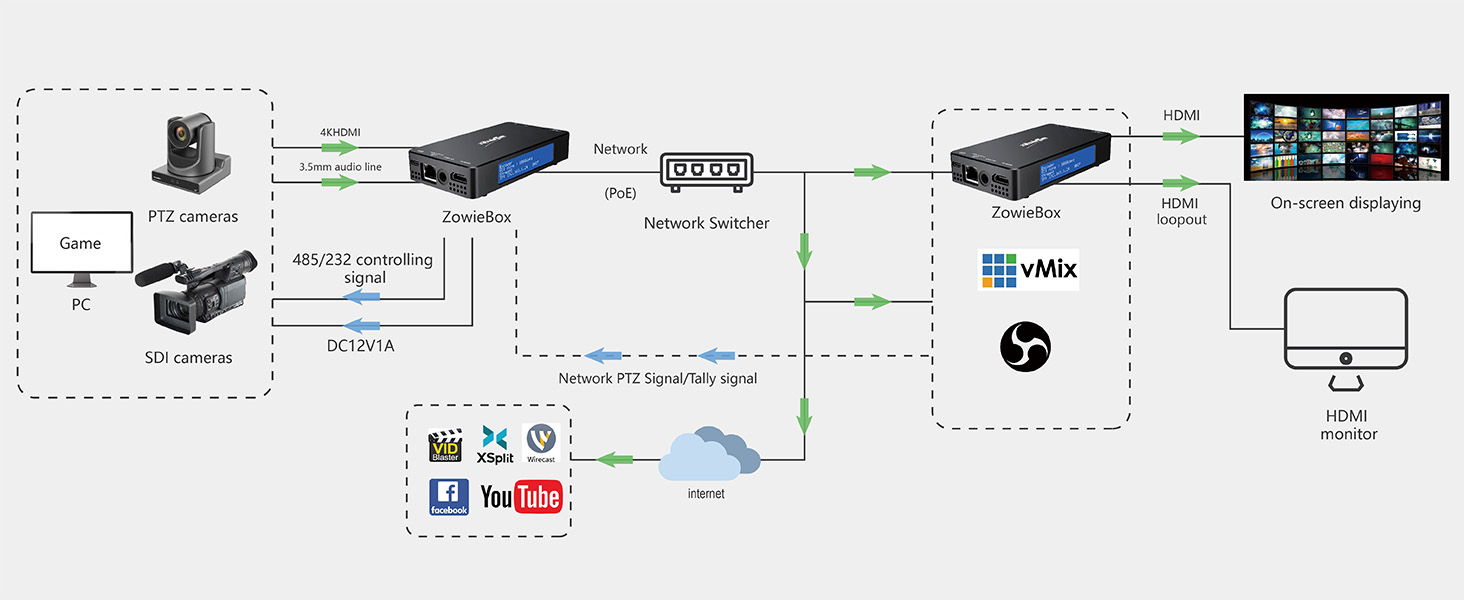
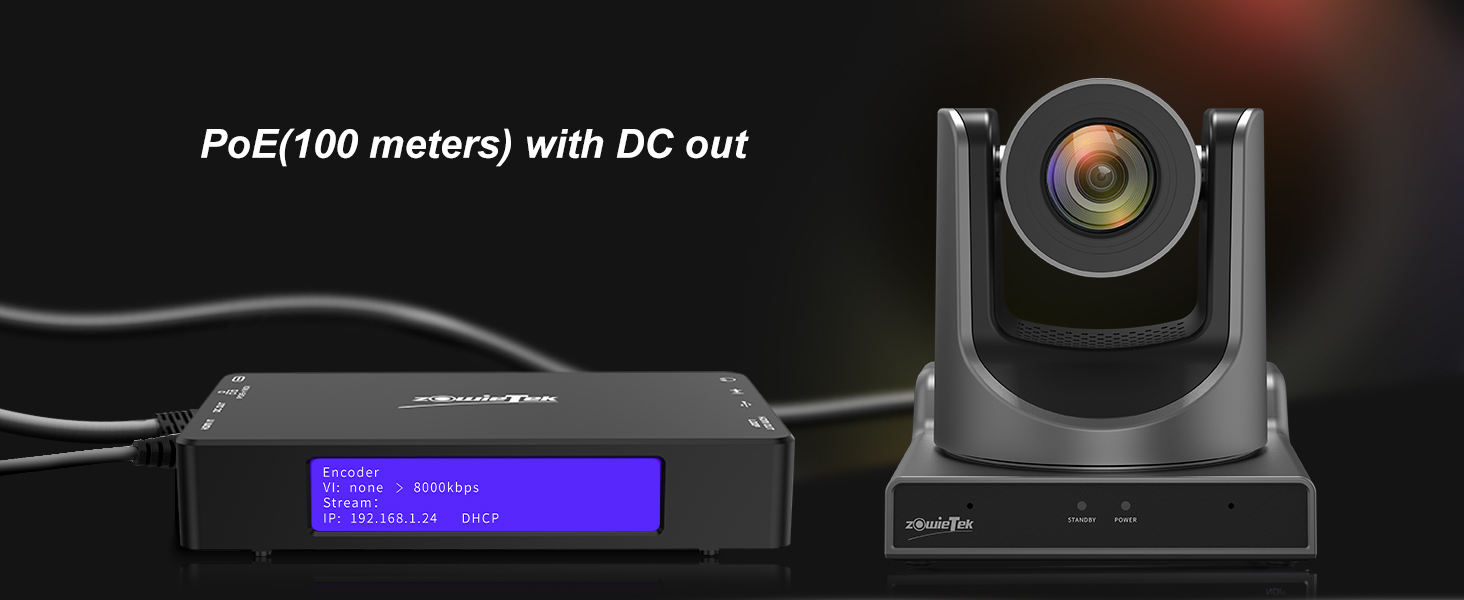
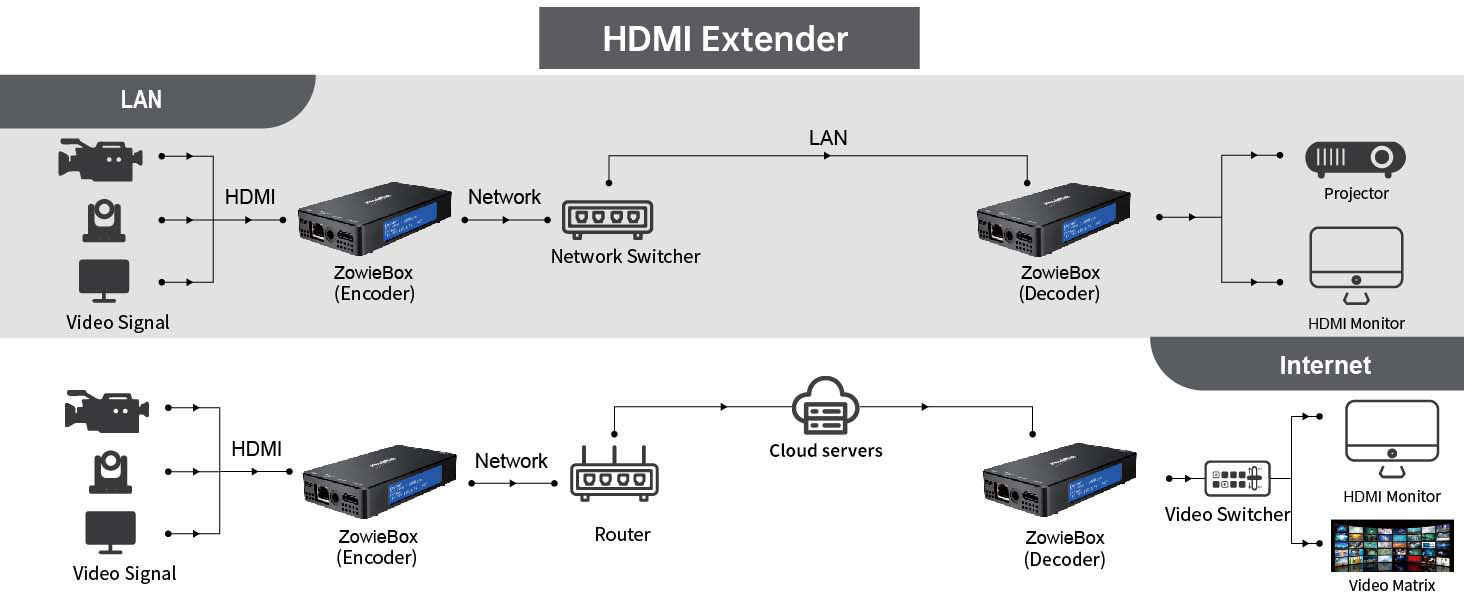
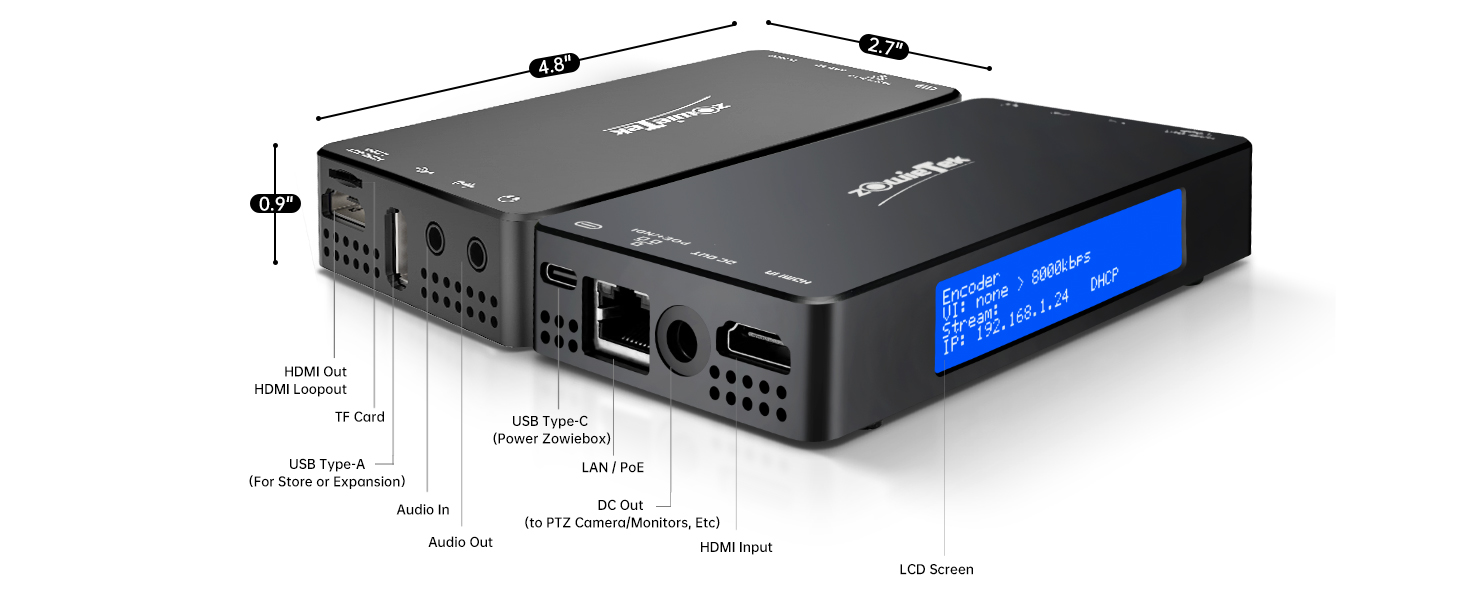
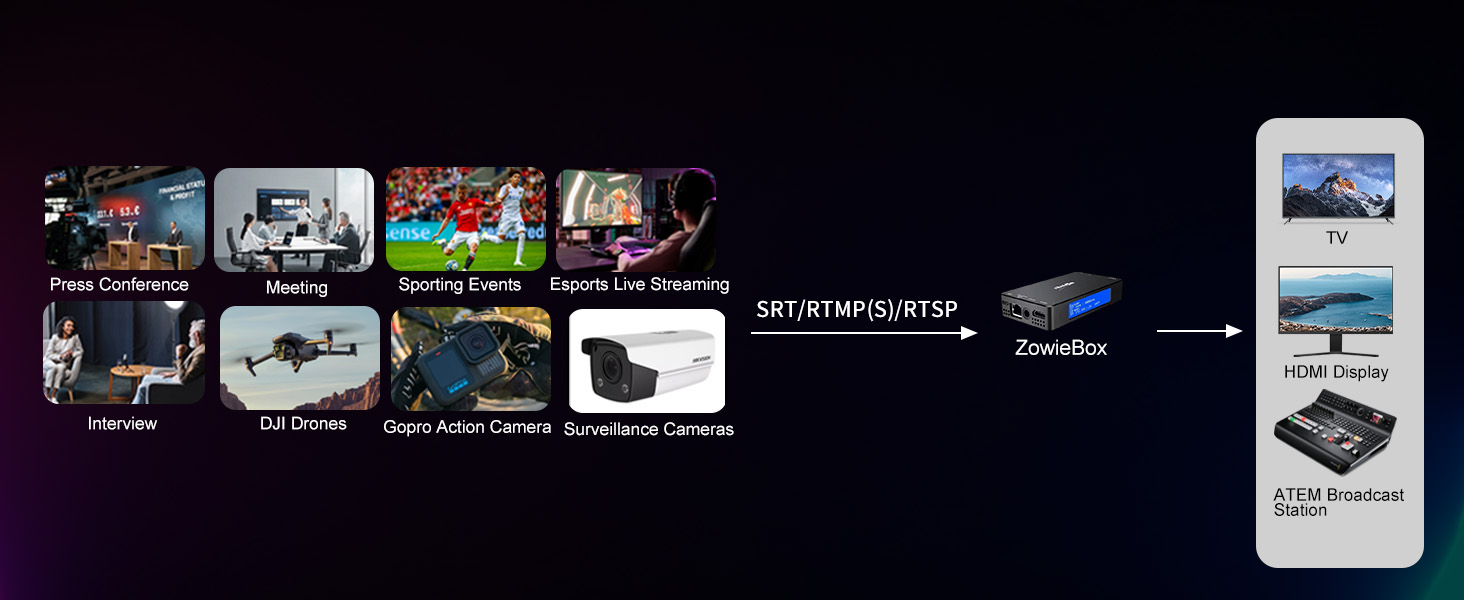
The Zowietek ZowieBox is a compact yet powerful 4K HDMI encoder/decoder supporting SRT, RTMP(S), and RTSP protocols. It enables ultra-low latency live streaming, HDMI signal extension over LAN, and versatile HDMI-to-UVC conversion. Designed for professional content creators, gamers, and event broadcasters, it offers plug-and-play ease, remote web UI control, and seamless integration with multiple streaming platforms, making it an essential tool for high-quality, reliable video delivery.


| ASIN | B0DYV4PRBB |
| Best Sellers Rank | #51 in Video Converters |
| Brand Name | zowietek |
| Compatible Devices | Desktop, Laptop, Smartphone, Digital Camera, Gaming Console, Monitor, Television |
| Customer Reviews | 4.1 4.1 out of 5 stars (310) |
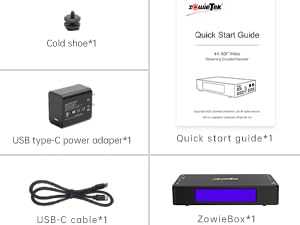
| Included Components | ZowieBox,Power Adapter only for U.S,Type-C Cable,Quick Start Guide, Cold Shoe |
| Interface | HDMI |
| Manufacturer | Zowietek |
| Model | 30621-104 |
| Mounting Type | Tripod Mount |
| Number of Channels | 7 |
| Number of Pins | 38 |
| Part Number | 30621-104 |
| UPC | 617395412013 |
| Unit Count | 1.0 Count |
| Warranty Description | 1 Year Manufacture |
G**B
Jam packed with capabilities
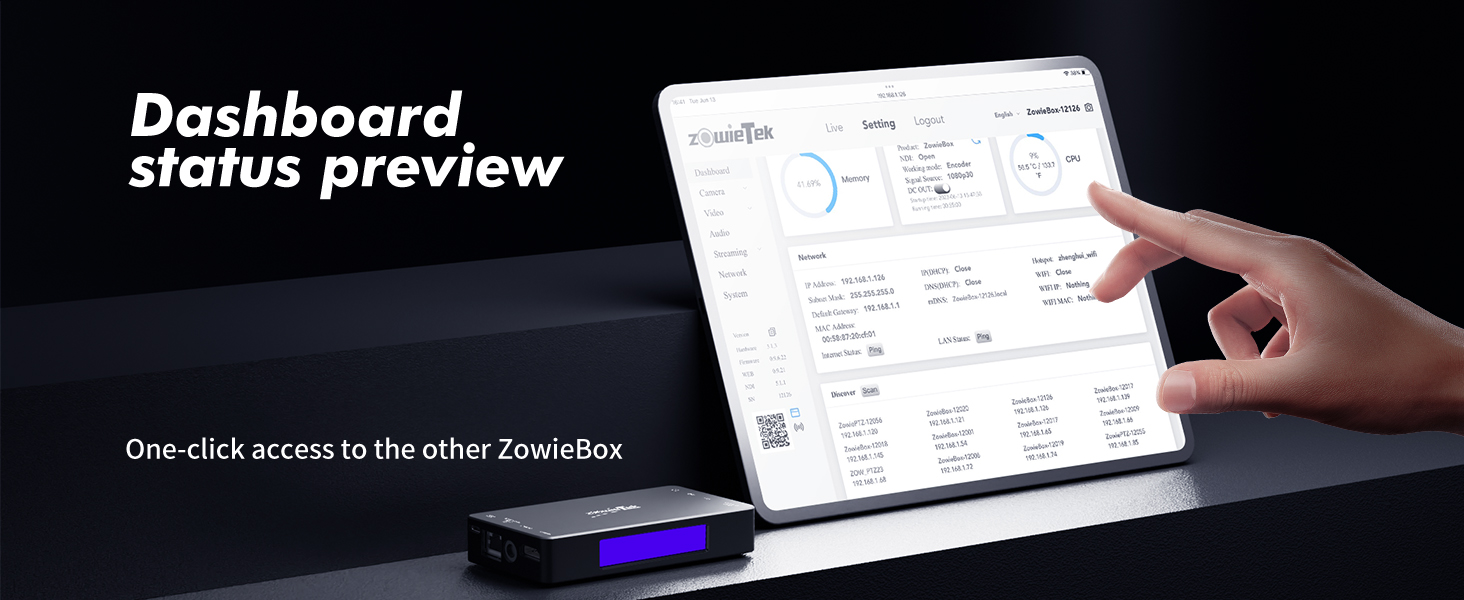
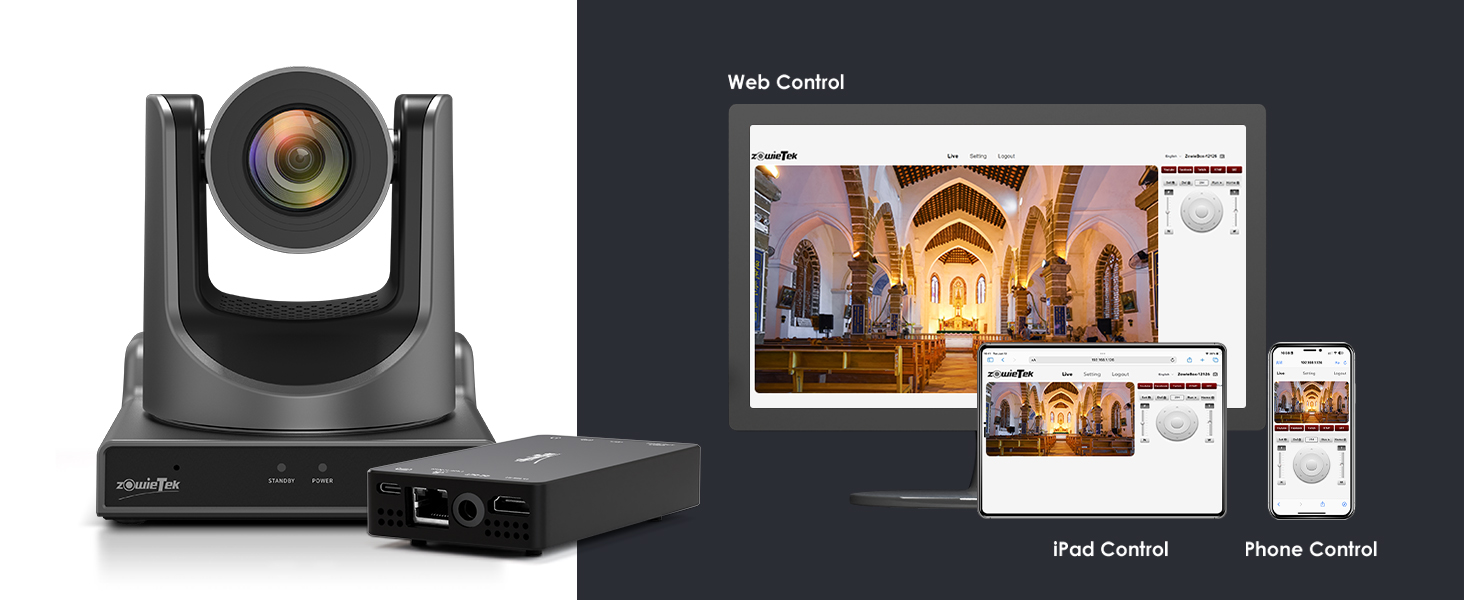
Quite amazing how much this little guy can do at the price point it's at - can encode OR decode, stream, record, utilize NDI, PTZ and tally controls, there's so much flexibility it's a must have. The IP gui is fairly intuitive and there's even a live preview with controls. Even came with a shoe mount. I mainly wanted some hardware that could serve as backup records, and this does just that. Only thing I don't like is you must split your recording either by time (45min max) or file size (4GB max), and it may introduce some freeze frame in the last few seconds if you're trying to string them back together. Otherwise, perfect for a backup and a general webcast/video multi tool!
J**A
2024 missing key features
This vendor is finally filling a space in the current market that has been empty for too long. The ZowieBox does what the Magewell's have been doing with respect to converting HDMI to NDI (and vice versa AMAZINGLY) but they don't support all formats of NDI. This is a brilliant one-trick-pony. It supports HX1, HX2 and HX3 but not the uncompressed SHQ. This is a huge problem when using the Zowiebox in a Tricaster environment (native NDI anyone???) as the multiviews are sent out uncompressed. It's like releasing a guitar that only has 3 strings and expecting folks to be happy with the luthier. Now, I've purchased and deployed about a dozen of these since they came out using a few hacks, but have been forced to *upgrade* to Magewells due to this major shortfall. I have reached out to support to 2 months with no response. Excited if they can Fix this beautiful product.
D**S
Very nice NDI encoder/transmitter
I'm using this item connected to a Sony ZV1 camera for the purpose of transmitting video over NDI wirelessly to OBS studio then to Twitch stream. The product works well and provides a lot of control over video and audio quality. It is a fairly economical way to do so, considering you typically have to pay $99 just for an NDI license for each product you use, and that fee is included in the $150 price. The quality is good, and I'm hoping in the future they will support even faster transmission rates at higher resolutions over wireless NDI. NDI requires a lot of bandwidth, so a strong wifi is required. I'm only taking one star off, because I feel like the transmitter could be stronger, especially considering the antenna is inside a metal box, which isn't a great location for an antenna. It makes the unit streamline, which is nice, but reduces effectiveness a bit. I think they should consider adding an external antenna port, which would help improve the distance covered. The only other negative was the unit seems to be a bit sensitive to swapping wifi network. I was on one wifi, then switched to another, and when I did this, the unit started acting very erratic. I was getting choppy video and couldn't figure out why. I had to do a factory reset to fix the issue. Also, I run a pretty mobile setup, and it didn't seem to like being handed off from one wifi access point to another. It would lock up during the handoff and I would have to restart the system. Pretty good technical support, other than having to wait a day since I think the support team, for me, is overseas and on a different time zone. Overall a good product, and I'd recommend, but I could see them making a few tweaks to improve even further.
P**R
LEGEN (wait for it)
These ROCK. I have two. I would like eight more. I have successfully configured these in so many awesome ways. Each of mine are currently setup to broadcast their input as an NDI source over the network, regardless of what else the box is doing. Even when I set them up to receive a camera's NDI signal and output that signal over HDMI to a switcher, each Zowiebox itself is also available over the network as an NDI source ... which IS convenient, because I can then remotely confirm that the appropriate box is receiving the correct signal, before enabling the HDMI output which itself can also be independently disabled/enabled. I have tested an OBSBOT Tail Air w/ NDI license » both WiFi and Wired w/ official adapter » my network » Zowiebox connected via ethernet » NDI source as input » HDMI output to ATEM switcher. + a StreamDeck to control the cameras PTZ functions. Oh yeah and you can't use an ATEM switcher's 1st HDMI port, oddly enough. ALL the other HDMI ports are fine, but literally just the first HDMI port is limited to something like YUV color mode? If I recall correctly? Anyways. 1st input will be green and wonky, you can't park there. SRT Server is working great! I really didn't want to buy more $100 NDI licenses for my last 2 Tail Air cameras and THIS HAS DONE THE TRICK! H.265 encoding SRT mode on the OBSBOT Tail Air using Listener mode * make sure to add the Stream ID.* It is probably: pusher/live/av + add the IP address of the Tail Air in the Zowiebox SRT settings, setting it up in Caller mode. BOOM SRT server is now working with HDMI output to my ATEM switcher. Have also successfully configured RTSP/RTMP mode between these same devices. Since starting this testing, I've had these cameras and Zowieboxes running nonstop for several days inside my house. Not sure how they'll hold up elsewhere, but so far nothing has shutdown or frozen. Highly recommend. DARY
C**Y
Das Kästchen ist sein Geld wert. Ich habe schon eineige VIdeoserver/Converter in den FIngern gehabt aber keiner hat für sowenig Geld soviel solides geboten. 4k HDMI => NDI + RTSP H.264/H.265 +SRT Codierung UVC => HDMI / RTSP / NDI Codierung Die NDI Streams (HX3,2,1) haben bei HD Auflösung eine kaum noch wahrnehmbare Latenz die auch bei 4k nur unwesentlich schlechter wird (alles über LAN/Kabel getestet, WiFi nutze ich nicht). Arebitet einwandfrei mit den offizielen NDI Tools zusammen oder mit beliebigen Tools die entweder NDI oder RTSP Streams unterstützen (H.264, H.265 und MJPEG), ich habe es mit NDI Tools, VLC und Tinycam Pro sowie am ATEM Mini (via HDMI, als NDI to HDMI Decoder) im Einsatz. Auch der Test mit einer OBSBot Tiny SE als UVC Cam funktionierte perfekt inkl. PTZ Steuerung über die WebOberfläche der Zowiebox. Damit wird die TinySE Netzwerktauglich und kann nach wie vor mit Gesten oder Ferngesteuert werden (über die Wegbui nicht über die OBSBot Remote). Das WEB GUI ist top, übersichtlich, und angenehm flott. Es erlaubt einiges an Konfiguration, das ich so nicht erwartet hatte (z.B. Canvas, also statische Inhalte wie Text oder Bilder die dann im Viedeo eingeblendet werden, Ausspielen an verschiedene Plattformen als Live Stream , etc... ). Für das Geld ist die gebotene Leistung beeindruckend. Display und Tally Licht sind ebenso praktisch (IP Adresse wird angezeigt ..) . Das mitgelieferte Netzteil ist relativ stark aber ich habe es trotzdem durch ein stärkeres ersetzt um sicherzustellen, dass auch die UVC CAMs mit PTZ (Tiny 2 und TinySE) ausreichend Strom bekommen. Auf dem Screenshot ist links der NDI Output, oben der RTSP Stream (Main, Full HD) und rechts unten das LIVE Bild in der Zowiebox Web GUI zu sehen. Von der Webgui aus können dann auch die konfigurierbaren Streams oder Blenden (Canvas) aktiviert werden. NDI Apps gibts auch für Android und iOS/IPADOS. Erstaunlich fand ich dass der Stream auch über WIFI immer noch sehr wenig Latenz aufwies (getestet habe ich das aber mit dem IPAD bisher nur in FUll HD) . Insgesamt bin ich mit dem Teil hoch zufrieden und werde mir sicher noch ein weiteres zulegen (eines als Encoder, eines als Decoder). Last but not least: Auf der Zowitek Website ist eine Fülle von FAQs und Erklärungen wie man bestimmte Dinge aktiviert (z.B. UVC zu NDI) , fand ich gerade am Anfang sehr hilfreich bei der Vielfalt an Möglichkeiten die die Box bietet.
C**N
Hittils är den riktigt bra. Håller den i flra år är jag riktigt nöjd. Hittils har jag bara låtit dom stå på i några timmar utan problem. Hoppas det funkar bra i fortsättningen också 😊
A**E
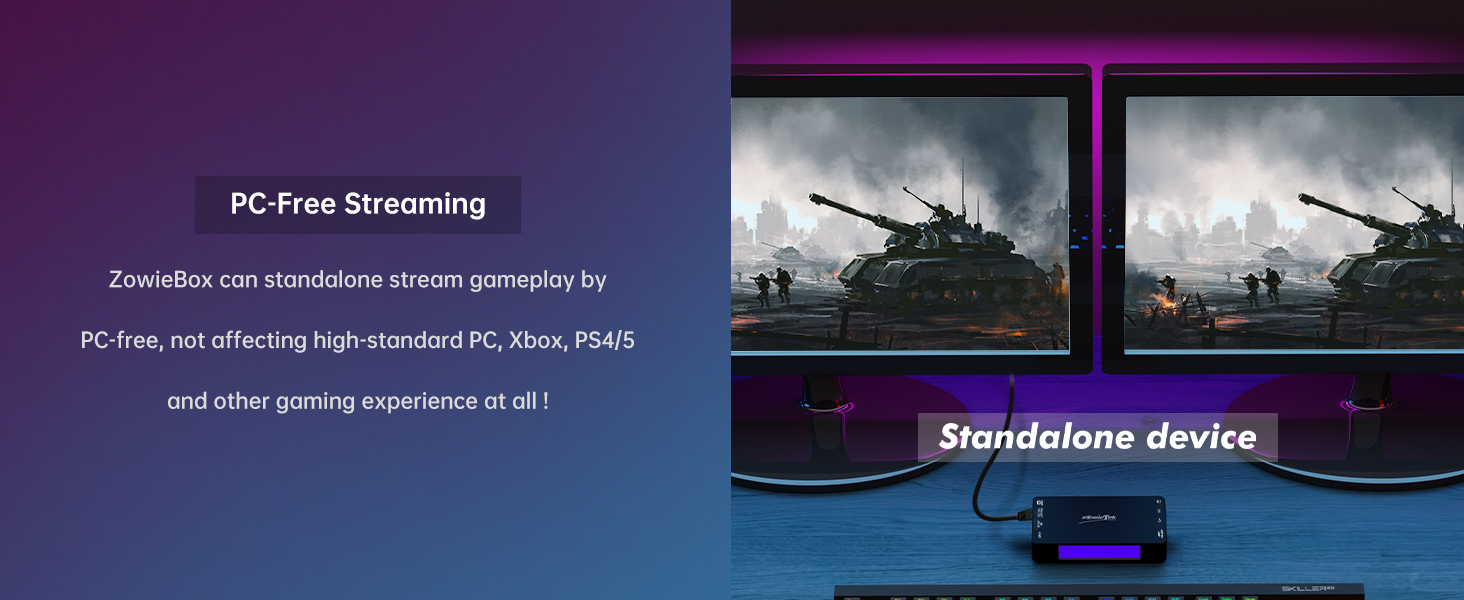
Very satisfied with the purchase. It takes over the streaming from the computer/laptop, which becomes free to be used during streaming. Connected to a live on Youtube, controled via mobile phone, no issues.
B**T
I've been using this device to stream RTSP feeds 24/7 from Blue Iris to my HDMI extenders, which display my surveillance video on various HDMI monitors around the house. So far, it's been working "OK", with Blue Iris, there seems to be a RTSP incompatibility where the stream will get corrupted from time to time, also, the stream may stop and needs to be restarted. There is no watchdog capability with the unit. It works like 95% of the time then will randomly distort the image and require a restart. Setup was simple: I enabled decoder mode, entered the RTSP URL, set the RTSP feed as the primary stream, and connected the HDMI output to my extender. Within minutes, I had live video showing on my TVs. Performance has been stable so far, but I’ll update this review if I encounter any issues over time—especially regarding recovery from stream hiccups, which remains to be seen. Build quality is impressive. The unit feels solid and well-designed. You can tell some care went into the hardware. The Web UI is surprisingly polished—much better than I expected at this price point. It's clean, responsive, and easy to navigate. A few cons: It only supports a limited number of protocols (mostly RTSP). That’s fine for my needs, but something to be aware of. After a reboot, the stream takes about 30 seconds to buffer and appear. Not a dealbreaker, but worth mentioning. Overall, this device is doing exactly what I need it to do. If you're looking for a dedicated RTSP-to-HDMI solution, this one seems to fit the bill.
C**.
Le manuel explique les bases. Une fois sur l'interface web, il faut aller dans decodeur > uvc et activer la webcam. La page sera en erreur si la combinaison de paramètres est incorrect. Il faut donc savoir quelle combinaison la webcam autorise. Pour savoir ça, on branche la webcam au PC et on regarde les choix qui fonctionnent dans ses paramètres. Le boitier met du temps a démarrer, environ 20 à 30 secondes. Ça fait long quand on attend pour voir si ça fonctionne mais ce n'est pas dérangeant vu qu'on ne passe pas som temps à alumer et éteindre. Toutes les infos de base sont claires si on sait avec quoi on est en train de travailler. 5 étoiles car c'est intuitif.
Trustpilot
3 weeks ago
2 months ago