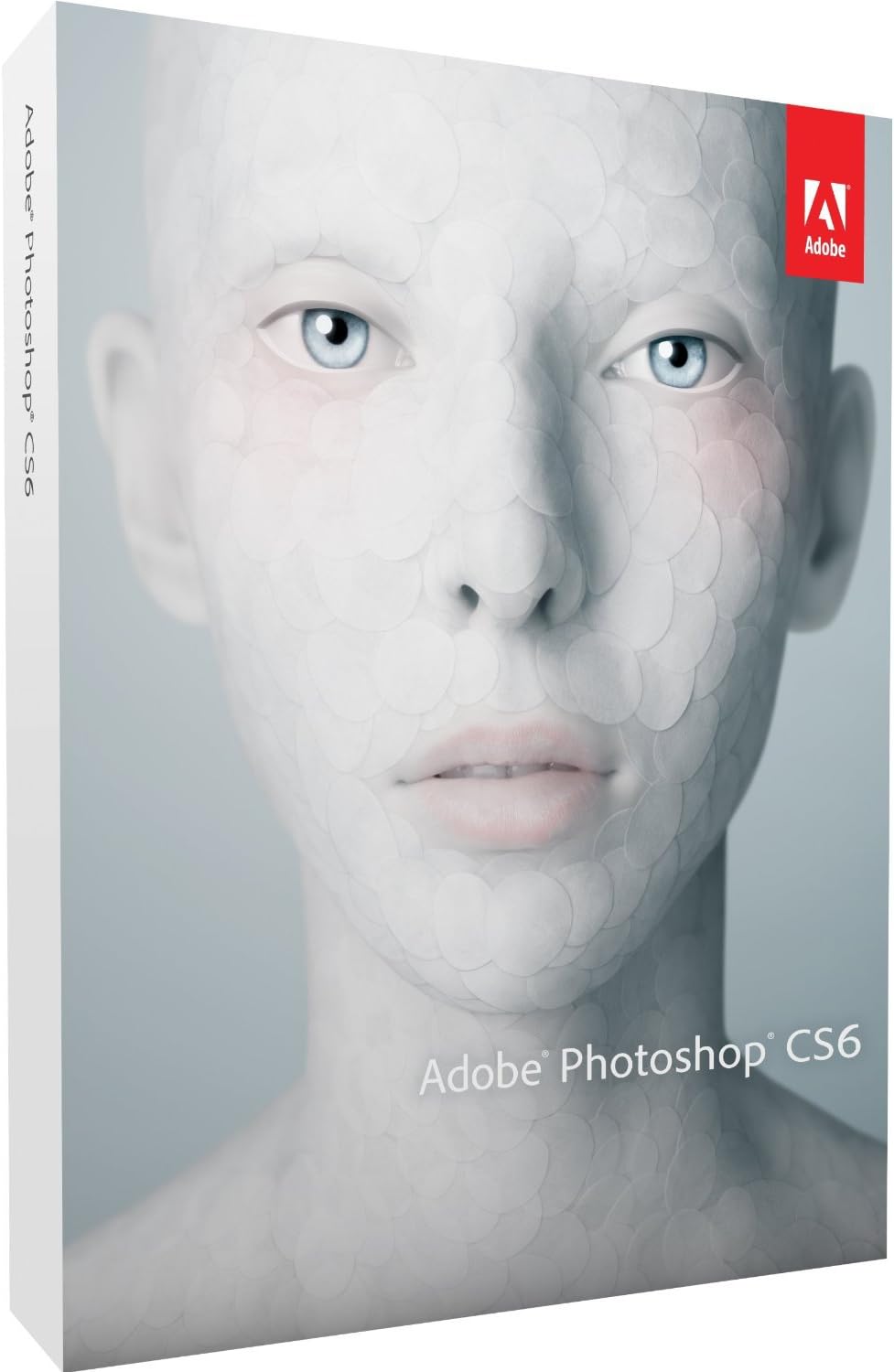
Adobe Photoshop CS6 (Mac)
Product ID: 66597049
⚡Mercury Graphics Engine - blazing fast edits
🔍Layer Search - instant layer navigation
🖼️Content-Aware Patch - precise image repair
Desertcart purchases this item on your behalf and handles shipping, customs, and support to Denmark.
🎨 Elevate your creative game with Photoshop CS6 — where speed meets precision!
Adobe Photoshop CS6 for Mac revolutionizes your creative workflow with the Mercury Graphics Engine for ultra-fast performance, advanced Content-Aware Patch for precise image editing, and powerful new vector and layer management tools. Designed for professionals who demand speed, control, and versatility, CS6 also integrates intuitive video editing capabilities, making it the ultimate multimedia design powerhouse.
| ASIN | B007UXD6FQ |
| Best Sellers Rank | 409 in Software ( See Top 100 in Software ) 40 in Photography (Software) |
| Country of origin | Ireland |
| Customer reviews | 4.0 4.0 out of 5 stars (55) |
| Is discontinued by manufacturer | No |
| Language | English, English |
| Manufacturer | Adobe Systems Inc. |
| Manufacturer reference | 65158274 |
| Product Dimensions | 19.7 x 14.3 x 3.7 cm; 109 g |
| Release date | 30 May 2012 |
Z**O
Worth the price in the long run
Although a stiff entry price, CS6 and predecessors are worth it in the long run, not least the discounted future upgrade oportunities. I may have dabbled with dubious versions in my mispent past (going back to 1999), but if you're serious about photography, a legitimate version ultimately makes sense. The cost is not huge when you think about how important photoshop is to your final product, and compared to what camera equipment costs these days, it brings things into perspective. Having moved from CS3 to CS6, the new features on offer are quite dramtic, the adaptive wide angle filter is an amazing tool and is actually 'fun' to use and experiment with. The shadows and highlights tools has been improved considerably, with halos a thing of the past. Noise reduction is impressive, and as effective as any add-on plug-in...just a shame that brushing noise reduction that features in current adobe lightroom, isn't available in photoshop. One feature, not sure when it was introduced, that has grabbed my attention is the ability to fade most adjustments, and this has proved it's worth when fine tuning an image after an auto adjustment has not quite done the job, but has got pretty close. Bridge seems to work seemlessly, although I gather some have had issues (I use Win7 64), the mini bridge feature is handy but I do wish I could find out how to get Bridge to launch at the same time as I open Photoshop...which was the case with CS3. As with most photographers, even advanced ones, I will only ever scratch the surface of what photoshop can offer.... but each year I learn something new in photoshop, which increases it's worth to me. All in all, very glad I finally pulled the trigger on a full version.
M**L
An impressive upgrade
I've been using Photoshop for years, pretty much always the latest version, and it's fair to say that not all upgrades have been equally significant. CS6 is genuinely a solid new version, with some very useful additions and tweaks. I primarily use PS for software and web user interface designs and mockups, rather than photo editing or retouching. I work with large documents, dozens or hundreds of layers, and make heavy use of Layer Styles. If your job involves retouching, I'm still sure you'll find many worthwhile new features here (Content-Aware Patch, and Blur Gallery are prime examples), but my own experience naturally focuses on the type of work I do. Here's what I'm most enjoying in CS6: 1. True vector shapes. Shapes created with the various Shape tools now have genuine strokes as well as fills, as you may be familiar with from Adobe Illustrator. These are entirely independent of the Stroke Layer Style. You can apply a colour, gradient or pattern stroke to a shape (or disable the stroke entirely), and you can apply dashed, dotted and even custom line-gap-line-gap styles of line with your own choice of corner types, mitering etc. It opens up a lot of possibilities for scaleable graphic effects without using a lot of layers. 2. Global pixel-snapping. There's finally a global option (in Preferences) to make all vector tools and transforms auto-snap to the pixel grid, for sharp edges. They've also correspondingly refined the relationship between zoom-level and nudging (you can still get the old behaviour too). This saves so much hassle with partial-pixel anti-aliasing mess around the edges of shapes. 3. Layer search. You can now search the Layers palette, by Kind (pixel-based, adjustment, text, shape, or Smart Object), Name, Effect (Layer Style), compositing mode, label colour, and even a host of other properties like visibility, locked status, whether it has a layer mask applied, and more. Layers which don't match your search disappear from the Layers palette until you clear the search. It's incredibly useful, and instantly gets rid of the need to flip Groups open or closed just because you want to, say, copy a Layer Style from a particular layer that's deeply nested. 4. Layer Styles for Groups. You can now apply Layer Styles to Groups (the folders in the Layers palette), as well as to Layers themselves. You can do both, and the styles accumulate. You can achieve some previously pretty much impossible effects with this conceptually simple but incredibly powerful feature. You can even nest Groups and apply Layer Styles to them all, just as you'd want. 5. Editing improvements. You can now click on the canvas to create a shape, as well as dragging the shape out as before. You'll see a dialog letting you enter precise dimensions, which is a huge time-saver. When creating, moving or transforming shapes you'll see a mini-display beside the mouse pointer, showing appropriate information like width and height, or horizontal and vertical movement. Much nicer than having to watch the Info palette out of the corner of your eye while mousing around. 6. Speed. PS CS6 is noticeably faster to launch than CS5, and interactive effects are similarly faster. It also saves files in the background, so there's no delay before continuing work (you can switch that off too, if you like - which you might want to if you're saving enormous files regularly, or over the network). It really seems to me that Adobe have (for once!) focused on improving the core features of Photoshop, rather than just adding esoteric things that only a handful of users will ever touch. CS6 is better in almost every way for about 70% of the stuff I do. I can recommend it without hesitation.
F**H
Photoshop CS6
Being a keen amateur photographer for many years,I had mainly used photoshop elements,dreaming that one day I would be able to save enough money to by photoshop,and when I did I was not disappointed,this is by far the best program that I have ever used,I cannot find the words to tell you how pleased that I am,with photoshop,all I can say is its absolutely perfect,and thank you to the photoshop team for such a fab program
S**D
Great product. Wasteful packaging. Not supported under Windows Vista, but it still works.
I have just bought this product having previously used Photoshop CS4. Photoshop is absolutely the best photo editing product on the market. I can't fault the quality of the software, and the new features available in CS6 will ultimately save me a lot of work. The switch from CS4 to CS6 is painless - the user interface is very similar. A beginner might have problems installing and using this product for the first time. The package consists of a box containing another box containing a sleeve containing a DVD, but no instructions (except a warning to make sure you have internet access). You have to realise there is a "readme" file on the DVD and go to Adobe's web site for even basic information. Photoshop it is a very, very expensive piece of software. Unless you need the advanced features of Photoshop, there are other much cheaper products available. The system requirements say this product is only supported on Windows XP and Windows 7 - an odd combination. I am using Windows Vista, so I installed the software with some trepidation. I am pleased to say it works perfect for me. Other Vista users should try out the product before buying it, just in case. Overall it's a great product, but I'm subtracting a star for the expensive price and the lack of any helpful information in the package.
R**D
Photoshop Cs6 - Photoshop 5
I have used Photoshop version 5 since 1999 and it still works fine. Only point is it does not work properly with Windows 7 64 bit. So I decided to buy a new version CS6 (updates from PH 5 tot CS6 not provided). Sure there are a few newbies but the price is way to high for the difference. Another point is: I ordered on August 1 to receive the item on Augustus 27..................
M**A
Not fit for purpose
I bought this product advertised as new but in the invoice it was described as second hand. It looks like a pirate edition and when I registered Adobe they had no record of this. The disc also appears to be infected with malware, and came in a cheap paper container.
D**S
Not Hazel free premium software
Having recently purchased a new pc (with windows 8) I thought it was time to upgrade my Photoshop 3 to the latest version ps6, I do think this is overpriced but as with most people it’s the program I am used to. It arrived in good time and loaded on easily I registered it, but when I first tried to use it the screen flickered all the time, it seems that this is a problem when using PS6 with windows 8 after some research I found out how to solve the problem. There is also an issue with previewing documents saved as Photoshop documents (i.e. you cannot view the document before you open it) this is very very annoying .Having paid a premium price for this software I would expect it to be hazel free, this is my last Photoshop.
C**A
The ultimate photo editing software
Adobe Photoshop CS6 (PC) I up graded to Photoshop 6 from version 3 and find it a great improvement.A particular blessing is the superb tool for removing Chromatic Abhoration. The only warning that I would give is that it needs a 64 bit operating system to work swiftly. It will work with 32 bit but is not happy.
V**.
Versione in inglese
Superfluo il commento al software più famoso nella categoria. Attenzione che questa versione è unicamente in lingua inglese, non è possibile installarlo in italiano se non con un (macchinoso) scambio gestito da Adobe. Seppure nella descrizione dell'articolo fosse riportato EN, la presenza dell'abbreviazione MUL sull'etichetta della confezione mi ha indotto a ritenere che fosse multilingua, ma così non è.
R**O
Photoshop CS6
Otimo prodotto per l'elaborazione immagini peccato che sia in inglese e che la cosa non sia stata chiaramente divulgata nel sito Amazon. Spero che in un prossimo futuro si possa scaricare dal sito Adobe un aggiornamento che renda possibile la modifica del linguaggio
Trustpilot
1 day ago
1 month ago