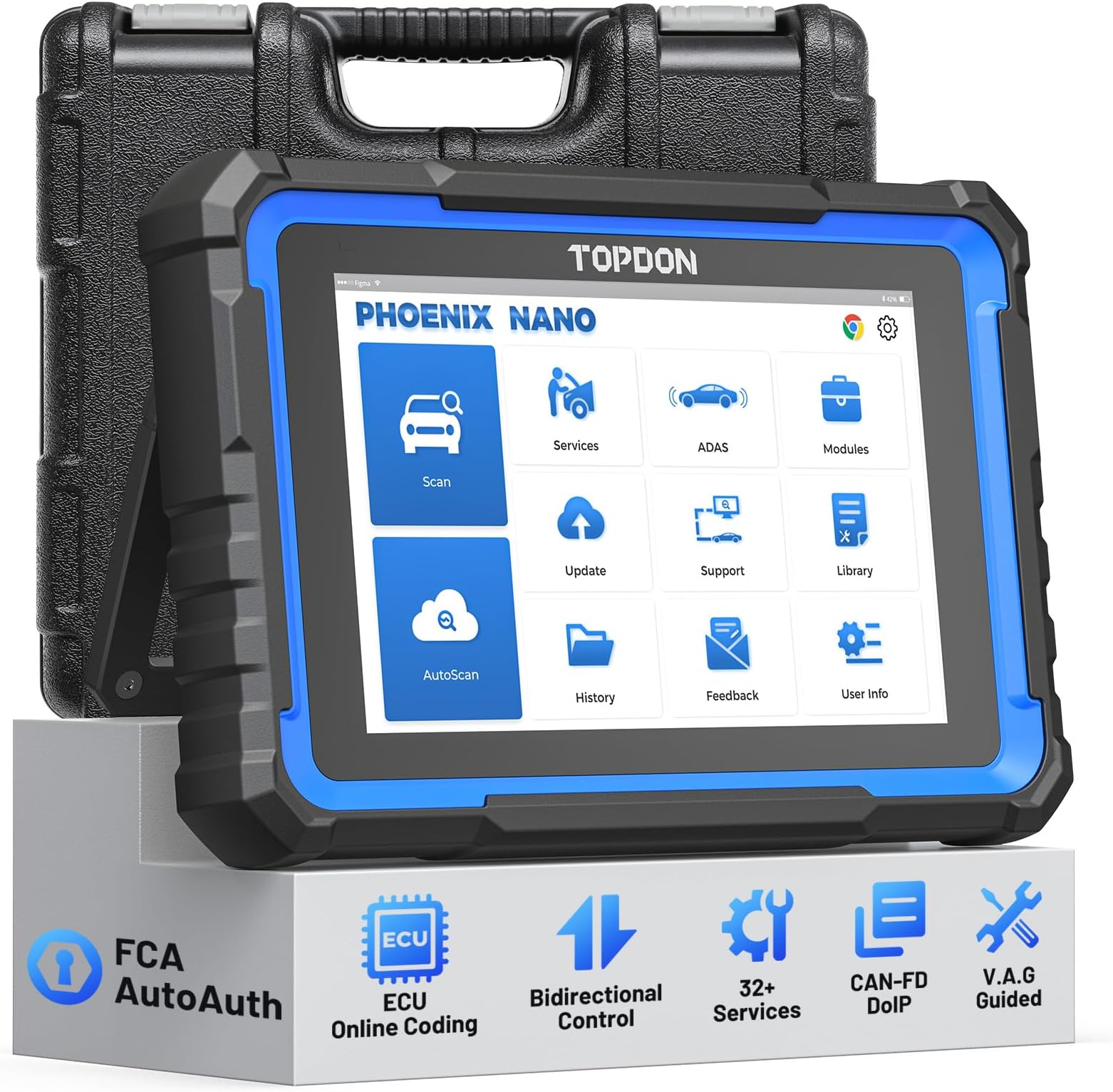
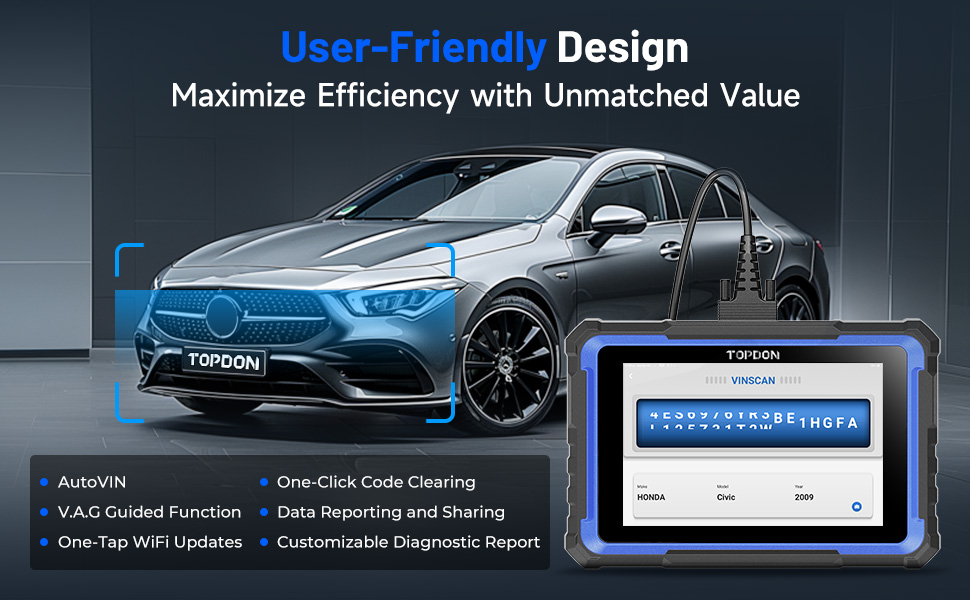
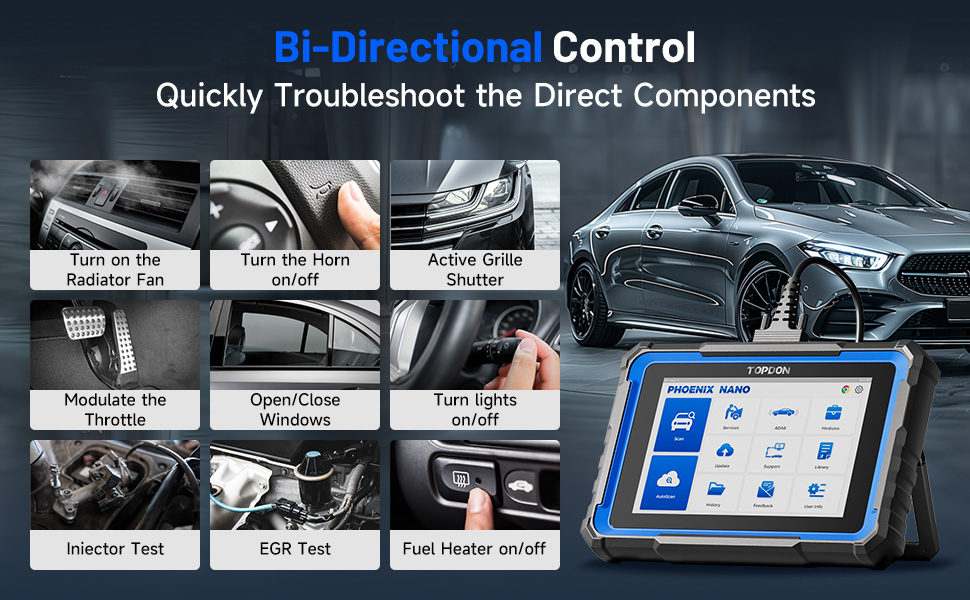
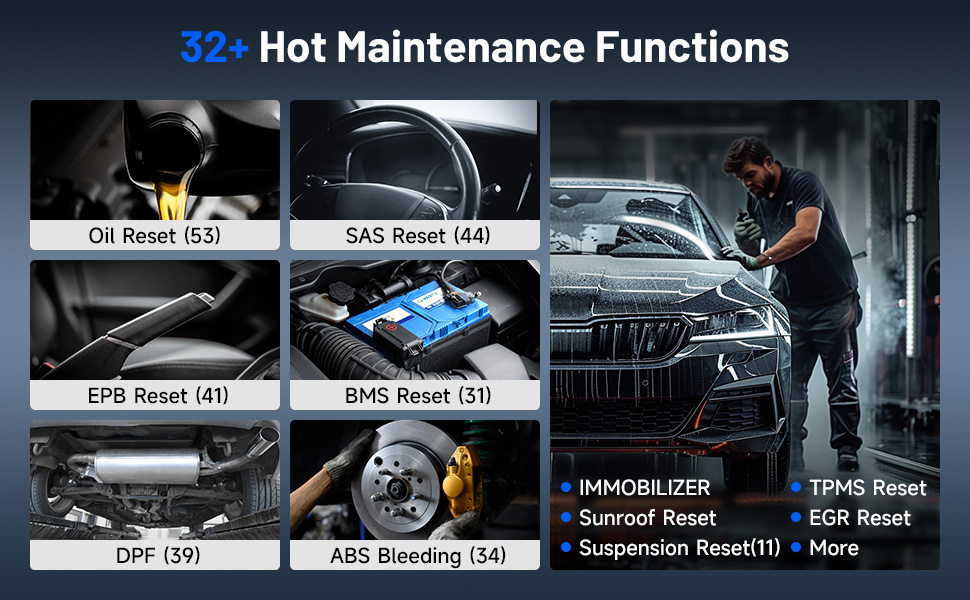
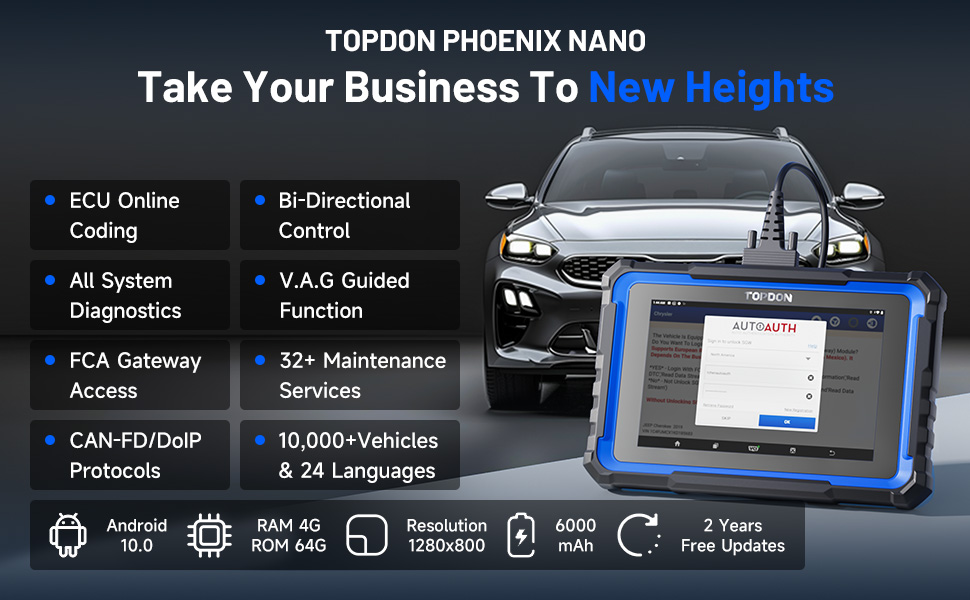
As a DIY car guy, I couldn’t be happier with the Phoenix Lite 2. It really feels like I have a professional shop tool in my own garage. What I love most is how easy it is to use right out of the box. The big 8-inch screen makes everything clear, and the wireless connection means I don’t have to fight with cables while moving around the car. The battery lasts a long time too, so I can work at my own pace without rushing. The coverage is outstanding. I’ve been able to scan every system on my vehicles, not just the engine. It’s great being able to see live data, check ABS and airbag systems, and know what’s really going on. The bi-directional controls are a game changer — I can test components like fans, windows, and injectors with a tap of the screen. Another huge plus for me is the service functions. Oil reset, EPB, TPMS, DPF regen — all the things that would normally send me to a shop I can now handle at home. It feels good to take control of my own maintenance. The tablet itself is solid and well-built. It feels rugged enough to handle being in the garage, and the kickstand makes it easy to set down while I work. Overall, this scanner has given me the confidence to take on jobs I never would have before. It’s like unlocking a whole new level of DIY car repair. Highly recommend it for anyone who likes working on their own vehicles and wants a powerful, easy-to-use tool.