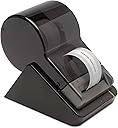
Desertcart purchases this item on your behalf and handles shipping, customs, and support to Denmark.
🚀 Print Smart, Label Fast, Stay Ahead!
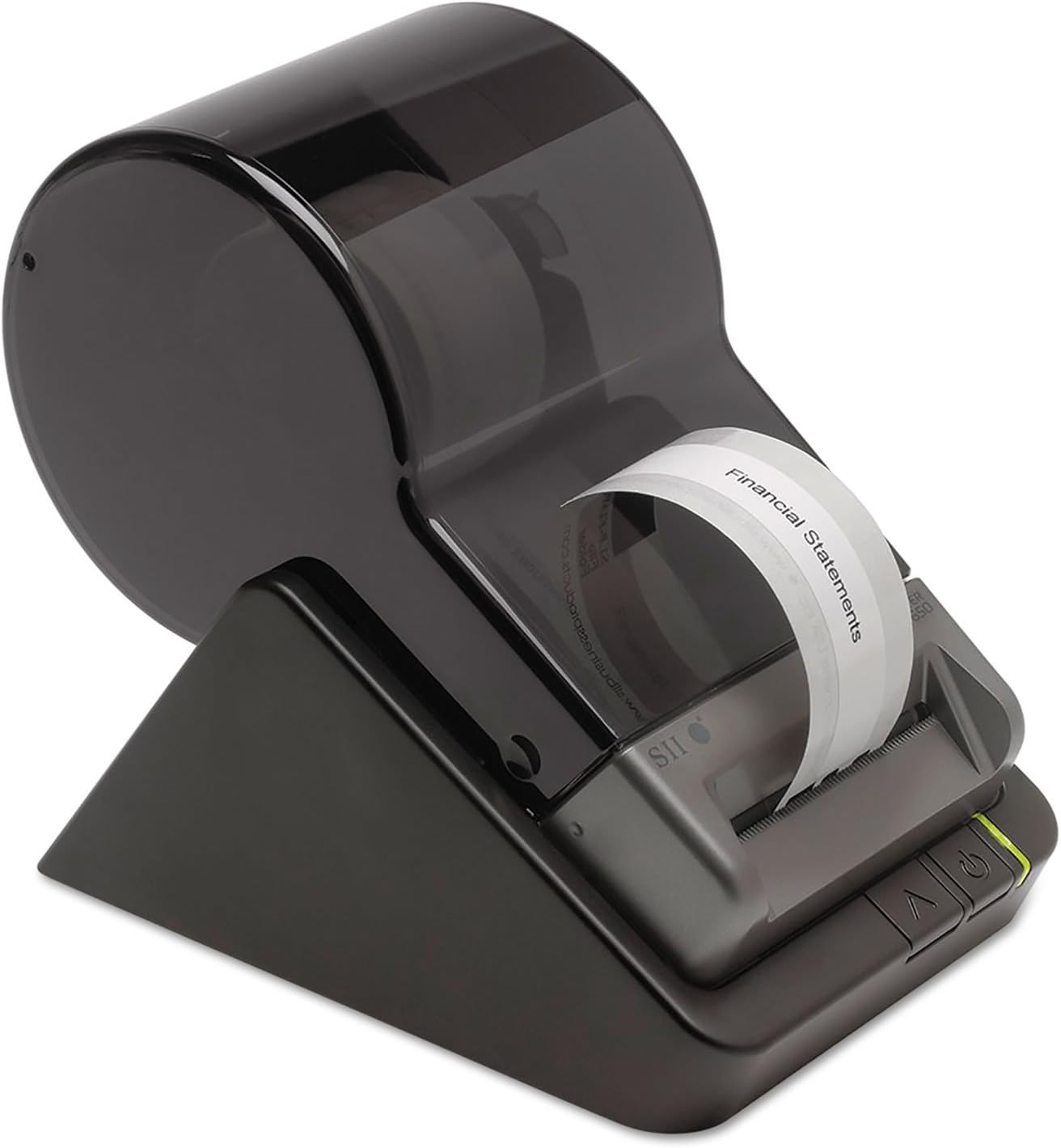
The Seiko Instruments Smart Label Printer 650 is a high-resolution (300 DPI), direct thermal label printer delivering fast print speeds of 3.94 inches per second via USB connectivity. Designed for professionals who demand reliability and versatility, it supports a wide range of label formats and works seamlessly with both PC and Mac systems. Its compact design saves desk space while the 3-year warranty ensures long-term peace of mind.
| ASIN | B00BTKXQ7Y |
| Additional Printer Functions | Print Only |
| B&W Pages per Minute | 3.94 |
| Best Sellers Rank | #119,778 in Office Products ( See Top 100 in Office Products ) #237 in Desktop Label Printers |
| Brand | Seiko Instruments |
| Built-In Media | Label printer, Power adapter, USB Cable |
| Color | Black |
| Color Depth | 8 bpp |
| Color Pages per Minute | 3.94 pages_per_minute |
| Compatible Devices | PC |
| Connectivity Technology | USB |
| Control Method | App |
| Controller Type | iOS |
| Customer Reviews | 4.4 out of 5 stars 201 Reviews |
| Display Type | LCD |
| Duplex | Automatic, Manual |
| Global Trade Identification Number | 00020963853161 |
| Hardware Interface | USB |
| Initial Page Print Time | 5-10 seconds |
| Ink Color | Black |
| Item Dimensions D x W x H | 6.8"D x 4.5"W x 5.8"H |
| Item Type Name | Smart Label Printer 650 - Direct Thermal - Monochrome |
| Item Weight | 1.1 pounds |
| Manufacturer | Seiko Instruments Group |
| Maximum Copy Resolution Black and White | 300 dpi |
| Maximum Copy Speed Black and White | 3.94 pages_per_minute |
| Maximum Media Size | Paper Roll |
| Maximum Print Resolution Black and White | 300 dpi |
| Maximum Sheet Capacity | 1000 |
| Model Name | Smart Label Printer 650 |
| Model Number | SLP-650 |
| Model Series | SLP |
| Number of Licenses | 1 |
| Number of Trays | 1 |
| Other Special Features of the Product | Auto-Duplex, CD-Printing, Portable |
| Paper Size | 2.28" |
| Print media | Labels |
| Printer Connectivity Type | USB |
| Printer Output Type | Monochrome |
| Printer Type | Thermal |
| Printing Technology | Thermal |
| Processor Count | 1 |
| Resolution | 300 x 300 |
| Scanner Type | Photo |
| Special Feature | Auto-Duplex , CD-Printing , Portable |
| Specific Uses For Product | Office settings, shipping and packaging, inventory management, event organization |
| Total USB 2.0 Ports | 1 |
| Total Usb Ports | 1 |
| UPC | 611101360445 020963853161 638458769882 014445699552 785528342923 640206689595 642125161947 132017888217 031113582015 |
| Unit Count | 1 Count |
| Warranty Type | full warranty |
B**R
Stress Free! So much better (and easier) than the new versions of Dymo Label Printers with my Macintosh
This is such a great little label printer! I wish I had found it sooner. It works better and with less hassle than the last Dymo printers I've bought. Years ago I used Seiko Smart Label Printers with my Mac computers. Then for some reason I couldn't find one and switched to Dymo. For years that worked fine---until it didn't. I have been so frustrated this past couple of years. Ever since I had to update my Mac system OS X version 10.7.5, my Dymo printer refused to work. I got a new one, thinking that since it said it was for Mac, it would work. It worked for only a very short period of time. I got it started again, and it failed again---this time, permanently. My technical adviser recommended that I find a different brand, and I "rediscovered" the Seiko Smart Label Printer. I was amazed at how easy it was to set up, input the labels I use frequently, and print them. It would have taken me hours to do that on my old Dymo label printers. This one is a real winner!
R**Y
Top knotch label printer.
These are a good little label printer with good software. I installed many of these as a technician prior to my retirement. I don't ever remember one failing. Easy to install and operate.
S**S
great upgrade from my SLP 120
Jumped to a new desktop and from windows xp to windows 8.1. I had a SLP120 since windows 98. When I went to XP it took a bit to get drivers, but once I had them installed it worked great. After all these years, I was not going to try to find drivers for 8.1, and I wanted some of the new graphic functionality. The 650 installed fast and clean. I copplied over the address data base. It picked up with no issues, even kept the same label formatting. First time I opend it asked if I wanted to update the database format, Clicked YES, it did and all is working well. Printer is fast, just a bit noisy. I like that it does a narrow or wide label. looks to be solid built.
W**E
Best Seiko label printer yet
I have owned a number of Seiko label printers over the years, starting with the SLP model, and then progressing through the 100 series, 200 series, etc. I purchased the Model 650 to go with my new PC system unit, and I couldn't be happier with the Model 650. The supplied software was easy to install on my new computer running 64-bit Windows 7. It had no trouble using the database I had built with an earlier version of the program, and no conversion was necessary. The labels themselves print much faster than my old Model 200. We use the printers daily in our CPA practice. We use it to prepare packets of envelopes for federal and state tax estimates, mass mailings to clients, etc. A label printer can be very helpful, now that typewriters are a thing of the past. This product is helpful when you need one label at a time, as opposed to a sheet of labels. They provide a much neater and professional appearance, compared to hand-writing the address on an envelope. We use the US POSTNET format quite a bit, and I think it does speed delivery of the mail. The only drawback is that you should not use POSTNET on the return address label, as the post office has a a habit of scanning the return address as the delivery address. They end up sending our mail back to us! The only drawback that I can think of is that the labels are somewhat expensive. We shop around for the best deal, and we buy the labels in bulk. I also wish the "open" command was "smarter". If you type in (for example) a "F" it will take you to the first label starting with a "F". I wish you could continue typing, so (for example) if your typed "Frank" it would pull up all the "Franks" in the database.
D**C
Nice label printer, would recommend!
Nice little printers! Very sleek and responsive and it doesn’t waste labels when replacing rolls. These are cheaper than the 650 SE’s and the only difference is it doesn’t have serial ports, just USB. Would recommend.
C**N
Now we have communication.
Had an older 440 that would not commuicate with Window 11. Now, thru the USB cable,included, no problems.
R**1
Worst replacement model of this printer ever made
Absolutely the worst new version of this printer ever made by Seiko. I have had a Seiko SLP 100 printer for many years and it has been easy and flawless. This unit doesn't provide any easy way to import old format data, the user interface is very complicated, continually asking for confirmation of label type, unable to set default location etc. The database import utility is useless for prior format data and csv does not convert well. All in all, I would have to spend weeks manually re-typing or copying/ pasting my thousands of label addresses. Shame on you Seiko! Buyer beware - if you are starting from new and have never had this printer before, then it might be OK if you can stand the endless prompts, otherwise do yourself a huge favor and avoid!
A**R
Liked so much, so I bought three!
I'm from the school to have less devices that will function as many things. In the past, I would print labels using Microsoft Word merge and labels that would fit in a printer. I was watching a co-worker using hers and noticed how easy it was so I had to get one for my office. I got to where I had to keep printing different size labels all the time (shipping vs. file folder labels) so I bought two for my office (using windows pc). I changed the name of each printer so I could distinguish and now I just select which printer I want to use based on the printer name (shipping or folder). Prints in a snap. I loved it so much, I bought one for myself at home for my mac.
Trustpilot
1 month ago
2 weeks ago